
Minecraft Commands Guide: How to use blocks_attacks component
Ever wished you could block attacks with more than just a boring old shield? What if you could make a bone that blocks arrows, or a magical scroll that protects you from explosions? With the blocks_attacks component in Minecraft, you can give any item the ability to block incoming damage like a shield.
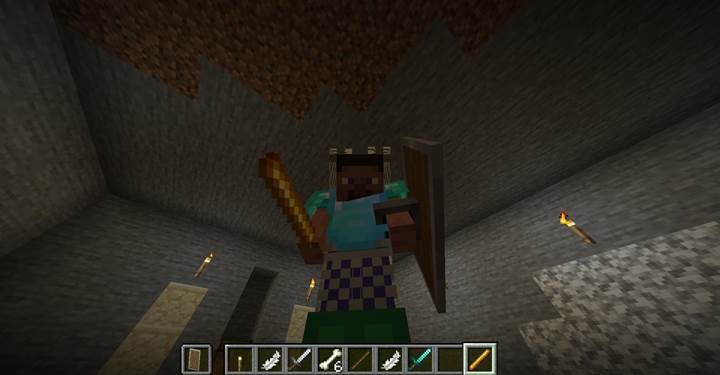
This opens up amazing possibilities for custom maps, adventure loot, cursed gear, or even PvP challenges. The real magic happens when you understand how to format it correctly in SNBT. Once you do, you’ll be crafting defensive gear with full control over what it blocks, how it looks, and even what sounds it makes.
What is the blocks_attacks component
The blocks_attacks component lets any item behave like a shield. That means when the player holds it and crouches or right-clicks to block, it can intercept attacks from the front and reduce or negate damage. You can control how long the player needs to hold the item before it starts blocking, how long the item is disabled after a hit, and what types of damage it should block or ignore. It even allows you to customize the angle of the block, how much damage the item takes when used, and what sound plays when the block happens or fails. You can make ultra-specific shields that only block fall damage, or ones that explode when disabled. The possibilities are endless.
How to write the SNBT structure
Here’s how you build the component. It all goes inside the square brackets after the item in the /give command. You start with the tag minecraft:blocks_attacks, and then add its options inside curly braces. The structure can include the following fields:
block_delay_seconds - time you need to hold the item before blocking starts
disable_cooldown_scale - how long the item is disabled after being broken by an attack
damage_reductions - a list of rules about which damage types to block and how much
item_damage - how much damage is done to the item itself when it blocks something
block_sound - the sound that plays when a block is successful
disabled_sound - the sound that plays when the shield is disabled
bypassed_by - types of damage that go through and can’t be blocked
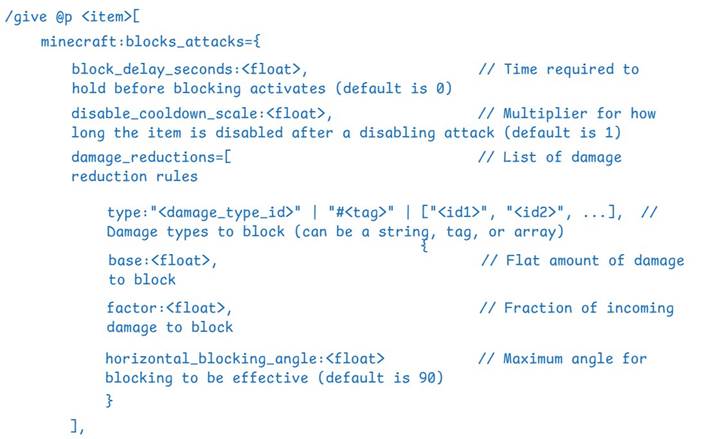
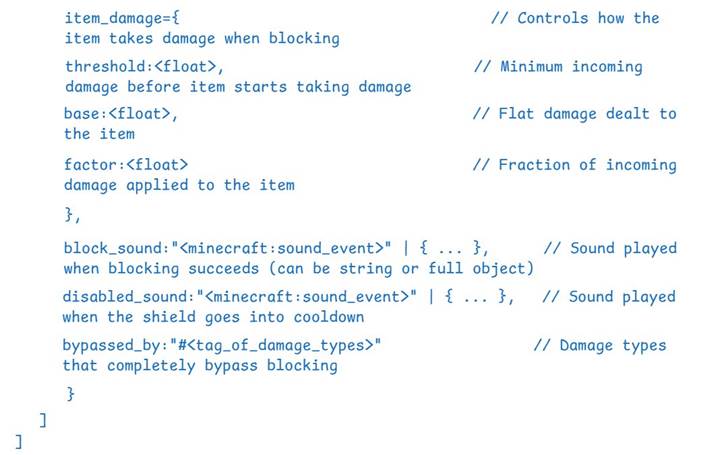
Here’s what it looks like in readable SNBT:
/give @p stick[minecraft:blocks_attacks={block_delay_seconds:0.2,damage_reductions:[{type:"#minecraft:is_projectile",base:2,factor:0.5}],item_damage:{threshold:4,base:1,factor:0.1},block_sound:"minecraft:item.shield.block"}]
This stick blocks projectiles, but only after holding for 0.2 seconds. It blocks half the incoming damage plus 2 extra points. If the incoming damage is greater than 4, it starts damaging the stick. It plays a shield-blocking sound on successful block. This is just one setup — you can customize every part.
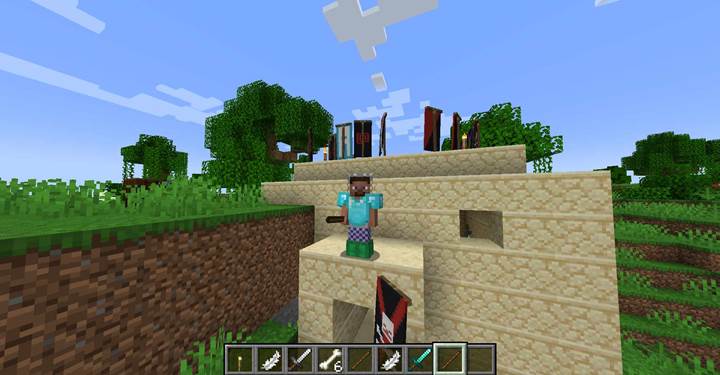
⚠️ Important: When using type inside damage_reductions, you must use a tag prefixed with #.
Making shield behavior feel unique
With blocks_attacks, you’re not limited to vanilla shield mechanics. You can make weapons that double as parry tools or magical gear that blocks only fire damage or lightning. Want to give players a relic that blocks dragon breath but not physical attacks? Easy — just filter by damage types.
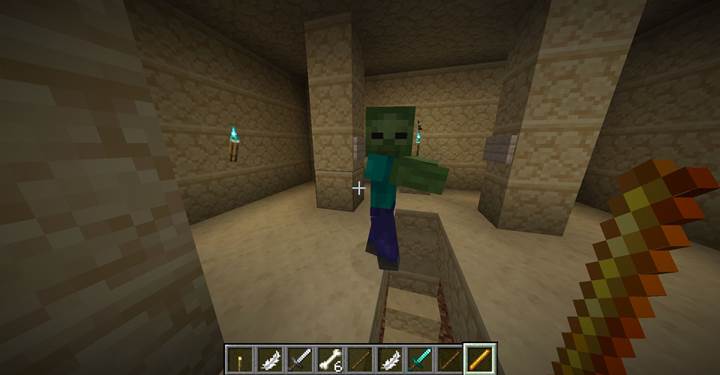
For example, this command creates a blaze rod that blocks only fire-based damage, has a 0.5-second wind-up, and becomes vulnerable to unblockable attacks:
/give @p blaze_rod[minecraft:blocks_attacks={block_delay_seconds:0.5,disable_cooldown_scale:5,damage_reductions:[{type:"#minecraft:is_fire",base:0,factor:1}],bypassed_by:"#minecraft:bypasses_armor"}]
⚠️ Important: The type field inside damage_reductions only accepts a single tag string like "#minecraft:is_fire". Arrays with multiple # tags are invalid. If you need to block multiple damage types, create a custom tag in a datapack that includes them.
Combine this mechanic with a scoreboard check, and you’ve got a cursed item that only blocks while the player is standing still. You can also make gear that blocks massive hits but disables itself afterward by adjusting the disable_cooldown_scale and bypassed_by fields. The horizontal_blocking_angle setting lets you create precise parry windows — perfect for reaction-based challenges or rhythm combat.
Using in custom adventures
Let’s say you’re designing an arena where the player has to block explosive damage from fireballs, TNT, or creepers — but not melee attacks. You can give them a custom shield item with damage_reductions set only for explosion types using the #minecraft:is_explosion tag.
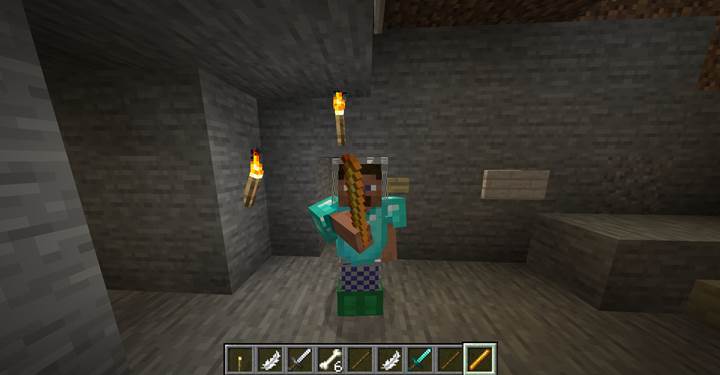
For example, you could give the player the Aegis of the Arcanum, a glowing talisman said to absorb shockwaves from deadly blasts. It’s useless against arrows or swords, but completely nullifies explosive damage when held. This way, the player learns which gear to use in different phases of the fight, adding strategy and immersion. You could even have NPCs drop different defensive tools that work against specific elements like fire, projectiles, or fall damage.
/give @p blaze_rod[minecraft:blocks_attacks={block_delay_seconds:0.4,damage_reductions:[{type:"#minecraft:is_explosion",base:0,factor:1}],item_damage:{threshold:1,base:1,factor:0.2}}]
The blocks_attacks component turns ordinary items into powerful and versatile defensive tools. Learn the SNBT format, mix in custom sounds and damage rules, and you’ll never look at shields the same way again.