
Minecraft Commands Guide: How to use Banner Patterns with Item Components
What if your base had a banner that told your story before you even spoke? Or your adventure map had hidden messages woven into flags across each dungeon? In Minecraft Java Edition 1.21.5+, banners are more than decorations — they’re tools for identity, direction, and immersion. With the banner_patterns component, you can build layered designs that rival real-world heraldry. But instead of crafting them by hand, you’ll harness the power of commands.
Why commands? Because it gives you full control — instant previews, consistent colors, and the ability to script designs into map generation or team kits. Unlike older methods, you’re not limited by guesswork. You write what you want, and Minecraft renders it.
Use banner_patterns
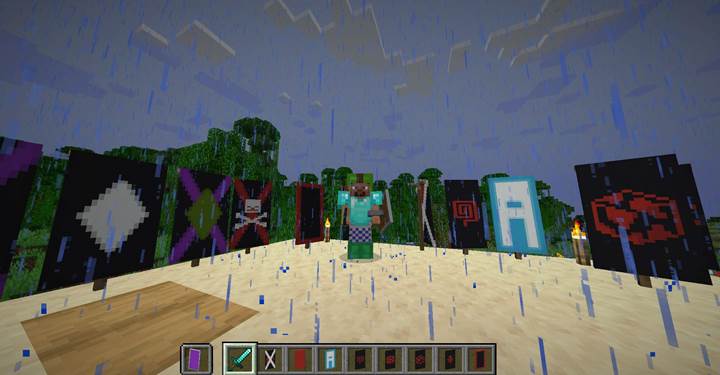
The banner_patterns component allows you to stack multiple shapes on a banner or shield. Each shape (called a pattern) is defined with two parts: the pattern ID and a color. These are enclosed in curly braces, and multiple patterns are listed in square brackets.
Example:
/give @s black_banner[banner_patterns=[{pattern:"cross",color:"red"},{pattern:"skull",color:"white"}]]
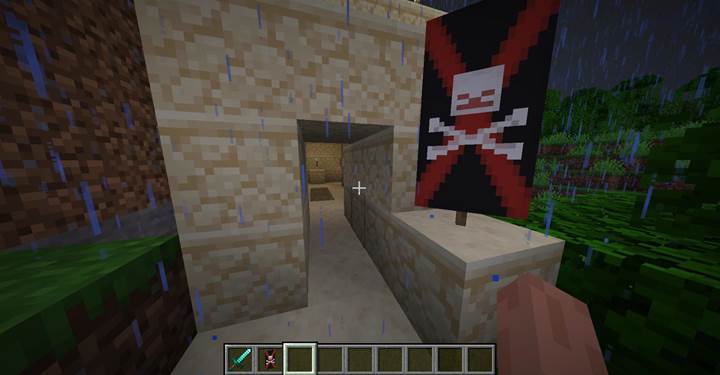
This places a red cross over a white skull on a black background. You can layer up to 6 patterns (plus the base), and every pattern supports a separate color.
Want to build something more complex? Try this:
/give @p light_blue_banner[banner_patterns=[{pattern:"triangle_top",color:"white"},{pattern:"triangles_top",color:"light_blue"},{pattern:"stripe_left",color:"white"},{pattern:"stripe_right",color:"white"},{pattern:"border",color:"light_blue"}]]
This combination creates the shape of the letter M using triangles, borders, and stripes. You can recreate letters, numbers, and symbols by combining patterns creatively.
Build banners with purpose
Designing cool banners is fun — but using them with intent makes them unforgettable. In adventure maps, a banner could signal a boss room, a secret faction, or a cursed ruin. In survival, banners can mark clan territory or serve as flags at your PvP base. You’re not just decorating — you’re sending signals, creating visual landmarks that players instantly recognize. Think of them as visual bookmarks that carry meaning.
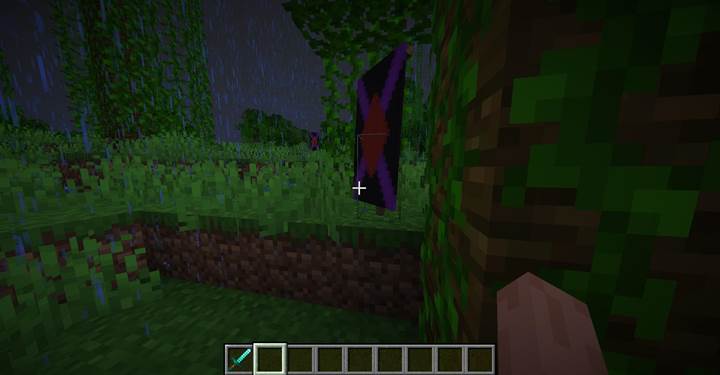
Pair banners with custom item lore, maps, or even books. A banner with a skull might warn of traps. A diamond-shaped glyph could lead to treasure. The more consistent your symbolism, the more immersive your world becomes.
Use banners in automation and loot tables
Since Minecraft commands support banner patterns, you can auto-generate them in loot tables or functions. That means every reward chest in your dungeon could carry a unique banner matching its region. You can even spawn banners with place commands using /setblock or attach them to armor stands for visual storytelling.
With the new minecraft:set_components loot function, you can define banner appearance dynamically:
{
function: "minecraft:set_components",
components: {
"minecraft:banner_patterns": [
{"pattern":"mojang","color":"purple"},
{"pattern":"border","color":"black"}
]
}
}
This opens up room for procedural banners, team colors, or one-of-a-kind loot signatures.
Available pattern resource names
Use these exact strings in the pattern: field to specify which design to apply:
|
stripe_bottom
|
stripe_top
|
stripe_left
|
|
stripe_right
|
stripe_center
|
stripe_middle
|
|
stripe_downright
|
stripe_downleft
|
small_stripes
|
|
cross
|
straight_cross
|
diagonal_left
|
|
diagonal_right
|
diagonal_up_left
|
diagonal_up_right
|
|
half_vertical
|
half_vertical_right
|
half_horizontal
|
|
half_horizontal_bottom
|
square_bottom_left
|
square_bottom_right
|
|
square_top_left
|
square_top_right
|
triangle_bottom
|
|
triangle_top
|
triangles_bottom
|
triangles_top
|
|
|
rhombus
|
border
|
|
curly_border
|
bricks
|
gradient
|
|
gradient_up
|
creeper
|
skull
|
|
flower
|
mojang
|
globe
|
|
piglin
|
flow
|
guster
|
Each one adds a distinct layer. You can think of them like drawing tools - stripes for bars, diagonals for angles, borders to frame your message. Mix and match with colors to build your identity.
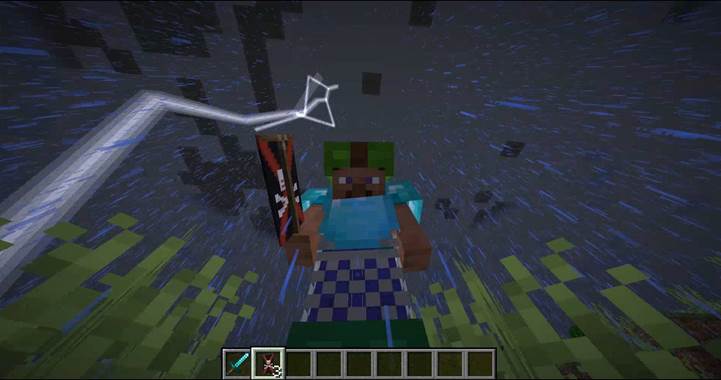
Banners are no longer static items — they’re canvases you control. With the banner_patterns component, your base, team, or quest line can finally fly its true colors. Start with basic shapes, experiment with layering, and you’ll soon find yourself spelling words, drawing logos, or designing flags that players will remember.