
Minecraft Commands Guide: How to spawn bees in nests with the bees component
Bees are more than just cute flying mobs in Minecraft. With the bees component, you can take full control of what goes inside a bee nest or hive block. Want to hide a named bee inside that flies out on cue? Or maybe simulate an active hive with multiple workers that slowly emerge over time? With just a bit of SNBT, you can preload a nest with custom bees and use it in puzzles, survival zones, or environmental storytelling. Here's how it works.
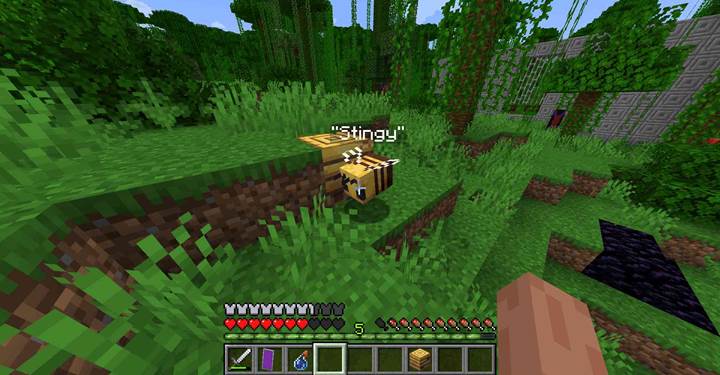
How the bees component works
The bees component lets you define exactly which bees are inside a hive or nest when the block is placed. Each bee is stored as an object with a full set of fields. You can add custom names, modify their entity data, and control when they leave the hive using ticks. The two main time fields are ticks_in_hive, which tracks how long a bee has already stayed, and min_ticks_in_hive, which sets how long it must stay before leaving. This gives you a lot of power to control swarm timing or simulate a delayed release of bees.
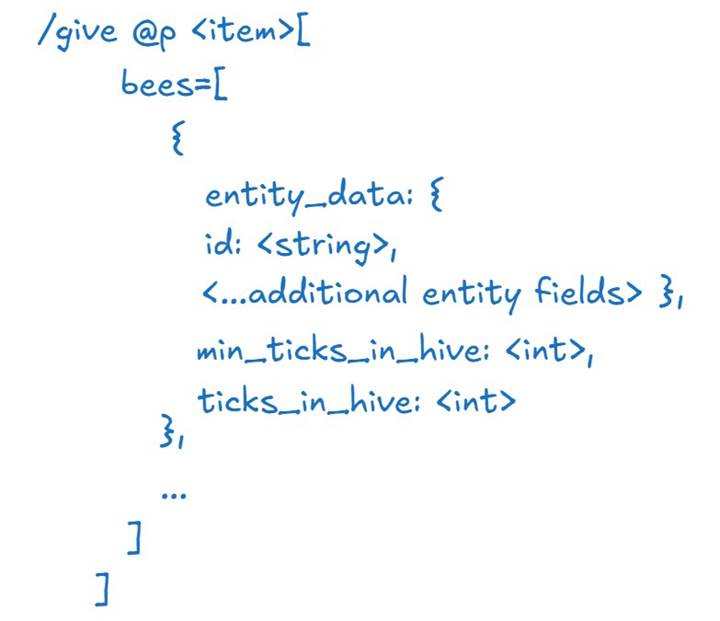
Each bee entry is an NBT compound that includes its own entity_data. You can use this to give it a custom name, status effects, or anything else a bee entity can normally have. When the nest is placed, those bees are silently stored inside and will begin their internal countdowns based on ticks_in_hive and min_ticks_in_hive. After enough time, they will fly out automatically, pollinate, and return if there's a nearby flower. If you're making a redstone trap or magical nature zone, this delayed behavior is pure gold.
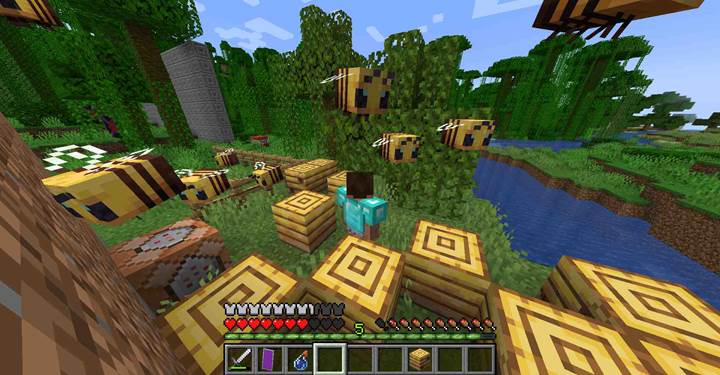
Example surprise swarm trap
Say you're building a jungle temple with a trapped corridor. When the player breaks a block or triggers a redstone tripwire, a bee nest is placed containing angry bees. You can preload the nest with multiple bees ready to fly out in a few seconds. For example:
/give @p bee_nest[bees=[{entity_data:{id:"bee",CustomName:'"Stingy"'},min_ticks_in_hive:40,ticks_in_hive:20},{entity_data:{id:"bee",CustomName:'"Buzzy"'},min_ticks_in_hive:60,ticks_in_hive:0}]]
This nest contains two named bees. Stingy is halfway to exiting. Buzzy just started. After a few seconds, both will fly out and act like normal bees, creating tension and surprise.
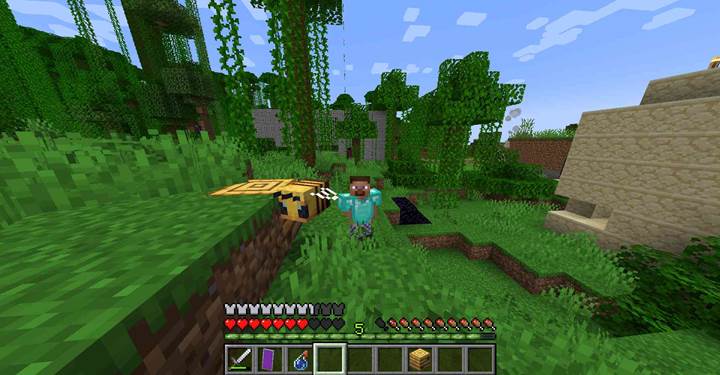
Use case quest puzzle with bee timer
Imagine a forest shrine puzzle where the player must wait until nature responds. You give them a bee nest and say: place it near the flower and wait. Internally, it has a bee that will exit after 10 seconds and activate a pressure plate via redstone. The puzzle becomes time-based and symbolic. Nature must bloom before the path opens.
Bees will only exit nests if there’s space and it's daytime. Also, the bees will only pollinate if there are flowers nearby. If you need precise behavior, combine this with tick manipulation or use /time set to control daylight. And remember: you can use the bees field with both bee nests and beehives - the structure is the same. Want to add three bees with custom tags, armor, or effects? No problem. Just add three NBT entries under bees, each with entity_data.
The bees component turns a simple nest into a programmable ecosystem. Try it in your next map and see how buzz can become drama.