
Minecraft Commands Guide: How to preload crossbows with charged_projectiles for instant shots
The crossbow is a powerful tool in Minecraft, but what if you didn’t have to charge it at all? With the charged_projectiles component, you can give players instant-fire weapons by loading crossbows with projectiles ahead of time.
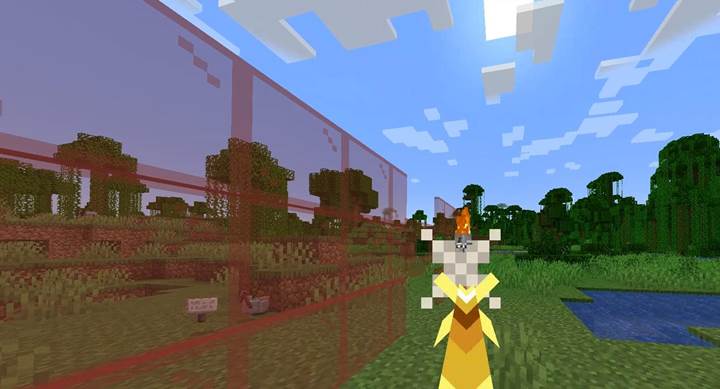
What is the charged_projectiles component
The charged_projectiles component allows you to pre-load a crossbow with one or more projectiles. If the component is missing, the crossbow is uncharged by default. When present, the crossbow will be ready to fire without any user input or draw time. This is essential for scenarios where timing matters - such as giving players a one-shot item mid-fight or placing crossbows into chests as instant weapons. It works with standard arrows, tipped arrows, spectral arrows, and even fireworks.
Pseudo-structure format
Here’s the general structure of the component using placeholder types for clarity:
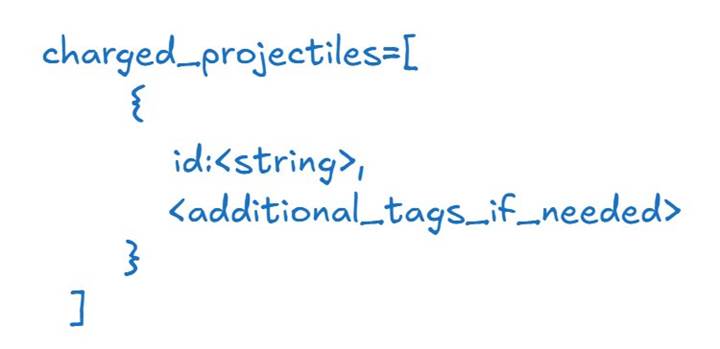
The id refers to an item ID, such as "arrow", "spectral_arrow", or "firework_rocket". You can optionally add NBT tags to the projectile, like potion effects or custom names.
Basic example
To create a spectral crossbow that is ready to fire the moment a player equips it, use:
/give @p crossbow[charged_projectiles=[{id:"minecraft:spectral_arrow"}]]
The crossbow is fully charged and will fire a spectral arrow as soon as the player uses it. This is useful for story items or combat entries that rely on quick engagement.
Using custom projectiles and visual effects
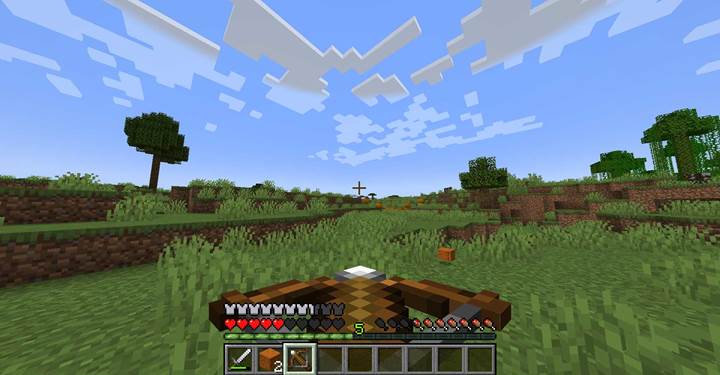
You can use tipped arrows or even fireworks for more visual or magical effects. For example, a firework-loaded crossbow can serve as a mini-grenade launcher:
/give @p crossbow[charged_projectiles=[{id:"minecraft:firework_rocket"}]]
This crossbow fires a firework instantly, dealing area damage and lighting up the sky. This works great for celebration events or explosives in PvP scenarios.

Use case Trap item or boss weapon
Let’s say you have a dungeon boss who drops a cursed crossbow that fires a single enchanted arrow when picked up. The crossbow should be ready to fire and not require reloading. You can do this with a custom-tipped arrow:
/give @p crossbow[minecraft:custom_name={"text":"Soulpiercer"},charged_projectiles=[{id:"minecraft:tipped_arrow",tag:{Potion:"minecraft:instant_damage"}}]]
The crossbow fires an arrow with instant damage effects. You can build this into a reward, or give it to mobs via spawn equipment to make combat more dramatic.
Behavior with invalid items or custom IDs
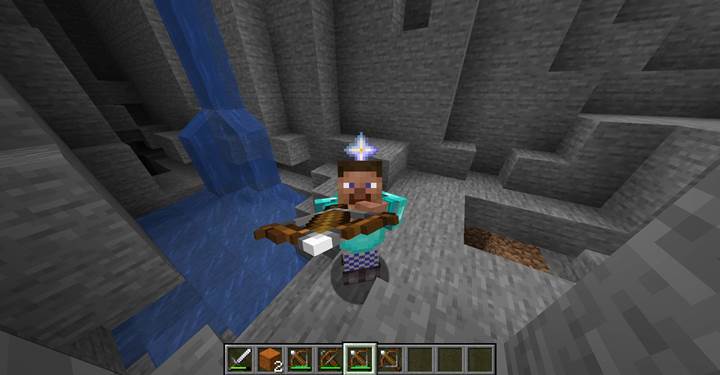
If you try to load an item that is not a valid projectile, Minecraft still allows the crossbow to fire, but the behavior becomes unpredictable. For example, loading a wind_charge into a crossbow makes it shoot a projectile that drops a wind_charge item when collected - not a true projectile. This can be exploited in custom maps for puzzle mechanics, one-time triggers, or unexpected item transfer logic. Just be aware that such interactions may confuse players and should be used intentionally.
The charged_projectiles component transforms the crossbow into a flexible, immediate-use weapon perfect for Adventure Mode, custom PvP setups, or boss loot. By loading projectiles ahead of time, you control the timing, the damage type, and the visual impact of every shot. Use it to add surprise, power, or puzzle interaction to your Minecraft world.