
Minecraft Commands Guide: How to manage time and weather for puzzle-based games
Picture this: you walk into a crumbling ruin at sunset, the sky slowly darkening above. Just as you open a dusty book on a pedestal, thunder cracks and rain begins to fall. Or maybe you step on a pressure plate and the room is instantly bathed in morning light. That’s the power of controlling time and weather in Minecraft, and it’s way easier than it sounds.
How time works in Minecraft
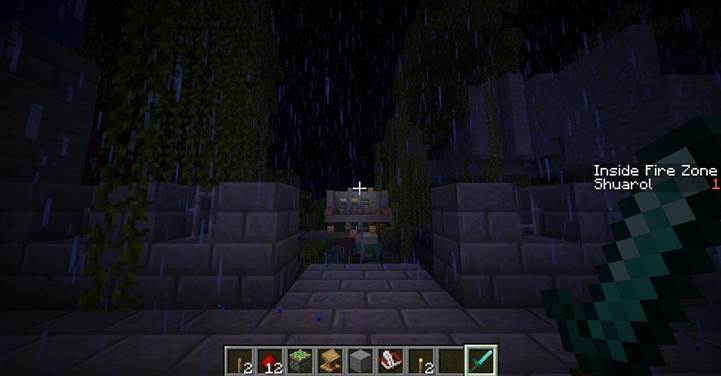
In Minecraft, time runs in ticks. One full day lasts 24000 ticks, which equals about 20 real-time minutes. You can control time in two ways. First, you can set a specific time like day, night, noon, or midnight using /time set.
This is great if you want a puzzle to always start at night, for example. Second, you can add ticks to the current time with /time add, which moves the clock forward. This is super useful if you want a timed event to play out and then transition to the next moment.
For example, /time add 1000 adds about 50 seconds of in-game time. You can make a button that simulates the world slowly moving toward dusk or make it jump straight into darkness when something is triggered.
Change the mood with weather
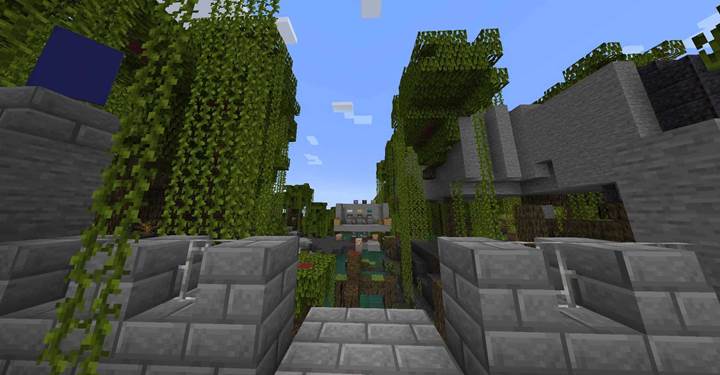
You’ve got three types of weather: clear, rain, and thunder. Clear skies are peaceful, great for sunny village puzzles or lighthearted challenges. Rain adds gloom and tension, and thunder just feels epic. You control it with the /weather command, like /weather rain or /weather thunder 6000. That last part is the duration in ticks, so 6000 ticks equals 5 minutes. You can also stop storms by typing /weather clear. Want a puzzle that starts calm and turns spooky? Set clear skies at the start, then have the room trigger a storm when a player steps into it.
What about /toggledownfall?
There’s also this older command called /toggledownfall. It just flips the weather. If it’s clear, it makes it rain. If it’s raining, it clears the skies. It’s a fun trick, but it doesn’t give you much control. It’s mostly used in singleplayer or older maps. If you want precision for puzzles or storytelling, always go with /weather instead. That way, you can decide exactly what kind of atmosphere you’re going for, how long it lasts, and when it changes.
Practical examples for puzzle maps
Let’s say you have a puzzle that takes place during a ritual. You can start the room with /time set night and /weather thunder to set the tone. Trigger both with a lever or pressure plate.
Or maybe the players solve the puzzle and the sun rises as a reward: just run /time set day and /weather clear.
Want to make the transition feel alive? Use /time add inside a function that gradually moves the day forward as the puzzle unfolds. Add ambient sounds and particles for full cinematic effect.
Now let’s talk about how to actually use these commands in your world.
Where to use these commands
These commands work in command blocks, functions, or chat (if you're an operator). On co-op servers like Gamever, they help keep the atmosphere in sync — storms, sunsets, and reveals hit everyone at once.
For maps or structured experiences, use .mcfunction files to control the sequence and timing. A file might run time set midnight, weather thunder, and then say The sky cracks open as the ritual begins. Link it to a trigger, and you’ve got instant atmosphere.
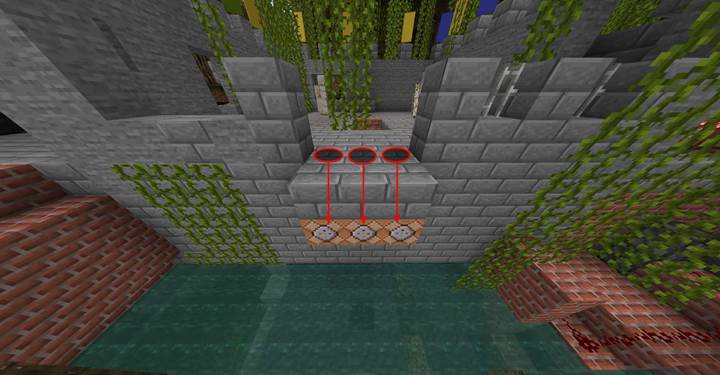
To avoid sudden shifts, use /time add in small amounts or loop it with schedule. For weather, add a cue — a thunder sound, a /title, or a message like The wind begins to howl… — to make transitions feel natural and immersive.
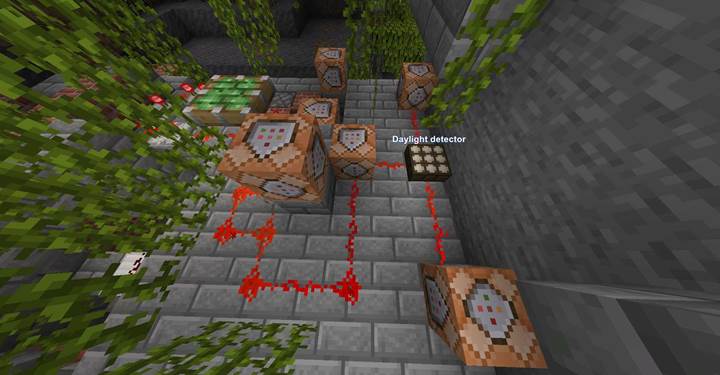
You can also hook this up to daylight detectors so your setup responds to time changes automatically.
Create a full adventure flow with time and weather
To make your puzzle feel like a living story, you can combine `/time` and `/weather` commands across multiple `.mcfunction` files. This lets you control the atmosphere in stages: night sets the tone, thunder builds tension, a time-based countdown adds pressure, and clear skies bring a satisfying end. Here’s how to structure it step-by-step using mcfunctions.
To build a full sequence using .mcfunction files:
start_event.mcfunction:
time set night
gamerule doDaylightCycle false
weather clear
say The night has begun. Solve the puzzle before sunrise.
build_tension.mcfunction:
weather thunder
say Thunder rumbles in the distance...
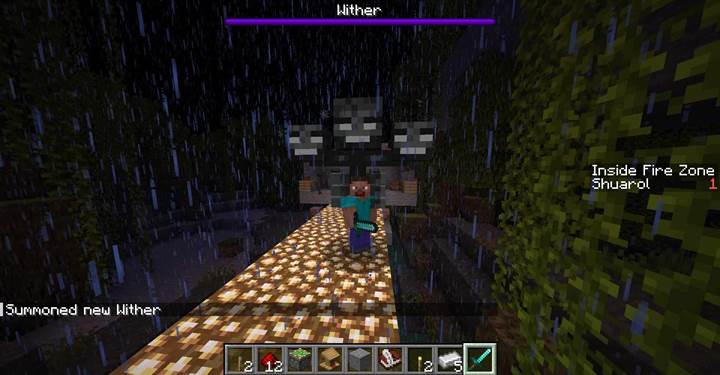
countdown_tick.mcfunction:
time add 100
schedule function yournamespace:countdown_tick 40t
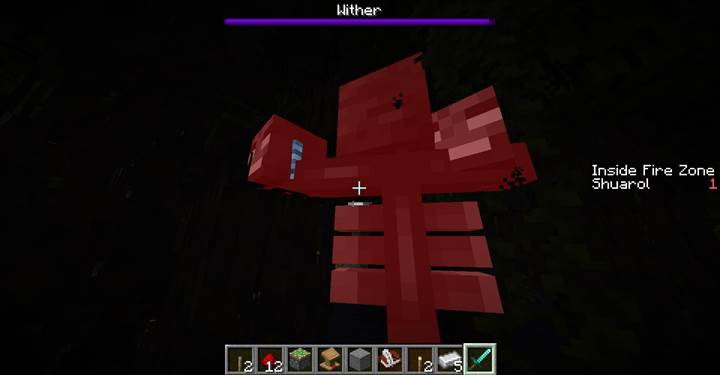
end_event.mcfunction:
weather clear
time set day
gamerule doDaylightCycle true
say The storm fades. Morning breaks. You did it.
Link these functions to events using command blocks, redstone triggers, or player tags — depending on how your puzzle progresses.
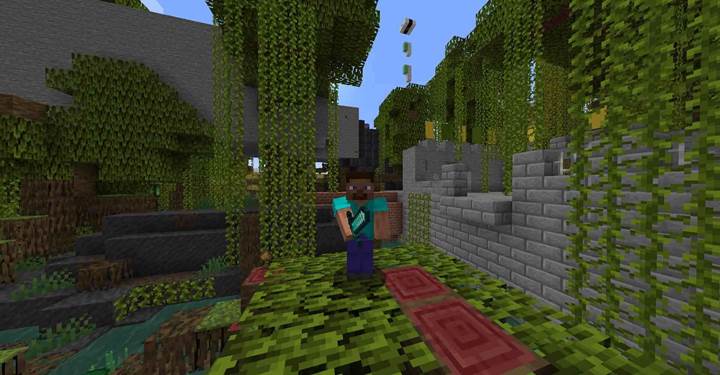
This resets the world and delivers a rewarding, peaceful ending.
The flow looks like this:
- `start_event.mcfunction` - called when puzzle begins
- `build_tension.mcfunction` - called during puzzle or boss moment
- `countdown_tick.mcfunction` - called once and loops using /schedule
- `end_event.mcfunction` - called when puzzle is complete
Use tags, pressure plates, redstone, or advancement triggers to control when each function runs. This gives you full control over time and weather for mood, pacing, and tension without complicated redstone setups. When used on a shared world — like a co-op puzzle adventure on Gamever — these commands help turn your scenario into a fully synchronized cinematic experience.