
Minecraft Commands Guide: How to make wearable gliders using the glider component
Ever wanted to give players the power of flight without using traditional elytra wings? With the glider component, you can turn any item - from a magical crown to a cursed relic - into a gliding tool. And the best part? It works seamlessly with equippable slots.
What is the glider component
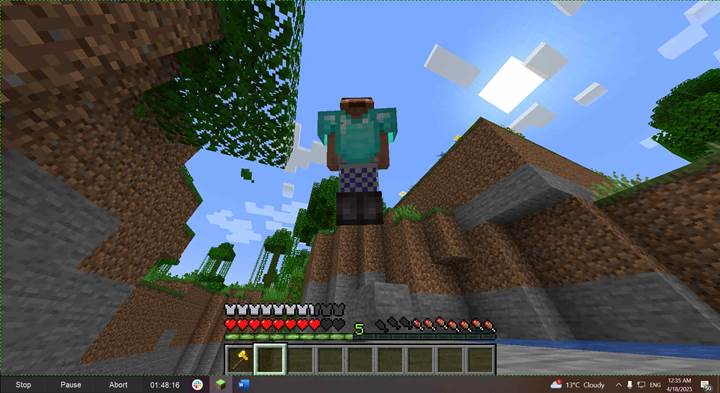
The glider component allows any item to enable elytra-style gliding when it is equipped. By itself, the component has no fields - its presence alone is enough to grant glide behavior. To work, the item must also be equippable in a valid armor slot, such as head, chest, legs, or feet. When the item is worn in that slot, the player can glide just like they would with elytra.
Pseudo-structure format
Here's how the structure looks using general data types. Use this as a base when designing your own gliding items:
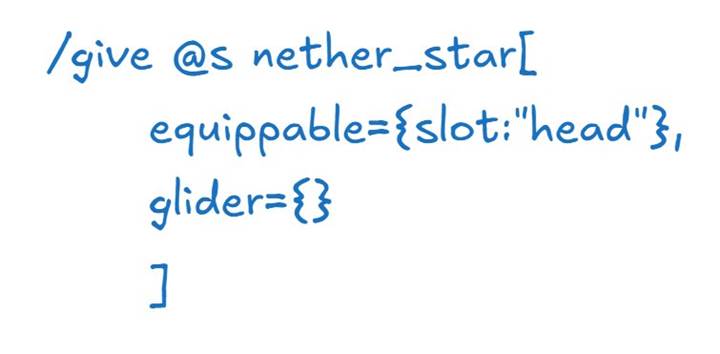
The glider tag requires no parameters. The equippable tag defines the armor slot - typically "head", "chest", "legs", or "feet". You must define both for the effect to work.
Basic SNBT example
To create an item that enables gliding when equipped in the head slot, you can use a command like this:
/give @s nether_star[equippable={slot:"head"},glider={},max_stack_size=1]
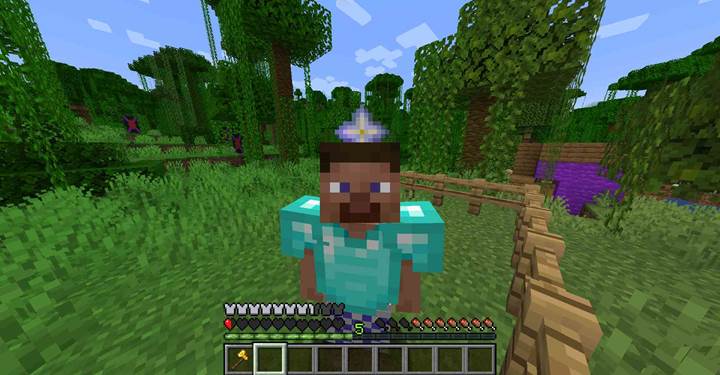
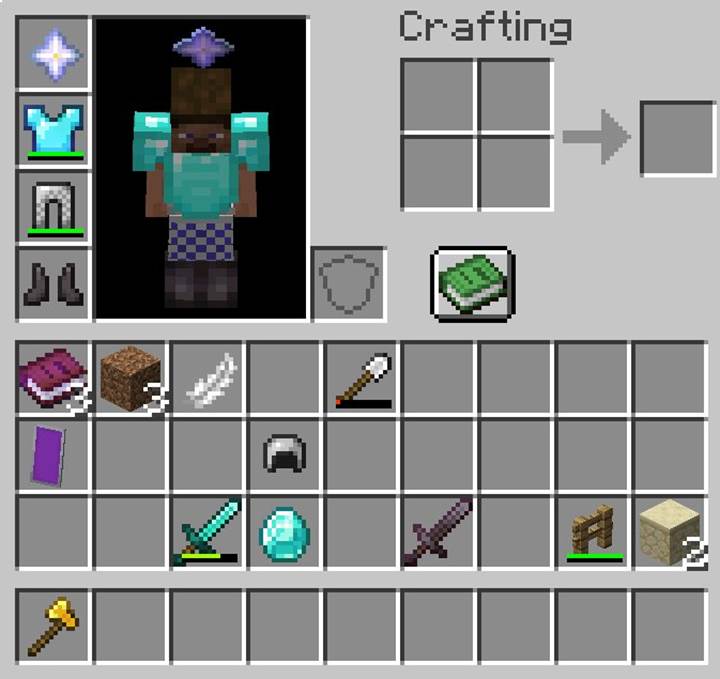
This turns the nether star into a wearable helmet. When worn, the player gains full gliding ability, just like with elytra - but from the head slot instead of the chest slot.
Customizing mobility roles in your world
The real power of the glider component shines when you combine it with class-based gameplay or progression systems. For example, you might want to create a lightweight cloak that enables gliding but doesn’t provide any armor. Or a cursed crown that lets players fly - but at the cost of losing other armor effects.
You can also combine glider with other components like attribute_modifiers to adjust movement speed while gliding, or damage_resistant to make the item immune to fall damage. This creates a rich layer of design space for dungeon maps, exploration gear, or boss rewards.
Use case A quest that grants the skies
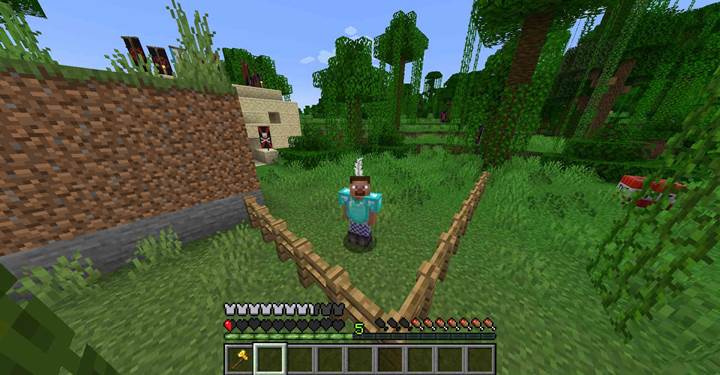
Let’s say you’re designing a story-driven map where the player must earn the power of gliding by recovering a sacred artifact - a feathered mask hidden atop a temple. When equipped, this mask grants gliding but can only be worn on the head. Instead of handing out elytra, which could unbalance the progression, you reward them with this:
/give @p feather[custom_name={text:"Mask of Winds"},equippable={slot:"head"},glider={},max_stack_size=1]
This feather functions as a headpiece and unlocks gliding in a thematic and controlled way. It integrates into the quest naturally, without requiring the player to switch gear types.
Combining with visuals and restrictions
Although the glider component itself doesn’t show wings, you can use display names, lore, and textures to imply functionality. For example, attaching it to a decorated item or limiting its availability through command blocks adds visual and mechanical depth. And since the player must equip it, you can create tradeoffs between mobility and defense, especially if the glider item replaces stronger armor.
The glider component gives you full creative control over who gets to glide, when, and how. By enabling gliding on any equippable item, it becomes a tool for narrative, exploration, and class-based mobility. Use it in quests, challenges, or custom classes to give players meaningful and immersive ways to take to the skies.