
Minecraft Commands Guide: How to make items consumable with effects
Minecraft lets you eat or drink more than just food now. With the consumable component, you can turn any item into a useable object that performs a custom action when consumed.
The consumable component allows any item to be used by right-clicking. The component is compatible with other mechanics like food or potion_contents if present and won’t override block placement or other interactions the item already has.
Format
Here is the generalized SNBT structure using placeholder types so you can understand the format before writing actual commands:
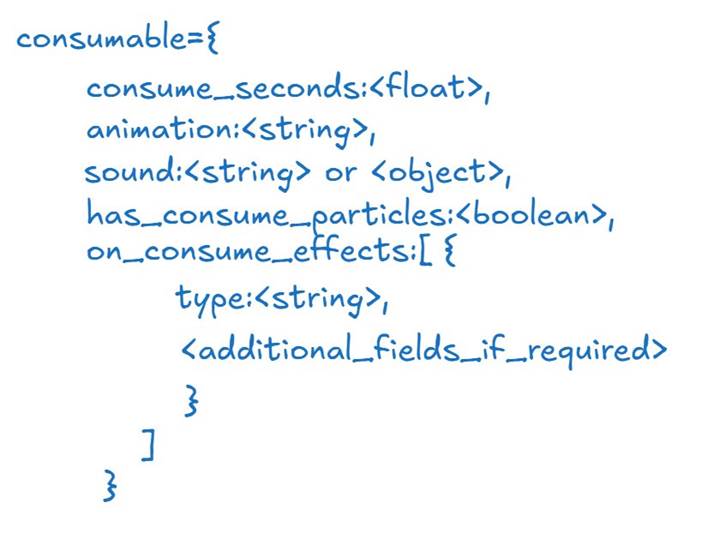
The value for consume_seconds defines how long the action takes. Animation determines the visual cue shown to the player. Sound plays during and after the use. Particles can be toggled for visual feedback. Finally, on_consume_effects lets you define what happens after the item is consumed.
Basic example
Let’s make a simple enchanted book that removes all potion effects after being consumed in 2 seconds using the drink animation:
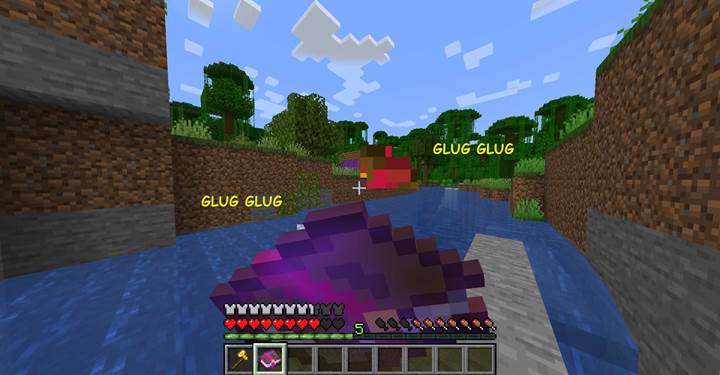
/give @p enchanted_book[consumable={consume_seconds:2.0,animation:"drink",sound:"entity.witch.drink",has_consume_particles:true,on_consume_effects:[{type:"minecraft:clear_all_effects"}]}]
This book now behaves like a consumable potion. Right-clicking uses the drink animation and plays the witch drink sound, emits particles, and clears all active effects when finished.
Creating utility items with custom behavior
You are not limited to clearing effects. You can apply buffs, remove specific effects, play a sound, or even teleport the player as part of the consume effect logic. For example, you might want to create a mystical stone that grants fire resistance and then disappears.
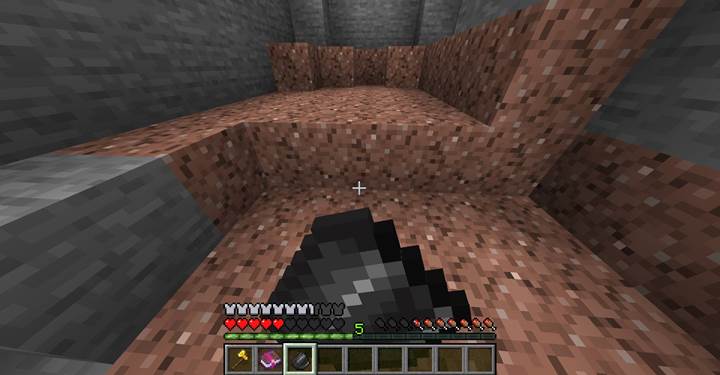
/give @p flint[consumable={consume_seconds:1.8,animation:"eat",sound:"entity.generic.eat",has_consume_particles:false,on_consume_effects:[{type:"minecraft:apply_effects",effects:[{id:"minecraft:fire_resistance",duration:600,amplifier:0}]}]}]
This turns a piece of flint into a protective charm. When eaten, it silently grants the player fire resistance for 30 seconds. Particles are turned off for a cleaner effect.
Adventure item that triggers a teleportation
Let’s say your quest involves a scroll that teleports the player to a hidden sanctuary. You can use the teleport effect inside on_consume_effects, set a dramatic animation, and add a magical sound cue.
/give @p paper[custom_name={text:"Scroll of Escape"},consumable={consume_seconds:4.0,animation:"spyglass",sound:"minecraft:item.totem.use",has_consume_particles:true,on_consume_effects:[{type:"minecraft:teleport_randomly",diameter:40.0}]}]
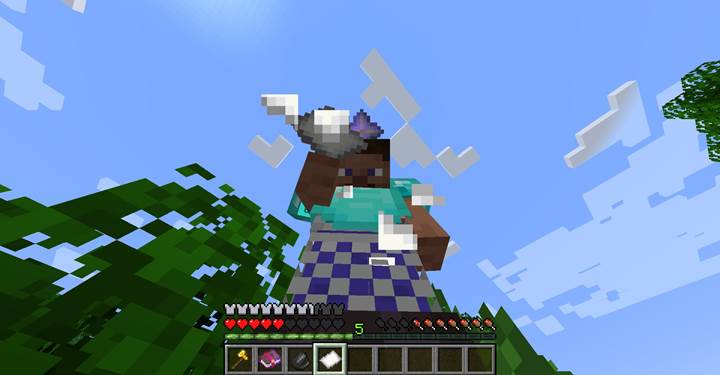
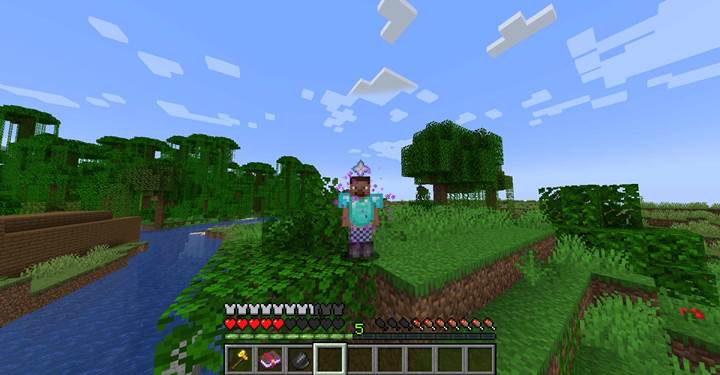
This scroll takes four seconds to use, shows the spyglass animation, emits mystical particles, and teleports the player randomly within a 40-block radius. It’s ideal for escaping combat or triggering a story beat.
Combine with visuals and restrictions
You can pair the consumable component with other tags like max_stack_size=1 or item cooldowns using external command logic to limit how often the item can be used. You can also make the item more immersive with a custom display name, lore, or combine it with attribute_modifiers to change the player temporarily. The flexibility of the on_consume_effects array allows you to create items that cleanse, buff, move, or interact with the environment on demand.
With the consumable component, any item in Minecraft can become interactive and meaningful. From quick-use items with healing properties to scrolls, tokens, and magical relics that affect the world or player stats, this component lets you design engaging gameplay moments through creative item behavior.