
Minecraft Commands Guide: How to customize shield colors using base_color
Sometimes a simple shield isn’t enough. You want something bold. Something that says you’re not just a wandering player - you’re the knight of your world. With the base_color component, you can now inject style into survival. It works directly with banners on shields, letting you define the underlying dye color without crafting banners manually.
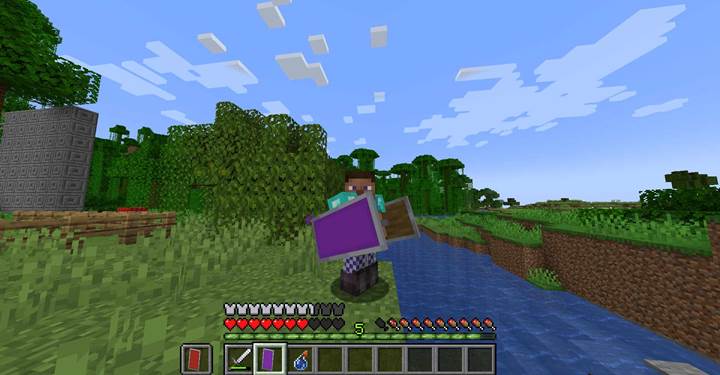
The base_color component defines the foundational dye color of a banner applied to a shield. If you’ve ever crafted a custom banner and applied it to a shield using a crafting table, you know the base color matters - it’s what every layer sits on top of. Now you can skip that manual process. With SNBT, you just assign base_color as a string value, using any of Minecraft’s standard dye names like "lime", "red", or "blue". This sets the default color of the shield instantly when using a command like /give. No banners required, no crafting mess.
Use base_color in command structure
The actual command structure is ridiculously simple. Here’s the barebones form:
/give @s shield[base_color="red"].
That’s it.
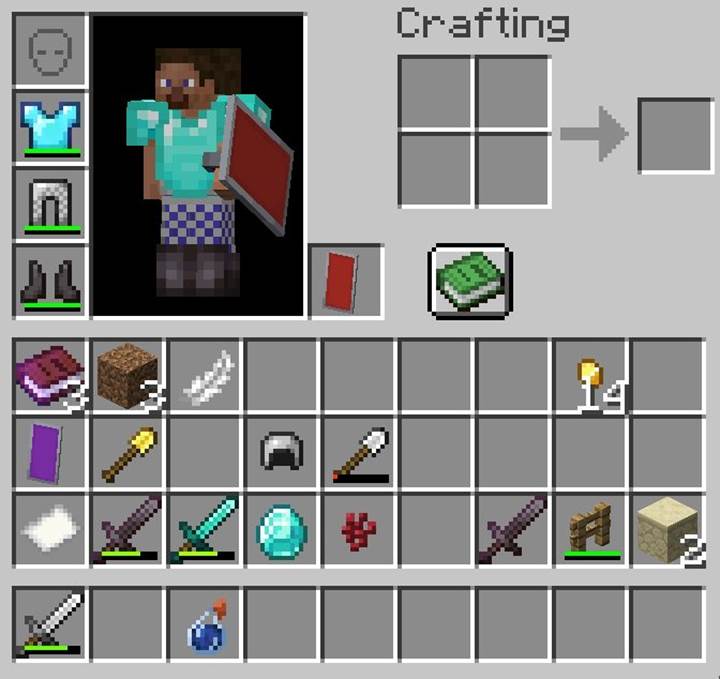
The shield pops into your inventory with a red banner background already applied. You can also combine this with other components like custom_name or unbreakable to turn it into quest gear or treasure loot. SNBT allows nesting, so you can get as detailed as you want with your command builds.
Integrate into quests and puzzles
Let’s say you’ve built a dungeon with three gates, each tied to a color-coded puzzle. Players must hold up the correct shield to unlock each gate: blue for the Water Gate, red for the Fire Trial, green for the Forest Path. You can design dispensers or command blocks to detect the player’s shield color using the base_color component. Combine it with scoreboard objectives or execute if entity NBT checks to verify shield data. This adds an entirely new layer of interactivity, where style becomes signal.
Combine with banners and lore
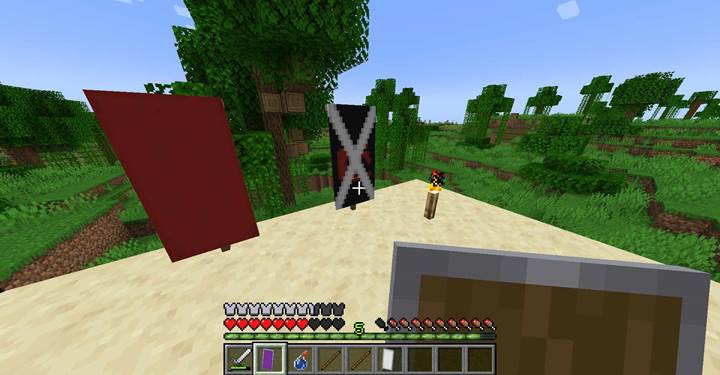
Even though base_color sets the background, you can still apply banner patterns on top using regular banner crafting methods or NBT pattern arrays. Imagine handing out faction shields where each team has a unique sigil. Set base_color to match the team, then use banner patterns to layer on icons, borders, or mystical runes.
Color reference for base_color
Here’s a quick reference table showing the 15 supported colors you can use with base_color:
|
white
|
orange
|
magenta
|
|
light_blue
|
yellow
|
lime
|
|
pink
|
gray
|
light_gray
|
|
cyan
|
purple
|
blue
|
|
brown
|
green
|
red
|
Black is also valid, making it the sixteenth supported dye option.
Use cases beyond cosmetics
You can even use base_color as part of gameplay logic. Want guards to only respond if a player approaches with a specific shield? Check their mainhand item for base_color. Want a portal to activate only when a ceremonial shield is raised? Use the component for trigger conditions. By treating shield color as an inventory key, you unlock new mechanical ideas for puzzles, rituals, and recognition systems in custom maps.
Add attribute_modifiers to make items unique and magic.
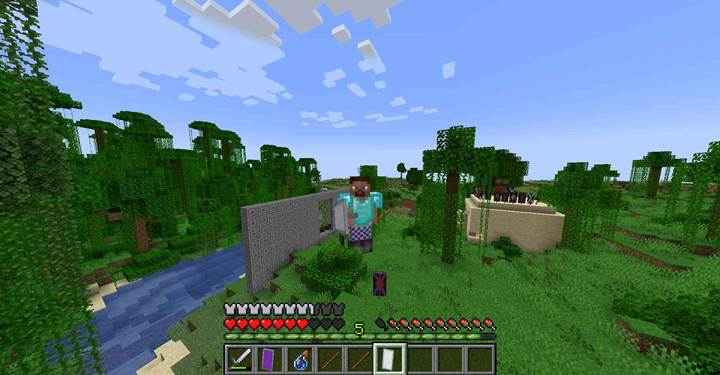
/give @s shield[minecraft:base_color=white,attribute_modifiers=[{type:"minecraft:scale",slot:"hand",id:"example:grow",amount:4,operation:"add_multiplied_base"}]]
Use with unbreakable for relic design
For mapmakers who want indestructible relics, pair base_color with the unbreakable component. This lets you create story-driven items like the Shield of Elders or the Guard Captain’s Emblem. When you give players these items, the color isn’t just visual - it’s canon.

Make sure to use only valid dye names when assigning base_color. Mistyped values won’t crash the game, but they’ll give you a shield with no banner applied at all. Also, remember base_color works only with shields. It doesn’t apply to armor or banners directly - it’s for shields with banner overlays only.
The base_color component is more than a style tweak—it’s a design tool that opens creative doors for Minecraft players, builders, and mapmakers. Simple to use, powerful in effect—this little tag can make your shields unforgettable.