
Max Players and Sizing Your Project Zomboid Server
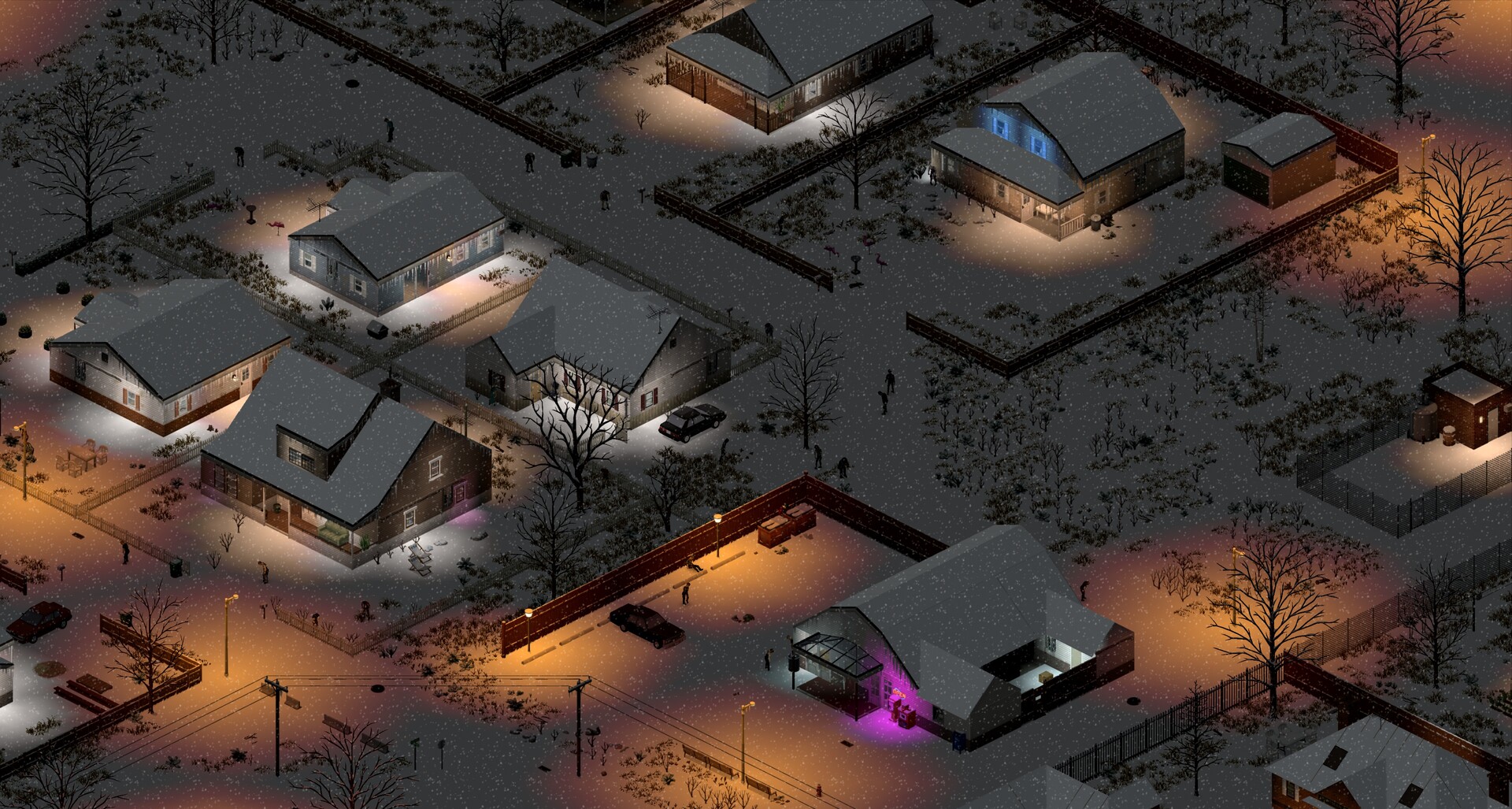
Project Zomboid is a great co-op survival game, but it's also one of the more resource-hungry servers to host — especially with mods. How many players your server comfortably supports depends on the plan you choose. This guide explains the player count on your gamever server and how to size it for your group.
Your player slots
On the Overview tab you can see your current and maximum players:
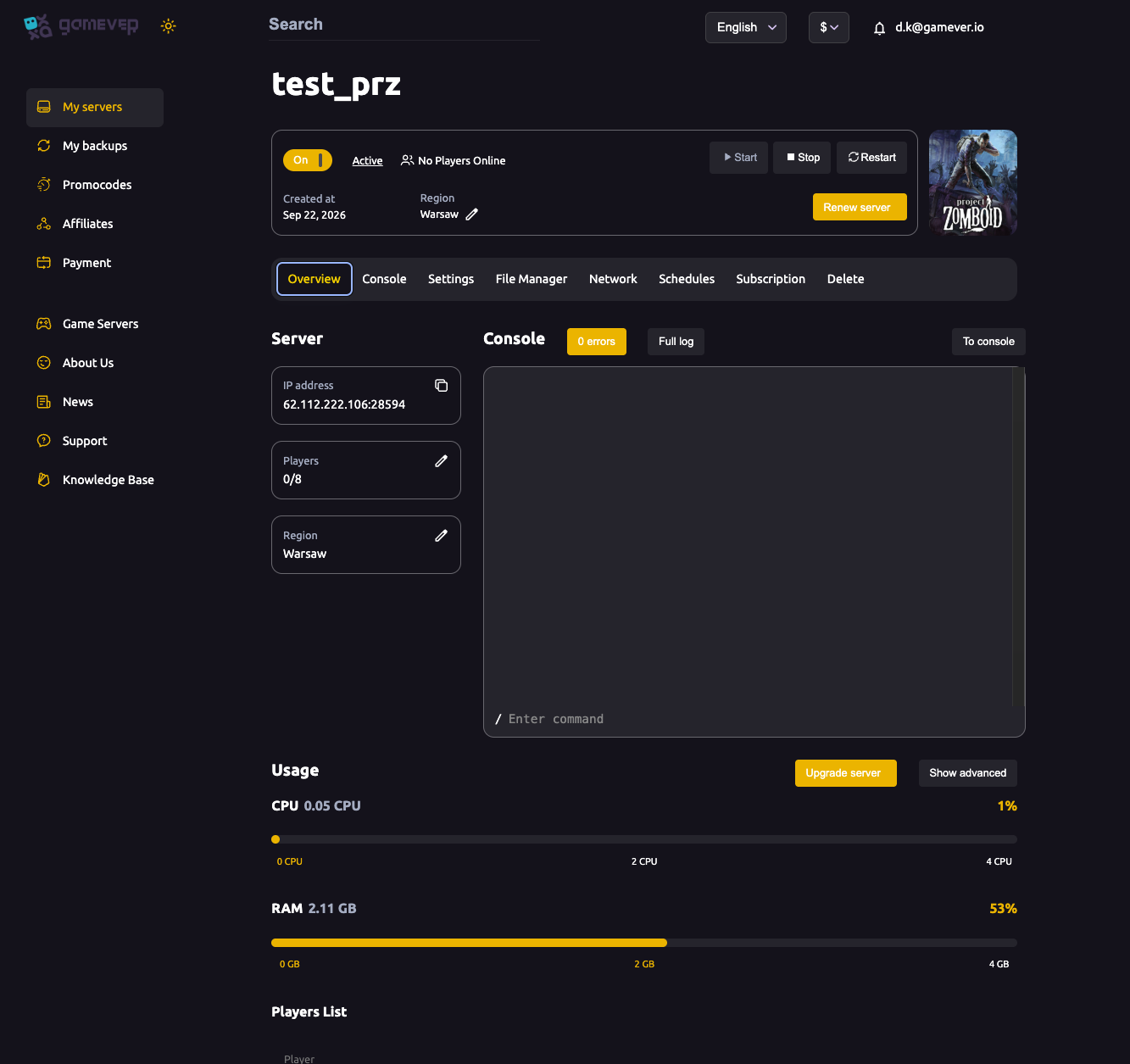
- The Players figure shows how many people are connected against your slot limit (for example 0/8 by default).
- Your slot count comes from your plan — a bigger plan gives more slots and more resources to run them.
- Watch the Usage meters with your group on; if CPU or RAM run hot, you've outgrown your plan (see fixing lag).
Why Project Zomboid is RAM-hungry
Project Zomboid loads the world around every connected player, and each player can be in a different part of the map:
- Every player loads their own chunk of the world, so more players means more of the map active at once.
- Mods add memory on top — overhauls, NPC mods and large map packs all increase RAM needs. A modded server needs noticeably more headroom than vanilla.
- Bigger, more detailed bases also cost more to simulate.
The practical result: budget for more RAM than you'd expect, especially if you run mods — see install mods.
Sizing your plan
| Your group | What to aim for |
|---|---|
| Small co-op (a few friends), vanilla | A modest plan is comfortable. |
| Medium group or light mods | Step up CPU and RAM for headroom. |
| Large group and/or heavy mods | A bigger plan — Project Zomboid scales hard with players and mods. |
If you need more, use Upgrade server on the Overview tab — it scales your resources without starting over.
Additional Tips
- Size for RAM — Project Zomboid is memory-hungry, more so with mods.
- Watch Usage with everyone online, not just when the server is empty.
- Upgrade in place — the Upgrade server button scales you up, no rebuild.
- Mods multiply requirements — budget extra RAM for a modded server.
- Pause on empty (Server Settings) saves CPU while no one is online, see server settings.
Conclusion
How many players your Project Zomboid server supports comes down to the plan behind it — and because the game loads the world around every player and mods pile on memory, it pays to budget generously for RAM. Watch the Overview Usage meters with your group on, and use Upgrade server when you grow. Size it right and your whole crew survives Knox County together.
Rent your Project Zomboid server at gamever.io — scalable plans, live Usage meters and one-click upgrades for your whole group. Free trial, promo code WELCOME.