
Managing Prospects and Open World on Your Icarus Server

Icarus works differently from most survival games: a dedicated server runs one prospect at a time. A prospect is a single world/session tied to a specific map, and switching to a different one means the previous prospect simply isn't loaded any more — it stays safe on disk, but only the active prospect is running. This guide explains that model for a server you rent from gamever, how the prospect is selected and where its save lives, and what the Olympus and DLC maps mean for you and your players. Everything here is managed through the control panel — the Settings tabs, the File Manager and FTP — not a self-install from scratch.
One prospect at a time
In Icarus, "Open World" is one of the prospect types: an open, free-roam session on a given map rather than a time-limited mission drop. Whether you run an Open World prospect or a mission-style one, the key hosting fact is the same — the server holds a single active prospect. Your players all join that one world. To play a different map or a fresh world, you change which prospect the server loads; the others are set aside, not deleted.
Because only one prospect is live, it pays to decide up front which map and prospect type your group wants, then stick with it. Starting a brand-new prospect over an existing one is a world change, so treat it like one — back up or download the old prospect first if you want to keep it, and see resetting and wiping your server when you deliberately want a clean slate.
The maps: Olympus and the DLC maps
Icarus ships with Olympus as its base map, free to everyone who owns the game. The other maps are paid DLC, so both the host and the players who want to play on them need to own the matching DLC on Steam:
| Map | Status | Notes |
|---|---|---|
| Olympus | Base game (free with Icarus) | The original map; the default choice for a new server. |
| Styx | Paid DLC | An additional large map released as the Styx Expansion. |
| Prometheus | Paid DLC | Added via the New Frontiers DLC. |
| Elysium | Paid DLC | A later, higher-difficulty map (Dangerous Horizons). |
Before you set up a prospect on a DLC map, confirm that you and every player who will join own that DLC — ownership rules are set by the DLC on Steam, so check the specific map's store page. For a mixed group where not everyone owns the DLC, Olympus is the safe common ground. Icarus's dedicated server is Windows-only and PC-only, with no crossplay, so all joiners are on the Steam PC version.
Selecting and creating the prospect
The in-panel Settings page covers the server's identity and access — admin password, join password and server name — while the choice of prospect (map and type) is part of how the world is created and is driven by the server's configuration and save data rather than a single panel dropdown.
| Field | Type | Notes |
|---|---|---|
| Server admin password | text | Leave this blank and any joiner can claim admin — always set it. |
| Server password | text | The join password; blank means an open server. |
| Server name | text | Shown in the browser, e.g. "Icarus server hosted by gamever.io". The panel field is the supported way to name the server. |
After editing any field, click Save, then Restart from the Overview tab to apply it.
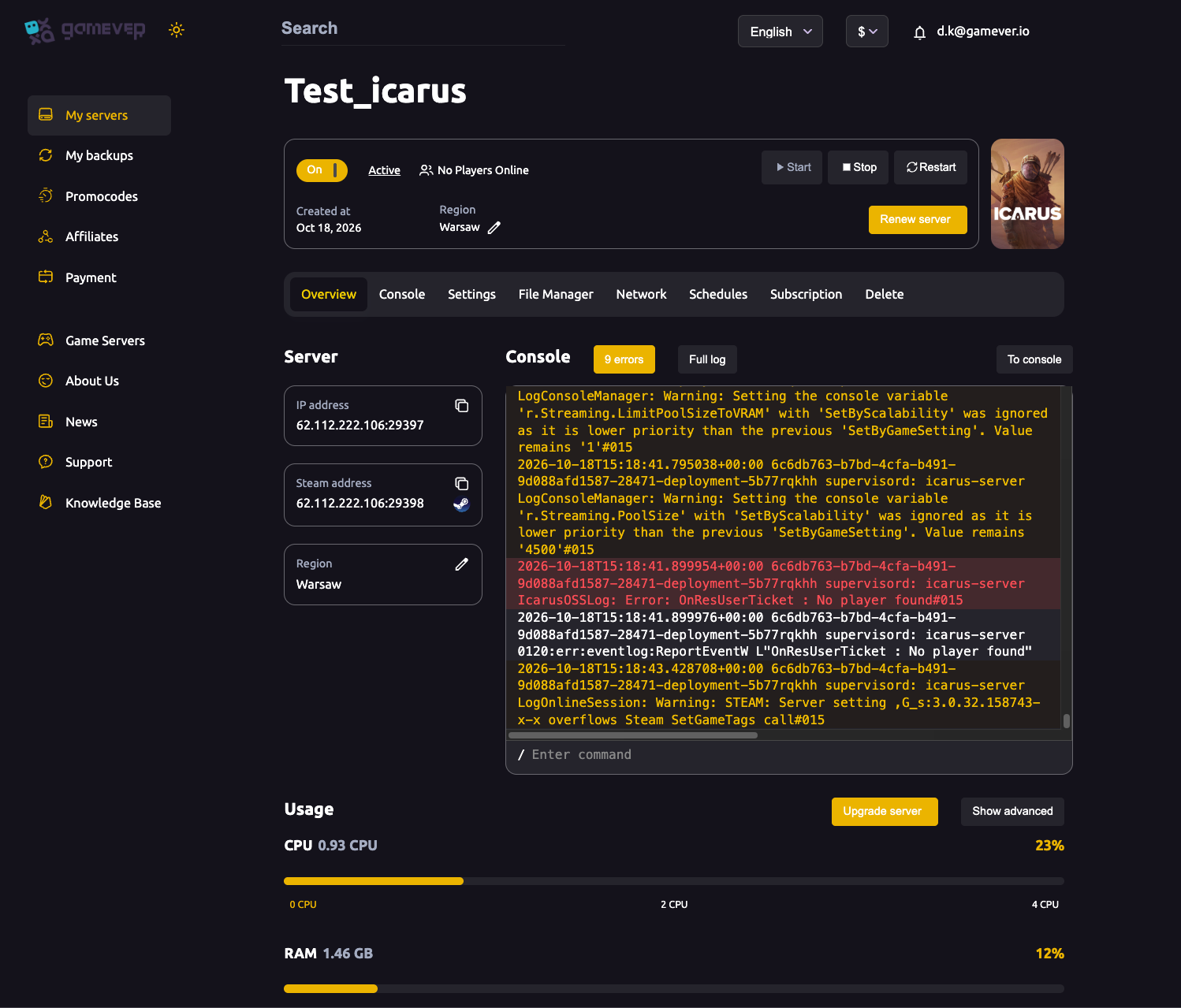
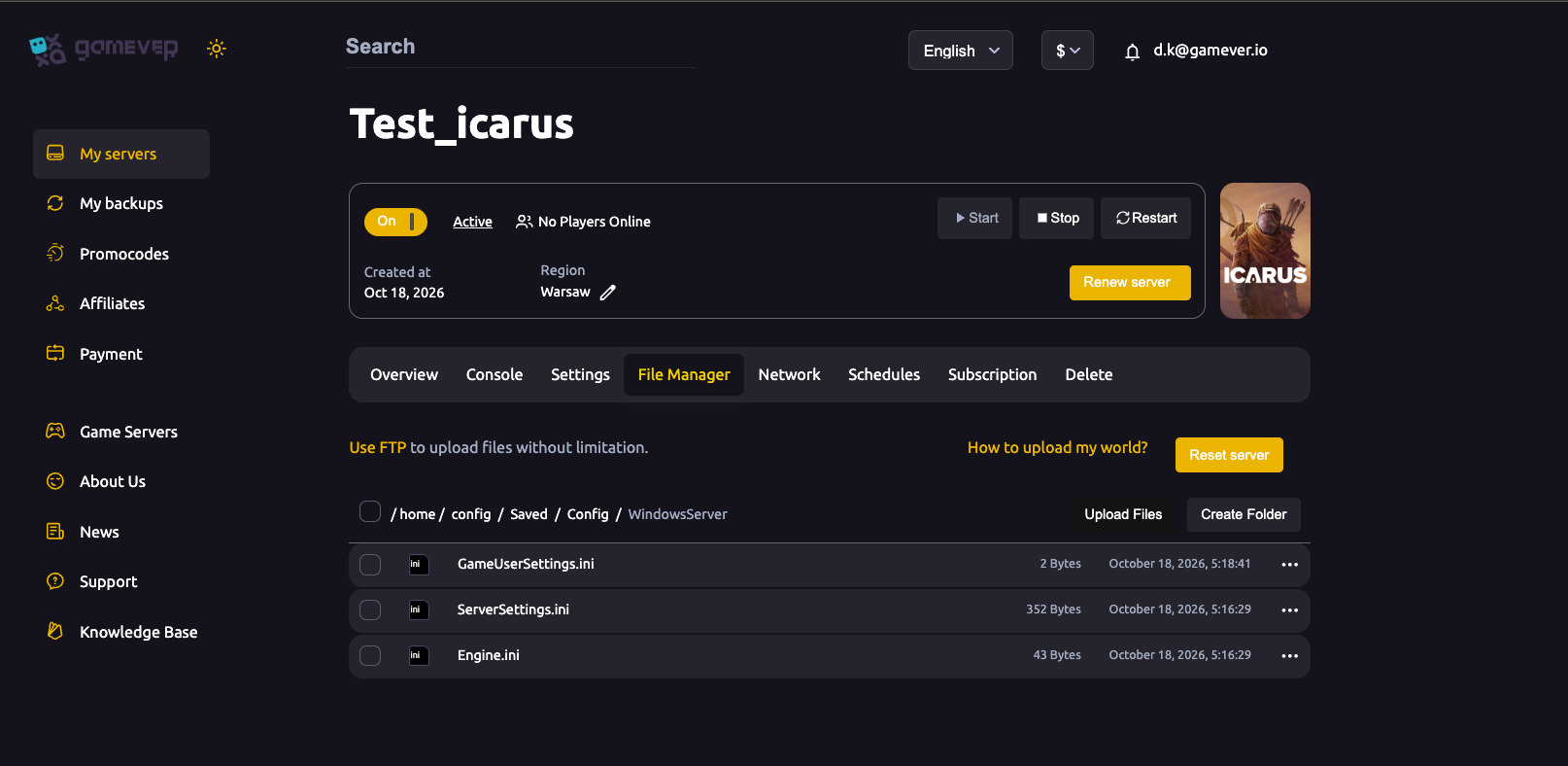
For settings the panel doesn't expose — including prospect-related configuration — you edit the game's config files through the File Manager (or over FTP). The Icarus config lives under /home/config/Saved/Config/WindowsServer/, where you'll find ServerSettings.ini, GameUserSettings.ini and Engine.ini. In ServerSettings.ini, the section [/Script/Icarus.DedicatedServerSettings] holds keys such as MaxPlayers (default 8), JoinPassword and AdminPassword. Because the server only reads these files at boot, stop the server before editing, save your changes, then start it again.
Where prospect saves live
Each prospect is stored as its own save on the server, under:
Icarus/Saved/PlayerData/DedicatedServer/Prospects/
Every prospect is a .json file in that folder. This is the single most useful place to know as a host: it's what you download to back up a world, what you copy when you want to upload an existing prospect, and what makes the "one at a time" model concrete — the files for inactive prospects sit here untouched while a different prospect is the one running. When you switch prospects, the others aren't loaded, but they're still on disk in this folder until you remove them.
Admin in-game
Icarus has no RCON, so administration happens in-game rather than through a remote console. Join your server, open the in-game chat and log in with /AdminLogin <AdminPassword> using the admin password you set on the Settings page. From there you have access to the admin commands — check the current Icarus wiki for the exact command list, as it changes between updates.
Additional Tips
- Set the admin password first. A blank admin password lets any joiner claim admin — this is the single most important setting to get right.
- Pick your map before you start. Decide between Olympus and a DLC map up front, and confirm every player owns the DLC for a paid map.
- Only one prospect runs. Switching prospects sets the others aside; nothing is lost, but only the active world is live.
- Back up before a world change. Download the current prospect
.jsonvia File Manager or FTP before starting a new one. - Stop before editing config. Icarus reads
ServerSettings.inionly at boot, so stop the server, edit, then start to apply changes. - Name the server in the panel. Use the Server name field rather than relying on the config's session name, which is historically unreliable.
Conclusion
Managing an Icarus server comes down to understanding the prospect model: one world on one map at a time, with Olympus as the free base map and Styx, Prometheus and Elysium as paid DLC that joiners also need to own. You choose the identity and access on the Settings page, reach deeper configuration and the prospect saves (Icarus/Saved/PlayerData/DedicatedServer/Prospects/) through the File Manager or FTP, and remember that switching prospects simply loads a different world while the others wait on disk. When you want to bring in an old world or start fresh, see uploading a prospect and resetting or wiping your server.
Rent your Icarus server at gamever.io — full File Manager and FTP access to manage your prospects, with our panel handling the ports and networking for you. Free trial, promo code WELCOME.