
Keeping Your Abiotic Factor Server Updated
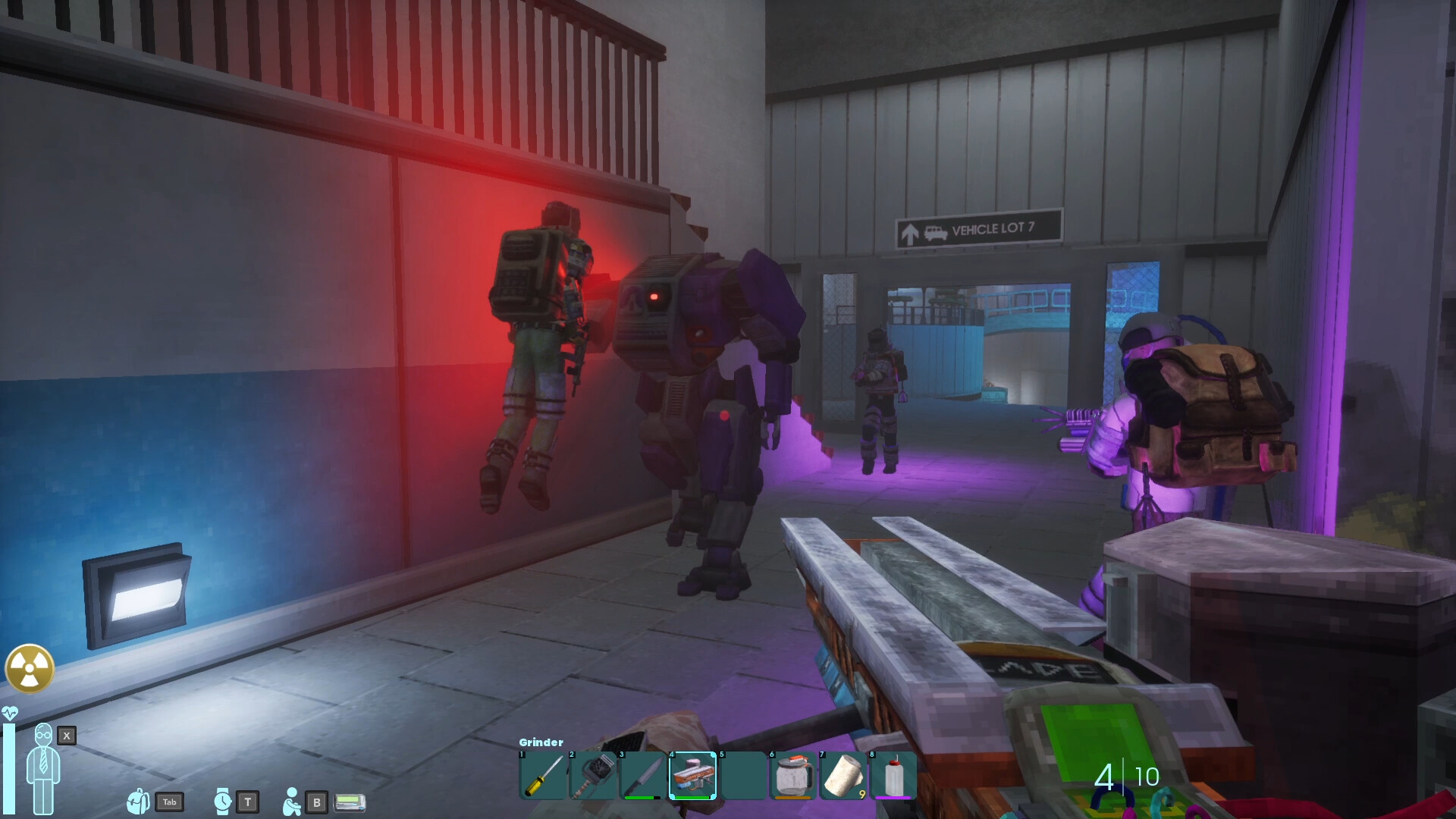
Abiotic Factor gets patches and content updates, and the one rule that matters for multiplayer is simple: the server and everyone connecting to it must be on the same build. If a new version drops and your server is behind, players on the new client can't join. This guide covers how updates apply on gamever and how to handle a patch cleanly.
Updates apply on restart
On gamever, your Abiotic Factor server picks up a new build when it restarts. So after a patch releases:
- Back up your world first — always before a version change, in case a save needs attention on the new build (see backup & restore).
- Restart the server from Overview, or let your scheduled restart handle it at the next quiet hour.
- Watch the Console on Overview as it comes back up to confirm it started cleanly on the new version.
If you already run a daily scheduled restart, your server often updates itself overnight without you doing anything.
Keep players on the same build
Abiotic Factor multiplayer needs matching versions:
- When your server updates, make sure your squad updates their game client too (Steam usually does this automatically).
- If someone can't connect right after a patch, the first thing to check is whether their client and your server are on the same build — a mismatch is the most common post-update "can't join" cause.
- Once everyone is on the new version, joining works exactly as before.
After a big update
Major updates occasionally change enough that you'll want a clean start:
- A backup (taken in step 1) means you can roll back if the new build doesn't sit well with your old save.
- If a patch calls for a fresh world, see reset & wipe — and again, back up first.
Additional Tips
- Updates apply on restart — restart from Overview or via a schedule.
- Back up before every version change (see backup & restore).
- A daily scheduled restart often handles updates for you.
- Server and clients must match — a version mismatch is the usual "can't join after a patch" reason.
- Watch the Console on restart to confirm a clean start on the new build.
Conclusion
Updating an Abiotic Factor server on gamever comes down to a restart — manual or scheduled — with a backup taken first and your squad on the same build. Keep a daily restart running and most patches apply themselves; take a backup before any big one, and you can always roll back. Same version, fresh server, co-op uninterrupted.
Rent your Abiotic Factor server at gamever.io — restart-to-update simplicity, panel backups and a live console to confirm every patch. Free trial, promo code WELCOME.