
How to Use Yarders in Farming Simulator 25
If you’re tackling the rough, hilly landscapes of Farming Simulator 25, yarders are the ultimate tool for hauling logs over challenging terrain. Yarders use a cable system to pull logs from one spot to another, making it way easier to manage a logging operation, especially in densely wooded or hard-to-reach areas. Here’s your step-by-step guide to mastering yarders in Farming Simulator 25.
Choose Your Yarder
Before you get started, let’s break down the two types of yarders available in the “Forestry Equipment” section of the dealership.
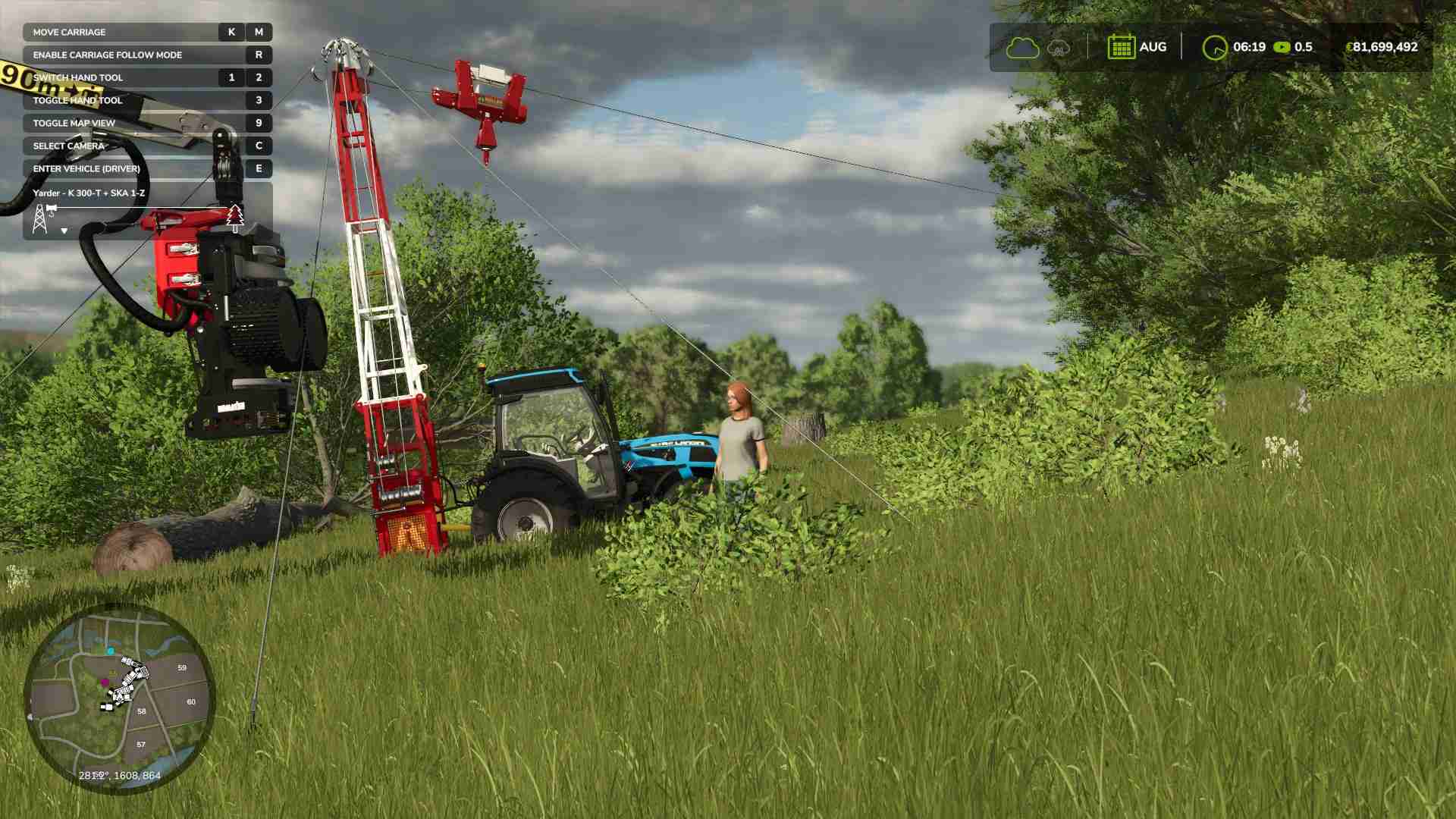
1. Koller K-300-T: This smaller yarder works only for uphill pulls and can stretch up to 500 meters (about 1,650 feet). If you’re hauling logs uphill from lower, rugged spots, this yarder is a solid choice.
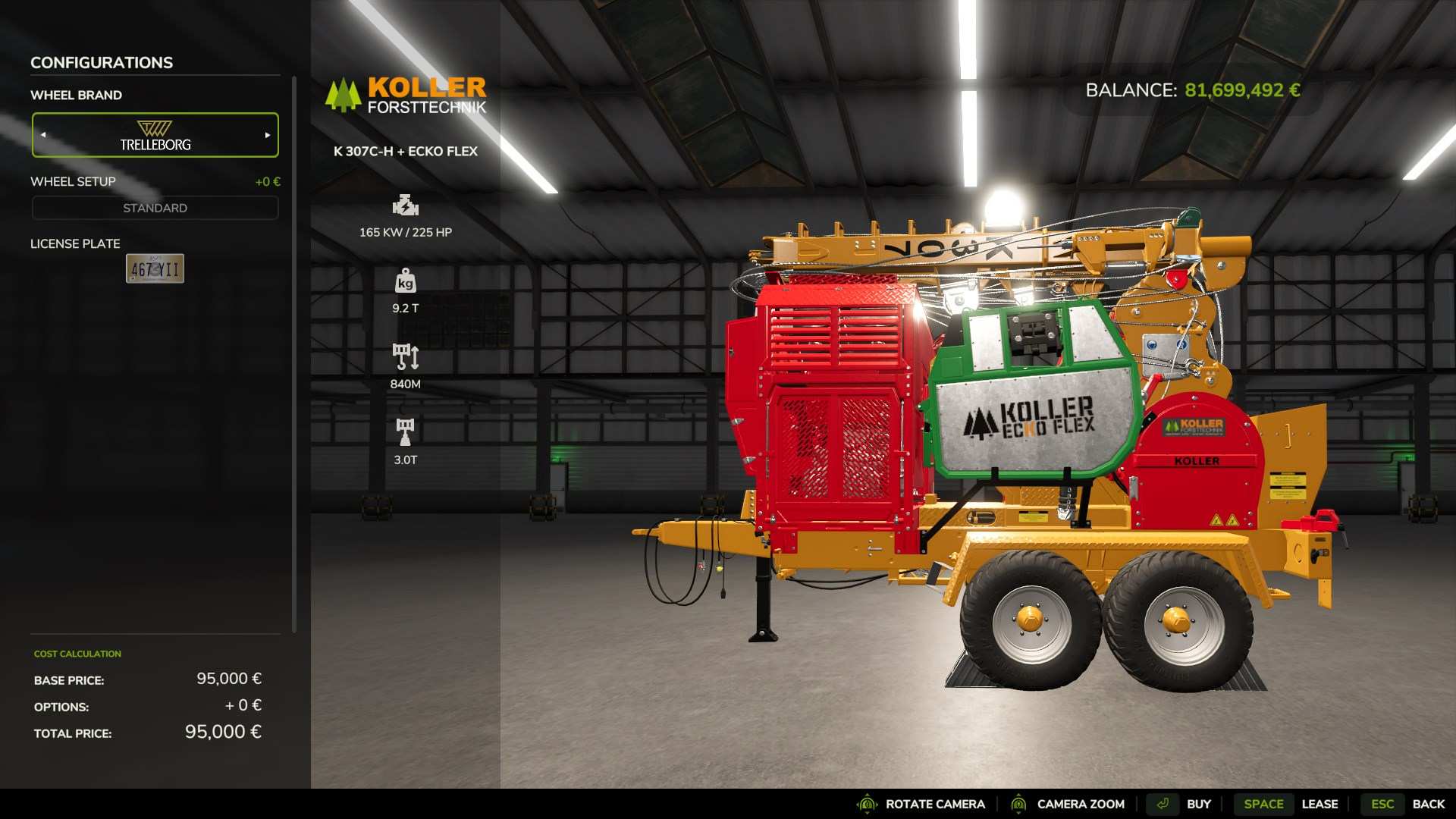
2. Koller K 307c-H: With the flexibility to pull logs both uphill and downhill, this yarder offers a longer 840-meter (2,750-foot) reach. It’s powerful but requires a strong tractor to handle the load.
Setting Up Your Yarder on the Job
To start, attach your yarder to a tractor that meets its horsepower requirements and position it at your chosen collection point.
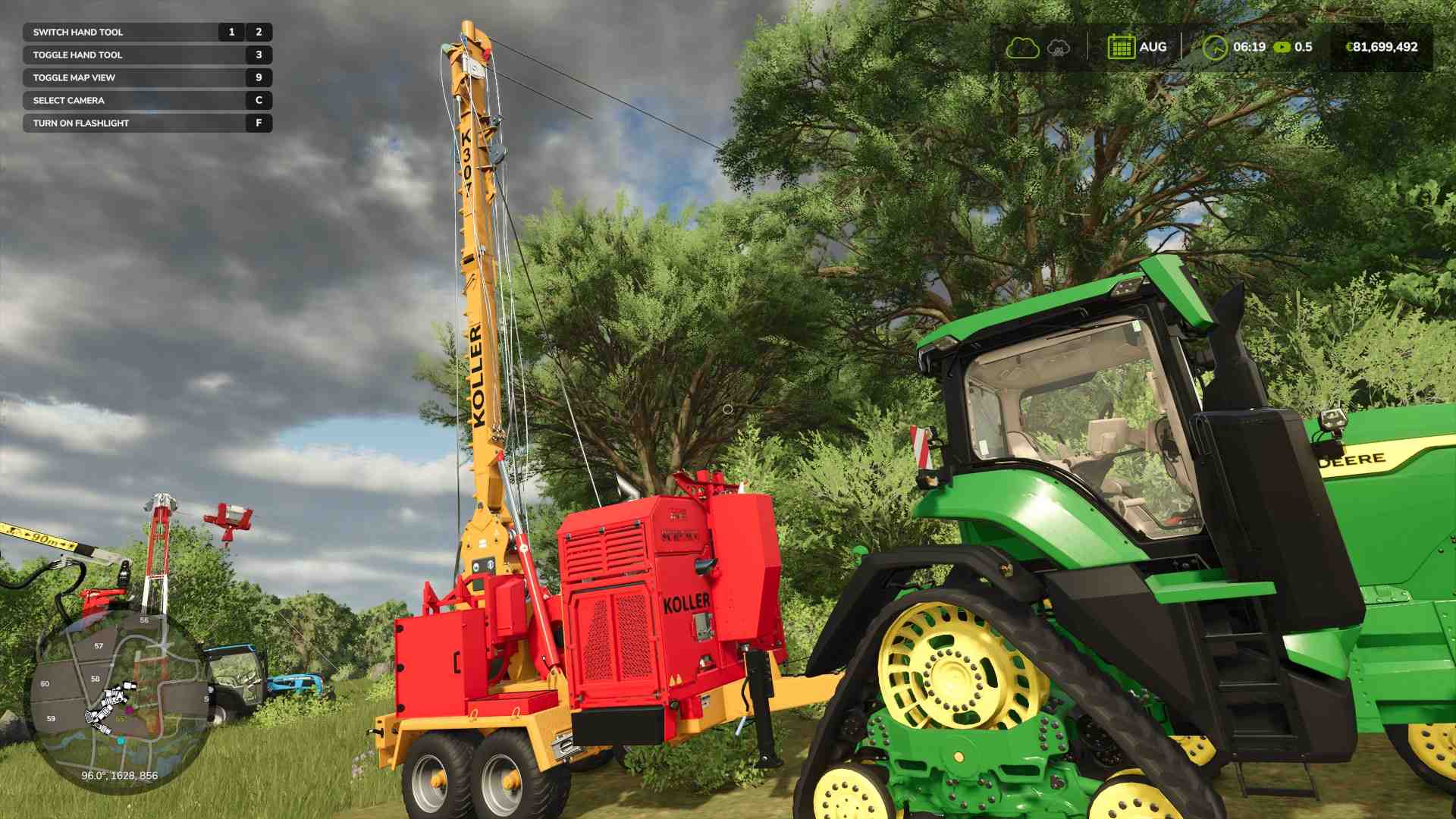
If you’re using the K-300-T, set it up above your logging area. This model only pulls uphill, so the collection point needs to be higher than the logging site.
Step 1: Attach the Yarder Cable to a Tree
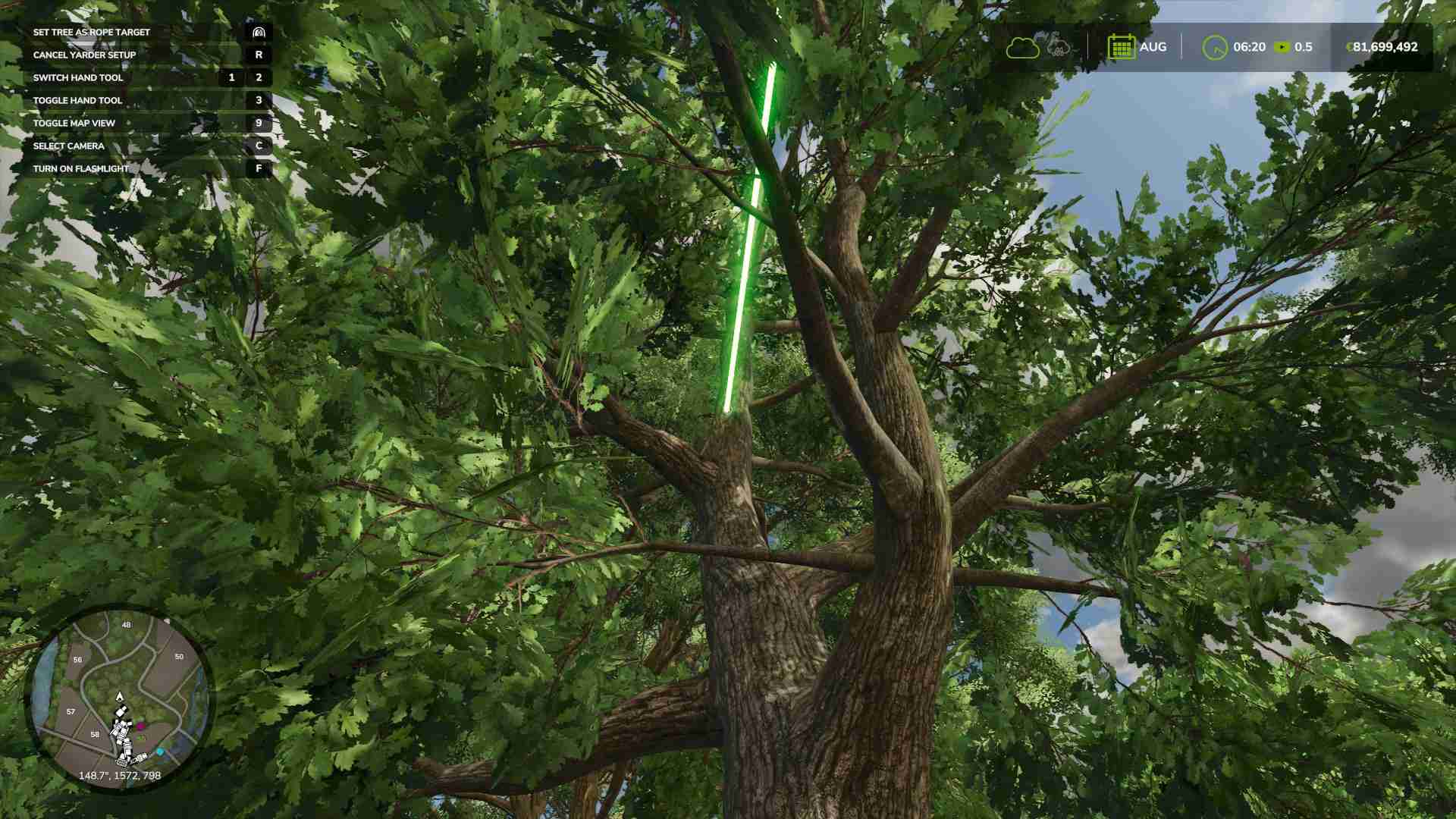
Once the yarder is in position, grab the yarder’s cable and walk it to a sturdy tree down the hill or in the direction you need the logs to come from. Look for a tree with a green indicator, meaning it’s strong enough to support the yarder’s line. Aim, attach the cable by pressing the prompted button, and you’re ready to start hauling.
Step 2: Summon the Carriage for Log Hauling
With the cable stretched out, you’ll see a carriage on the line. This is the part of the yarder that carries your logs. You can move the carriage manually using K and M to control its position, or set it to follow you so it’s right there as you move through your logging site.
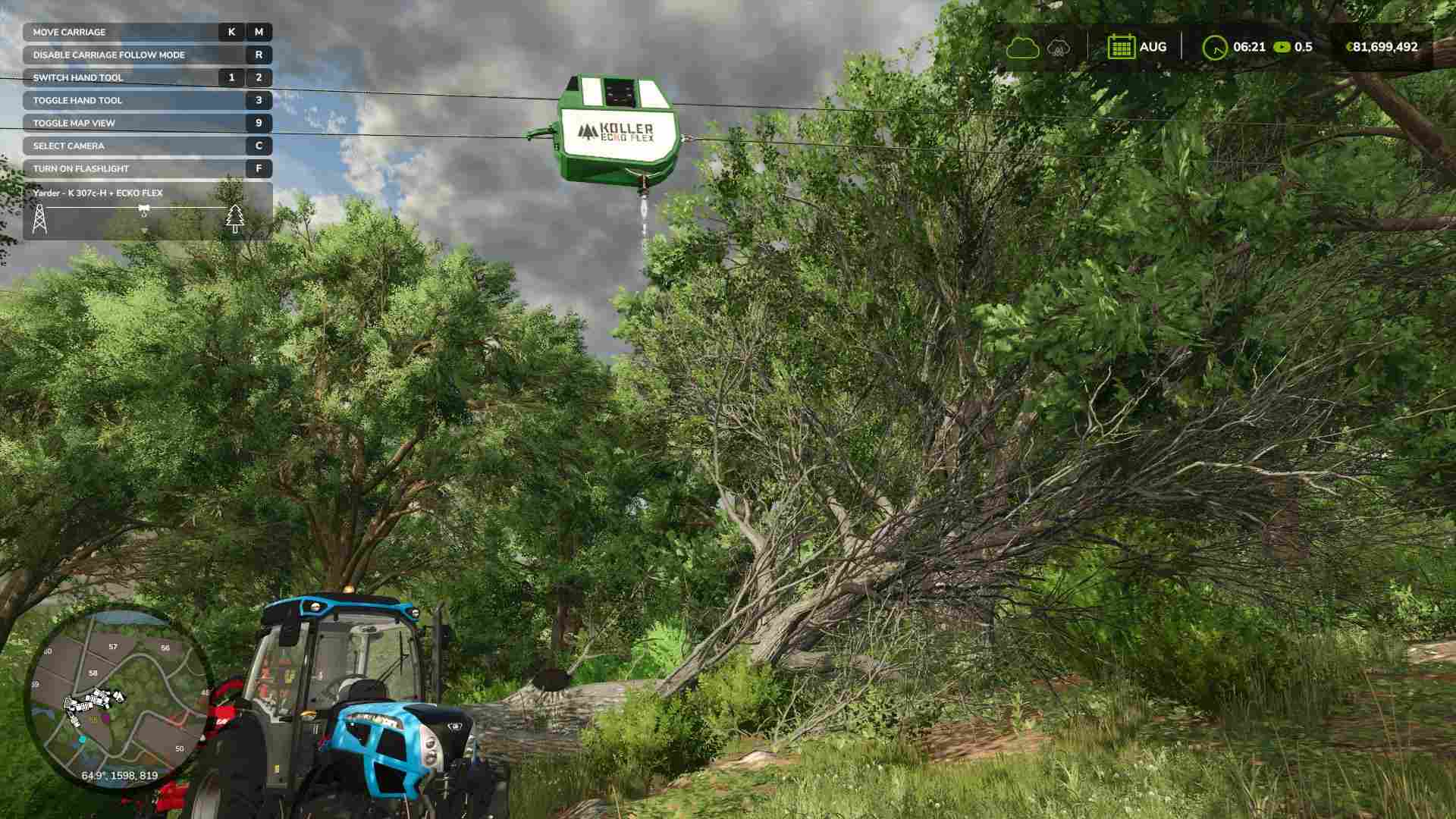
Step 3: Cutting and Attaching Logs to the Carriage
Use your chainsaw or harvester to cut down trees, then bring the cut logs close to the carriage. Grab the yarder’s hook and attach it to a log by pressing the button shown.
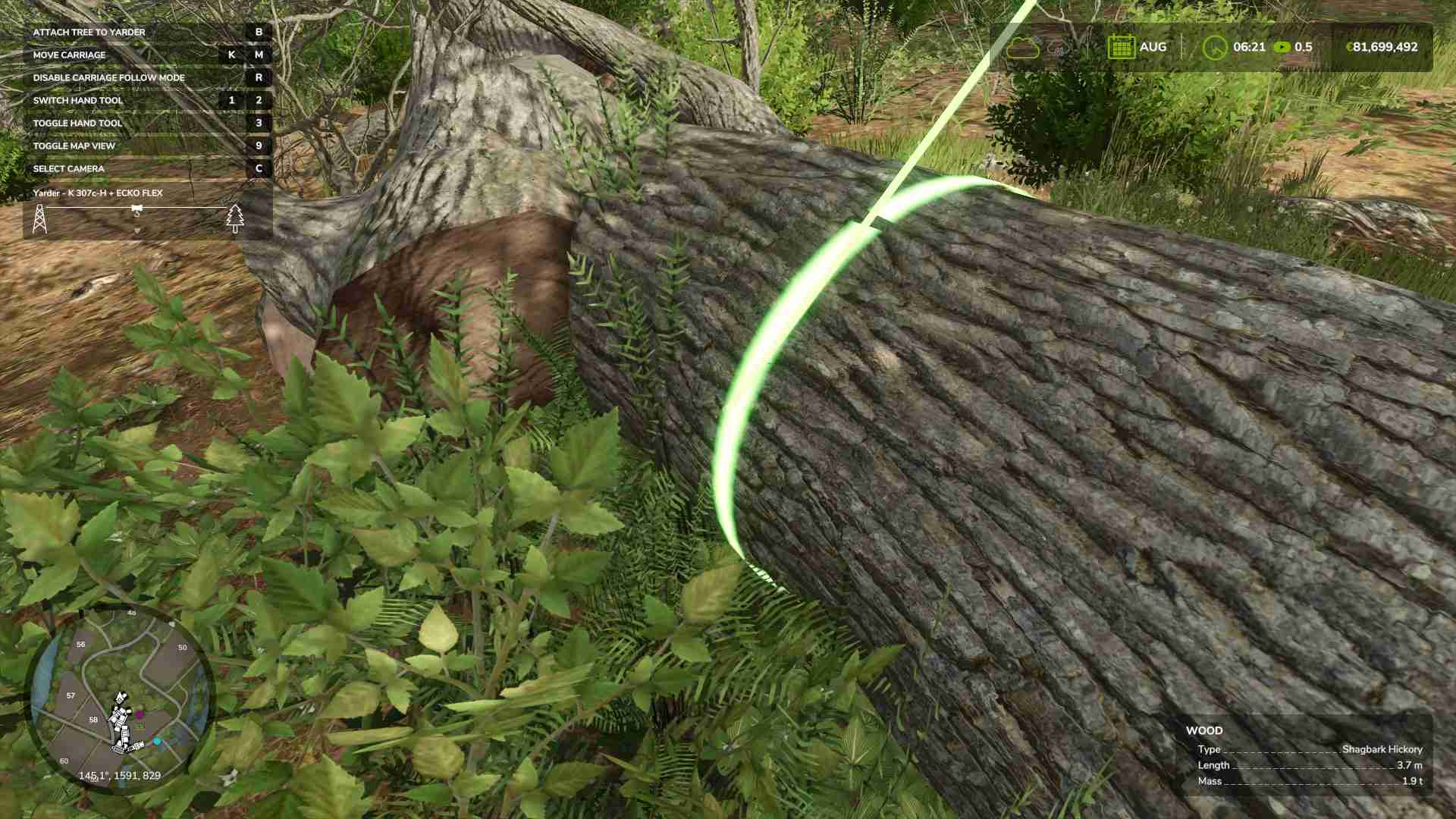
You can attach up to four logs, depending on their combined weight. Each yarder has a maximum load—1.5 tons for the K-300-T and 3 tons for the K 307c-H—so stay within the weight limits for smooth hauling.
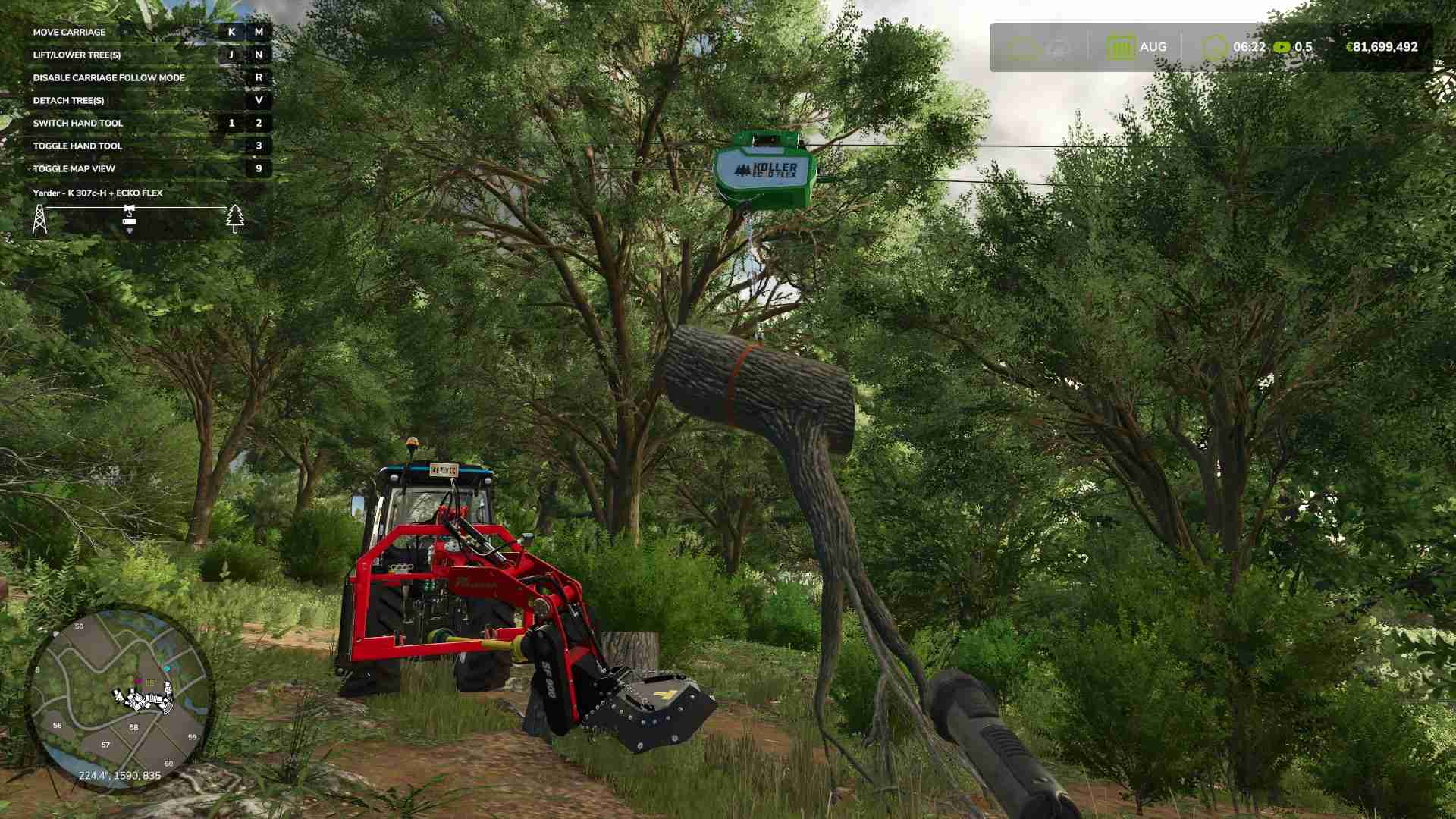
Step 4: Haul Logs to the Collection Point
Once your logs are attached, you can lift them up with the J key and start hauling them toward the collection point. If you’re moving uphill or downhill, watch the logs to ensure they’re hanging freely and not snagging. You can send the carriage directly to the collection point or make it follow you along a designated path if you’re moving around on foot.
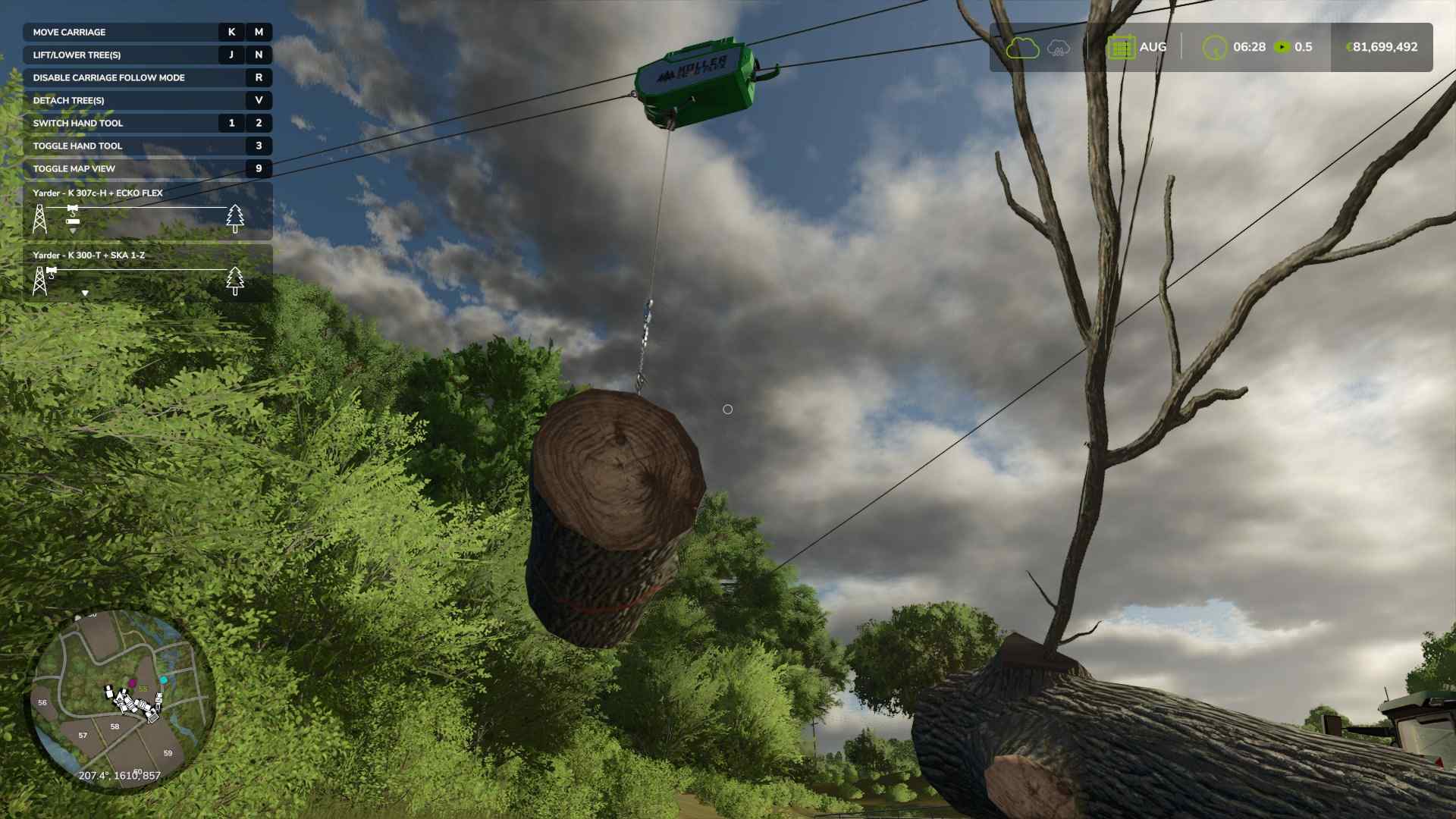
Step 5: Detach Logs at the Collection Point
At the collection point, press V to detach the logs from the carriage. The logs will drop, and from there, you’re ready to load them onto trailers, cut them further, or stack them for chipping. Repeat the process as needed to keep logs flowing smoothly out of the forest and into your collection area.
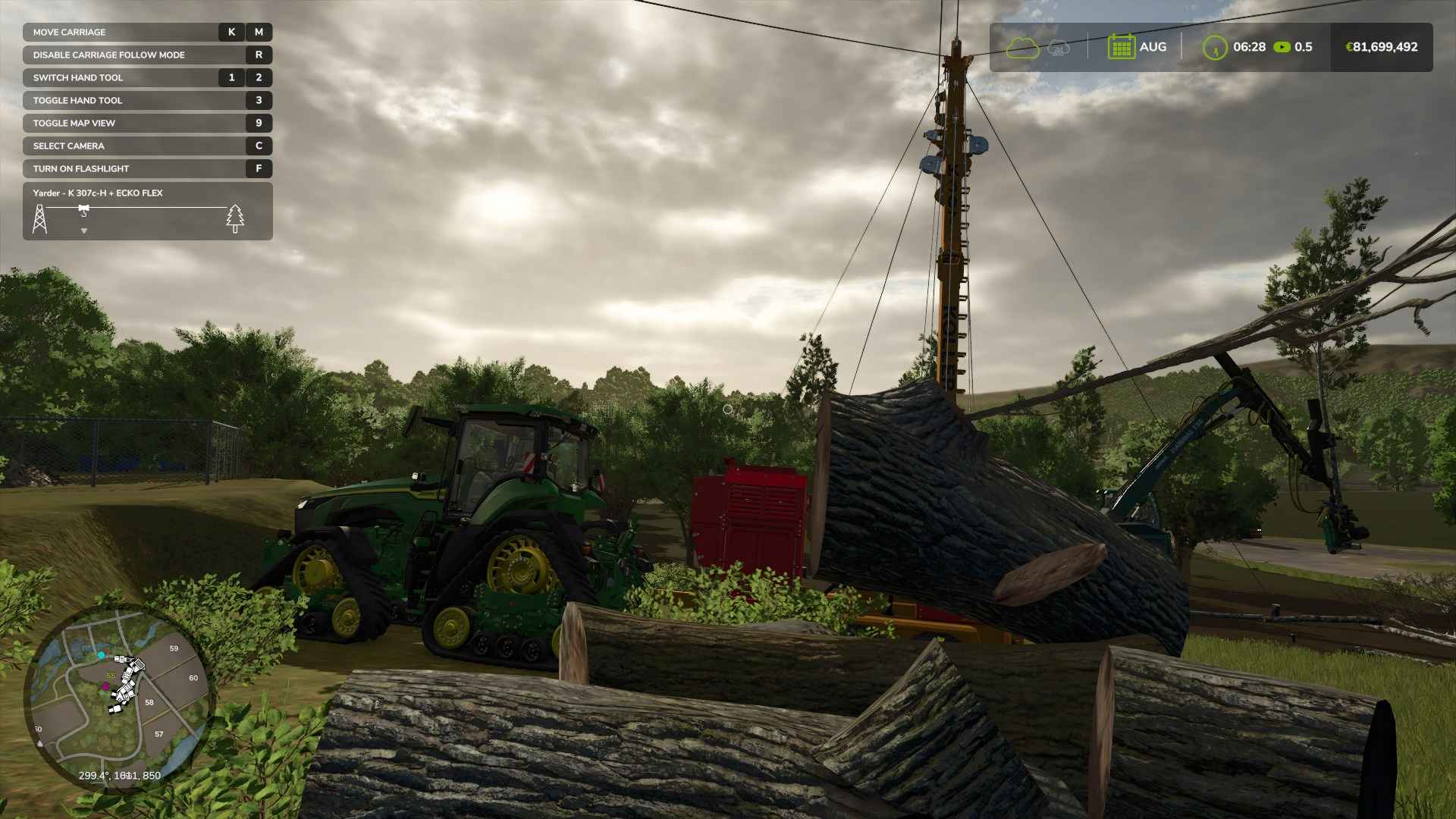
With the right yarder and a bit of practice, you’ll master the art of moving logs over long distances, up hills, and out of dense forests. Try out both models, find the setup that works best for your land, and start transforming your logging workflow today!