
How to Use Turrets in 7 Days to Die Update 1.0
Ready to level up your defense game in 7 Days to Die Update 1.0? Turrets are your new best friends when it comes to protecting your base from the undead horde. In this guide, we’re diving into everything you need to know to get those turrets up and running like a pro. Let’s break it down!
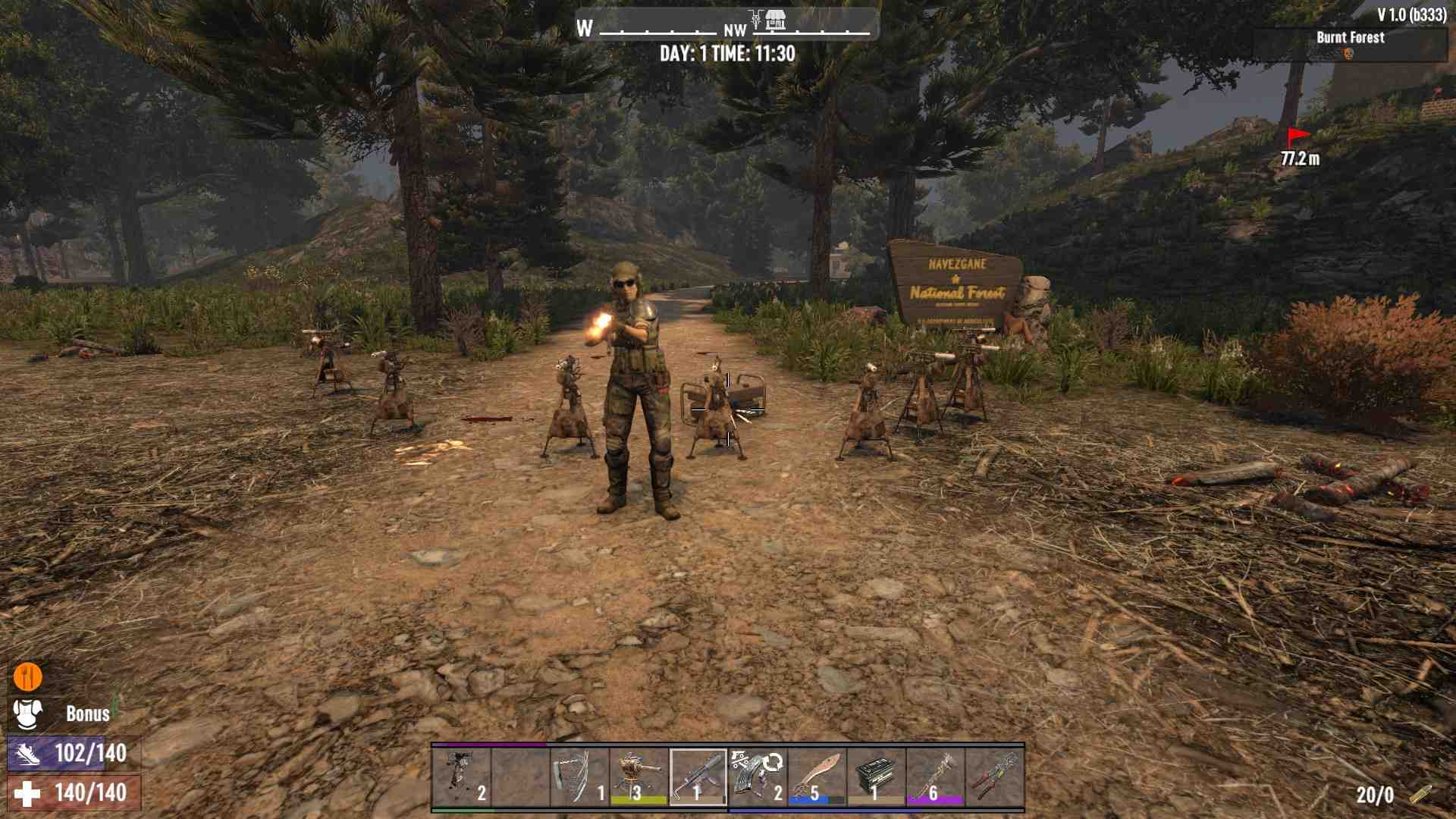
Getting Started with Power
Before you even think about placing turrets, you need a solid power source. The generator bank is a fantastic choice for this job. To get it rolling, simply right-click to place it down.
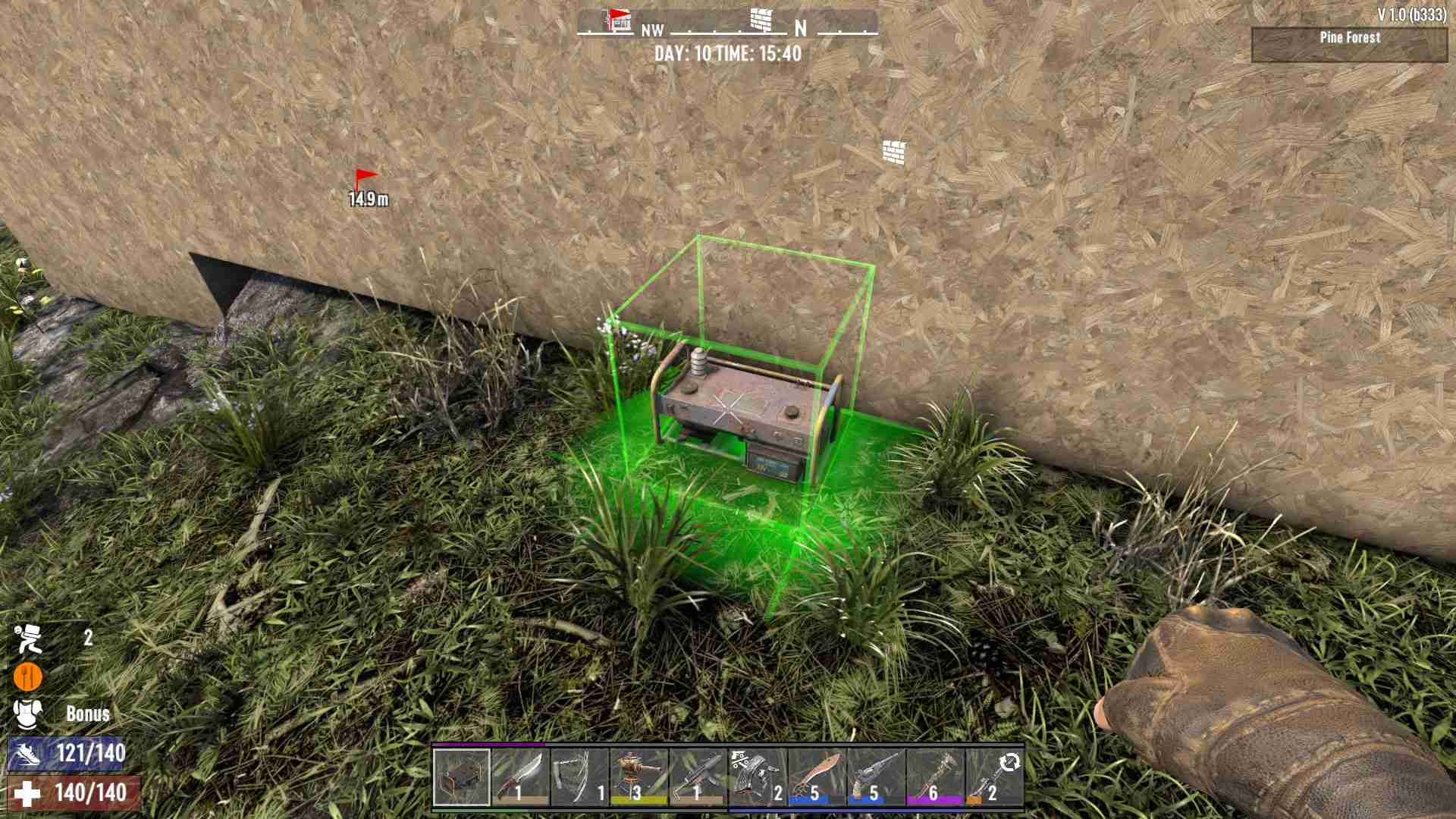
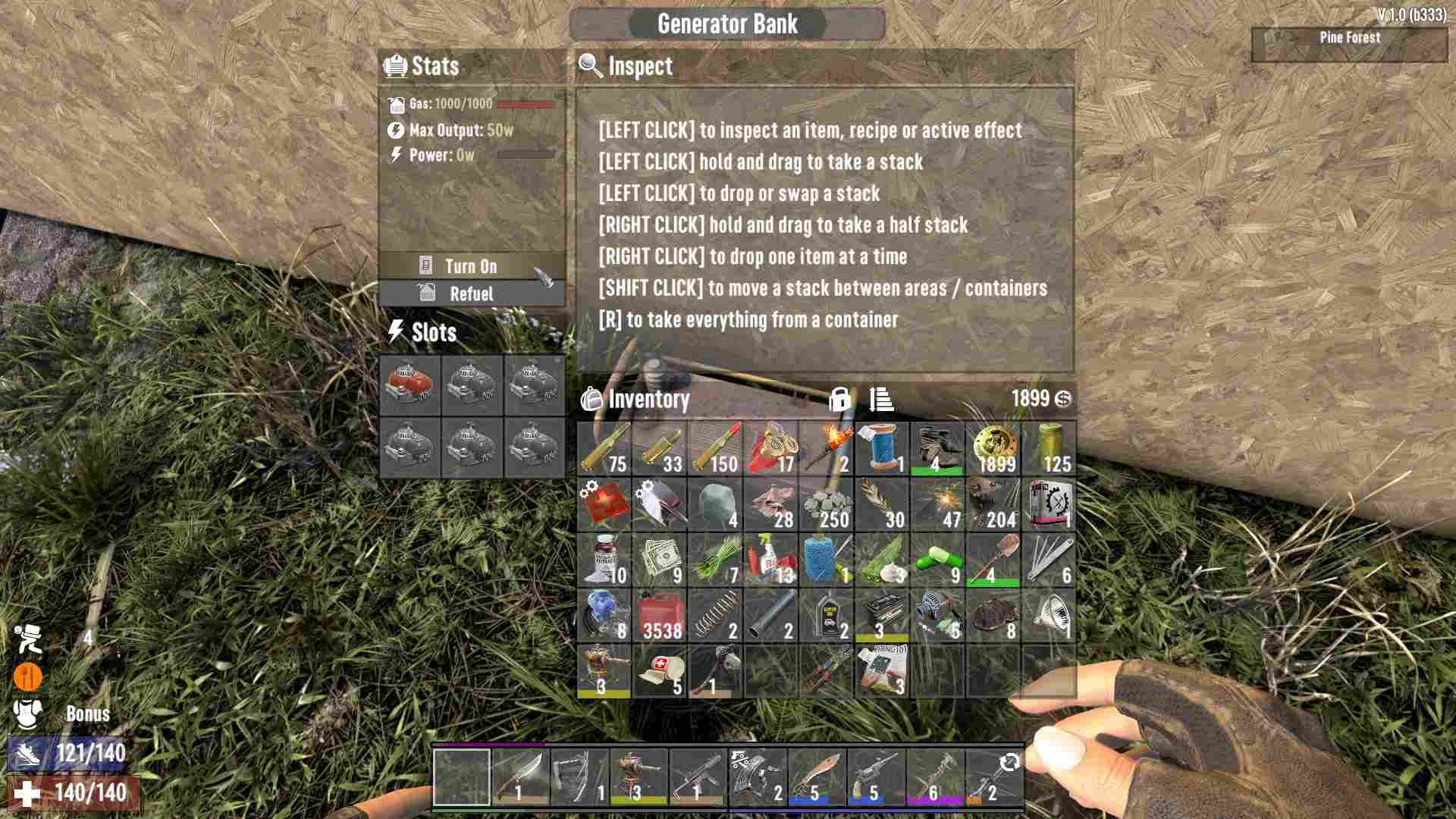
Pop your engines into the generator bank and make sure it’s fueled up with gas. Don’t forget to turn it on! Without power, your turrets won’t do squat.
Choosing Your Turret
In Update 1.0, you’ve got two main turret options to choose from: the SMG Turret and the Shotgun Turret. The SMG Turret fires 9mm ammo and is great for a rapid, automatic defense.
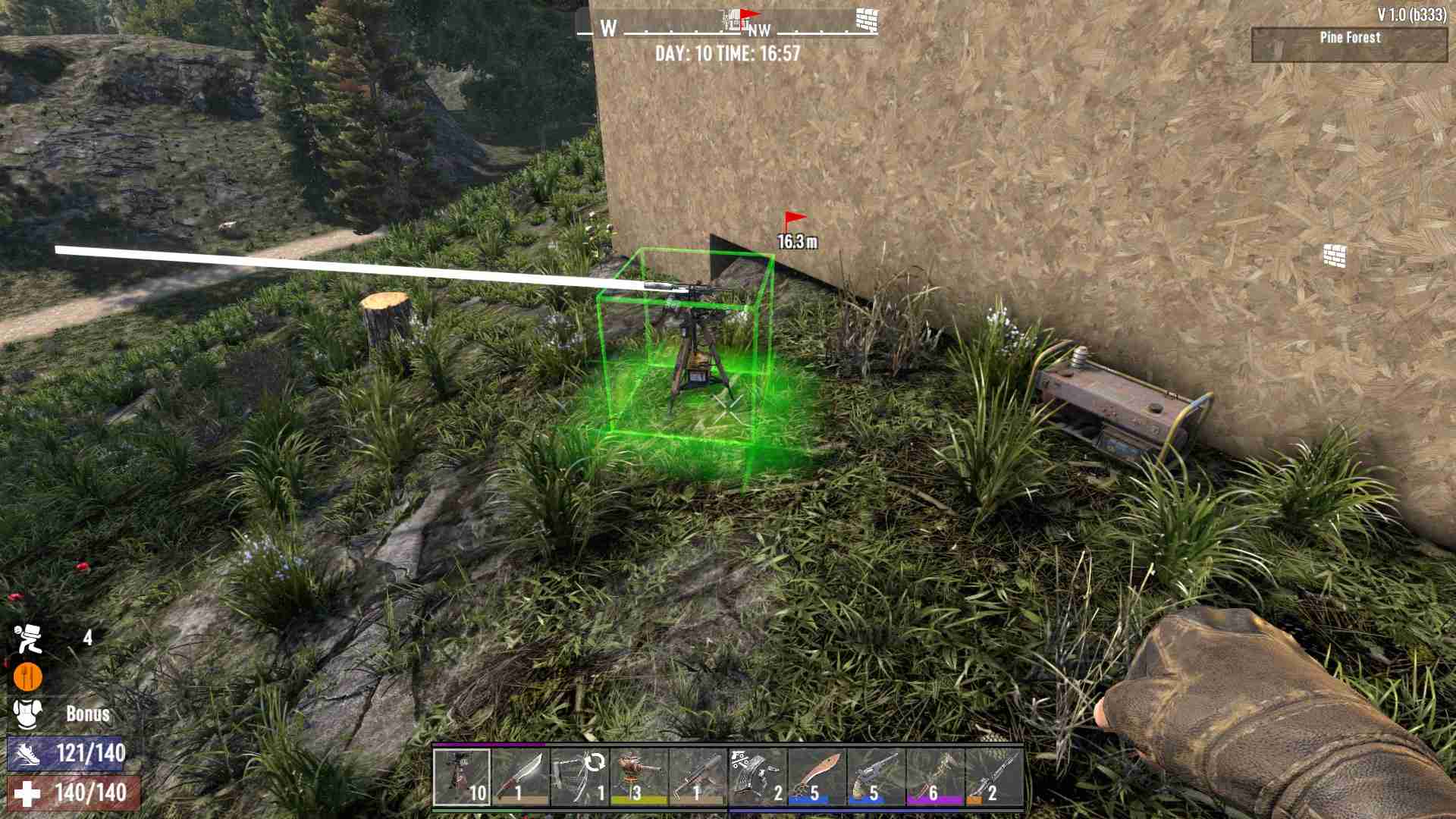
The Shotgun Turret, on the other hand, blasts shotgun shells for that close-range punch. Both are awesome, but which one fits your needs?
Setting Up Your Turret
1. Refill and Lock: Press ‘E’ to interact with your turret. Load it up with the appropriate ammo and make sure to lock it. If you skip locking, your turret won’t fire at all.
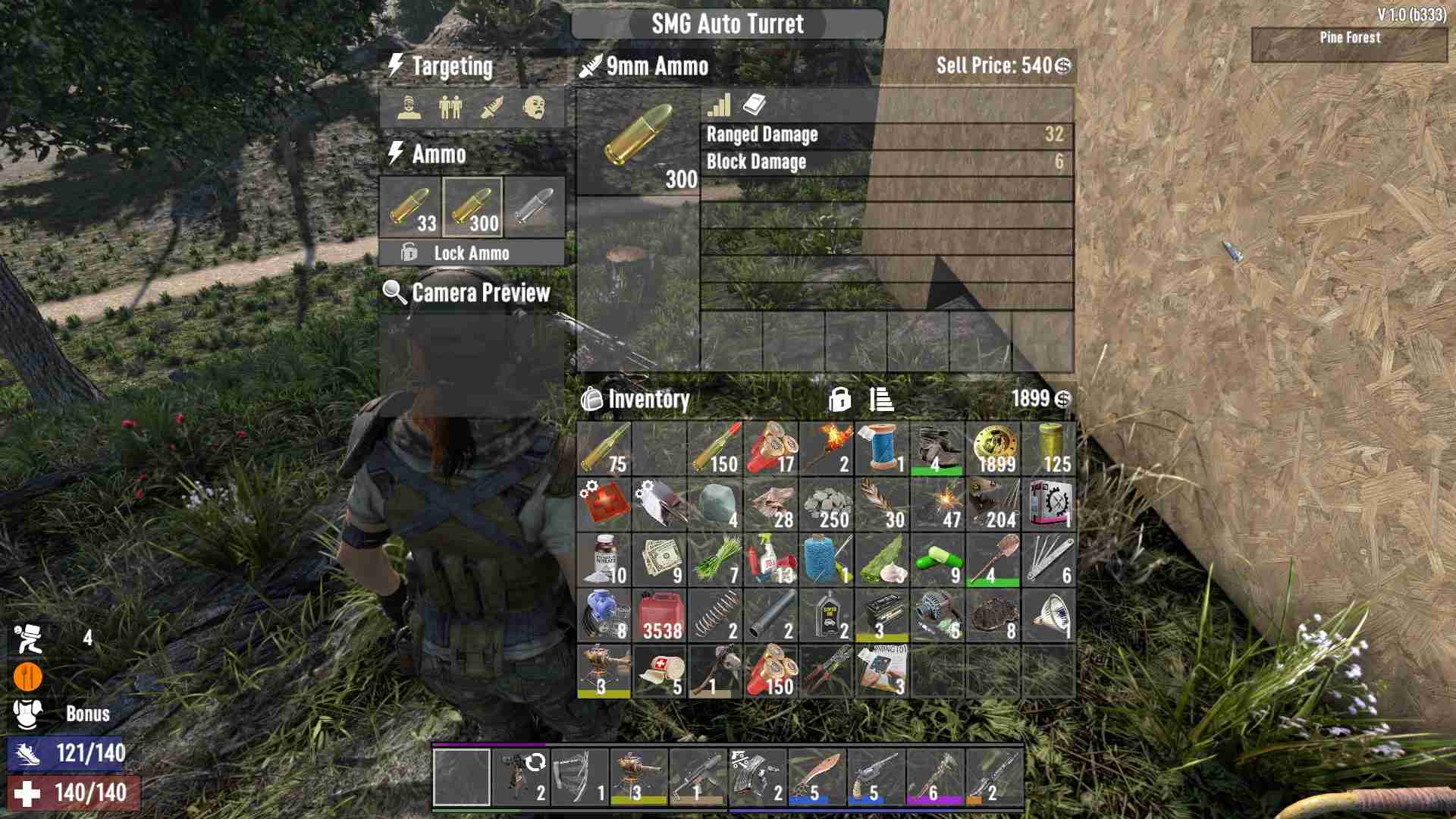
2. Targeting Options: Customize your turret’s targeting to fit your defense strategy. You can set it to target yourself, allies, strangers, or zombies. For a zombie apocalypse, make sure the ‘Target Zombies’ box is checked.
3. Camera Preview: To adjust your turret’s aim, you need to power it. Right-click the generator bank and then use your wiring tool to connect it to the turret.
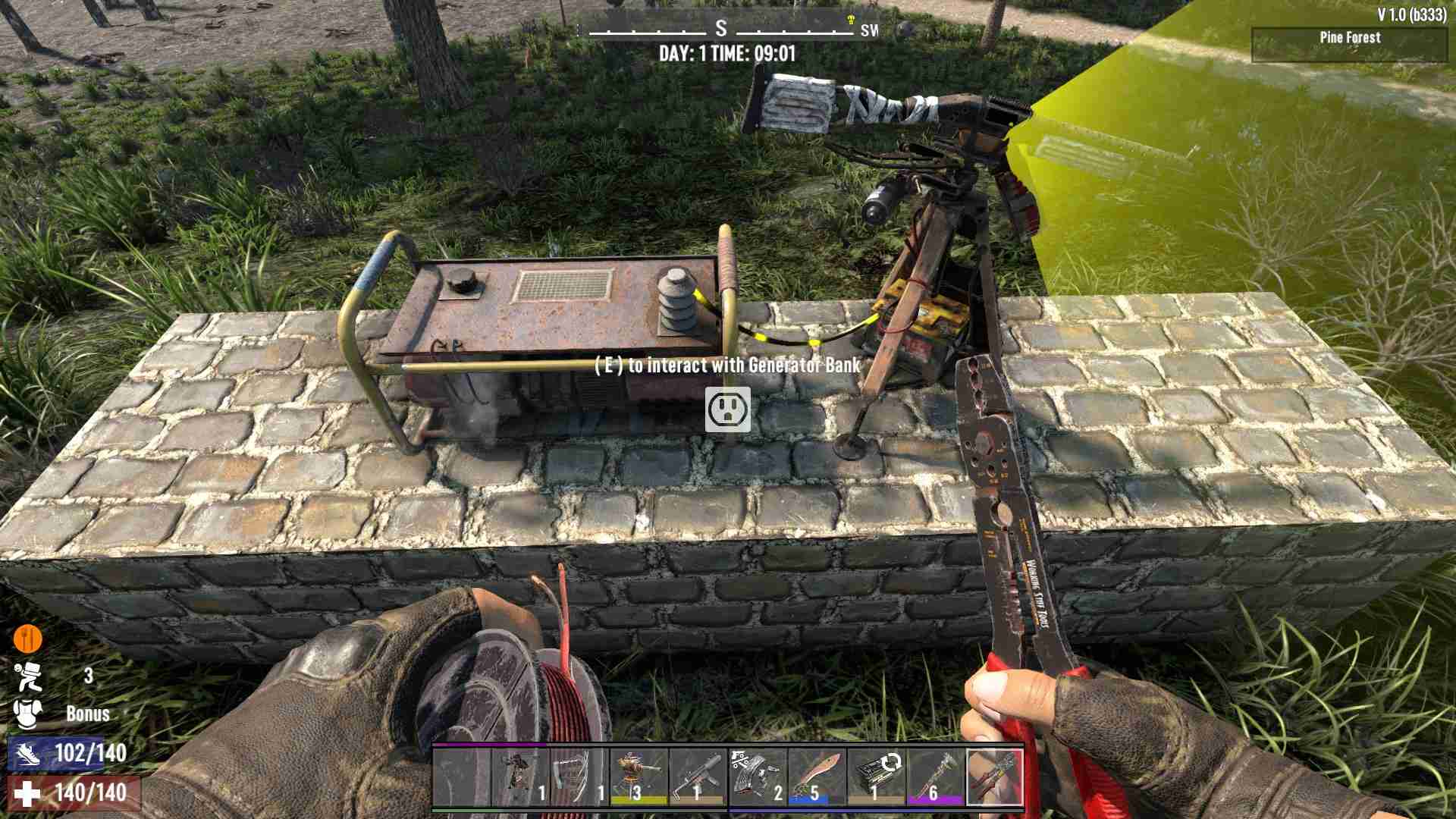
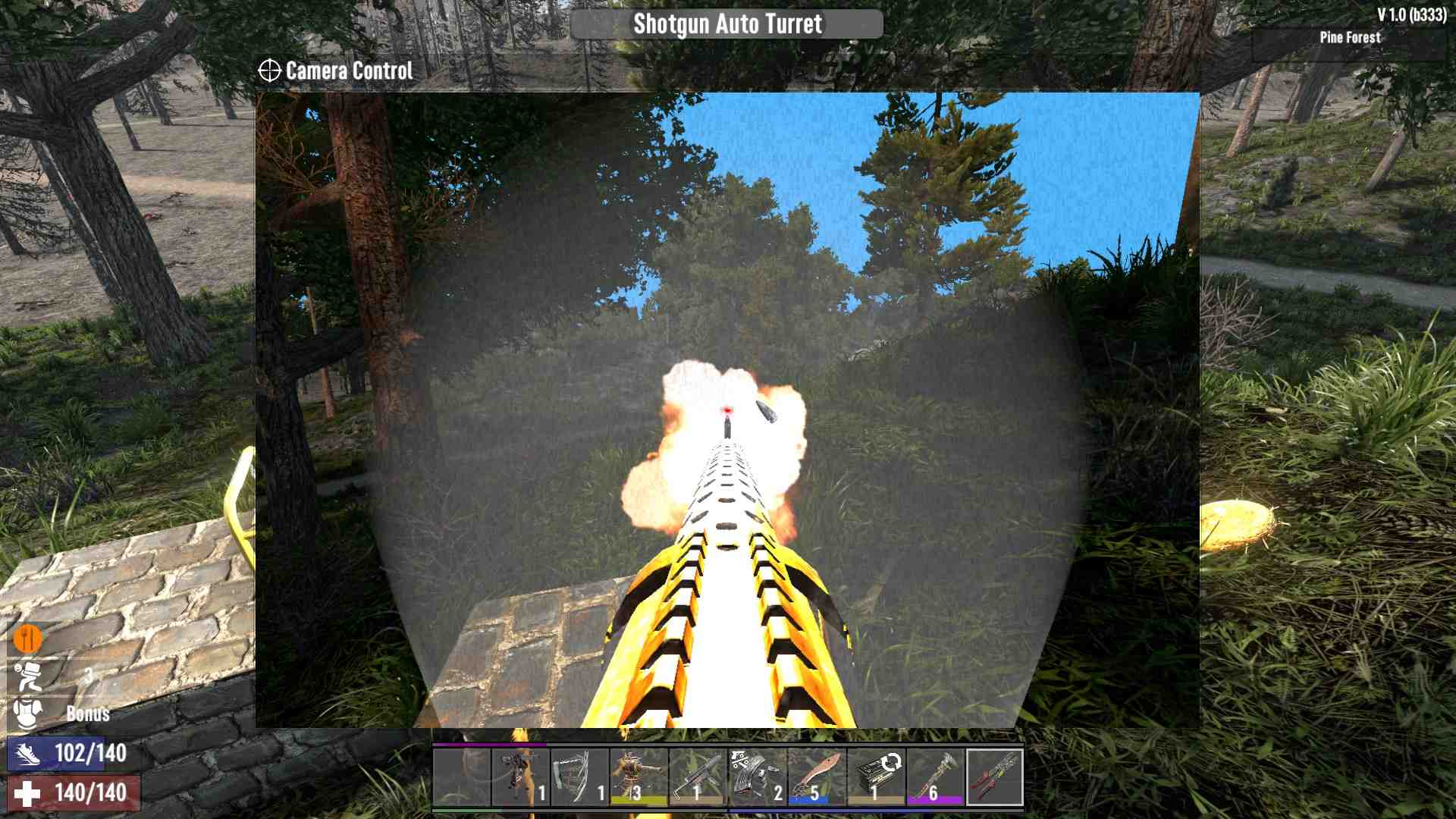
Once connected, press ‘E’ to access the turret’s menu, click on the camera preview, and adjust the aim as needed. You’ll see a cone showing where the turret will fire. Adjust until you’re satisfied.
Optimizing Power Usage
Turrets can be a bit of a power hog, each requiring 15 watts to operate. To make things more efficient, consider using a motion sensor. The motion sensor only uses 5 watts and can activate multiple turrets when zombies are detected. To set this up, connect your power source to the motion sensor first. Then, from the motion sensor, wire up your turrets. Adjust the motion sensor’s duration to around 10 seconds and set it to detect zombies. This way, you save on power while ensuring your base is well defended.
And that’s it! With these tips, you’re all set to deploy turrets like a master in 7 Days to Die Update 1.0. Get your generator bank humming, pick your turret, set up the power and targeting, and optimize with a motion sensor to keep those pesky zombies at bay. Remember, a well-placed turret could be the difference between surviving the night and a base full of zombies. So gear up, get building, and make your base impenetrable!