
How to use Scoreboard in Minecraft
Minecraft is packed with commands that let you build more than just structures. One of the most underrated tools is the scoreboard system. It lets you track numbers, detect sequences, count deaths, or even control puzzle mechanics. In this guide, we'll focus on the most essential and flexible type: dummy objectives. These are perfect for manual control through redstone and command blocks.
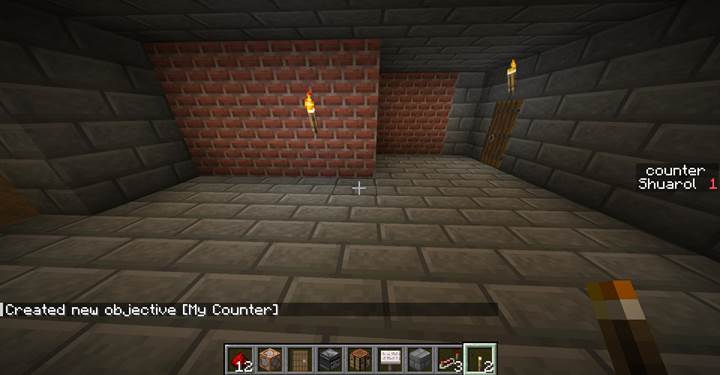
Creating a dummy objective
To start using scoreboard, you need to define an objective. Think of this as a counter or variable. Use this command to create it:
This creates a new scoreboard objective named myCounter with the display name "My Counter". The dummy type means only commands can change its value, giving you full control.
You won't see anything until you tell Minecraft where to show it. Use this to show it on the side of the screen:
/scoreboard objectives setdisplay sidebar myCounter
Now whenever the value changes, you’ll see it in the sidebar. You can also use "belowName" or "list" slots.
Changing values manually
You can set, add, or subtract values manually. Here's how:
/scoreboard players set @p myCounter 0
/scoreboard players add @p myCounter 1
/scoreboard players remove @p myCounter 1
This is useful for buttons, pressure plates, or command chains where each action changes a score.
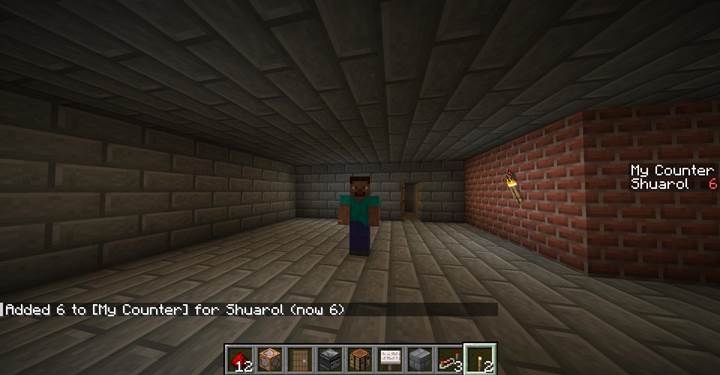
If you want to reset a player’s score, use:
/scoreboard players reset @p myCounter
To remove the objective completely:
/scoreboard objectives remove myCounter
Be careful - this erases all associated data.
Checking scores in logic
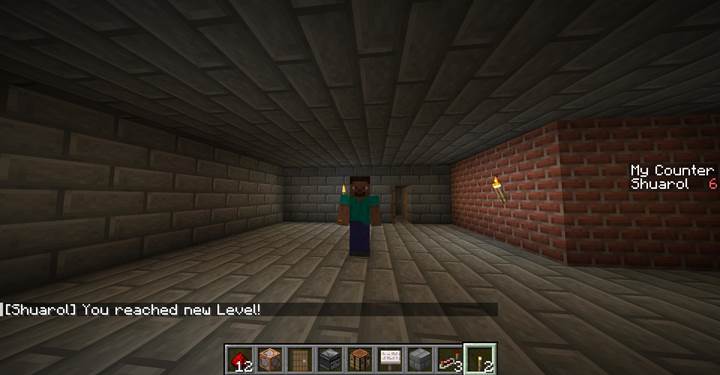
You can execute commands only if a player’s score matches a condition:
/execute as @p if score @p myCounter matches 6 run say You reached new Level!
Using selectors with scores
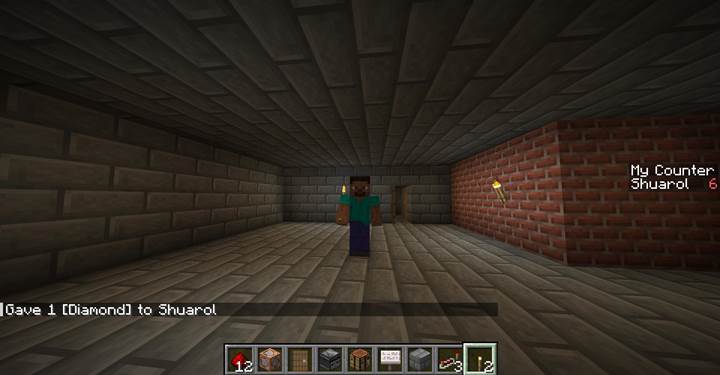
Want to detect only players who scored at least 5?
/execute as @a[scores={myCounter=5..}] run give @s minecraft:diamond
This adds rewards, access control, or dialogue choices depending on player progress.
Fake players for global values
Scoreboards aren't just for players. You can use fake names to store shared values:
/scoreboard players set GlobalTimer myCounter 10
Then count down or reference this value across your game logic.
Pair scoreboards with repeaters and chain command blocks to control timing. For example, a signal loop that increases a score every 2 seconds until it hits a limit.
Puzzle example with sequence
Let’s say the player must hit four buttons in the correct order. Each button adds a value to a shared score. If the order is wrong, the score resets. When the score reaches 4, a door opens:
1. Each button: /execute if score @p myCounter matches 0 run scoreboard players set @p myCounter 1 (and so on)
2. Wrong order: /execute unless score @p myCounter matches 1 run scoreboard players set @p myCounter 0
3. Final check: /execute if score @p myCounter matches 4 run setblock ~ ~ ~ minecraft:iron_door[facing=east,open=true]
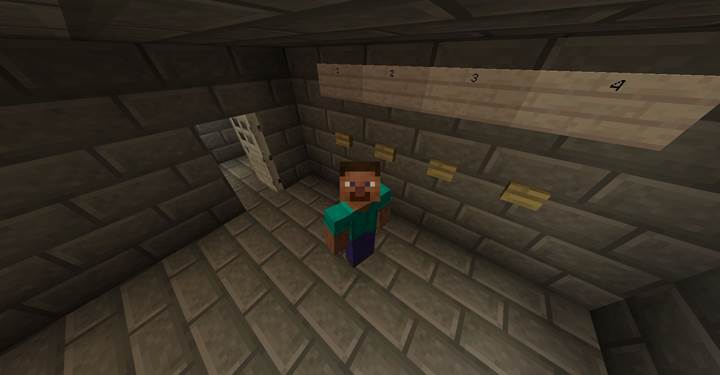
Building step-by-step combo and race puzzles
Using the scoreboard system, you can build logic puzzles that require players to interact with levers, plates, or buttons in the right sequence. These aren’t just redstone toys - they’re proper game mechanics that track progress and allow for branching outcomes. Let’s walk through two examples that work great in puzzle maps or custom dungeons.
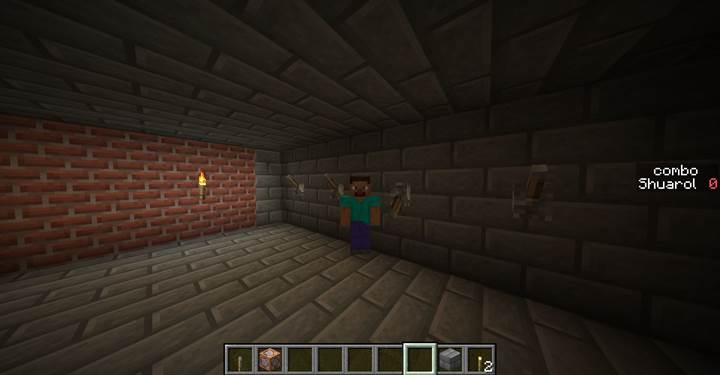
The first one is a step-by-step lever combination puzzle. We have a wall with four levers, each controlling part of a sequence. The player must activate them in a specific order: for example, 1 → 3 → 2 → 4. We’ll use a dummy scoreboard objective called “combo” that stores the current step. If the player pulls the right lever at the right moment, we increase the score. If they get it wrong, we reset it to zero. This is how you set it up:
First, create the objective:
/scoreboard objectives add combo dummy
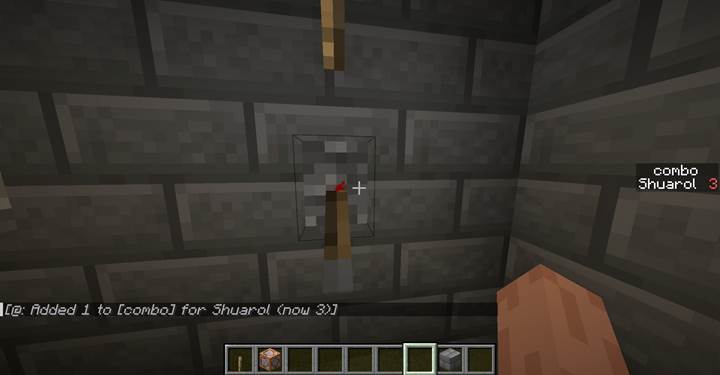
Then, connect each lever to a command block chain. Each chain should start with a conditional command block like this (example for step 1):
/execute if score @p combo matches 0 run scoreboard players set @p combo 1
Wrong lever pulls should trigger:
/scoreboard players set @p combo 0
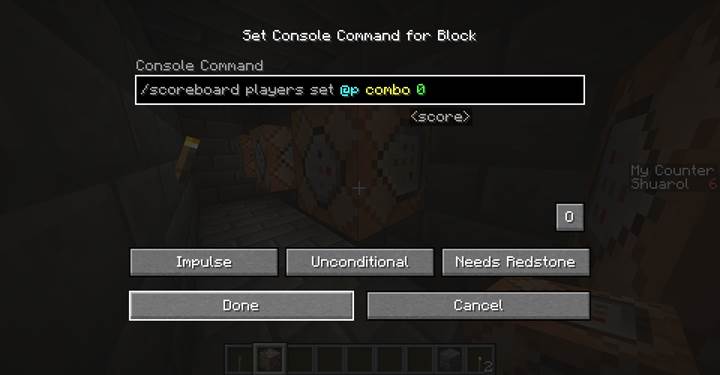
When the player reaches the final score (like 4), use:
/execute if score @p combo matches 4 run say Puzzle solved!
You can replace say with unlocking a door, playing a sound, or triggering another event. The trick here is using the score to track correct timing - each step must be done in the proper order.
Now, you can build memory systems, combo inputs, RPG stats, or interactive games with dummy objectives alone. Later, we’ll also realize complex puzzles in Minecraft to master this command, which opens the door to endless mechanics for maps and servers.