
How to use redstone with shelves for hotbar swapping in Minecraft The Copper Age
The Copper Age update introduces one of Minecraft’s most elegant storage mechanics yet - the shelf. On the surface, it’s a decorative wall-mounted container for three item stacks. But when powered by redstone, it transforms into a programmable hotbar interface capable of instant inventory swaps. This innovation bridges traditional storage with automation, giving players a fast, reliable way to change entire toolsets on command. From armory walls to industrial stations, the shelf’s redstone interactivity redefines inventory control within Minecraft’s creative and survival architectures.
Build the foundation of power
A shelf becomes a redstone-enabled component as soon as it receives an active signal from any adjacent source - a torch, lever, pressure plate, redstone block, or dust line. Unlike most redstone-responsive blocks, its powered state is fully visualized: the three dividing lines that separate stored items disappear, signaling that it is now in synchronized mode. This immediate feedback helps builders maintain precision in complex redstone environments, ensuring that loadout systems activate only when intended.
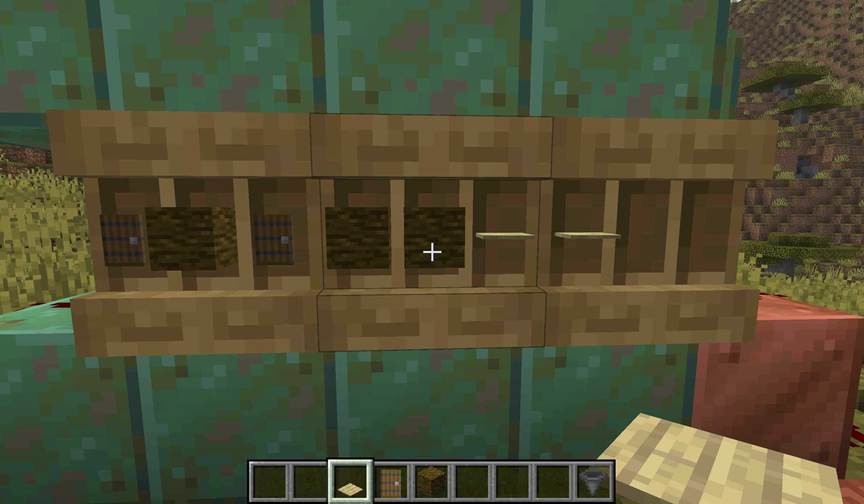
When powered, the shelf’s interaction model changes entirely. Instead of manipulating items one slot at a time, the block now functions as a bundled interface linked directly to the player’s hotbar. Interacting with a single powered shelf swaps the three rightmost hotbar slots with the shelf’s three stored stacks, mirroring inventory contents between player and structure. This process is instantaneous and reversible, operating without delay or animation. It’s an elegant reimagining of Minecraft’s UI interactions through physical world mechanics - tangible, visible, and redstone-driven.
Connect shelves to expand capacity
The shelf’s most advanced feature emerges when multiple powered units are placed in sequence. Up to three shelves can connect horizontally, forming a modular system capable of managing an entire hotbar. The connection hierarchy always favors the leftmost block, ensuring predictable signal flow and interaction order. When a player interacts with any of the connected shelves, all active units in the chain engage simultaneously, performing a full nine-slot swap. This means a single click can replace mining tools with building materials, combat gear, or exploration essentials.
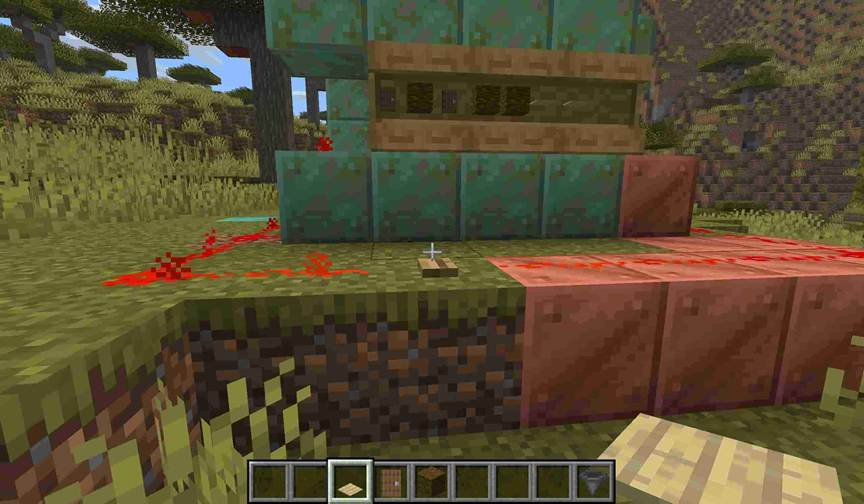
The connection mechanic extends beyond convenience - it introduces a new dimension of modular redstone design. Players can wire separate shelf clusters to independent switches, allowing for thematic loadouts tied to different scenarios. A lever might activate a “Builder’s Wall,” while a pressure plate could trigger a “Combat Station.” Each arrangement can share redstone channels, synchronize with command blocks, or integrate into broader automation systems that handle hoppers, droppers, and comparators. In technical builds, shelves function as both inventory nodes and responsive inputs, combining storage with reactive behavior.
Design efficient power systems
A constant power source such as a redstone block or torch ensures permanent readiness, ideal for static armory installations. Conversely, a lever or button introduces manual toggling, granting direct control over when shelves can be accessed. The cleanest approach for automation is pressure-based activation, such as a pressure plate positioned before a shelf wall, enabling seamless hotbar swapping as players pass through.
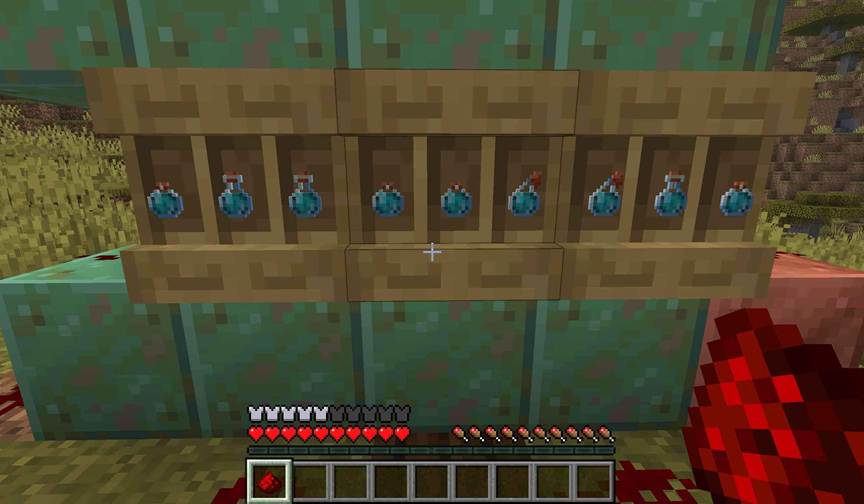
However, managing shared signals demands careful planning. Shelves adjacent to hoppers or comparators may experience interference if all components share a single redstone line. To avoid feedback loops, builders isolate circuits using repeaters or directional wiring, separating activation signals from inventory automation. This division is critical in loadout stations that also handle item refilling, ensuring that redstone flow remains one-directional and consistent. The Copper Age’s shelves, unlike legacy containers, thus encourage a hybrid design mindset - part storage engineering, part circuit logic.
Calibrate redstone feedback
Beyond power activation, shelves generate their own measurable redstone output when linked to comparators. Each of the three internal slots contributes a distinct signal strength: one for the left slot, two for the middle, and four for the right. When multiple slots are occupied, their values combine to produce outputs from one to seven, creating a compact, binary-coded system. This allows shelves to function as precise logic inputs within larger redstone contraptions - from selective dispensers to access-locked rooms.
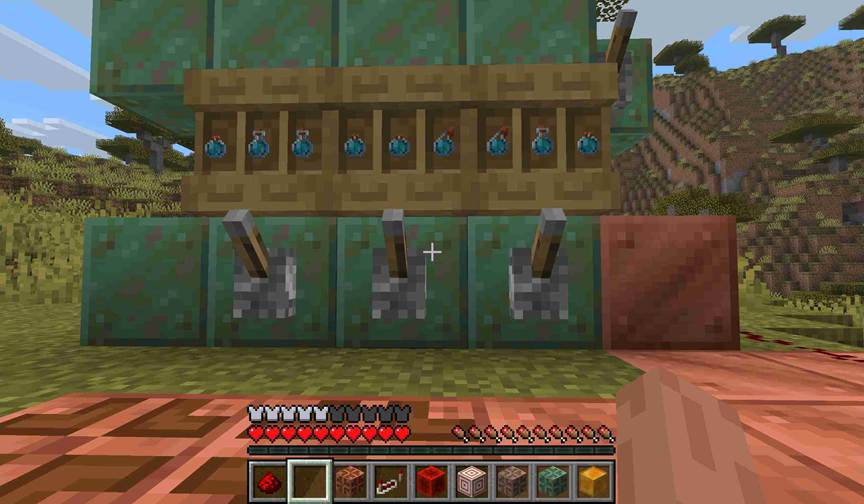
Because the comparator system mirrors the shelf’s visible layout, it enables intuitive debugging and real-time monitoring. Builders can design panels that visually track which items are present or even trigger automated refills when a slot is empty. In multiplayer survival bases, comparator-linked shelves can double as state indicators, lighting up when players take key resources. The ability to encode data visually and functionally in a single block continues Minecraft’s tradition of turning simple storage into programmable design.
Automate complete loadouts
When powered shelves are combined with hoppers and droppers, they evolve from static storage into fully automated equipment stations. Hoppers beneath shelves extract items sequentially from left to right, while those facing into shelves insert items in the same order. This consistency supports cyclic loadout systems where players can store, swap, and restock tools in automated loops. With properly isolated circuits, it’s possible to maintain multiple shelf arrays, each configured for a different gameplay context - mining expeditions, Nether travel, or PvP readiness - all accessible through a single redstone trigger.
The shelf’s redstone functionality exemplifies the Copper Age’s broader design philosophy: integrating automation into everyday gameplay without complexity. Its ability to merge aesthetic presentation, inventory control, and signal logic positions it as one of the most versatile blocks introduced in recent updates.