
How to use redstone torches for puzzles and permanent logic in Minecraft
Redstone torches are like quiet guardians in Minecraft. They don’t flash or click, they just stay on. They’re used as permanent power sources, keeping doors open, traps armed, or hidden systems running. Unlike buttons or levers, you don’t need to interact with them - they just work. That makes them great for supporting the world in the background, but not always great for puzzles that need quick responses or resets. This guide builds on ideas we’ve used in other command block puzzles, but it stands alone - you don’t need to read anything else. Though if you’ve followed our earlier adventures, you’ll spot how this fits into the bigger journey.
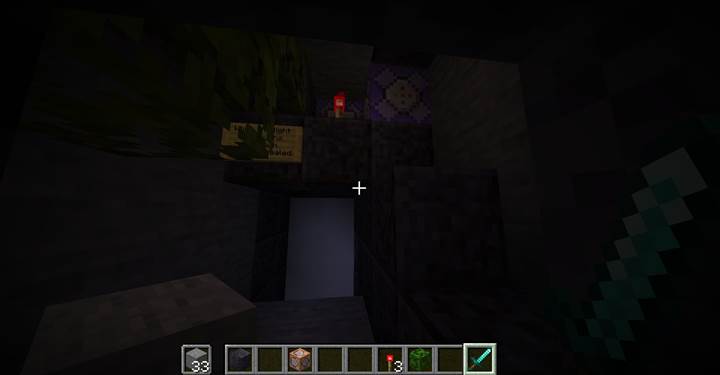
Create an unbreakable wall with constant logic
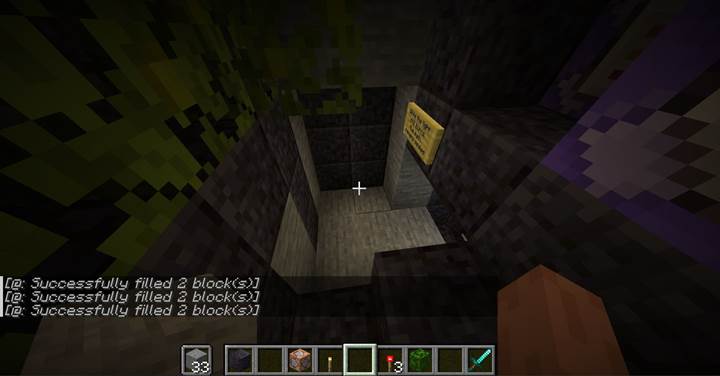
As you step through the heavy door out of the labyrinth, you’re blocked by a wall of bone blocks. You can hit them. You can break them. But the moment they’re gone, they come back. This is handled by a repeating fill command:
/fill -62 71 156 -63 75 156 minecraft:bone_block
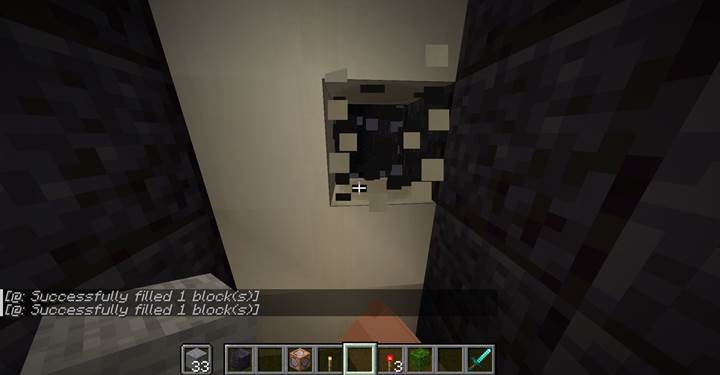
That fill runs from a command block powered by a redstone torch. As long as the torch is lit, this wall keeps rebuilding itself. Even though the blocks look normal, the logic behind them is unstoppable - until the source is gone.
One source controls opposing actions
The same torch also powers two more command blocks. One removes a part of the exit:
/fill -63 73 150 -63 74 150 air
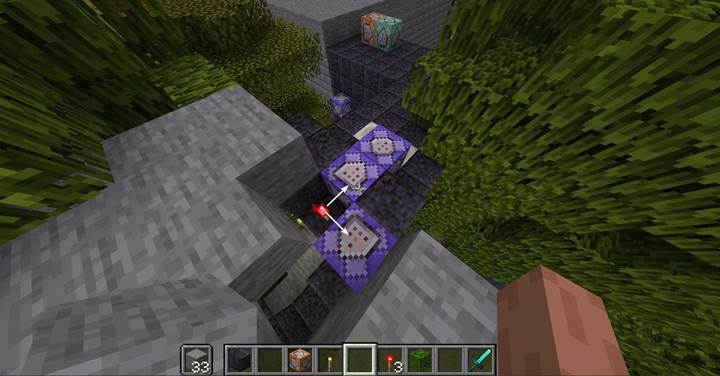
The second one is conditional:
/execute if block -63 76 153 air run fill -63 73 150 -63 74 150 stone
So while the torch is active, the first command keeps the exit open by constantly removing any block. But when the torch is gone, the second command kicks in and fills the exit with stone, sealing it permanently.
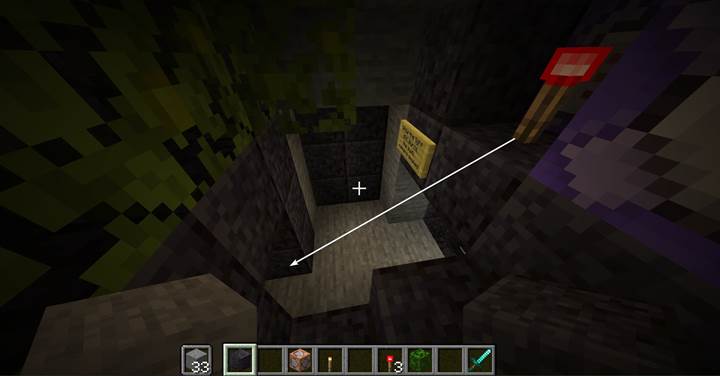
This is a moment of decision: removing the torch closes your way back, but opens the path forward. That’s how redstone torches let you shift the state of the world with a single action.
Build a fire barrier using repeating logic
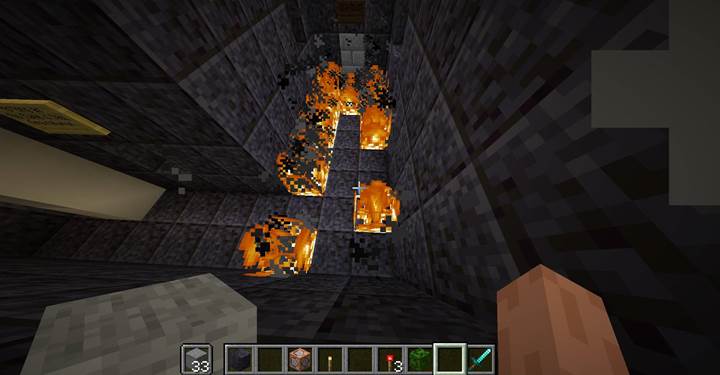
The next section is a wide hallway filled with fire. You can’t walk through it. Even if you remove the fire, it comes back almost instantly. This is handled by a single command:
/execute unless block -60 71 161 fire unless block -59 71 161 fire unless block -58 71 161 fire unless block -57 71 161 fire unless block -60 71 162 fire unless block -59 71 162 fire unless block -58 71 162 fire unless block -57 71 162 fire unless block -60 71 163 fire unless block -59 71 163 fire unless block -58 71 163 fire unless block -57 71 163 fire run fill -63 71 161 -56 71 163 fire
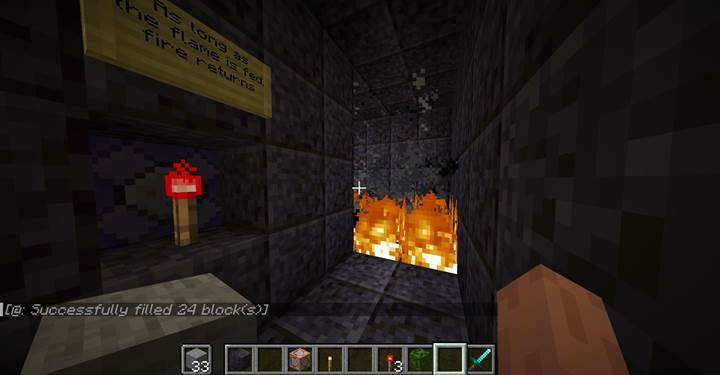
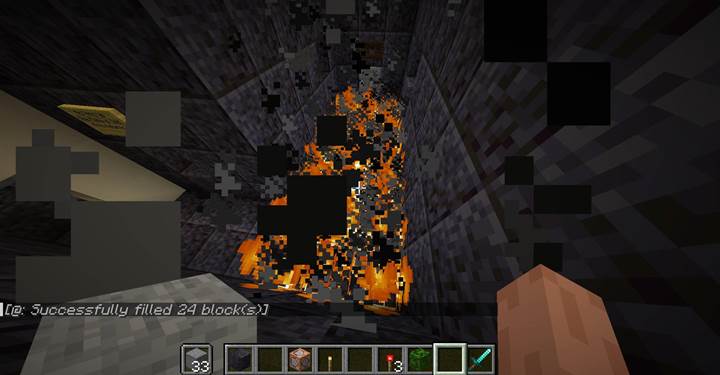
This looks messy, but it’s smart. It only spawns fire if any part of the area isn’t fire already. That saves the server from lag. If you didn’t use the unless conditions, the fire would respawn every tick, no matter what, and that’s bad news for performance. This command is also powered by the same redstone torch. So when you remove the torch, the command stops running - and the fire eventually fades, letting you pass.
if and unless in Minecraft logic
In Minecraft, if block means something must match to go ahead. unless block means it only continues if the condition is false. Multiple if or unless checks in a row are AND logic - they all must be true for the command to run. So if you use multiple unless checks, it means: "only if all these are false." If you want OR logic, like "if any of these is air," you need separate commands. That’s important to know when you design conditions.
Two torches lock a hidden wall
In the final chamber of this sequence, you find two redstone torches placed across from each other. In front of you is a block that looks like part of the wall - but it has a different texture. It’s a hidden door.
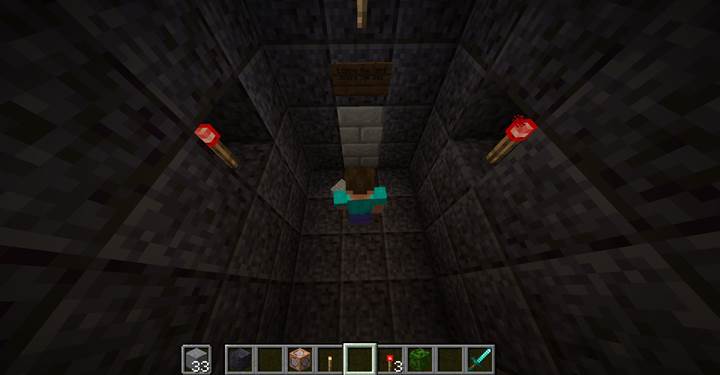
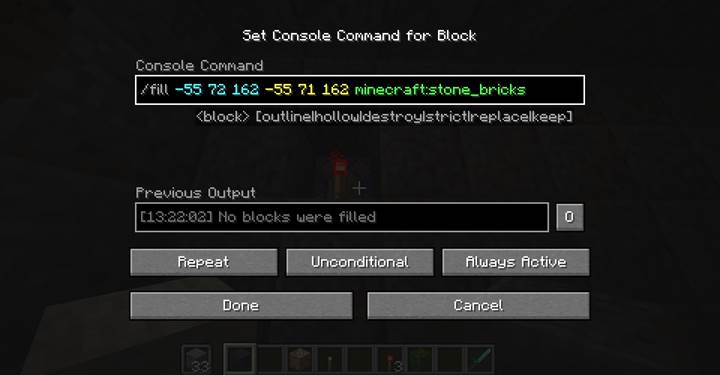
When you try to break it, it instantly rebuilds. That’s because each torch powers its own command block, both running:
/fill -55 72 162 -55 71 162 minecraft:stone_bricks
To unlock this door, you have to remove both torches. One isn’t enough. Each one is defending the same coordinates. Only when both are gone does the wall stop rebuilding - and the player can finally break through. This kind of dual condition makes for a simple but satisfying puzzle.
Other tricks and ideas for redstone torches
Instead of rebuilding walls, one torch could power a hidden trap, summon mobs, or play ambient music. You could use a torch to keep a bridge extended, or hold back falling sand until it’s removed. Torches can even control lighting or fog-like effects with particles and effects. Think of them as silent switches - they don’t ask for attention, but the moment they’re gone, everything changes.
Where redstone torches shine best
They’re great for constant logic: keeping gates open, barriers active, or traps alive. They’re not meant for toggles or puzzles where players need control. But if you want to say "this thing stays true until broken," torches are perfect. That makes them ideal for atmosphere, storytelling, and world rules that only change when someone breaks the balance. They pair perfectly with command blocks and fill logic.
Here's a basic setup idea:
[floor block] -> [redstone_torch] -> [command block] → /fill wall
When the torch is broken, the command stops running. Whatever it supported - fire, walls, open doors - fades with it.
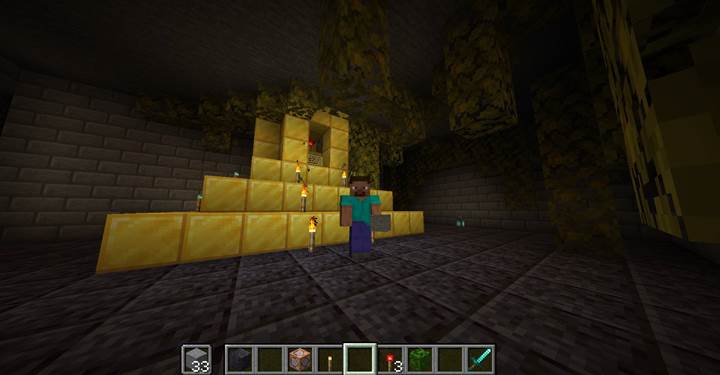
Redstone torches are underrated for adventure logic. They don’t move or flash, but they give your world memory. A wall that holds. A flame that burns. A trap that waits. They hold the world in a state—and breaking them rewrites it. Use them to create tension, one-way puzzles, and delayed consequences. These examples are just a start. Once you get used to how constant power feels, you’ll see new ways to tell stories through logic. And if you want to try it with friends, Gamever servers make it easy to share puzzles and see how other players break your world apart.