
How to use redstone blocks for puzzles in Minecraft
If you’ve ever explored puzzles with buttons, levers, or tripwire hooks, you’re already familiar with Minecraft’s adventure logic. But now it’s time to try something different - the raw, unstoppable power of redstone blocks. These aren’t switches - they’re power itself. Once placed, they emit a constant redstone signal in every direction, making them perfect for permanent activations, parallel connections, and heavy machinery. But they come with a twist - they can’t be toggled or easily moved. Once inserted, they change the world until they’re removed. In this guide, we explore how redstone blocks become keys, triggers, and pieces of ancient tech in a mysterious ruined temple.
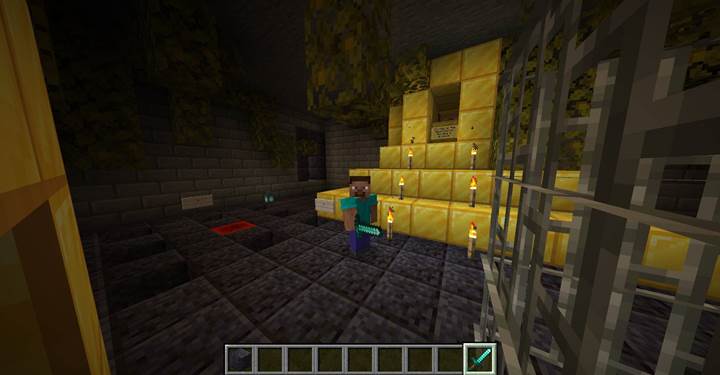
Enter the temple and retrieve the source
We pass through a narrow corridor and arrive at a dimly lit shrine. The floor reveals nine carved holes - slots. In one of them, something glows. A single redstone block. It’s sitting quietly, already powering something in the room. We take it - and suddenly, a part of the temple goes dark. The first puzzle begins.
Unlock the cage using direct power
Next to us, there’s a golden-edged slot - clearly meant to receive something. Beside it, a cage holds a lectern with a mysterious book, but it’s sealed behind iron bars. We insert the redstone block into the slot, right next to the cage.
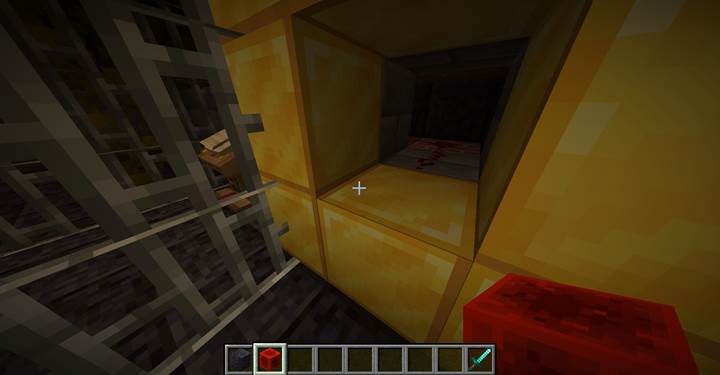
From that block, we lay a short line of redstone dust leading to a nearby command block. As soon as the power flows, the block activates:
`/fill -43 70 169 -43 71 169 air`
It removes the cage’s bars, giving us access to the book. The book hints at combinations and rewards - but says we’ll need more redstone blocks.
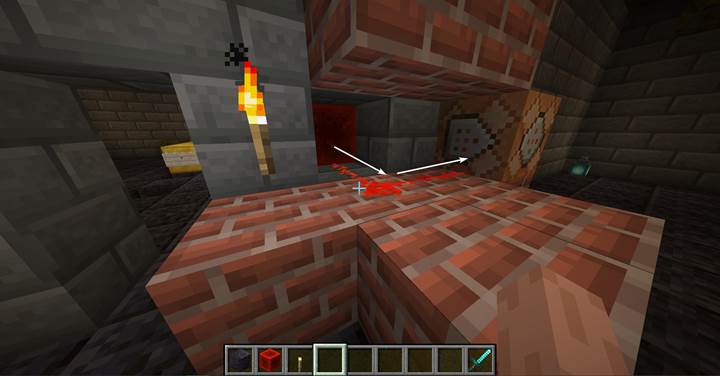
This shows how simple a power source can be: the redstone block acts immediately once placed, so there’s no delay, and the redstone dust delivers that power like a wire. In future rooms, we’ll need to manage longer paths and crossing lines, so it’s good to start with a clean layout.
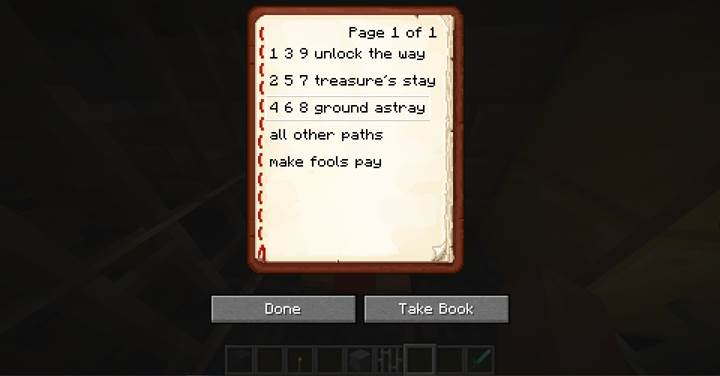
Open a hidden room with one input, multiple effects
We take the block back - we don’t need to keep powering the cage. Near the side wall, a glowing pedestal has another slot. When we insert the block here, another hidden mechanism is triggered. We connected the slot to several command blocks through redstone dust.
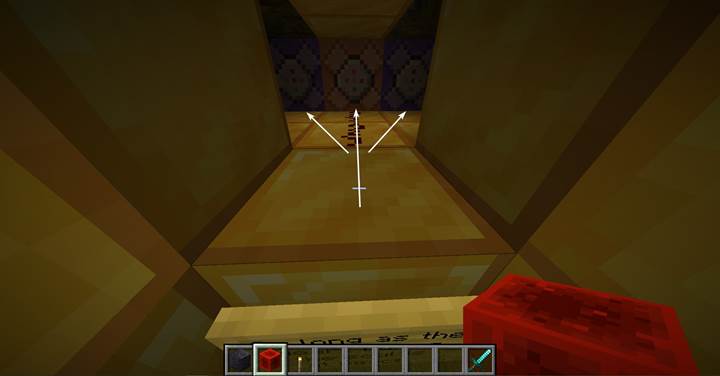
One command opens a small secret room:
`/fill -35 70 167 -35 71 167 air`
Others could add atmosphere or narrative beats:
- `/playsound minecraft:ambient.cave master @a`
- `/title @a title {"text":"A chamber opens...","color":"gold","bold":true}`
Using redstone dust as a branch allows you to split power to different effects. For example, sound, light, story triggers, or even traps. You can create tension by delaying one effect using a repeater, or light up a path just before the door opens.
Solve the slot puzzle and unlock the teleport
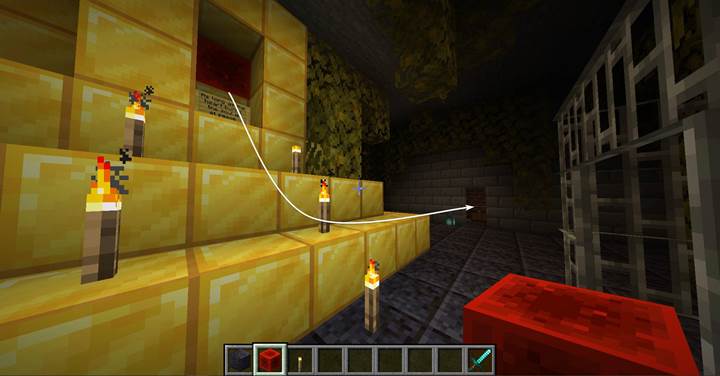
The opened room contains a chest with more redstone blocks. Now it’s time to solve the real test. The book on the lectern gave us three riddles. If we understand them, we can insert three blocks into the correct floor slots. Beneath the slots, redstone dust quietly connects them to a master logic line.
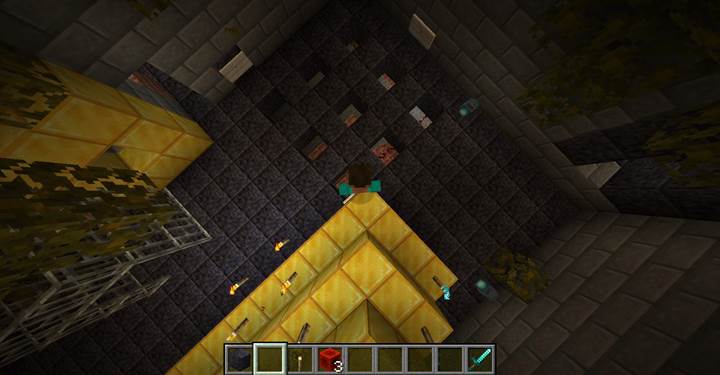
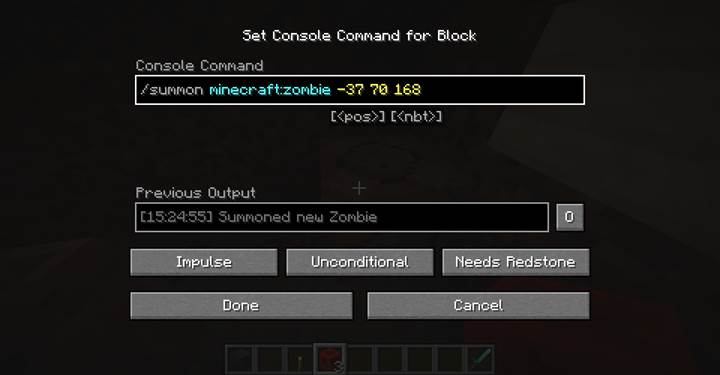
Two rows of command blocks are hidden nearby. One set is connected to “wrong” slots. If any redstone block is inserted there, they trigger punishment commands:
- `/summon minecraft:skeleton -38 70 168`
- `/summon minecraft:zombie -40 70 170`
- `/playsound minecraft:entity.wither.ambient master @a`
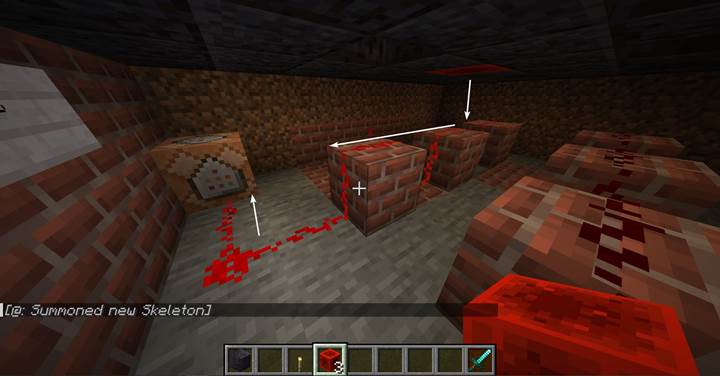
You can use many variations:
- Drop lava from the ceiling
- Lock the room
- Replace the floor with trapdoors
But the “correct” combination is clean and elegant. If all three redstone blocks are inserted in the right slots, the redstone signal reaches the logic block:
`/execute if block -49 69 169 minecraft:redstone_block if block -51 69 169 minecraft:redstone_block if block -53 69 169 minecraft:redstone_block run setblock -55 67 172 minecraft:redstone_wall_torch[facing=east]`
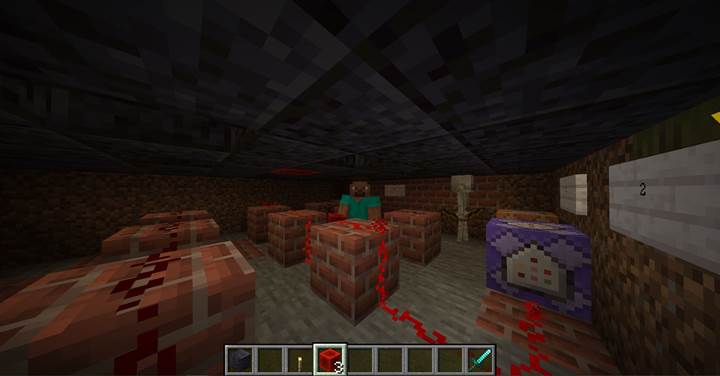
This torch, when placed, powers a final command block - an impulse type, not a repeater, to avoid infinite loops. The block triggers teleportation:
`/teleport @p -52 67 173`
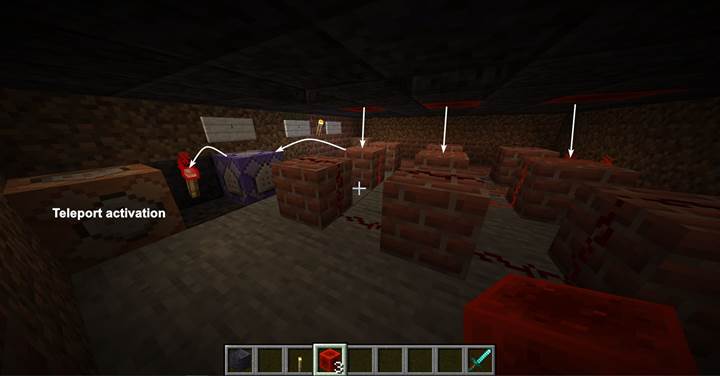
Be careful here. `@p` will teleport the nearest player to the command block, not necessarily the one who solved the puzzle. In multiplayer, you may want to use:
- `@a[distance=..5]` to teleport anyone near
- `@e[type=player,sort=nearest,limit=1]` for the closest
- or `/execute as @p ... run teleport ...` for precision
What else can redstone blocks do?
Redstone blocks can permanently hold doors open, power minecart stations, or activate lights across large areas. They’re also useful for puzzle resets - just remove the block to turn everything off. You can push them using pistons (which we’ll explore later) to create sliding locks, elevators, and multi-state machines.
In Gamever, if you’re testing puzzles with friends on your own Minecraft server, redstone blocks can make your mechanisms more reliable - no toggles, no delays, just raw power. Plus, it’s fun to build a world where players feel the weight of every inserted block.
These are only the first steps. As we go further, we’ll combine blocks, torches, and even entities to make richer, deeper adventures. Every circuit you build now becomes part of your own mythology - and the players must figure out what powers what.
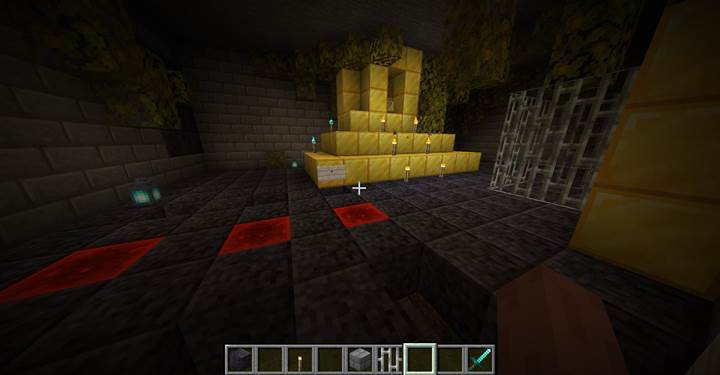
Redstone blocks are more than just red cubes — they’re a pure signal. By planning lines, slots, and effects, you build encounters that feel satisfying and earned. This guide is just a sample of how to use redstone blocks in story maps — as we move forward, the challenges will grow, but so will your creativity.