
How to Use Radar for Exotics in Icarus Update
Locating Exotic deposits in Icarus can be a challenge, but the game provides radar tools that simplify this process. With a clear understanding of how each radar works and how to interpret the results, you can efficiently gather these valuable resources.
Types of Radars and Their Features
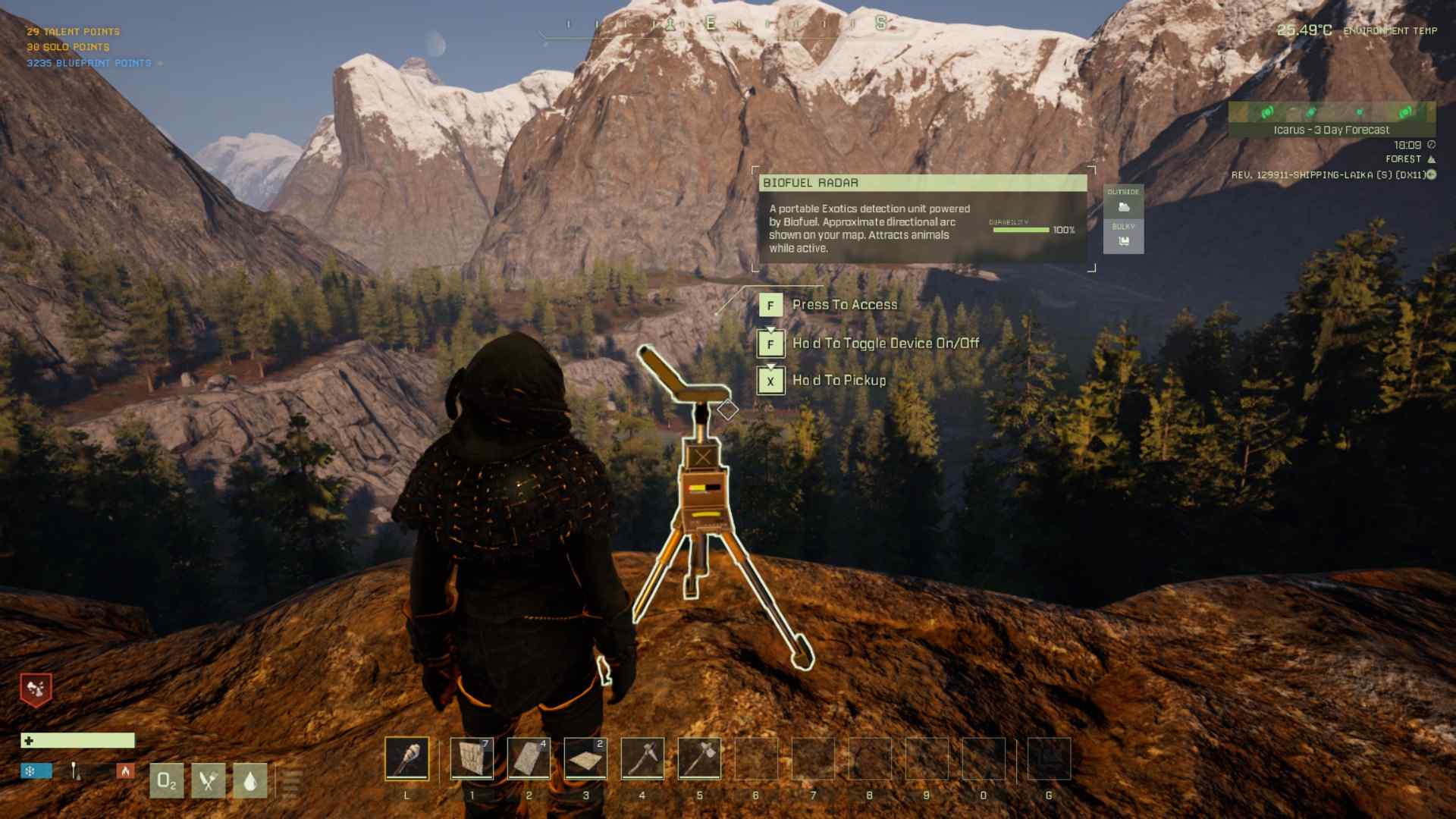
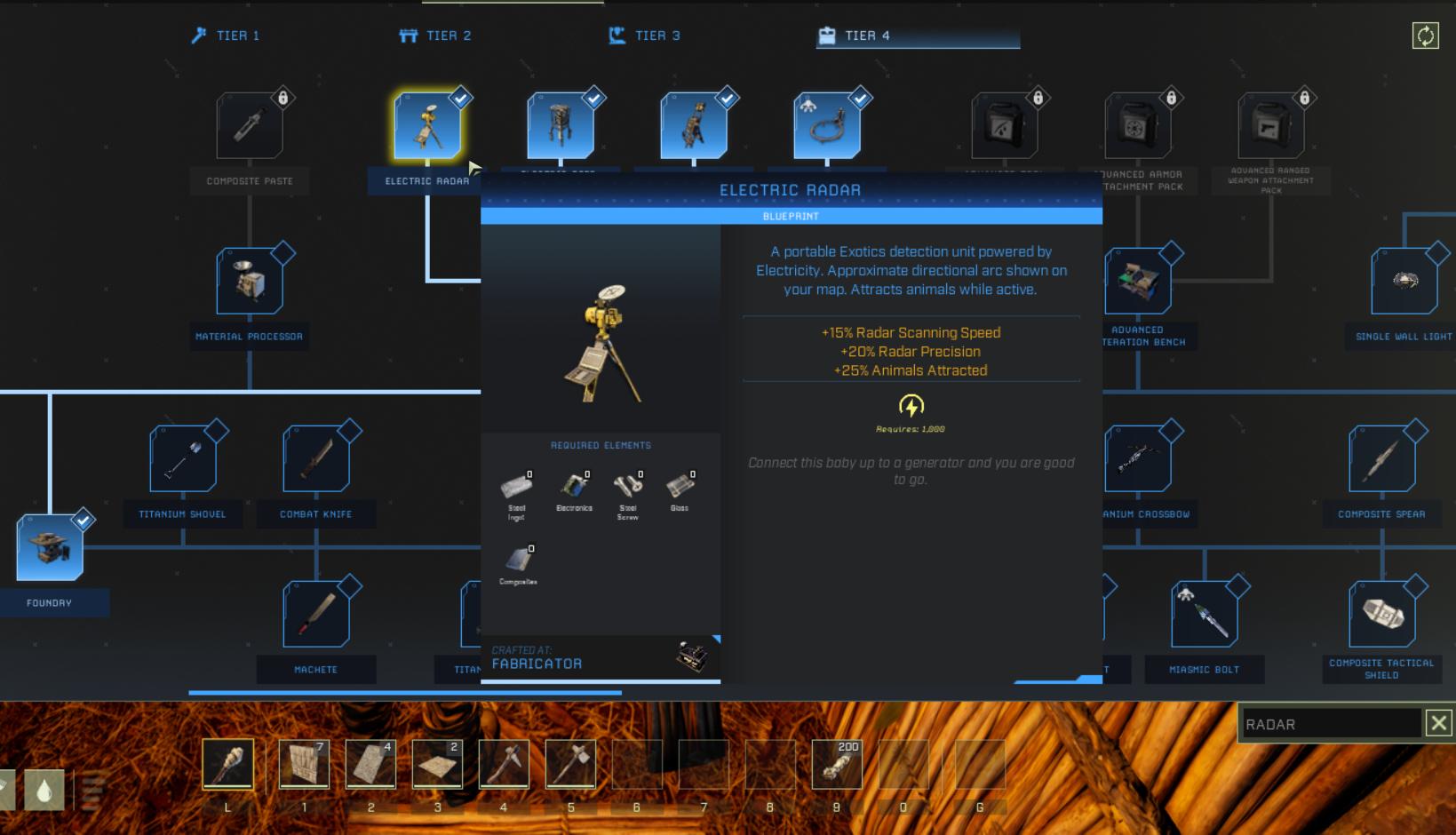
There are three types of radars available for Exotic scanning. Each one serves the same purpose but varies in precision, speed, and resource requirements. The Biofuel Radar is the simplest option, requiring a filled biofuel can to operate. It can be crafted at the Machining Bench in Tier 3, making it accessible in the early game.
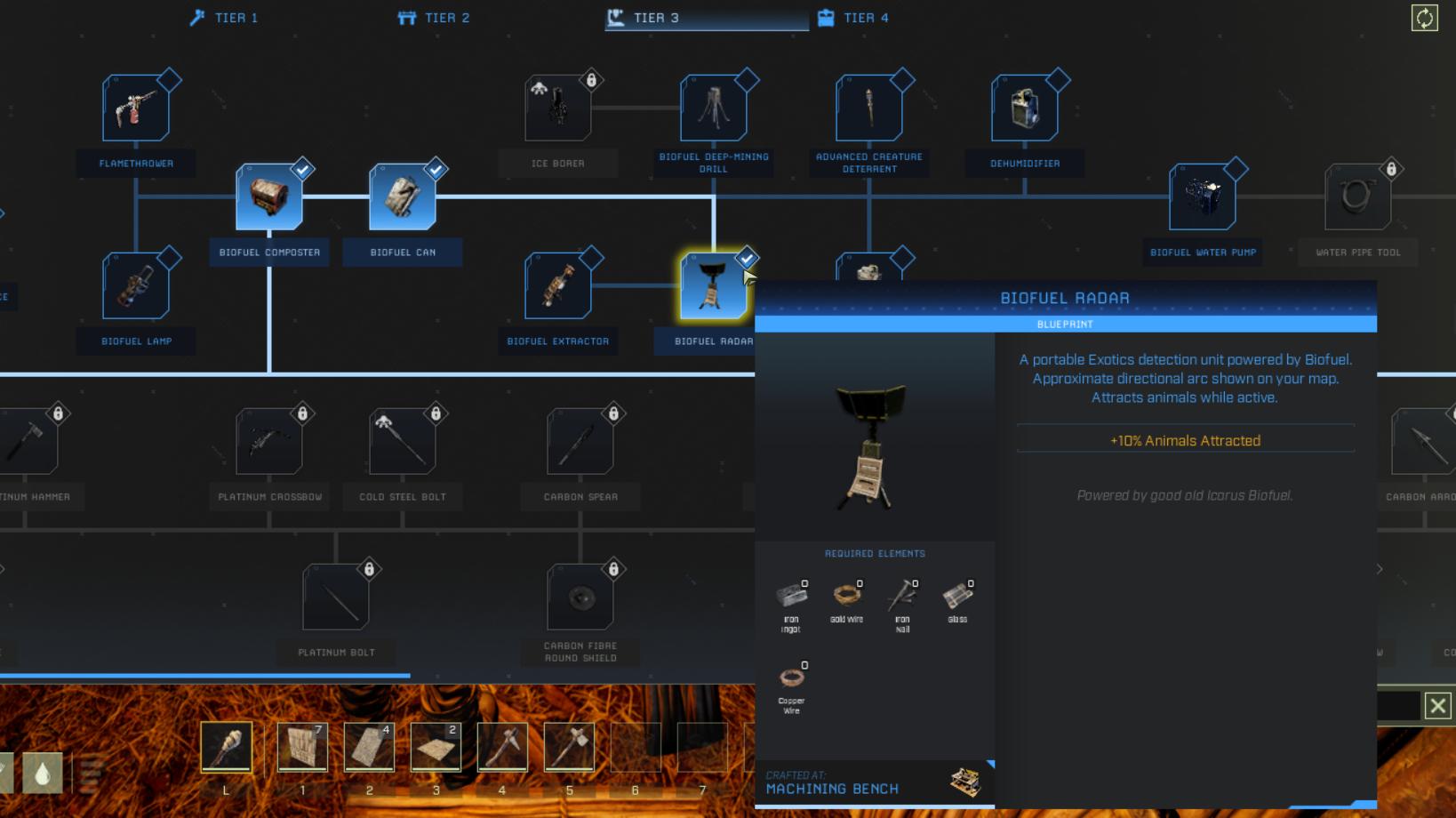
The Electric Radar requires an electric power source and is slightly faster and more precise. It’s crafted at the Fabricator, which also requires advanced materials like composites. The IC-001 Radar, available in the workshop, offers the highest performance and convenience, as it is self-powered. However, it attracts more aggressive wildlife and is best suited for players who are well-equipped for defense.
Setting Up the Radar
To begin scanning, place the radar in your hotbar or G slot. The Biofuel Radar needs a filled can of biofuel, which can be prepared in a Biofuel Composter. The Electric Radar requires a power connection, which can be established with solar panels, generators, or other power sources connected via the Electricity Tool. For the IC-001 Radar, simply deploy it where scanning is needed.
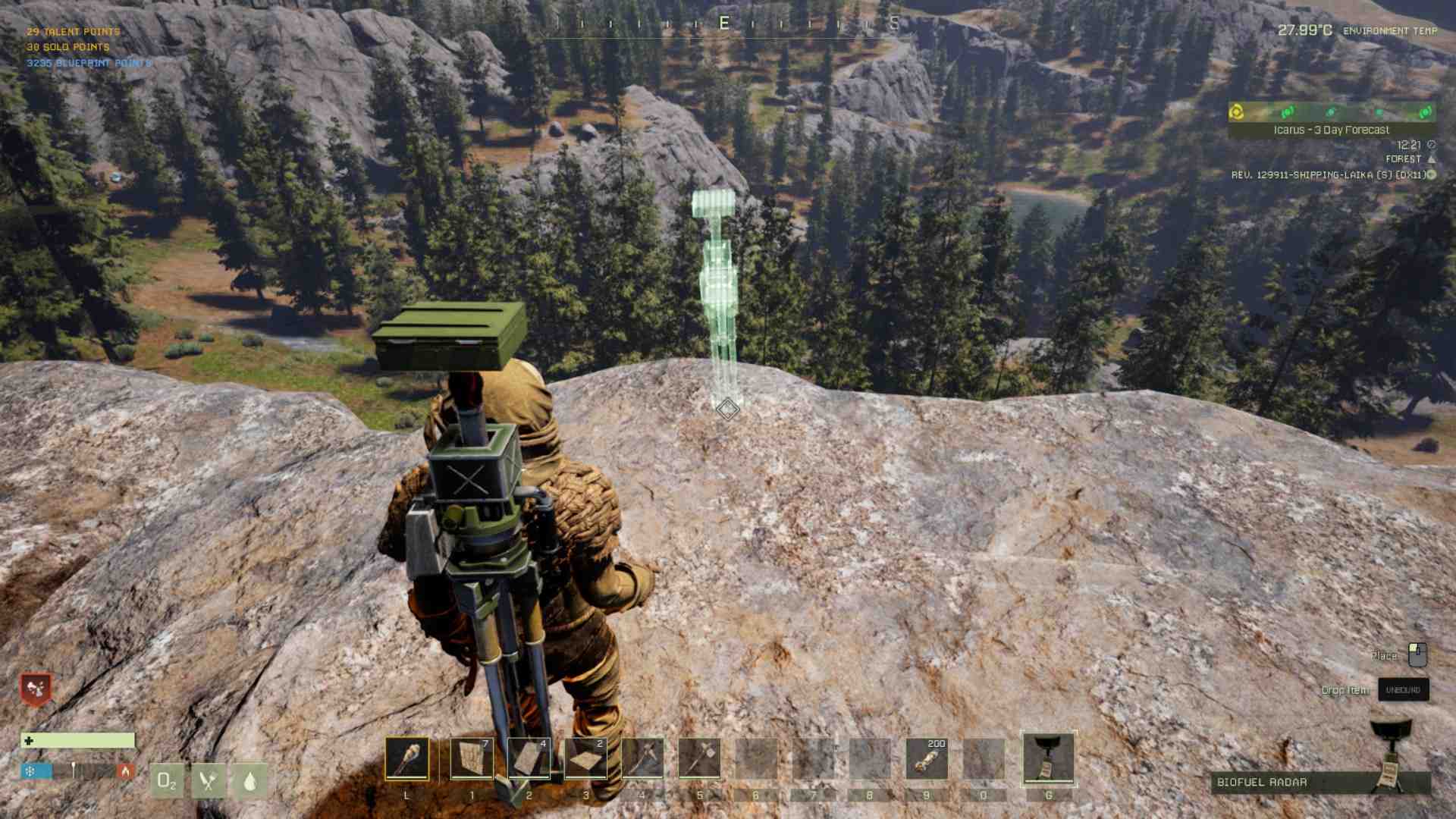
Position the radar in a location with clear visibility and minimal obstacles. Open spaces allow for better defense against incoming wildlife during the scan. Once placed, interact with the radar to initiate scanning.
How Scanning Works
During the scanning process, the radar emits a signal and gradually completes its task. Meanwhile, wildlife may be drawn to the radar. These waves of creatures depend on the radar type, with biofuel attracting fewer threats and the IC-001 Radar bringing more aggressive enemies.
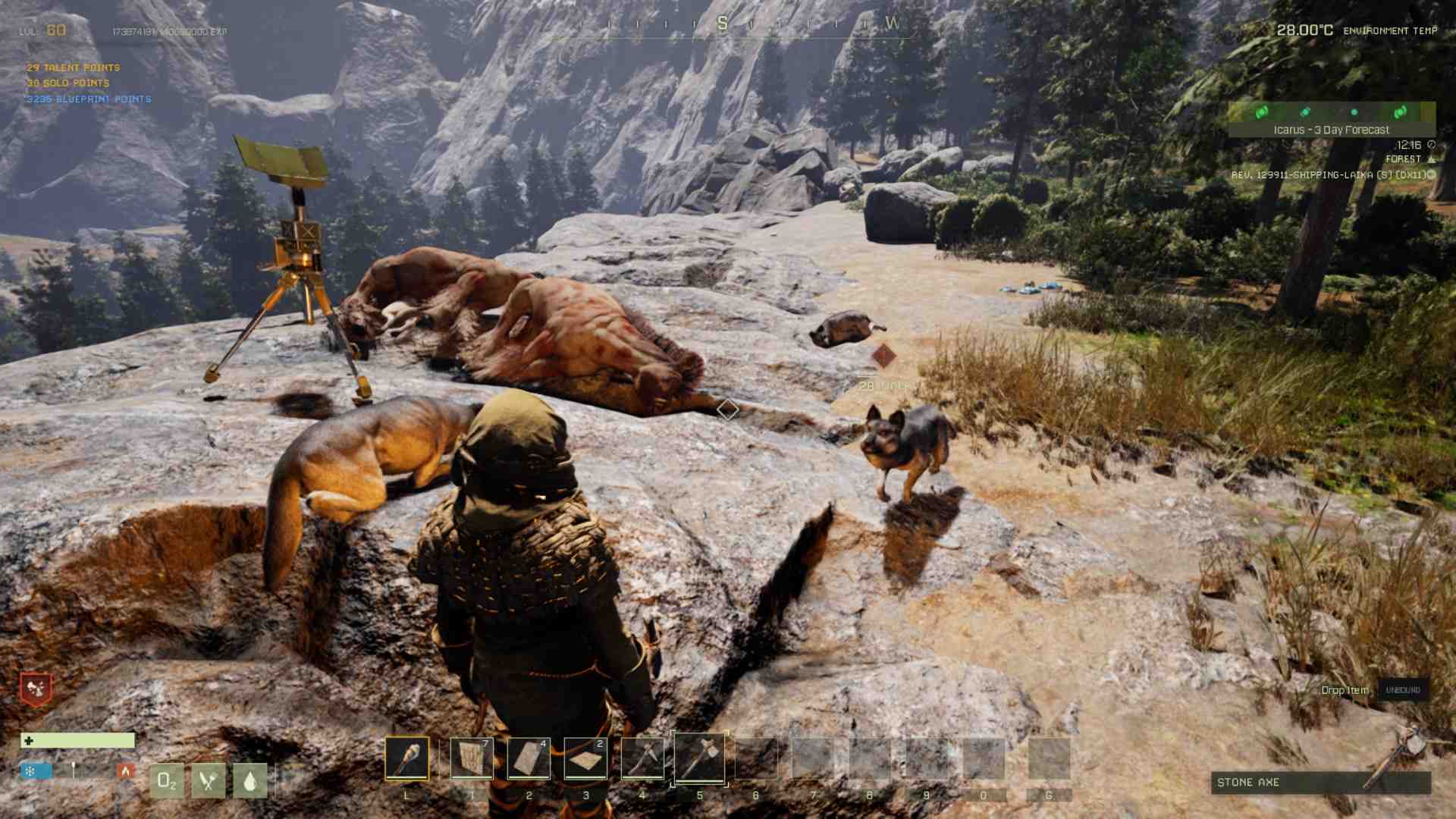
Be prepared with weapons and armor, and consider bringing tamed animals for extra support. Once the scan is finished, collect the radar to avoid misplacing it, as it is a valuable tool.
Reading the Results
After scanning, the map displays arcs indicating the possible locations of Exotic deposits. These arcs vary in thickness and length, with shorter and thicker arcs signifying proximity. Use multiple scans in different locations to refine the search area.
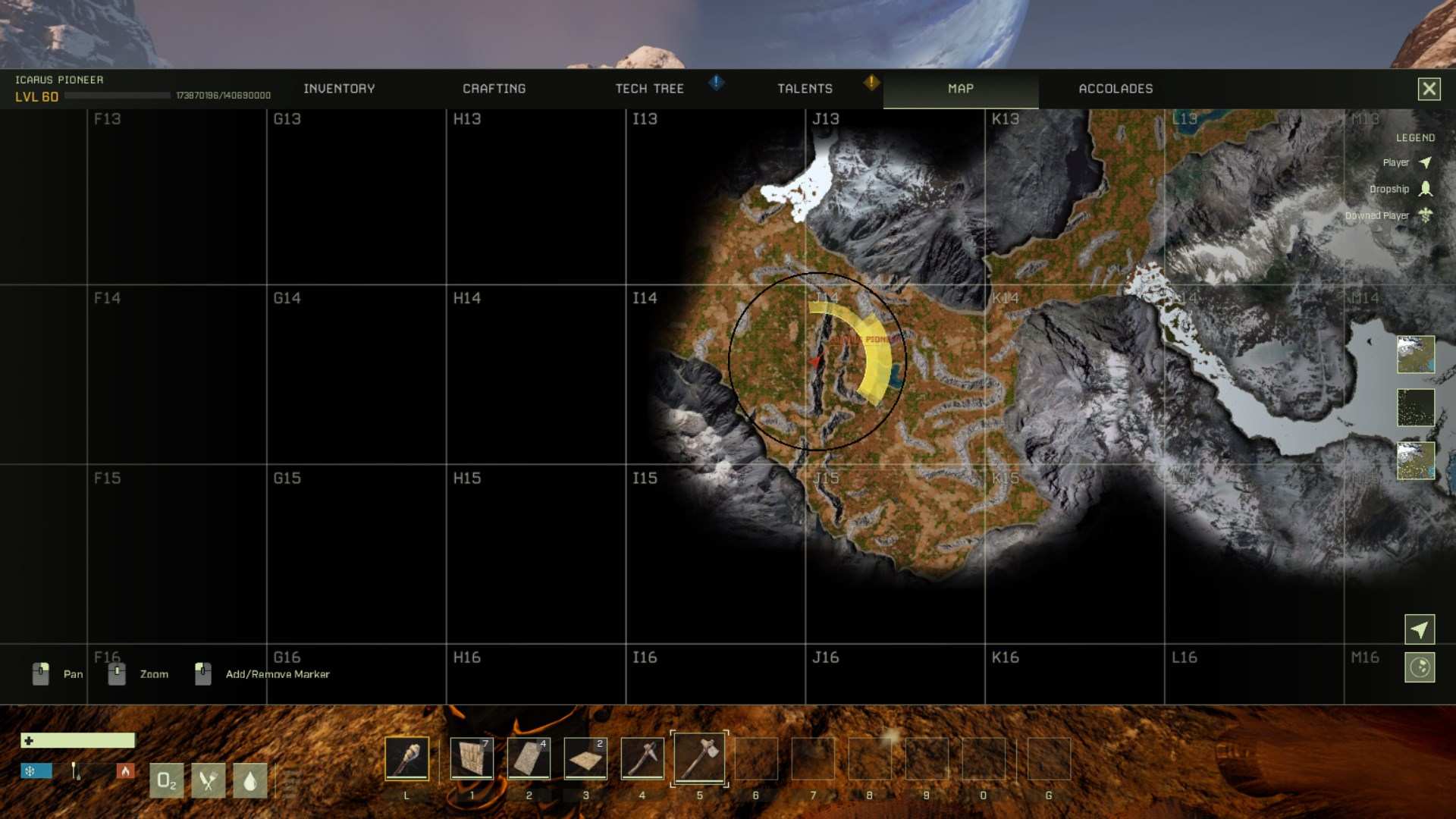
By performing triangulation, you can identify the exact position of the deposit. Ensure scans are spaced appropriately, avoiding overlap to prevent inaccurate results.
Each scan narrows the area, creating a cone-shaped zone on the map where the deposit is located. Carefully check this region to locate the Exotic deposit node.
Preparation Tips
1. Carry enough resources to operate the radar, such as biofuel cans or power connectors.
2. Plan scans methodically, starting in central regions and moving outward.
3. Always retrieve your radar after scanning to avoid losing it.
4. Use existing tools or maps to locate high-density Exotic regions.
5. Choose locations with minimal wildlife for safer operations.
6. Equip appropriate weapons and armor to handle unexpected threats.
7. Set up power sources strategically if using the Electric Radar.
Using radar to locate Exotics in Icarus is a practical approach for resource gathering. By understanding how the tools work, planning your scans carefully, and handling the challenges of wildlife defense, you can efficiently pinpoint and extract these deposits. Experiment with the different radar types and scanning strategies to refine your approach.