
How to use pressure plates and command blocks for Minecraft adventure traps
Pressure plates are simple, but they can do a lot more than open a door. In this guide, we’ll explore how to use pressure plates in adventure-style gameplay. These examples show how to make smart sequences, traps, and clues. This is a standalone article, but it follows ideas from our earlier guides on buttons and levers. Here, we focus on pressure-based triggers for immersive events.
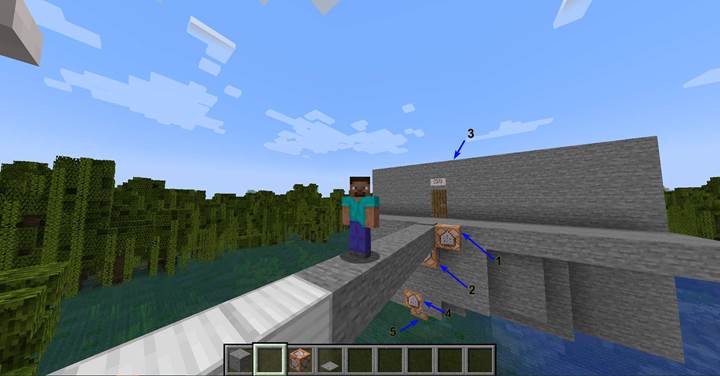
Triggering a quest and destroying the bridge
Right after crossing a stone bridge, the player steps onto a pressure plate placed at the edge. This plate is connected to two command blocks.
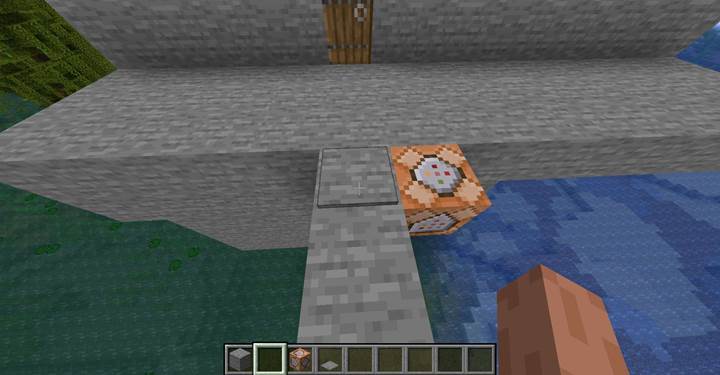
The first one triggers the start of a quest:
This command sends a full-screen title to all players. You can change "@a" to "@p" if you want only the closest player to see it. The color and style can also be modified - for example: "red", "italic", or "underlined". You can use this to show alerts, stage titles, or puzzle hints.
The second command block is more dramatic. It removes the bridge behind the player:
/execute if block -57 77 37 minecraft:stone_pressure_plate[powered=true] run fill -57 76 30 -57 76 36 air
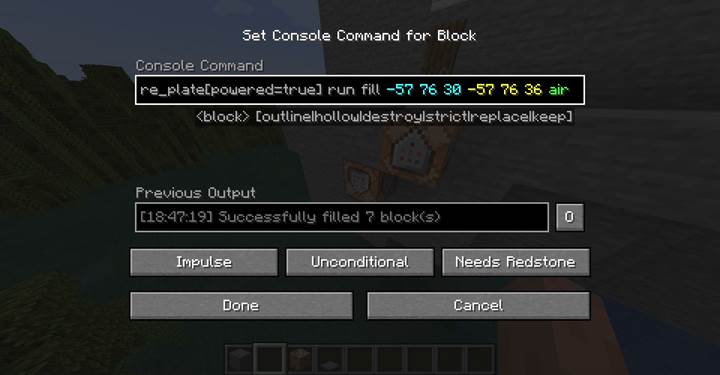
This command checks if the plate at -57 77 37 is powered (stepped on). If it is, it deletes the blocks of the bridge. The player can’t return - just like in classic adventure films. Think Indiana Jones escaping a collapsing temple, or stories where the path back disappears, forcing the hero forward. You can change the command to play a falling sound, drop sand blocks, or even make lava appear to burn the bridge.
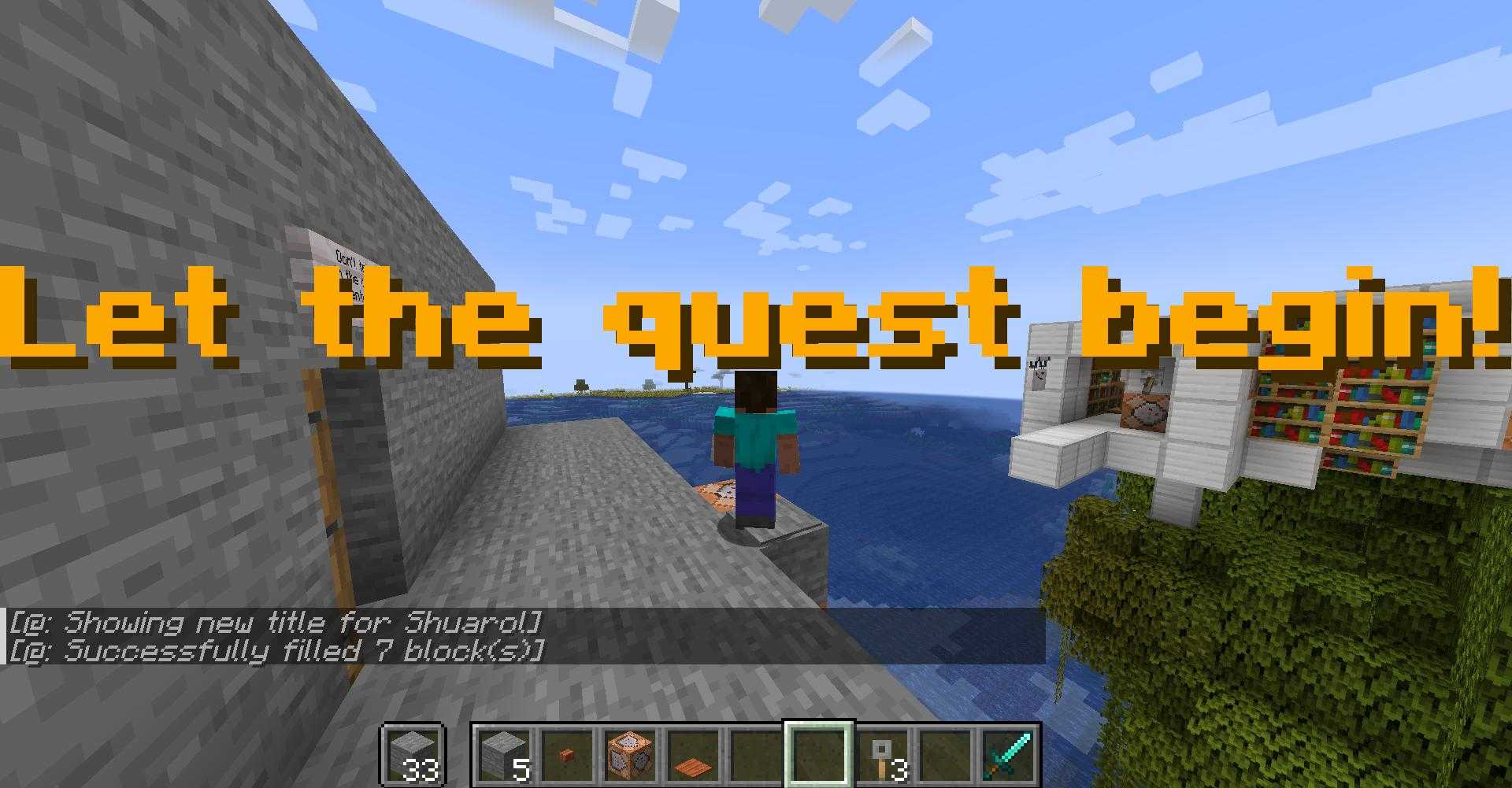
Trap trigger in a dark corridor
After the bridge, the player is funneled through a narrow passage with a warning: "Watch your step."
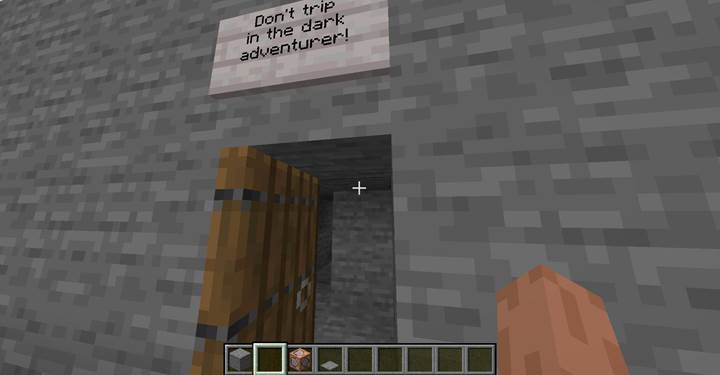
It's dark, and the pressure plate blends in with the floor. When the player steps on it, they trigger this command:
/teleport @p -56 73 47 180 0
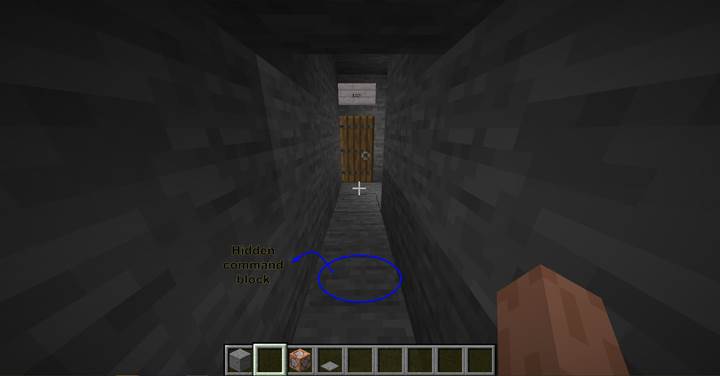
This teleports the nearest player into a trap room. The angles "180 0" determine the direction the player is facing - here, south and looking forward. You can also use this plate to drop a block under their feet (replace floor with air), summon a monster nearby, or slam a door shut behind them. The goal is to create tension and surprise - encourage players to think, not just rush forward.
Finding the correct door with particle clues
In the new room, the player finds seven doors. Only one leads to the exit - the others hide monsters or traps. You can design this room however you want: a riddle, a color code, a hidden path, or randomized doors.
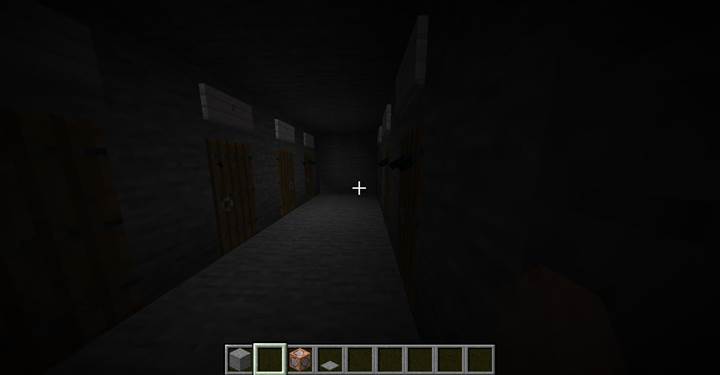
One way to guide the player is to give them subtle hints. In the corner, there's another pressure plate - barely noticeable.
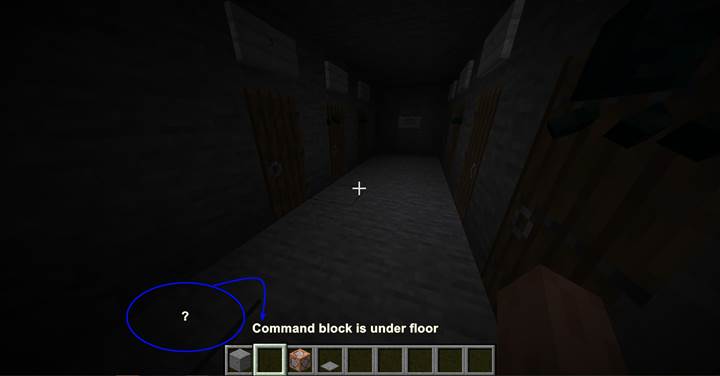
It's connected to a command block directly below, with this command:
/execute if block -56 73 39 minecraft:stone_pressure_plate[powered=true] run particle minecraft:end_rod -58 75 42 0 0 0 0 1 force
Here’s what each part means:
- `/execute if block -56 73 39 minecraft:stone_pressure_plate[powered=true]` - checks if the player stepped on the plate
- `run particle` - activates the particle effect
- `minecraft:end_rod` - the type of particle (a soft glowing trail)
- `-58 75 42` - location where the particle appears (e.g. in front of the correct door)
- `0 0 0` - spread (0 = exact location)
- `0` - speed (0 = static effect)
- `1` - number of particles
- `force` - shows the effect to all players
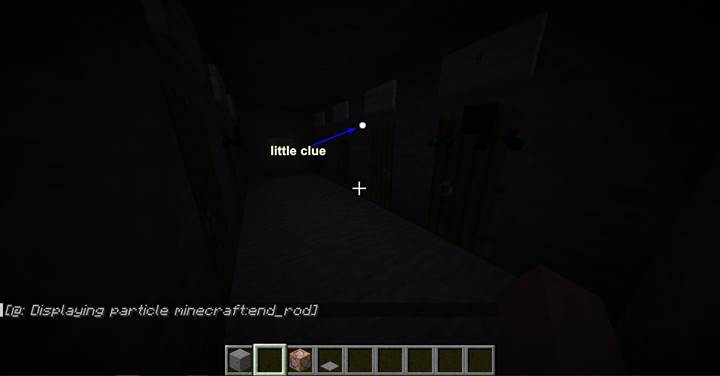
You can use other particles too: `totem_of_undying` for magic, `soul` for mystery, `happy_villager` for soft clues, or `dust` for color-coded hints.
If you want to hint the correct path with light, you can also place a light block:
/setblock -58 75 42 minecraft:light[level=5]
Or simply place a torch, lantern, or glow item frame at the right spot - triggered the same way.
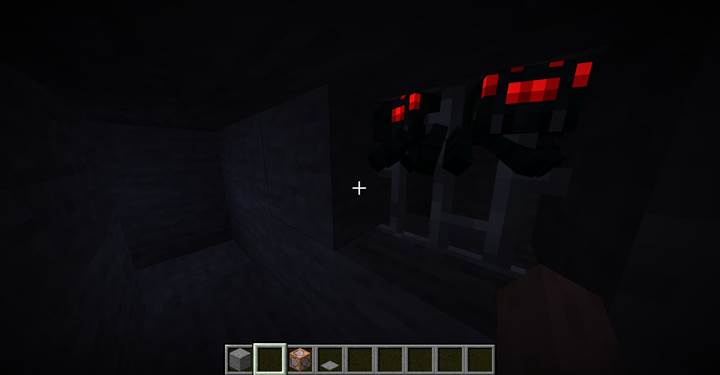
These are just ideas to get you started. Pressure plates work great for immersive moments - especially when combined with traps, clues, and storytelling. Use them to force decisions, reward curiosity, or punish rushing ahead. You can build your own ruins, puzzles, dungeons, or escape maps this way.
And if you want to explore ideas like these with friends, Gamever is a great way to start. Set up a server, build your world, and test your traps and surprises with real players. It’s the best way to turn redstone into real storytelling.