
How to use pistons in Minecraft for doors, traps, and timed movement
You’ve probably seen blocks in Minecraft suddenly move, walls that vanish, or platforms that rise and fall as if by magic. Well, pistons are behind most of that action. In this guide, part of a bigger adventure but fully standalone, we’re going to explore how pistons work and how to use them for doors, traps, and movement-based systems. We've already played with levers, buttons, tripwires, and plates, and now it's time to bring in the moving parts.
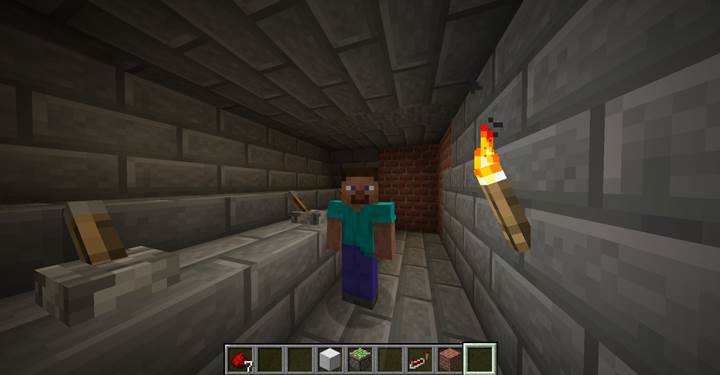
What pistons are and how they work
Pistons are redstone-driven blocks that push other blocks when powered. There are two versions: regular pistons and sticky pistons. Regular pistons only push blocks forward one space and leave them there. Sticky pistons, the ones with green slime on their head, can also pull blocks back when the redstone signal turns off.
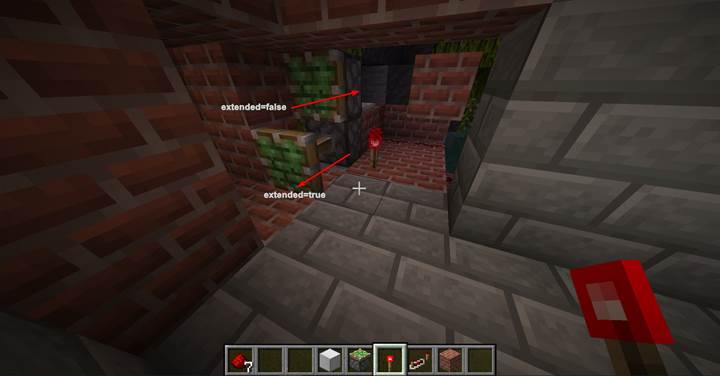
That makes them way more useful in anything where a block needs to move back and forth, like a door or a retracting trap. Pistons change state when they get powered: extended when on, retracted when off. This change is what lets you do cool tricks like moving walls, elevators, even blocky animations. They're easy to control using redstone dust, and if you need to go far, repeaters help keep the signal strong.
Opening doors with redstone and pistons
In our current adventure, you're teleported into a stone room with three levers on the wall. Only one lever opens the exit. The redstone wire runs under the floor to the far side, where a sticky piston waits behind the wall.
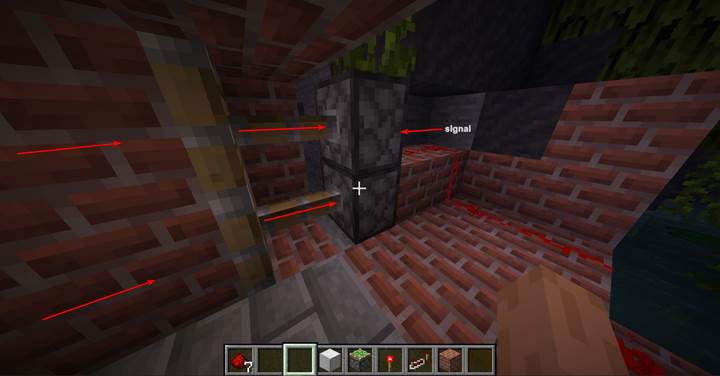
When the correct lever is flipped, the piston pulls a stone block back, opening a secret passage. Flick it again, and the passage closes. It’s simple, but shows off how redstone input can trigger piston movement to hide or reveal paths. This kind of mechanic works great on maps hosted through Gamever, especially when you want players to solve a puzzle before moving on.
Building a vertical trap with timing
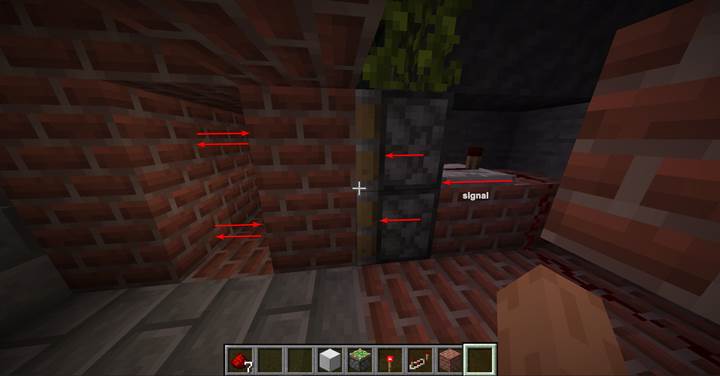
Now imagine a hallway with a piston above and another one below, each facing the center. When both pistons push at the same time, they crush anything between them.
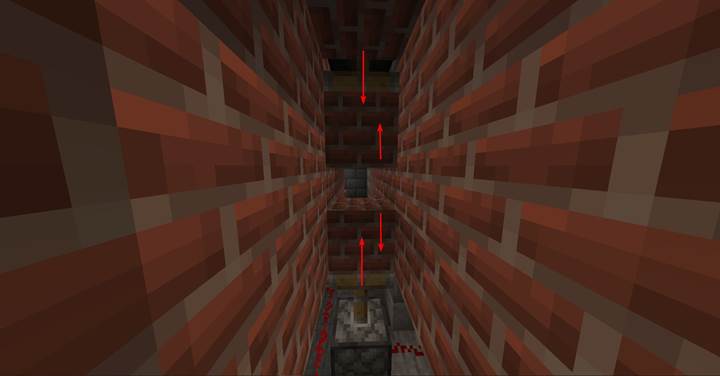
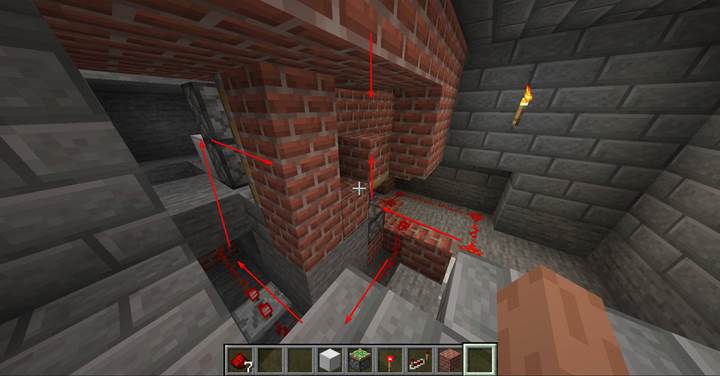
We can sync this using the same redstone loop or even stagger the timing by adjusting repeater delay. That way, one piston moves before the other for a more chaotic feel. To make the loop, build a ring of redstone dust with a few repeaters and a gap that you power briefly. One branch of the loop powers the bottom piston. Another powers the top. With proper delay, the whole thing pulses every two seconds, giving the trap a scary rhythm.
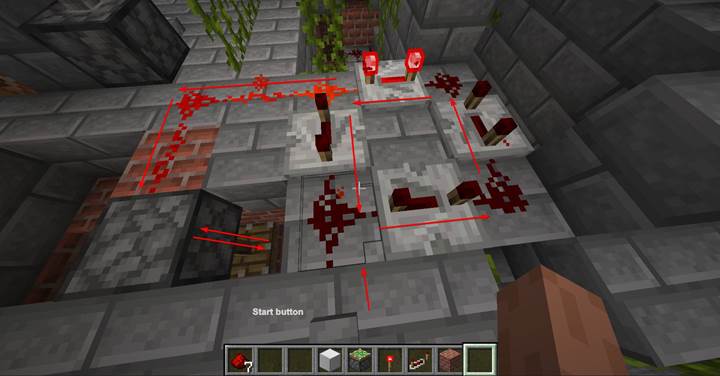
The same redstone loop that powers the trap can also activate another piston build. In our case, the ceiling hides a trapdoor piston that opens and closes constantly. Since it's tied to the same loop, the two parts move together, but with offset delays they feel different.
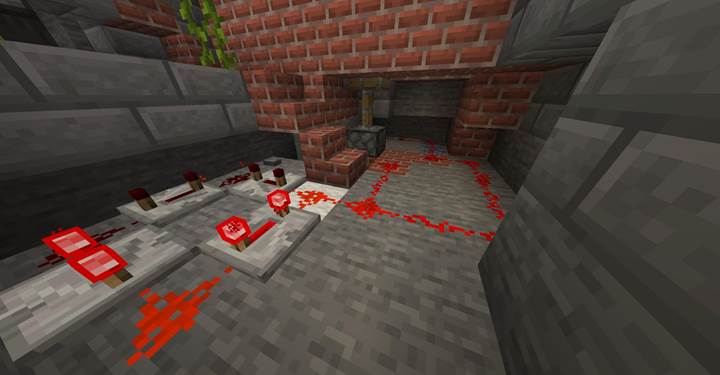
Further down the hall is another piston door, just like the first, but now tied into the infinite loop too. Because repeaters extend signal distance, we can power all of this with one loop. Just be sure to boost the signal every 15 blocks so everything fires correctly.
Pistons are one of the most useful blocks in Minecraft when you want to make your world feel alive. In this guide we covered just the basics, but you can scale up to elevators, shifting floors, or even animated statues.
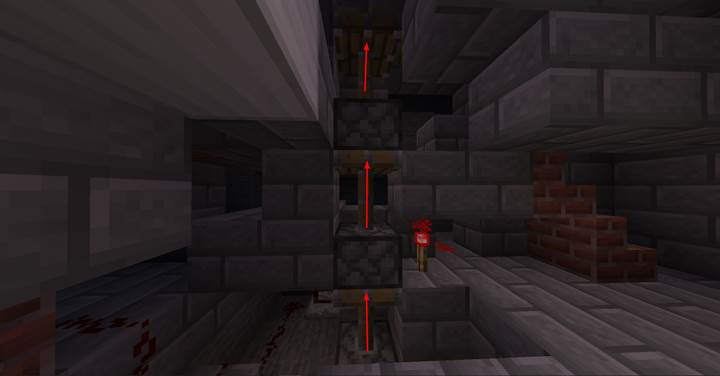
Think about scenes like the trash compactor in Star Wars or the collapsing temple floor in Indiana Jones. You can totally recreate stuff like that with pistons. And when you’re ready to test with friends or build your own adventure world, Gamever makes it easy to spin up a server, build securely, and invite others to explore what you’ve made.