
How to use Photo Mode in Palworld Update
Ever found yourself exploring the wild and beautiful landscapes of Palworld, stumbling upon an incredible scene, and wishing you could perfectly capture the moment? Well, the latest Palworld Update has delivered exactly what you've been dreaming of - Photo Mode!
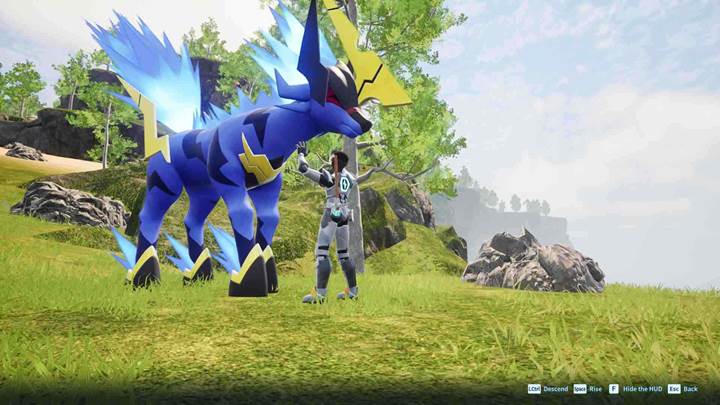
Activate Photo mode
Getting started with Photo Mode is easy - just open your Pal Command Wheel by pressing the right stick on your controller (or ‘4’ by default designated on PC), and you'll see the Photo Mode option right there. Select it, and immediately your view transforms into a free-moving camera, ready for you to explore the world around you and frame the perfect shot.
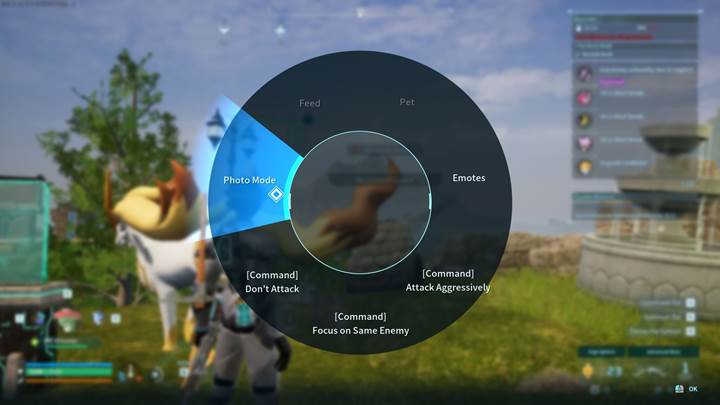
Take stunning screenshots
Once you enter Photo Mode, the UI conveniently disappears, giving you a clean, immersive view. Move your camera around freely to find the best angles, zoom in for dramatic close-ups of your favorite Pals, or pull back to capture the vast beauty of Palworld's scenery. Position yourself just right, capture dynamic action shots, or compose artsy landscape portraits - it's all up to you. When you’ve got that perfect frame, simply press your platform’s screenshot button (like F12 on Steam or the screenshot button on consoles) to snap your masterpiece.
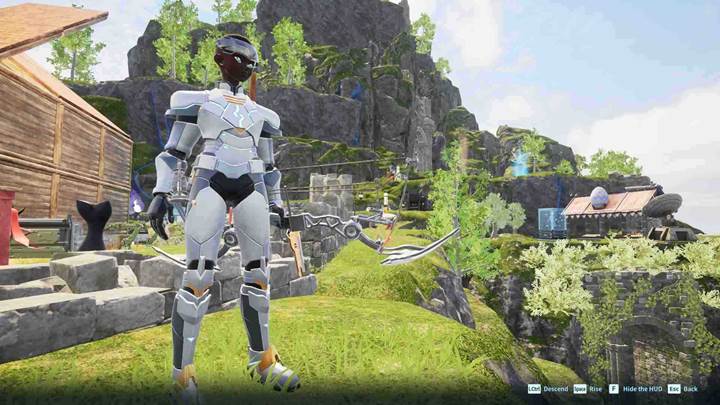
Use Photo mode creatively
Photo Mode isn't just about simple screenshots - it's a powerful tool for creativity! Stage epic battle scenes between your favorite Pals, create cinematic storytelling moments, or make hilarious scenarios to share with friends. With full camera control, you can experiment endlessly, turning every adventure into a photo-worthy moment. If you’re creating thumbnails or sharing on social media, Photo Mode is your best friend, giving you pro-level results every time.
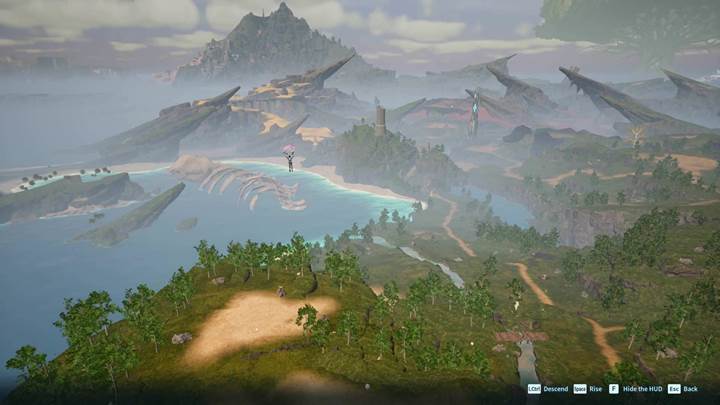
Try playing with angles and lighting. Capture sunrise and sunset scenes for dramatic colors, or get down low and shoot upwards to make your Pals appear heroic and impressive. Don’t forget - timing is everything! Capture your Pal mid-action for dynamic shots, or patiently wait for that perfect atmospheric moment when nature aligns just right. Experiment, and you'll quickly discover your own unique photography style!
Find the Screenshots
If you're playing on Steam, screenshots are stored conveniently in your Steam library under Screenshots. For consoles, check your platform's image gallery or capture folder. From here, it's easy to share your coolest shots with friends, post online, or use them to enhance your videos.
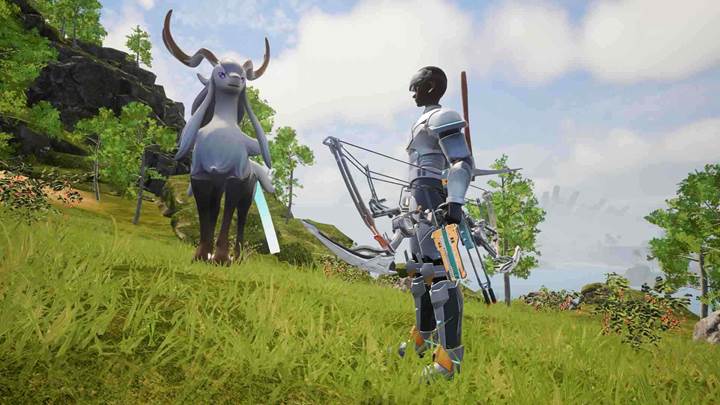
Photo Mode in Palworld Update turns your adventures into memorable masterpieces, giving you endless ways to explore, create, and share the beauty of Palworld. Jump in and start snapping those epic moments today!