
How to Use Memory Cell in Rust
Welcome to your guide on using the Memory Cell in Rust! If you’re eager to up your Rust engineering skills and get those circuits working flawlessly, you’ve come to the right place. Let’s explore how this cool device can transform your electrical setups.
What is a Memory Cell?
In Rust, the Memory Cell is a 1-bit storage component that helps you manage electrical signals with precision. It’s also known as a D-Type Flip-Flop in technical terms. Think of it as a smart switch that can remember whether it’s turned on or off, which is super useful for various electrical tasks in the game.

Inputs and Outputs
As for the outputs:
- Power In: The power source you connect to the Memory Cell.
- Output: This port sends power when the Memory Cell is in the 1 state.
- Inverted Output: This port sends power when the Memory Cell is in the 0 state.
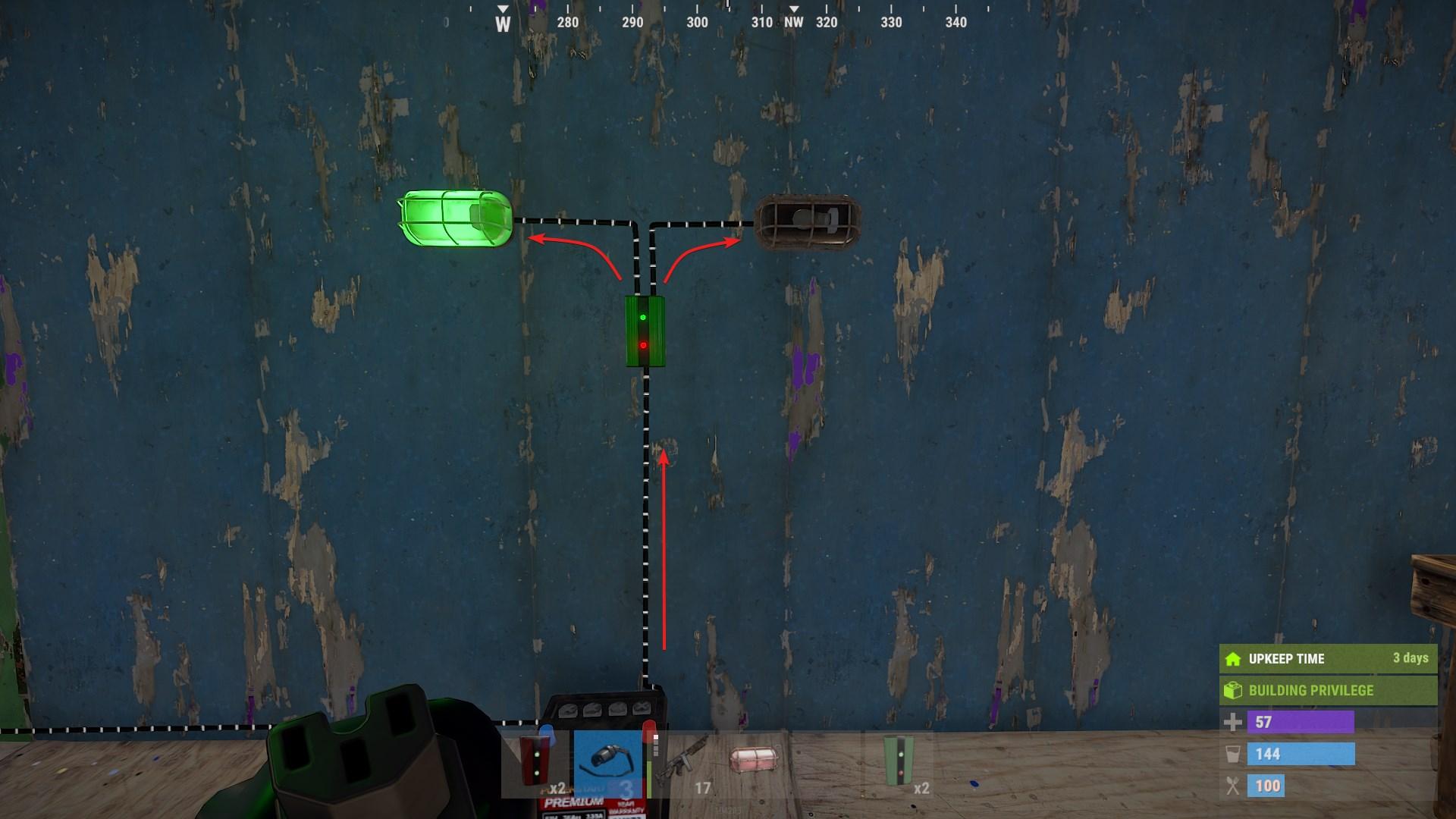
Understanding the inputs and outputs is key to using the Memory Cell effectively:
- Set: This input changes the Memory Cell’s state to 1, similar to flipping a switch to "on."
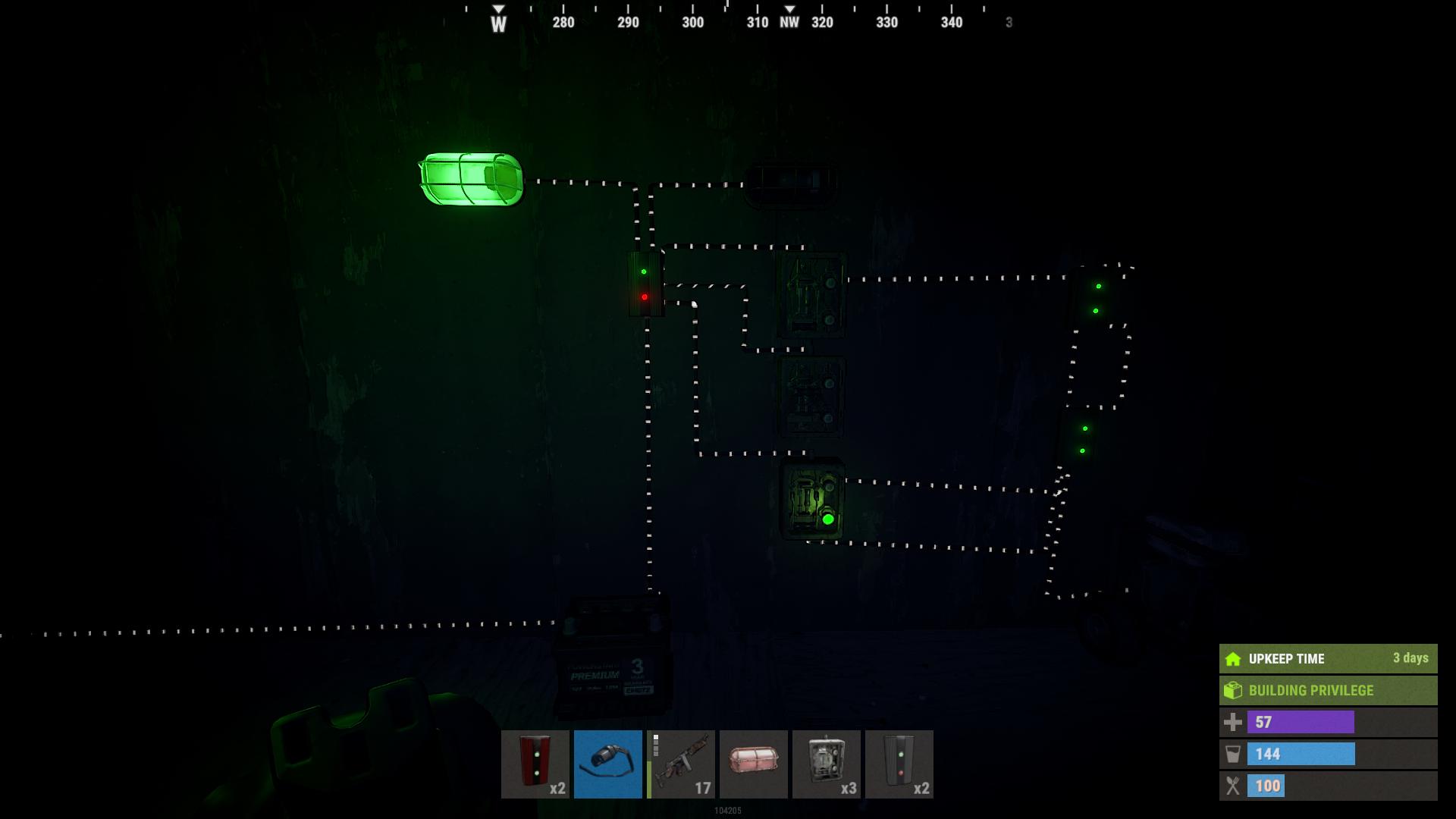
- Reset: This input changes the Memory Cell’s state to 0, akin to turning the switch "off."
- Toggle: This input switches the Memory Cell between its two states with each activation, adding flexibility to your setups.
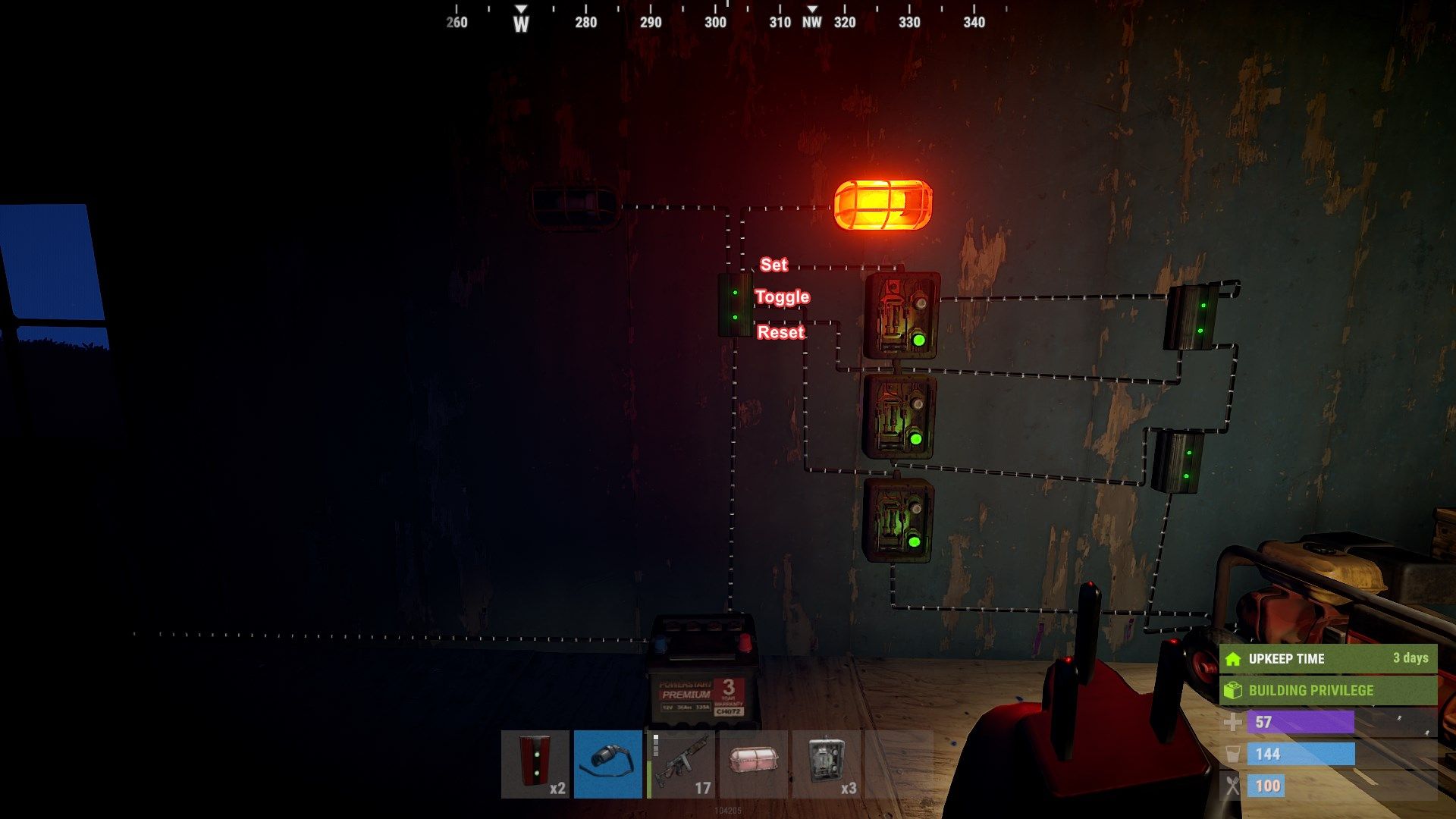
Setting Up the Memory Cell
To use the Memory Cell, you need to craft it with 5 High Quality Metal and some Metal Fragments. Once crafted, it can be placed on floors, walls, or ceilings—wherever you need it.
Here’s a straightforward way to use it: Initially, the Memory Cell starts in its default state, which is 0 or “off.” This state is indicated by a green and a red light on the front. When you send power to the Set input, it switches to state 1, showing two green lights. The power then flows through the Output port. To switch back to the default state, send power to the Reset input.
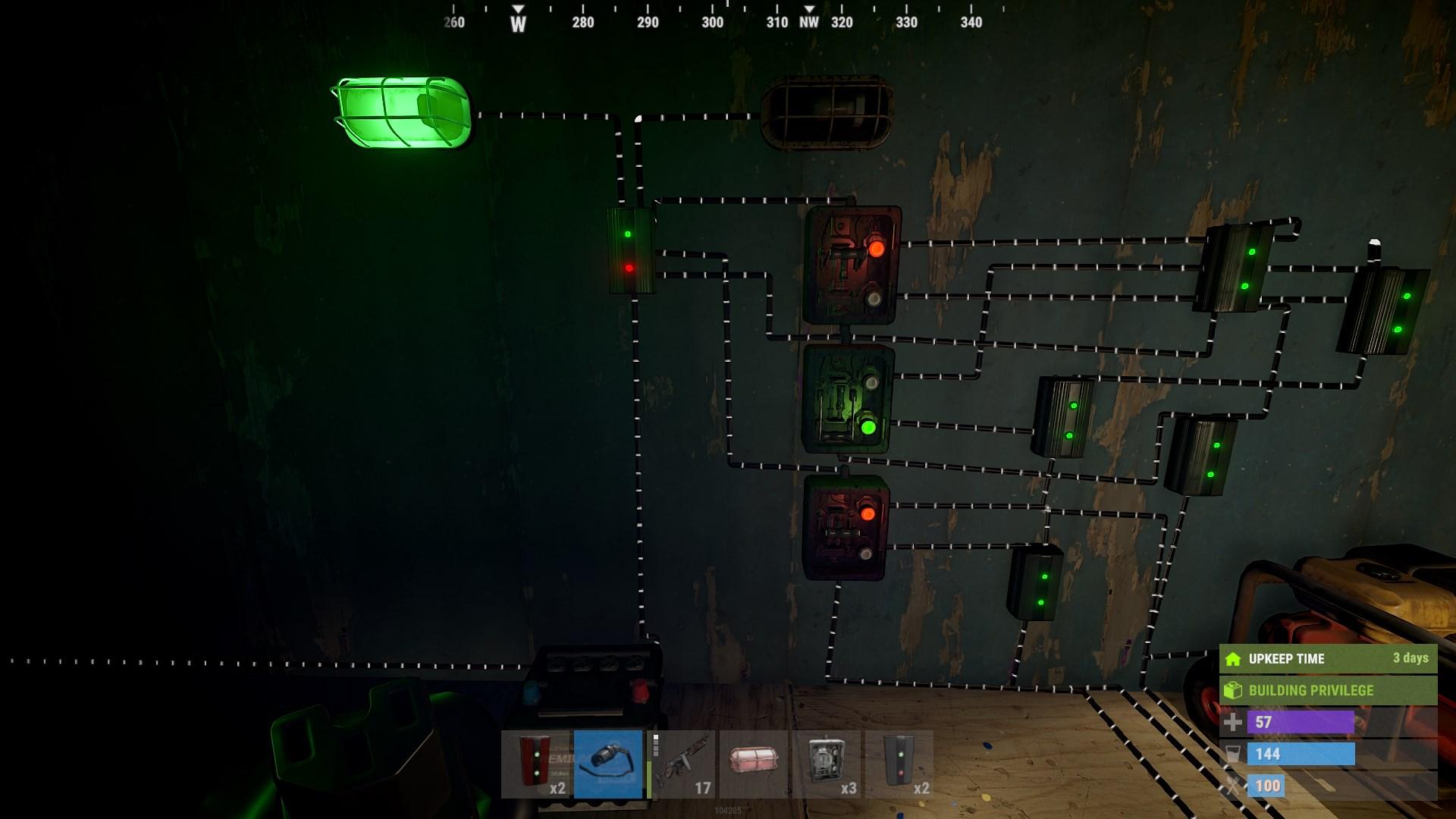
Practical Applications
The Memory Cell is incredibly versatile and can be used for various purposes in Rust:
1. Trap Bases: Design traps that activate only when specific conditions are met. For example, a laser can be used to toggle the Memory Cell, which then controls a door or a trap.
2. Stateful Decisions: It remembers its state, which is handy for scenarios where you need to keep a setting until you decide to change it. It’s like having a smart switch that stays "on" or "off" until you flip it.
3. Remote Control: Combine it with an RF Transmitter and Receiver to control devices from afar. This setup is useful for managing traps or security systems without being directly next to them.
Advanced Features
With recent updates, the Memory Cell offers even more benefits. It no longer consumes power from the network, which means you can use it as a coupler to extend electrical wires over long distances without losing any power. This is a great feature for setting up complex electrical systems.
The Memory Cell in Rust can enhance your electrical setups. Whether you’re creating complex trap bases, managing stateful systems, or extending electrical networks, this device is a valuable addition to your Rust toolkit. Experiment with it and see how it can elevate your game!