
How to Use Jump Pad in Satisfactory Release 1.0
Hey there, pioneers! If you want to amp up your gameplay and explore the vast landscapes of Satisfactory with flair, the Jump Pad is a must-have. This handy tool will launch you into the air and help you reach those tricky spots quickly. Here’s everything you need to know about using Jump Pads effectively, from setup to landing techniques.
What is a Jump Pad?
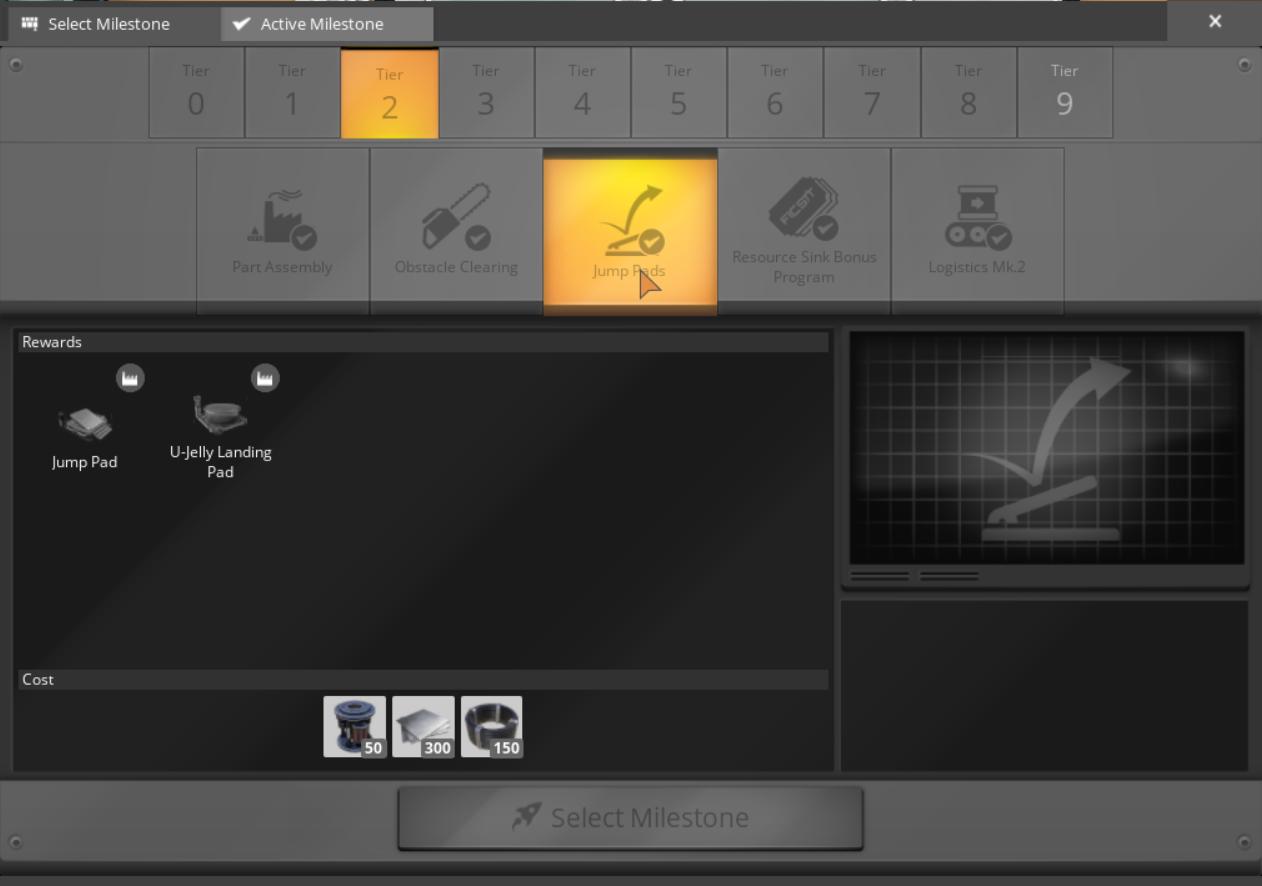
Jump Pads are all about vertical travel. Unlocked at Tier 2, these devices allow you to launch yourself from one point to another, making them ideal for scaling heights or crossing gaps. They require 5 MW of power while charging but switch to standby mode once charged, allowing for multiple uses without draining your power source. Just remember, safety first—always aim for a soft landing!
Setting Up Your Jump Pad
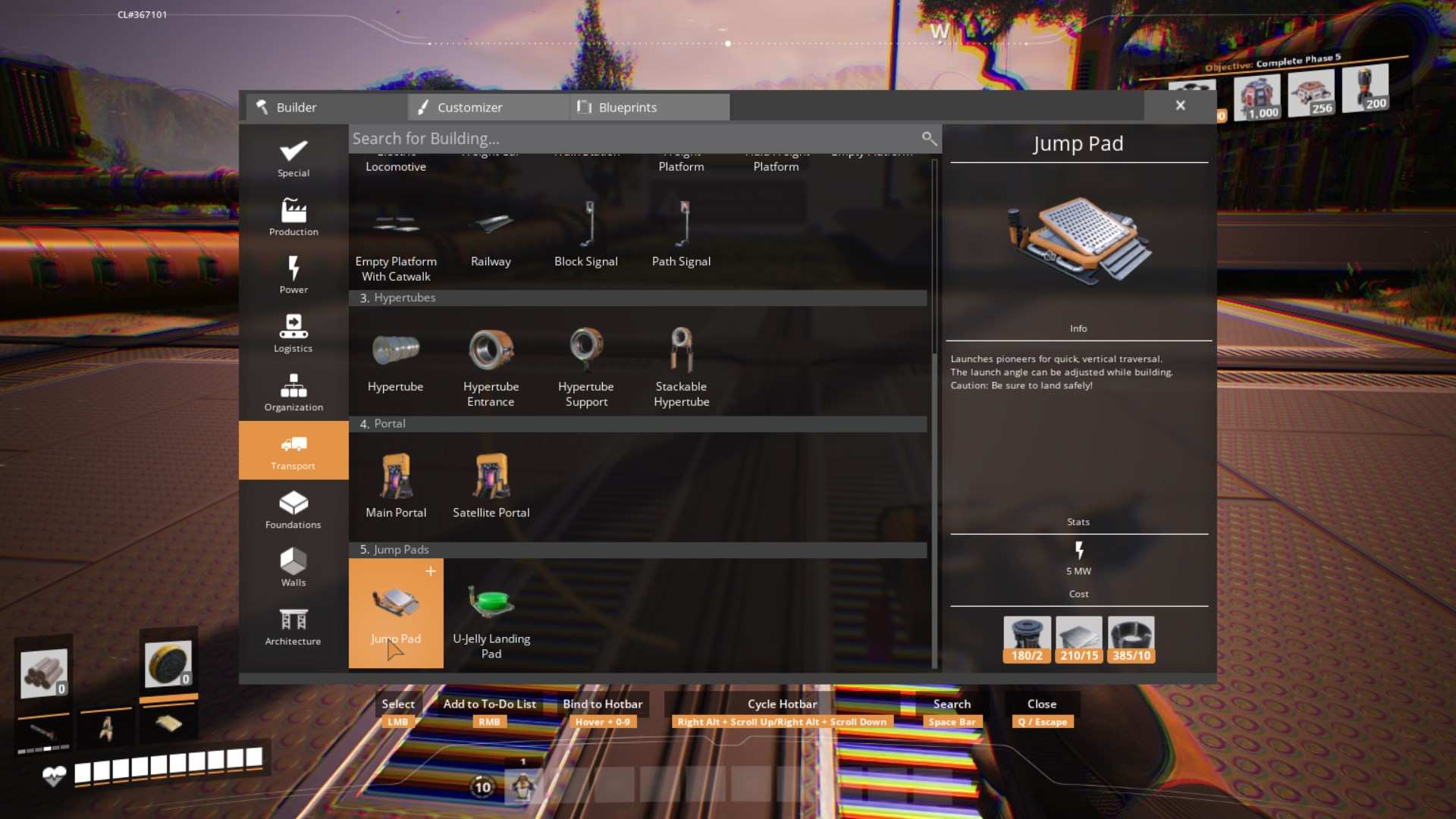
Getting started is simple. You’ll need a few materials: 2 Rotors, 15 Iron Plates, and 10 Cables. Once you have your supplies, pull out your Build Gun and place the Jump Pad where you want to launch from.
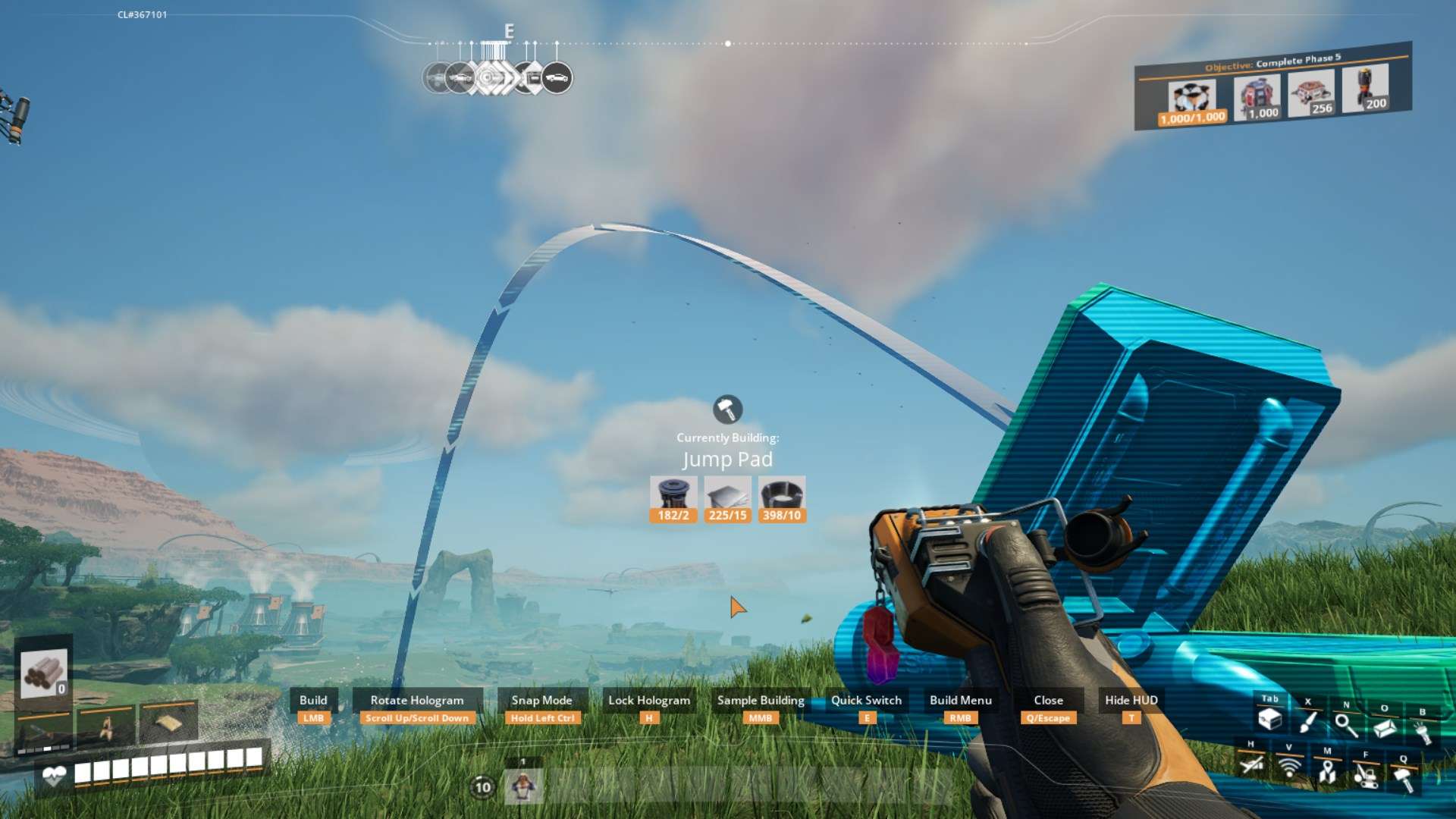
The real fun begins when you adjust the launch angle. Use your mouse wheel to change the angle between 0° and 90°, and fine-tune it with the Control button for precision. A holographic projection shows where you’ll land, making planning your next move a breeze!
Powering Your Jump Pad
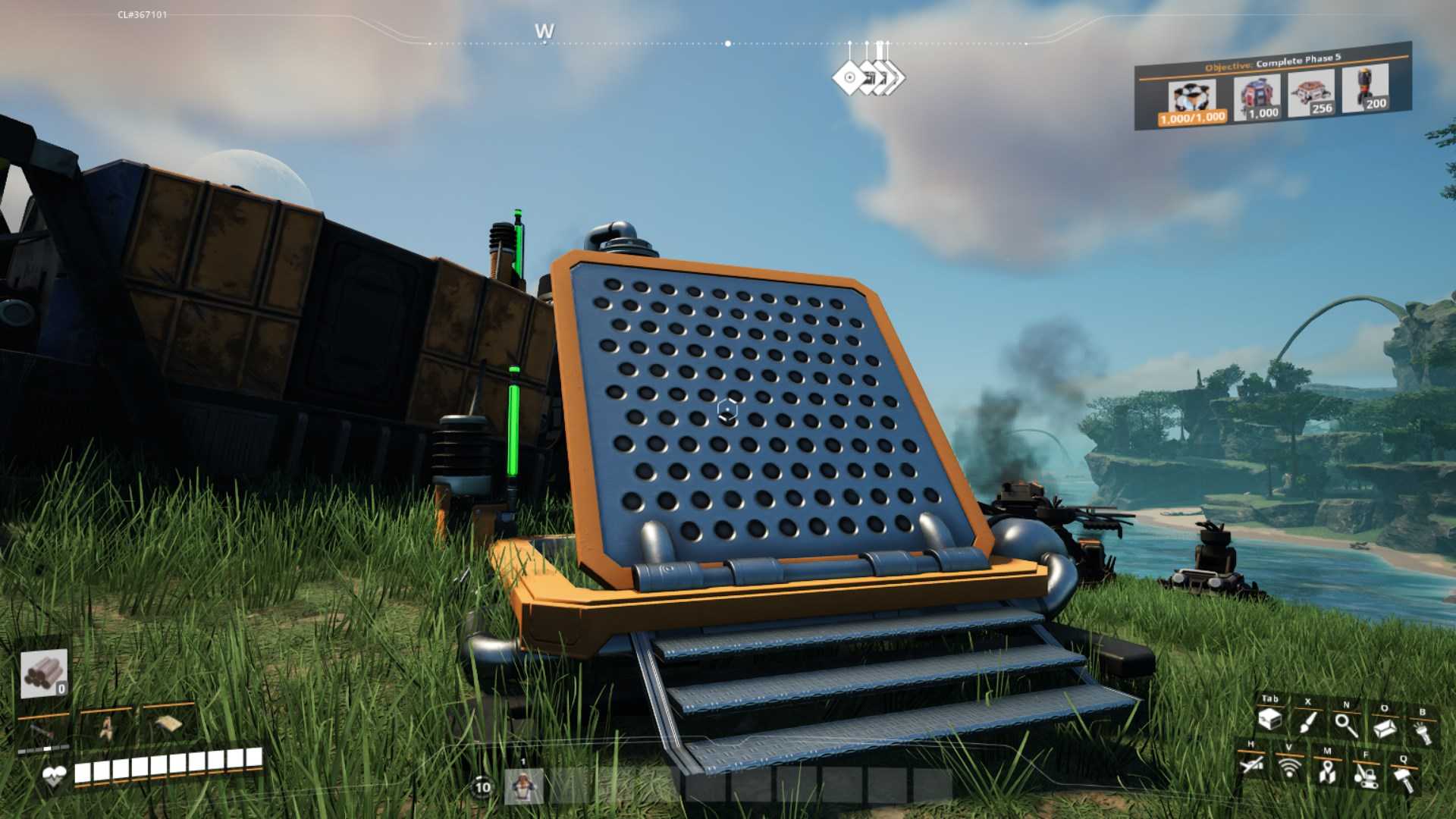
Don’t forget to connect your Jump Pad to a power source! Watch the indicator light; it’ll glow green when charged and ready to go. Each Jump Pad can hold a maximum of five charges, so keep track of your usage—using them all at once means you’ll have to wait a bit for a recharge.
Mastering Your Launch
Now for the exciting part: using the Jump Pad! Stand on it, and you’ll be launched into the air. The angle and your momentum are key to where you land. Want to go further? Run and jump onto the pad for extra distance. This adds a dynamic element to your travels, but be cautious—you could take fall damage if you miscalculate your landing.
To ensure a safe landing, consider placing U-Jelly Pads below your target area. These pads absorb impact, so you won’t get hurt on your adventurous descents.
Creating a Jump Pad Network
Why stop at just one Jump Pad? Get creative! Set up multiple Jump Pads in a row to form a network that lets you cover great distances. Align them in a straight line for a seamless experience. If you’re feeling ambitious, place some on walls and ceilings for added customization. The possibilities are endless!
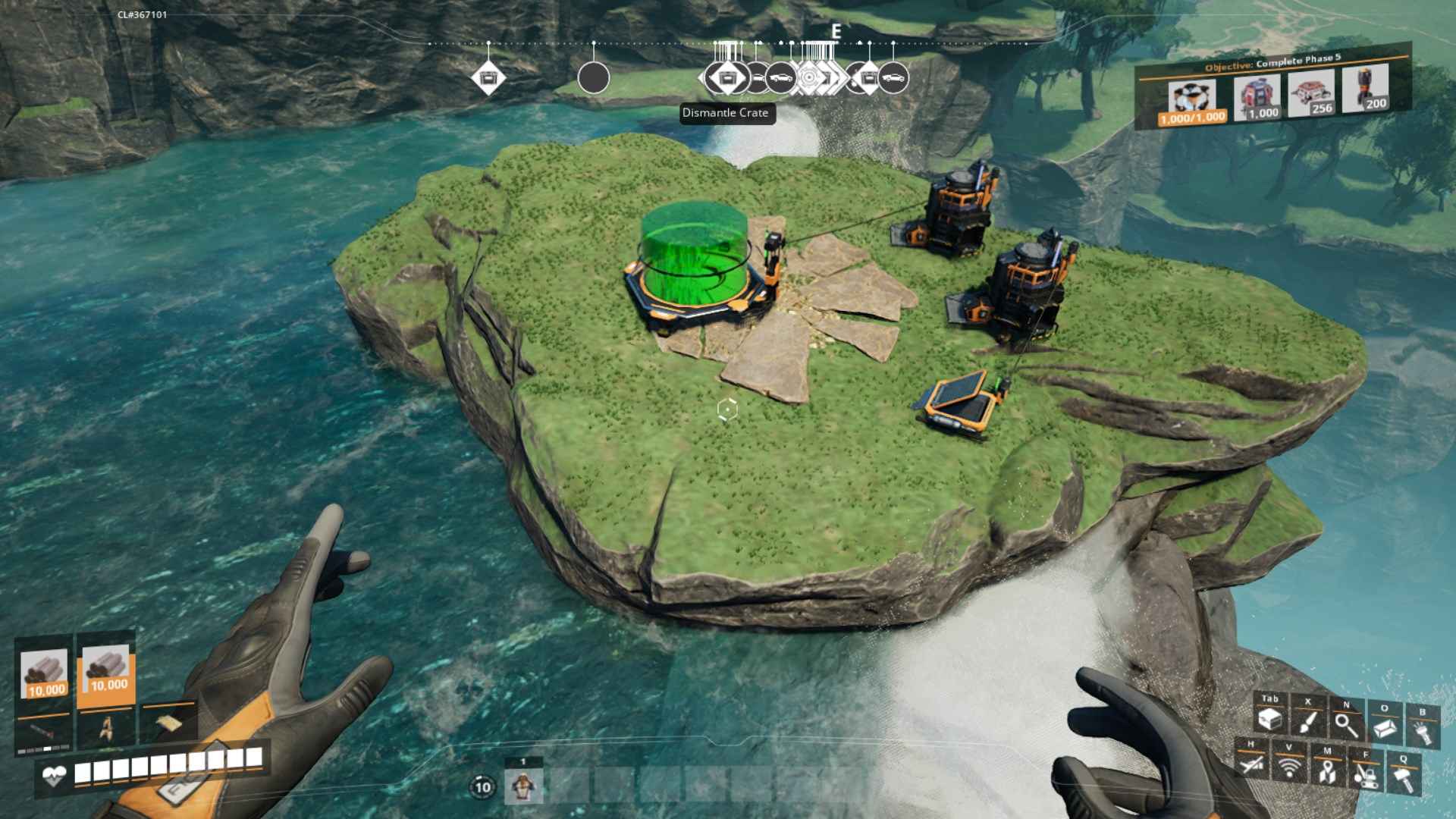
For diagonal travel, drop an iron plate to create a snapping point that adjusts your Jump Pad angles. This trick allows for more versatility and makes it easier to reach tricky spots. Plus, you can use your Jump Pads to create traps for critters—perfect for distraction!
Using Jump Pads in Satisfactory is not just about getting from one place to another; it’s about adding excitement to your exploration. With the right setup and a bit of practice, you’ll be soaring through the skies in no time. So, gather your materials and launch yourself into your next adventure!