
How to Use Electrical Branches in Rust
If you’re exploring the world of Rust and you’re eager to master the electrical system, you’ll definitely want to get the hang of Electrical Branches. These components help you split power from one source to multiple devices, making your electrical setup more organized and efficient. Here’s a straightforward guide to get you up and running with Electrical Branches, complete with step-by-step instructions and some handy tips.
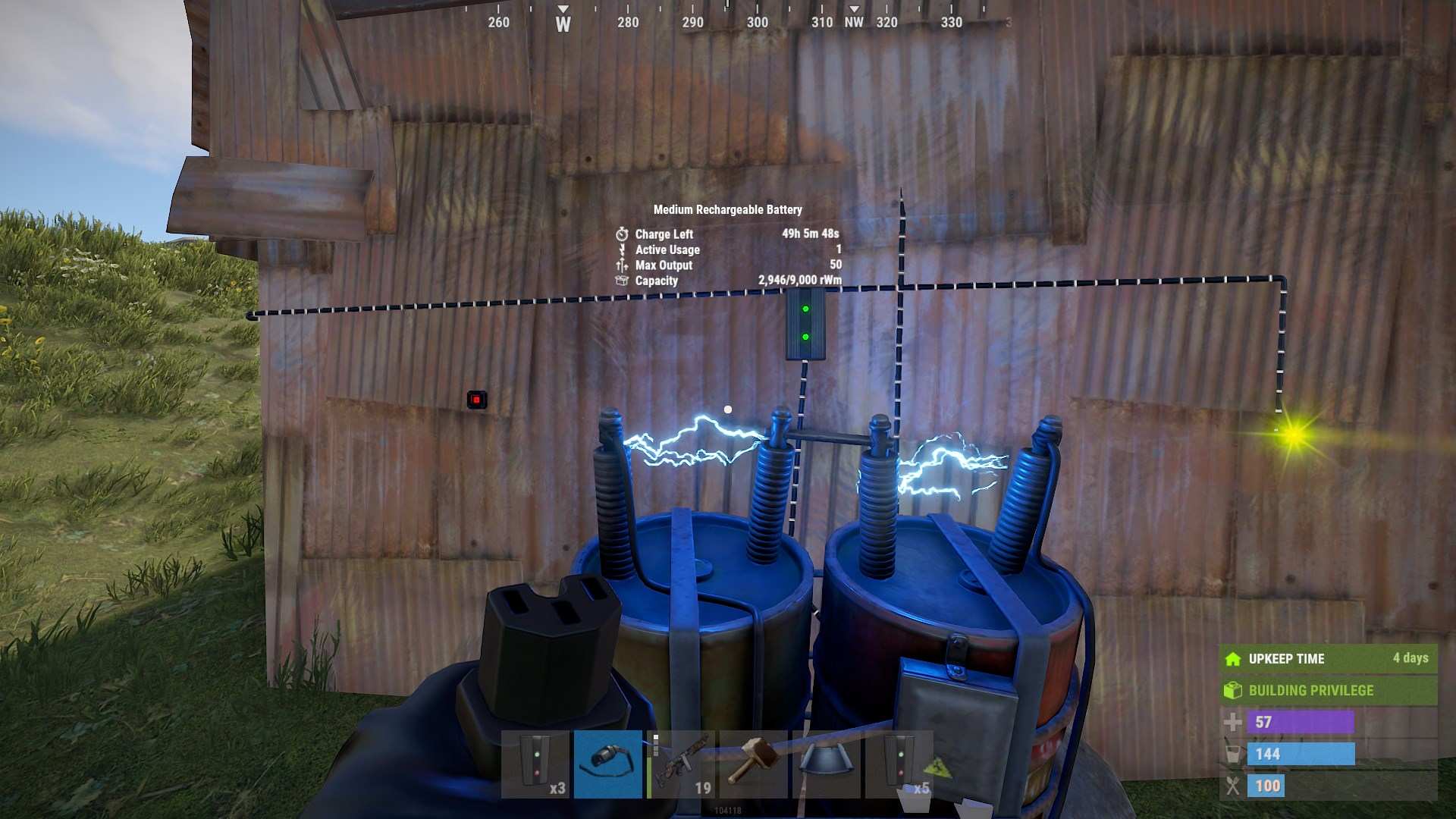
What is an Electrical Branch?
An Electrical Branch is a device used to divert power from a single source into two separate outputs. It’s a handy tool when you need to power multiple items from one power source, like a battery or wind turbine. This component allows you to direct a specific amount of power to one output while sending the remaining power to another output.
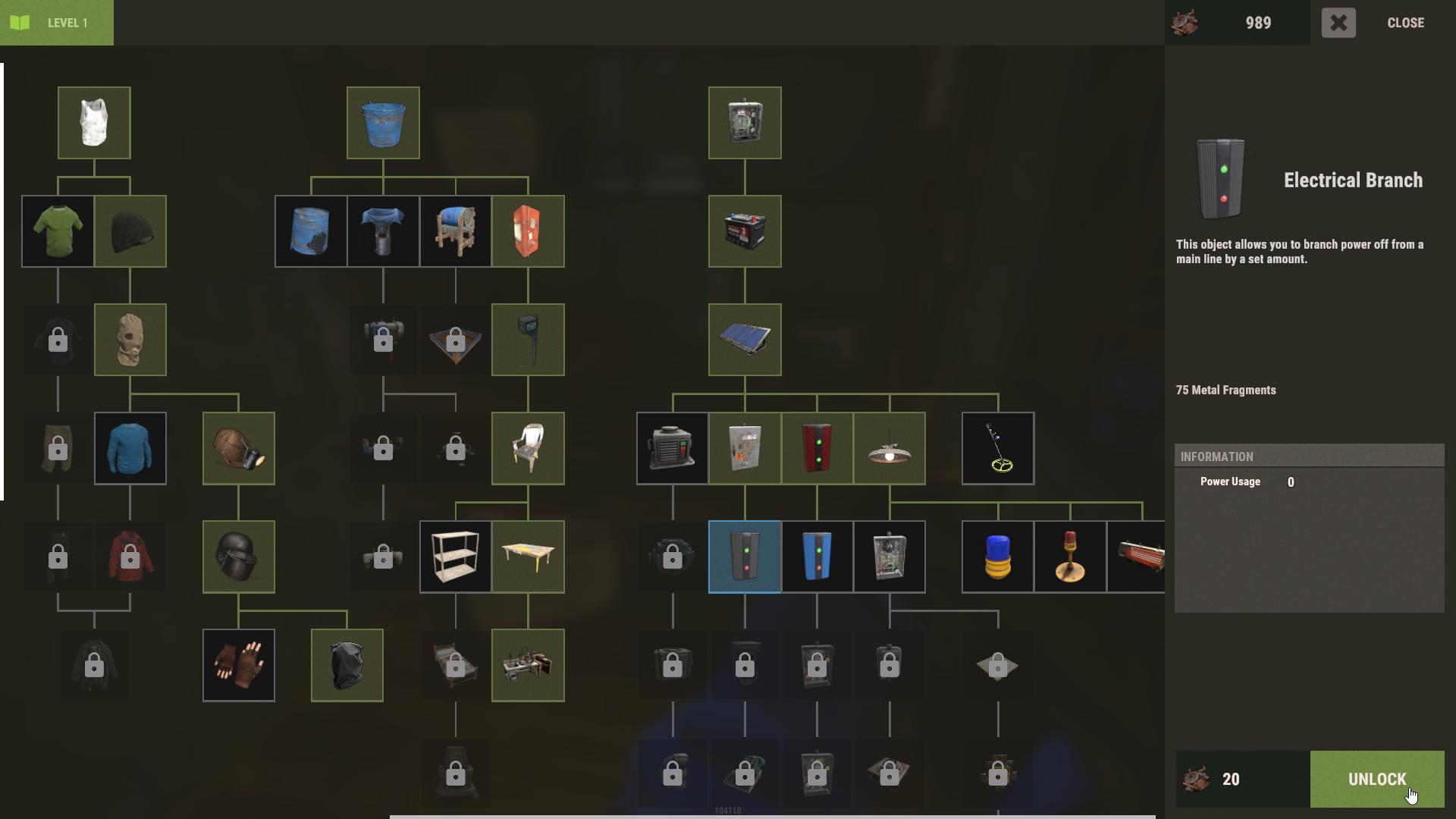
Interact with Workbench Level 1 and unlock the Electrical Branch after Splitter using 20 Scraps.
Crafting an Electrical Branch
To craft an Electrical Branch, you'll need the following materials:
- 75 Metal Fragments: Gather 75 Metal Fragmetns from various resources or smelting metal ore. You’ll need to have access to this workbench to craft the branch. It takes 15 seconds to make one Electrical Branch.
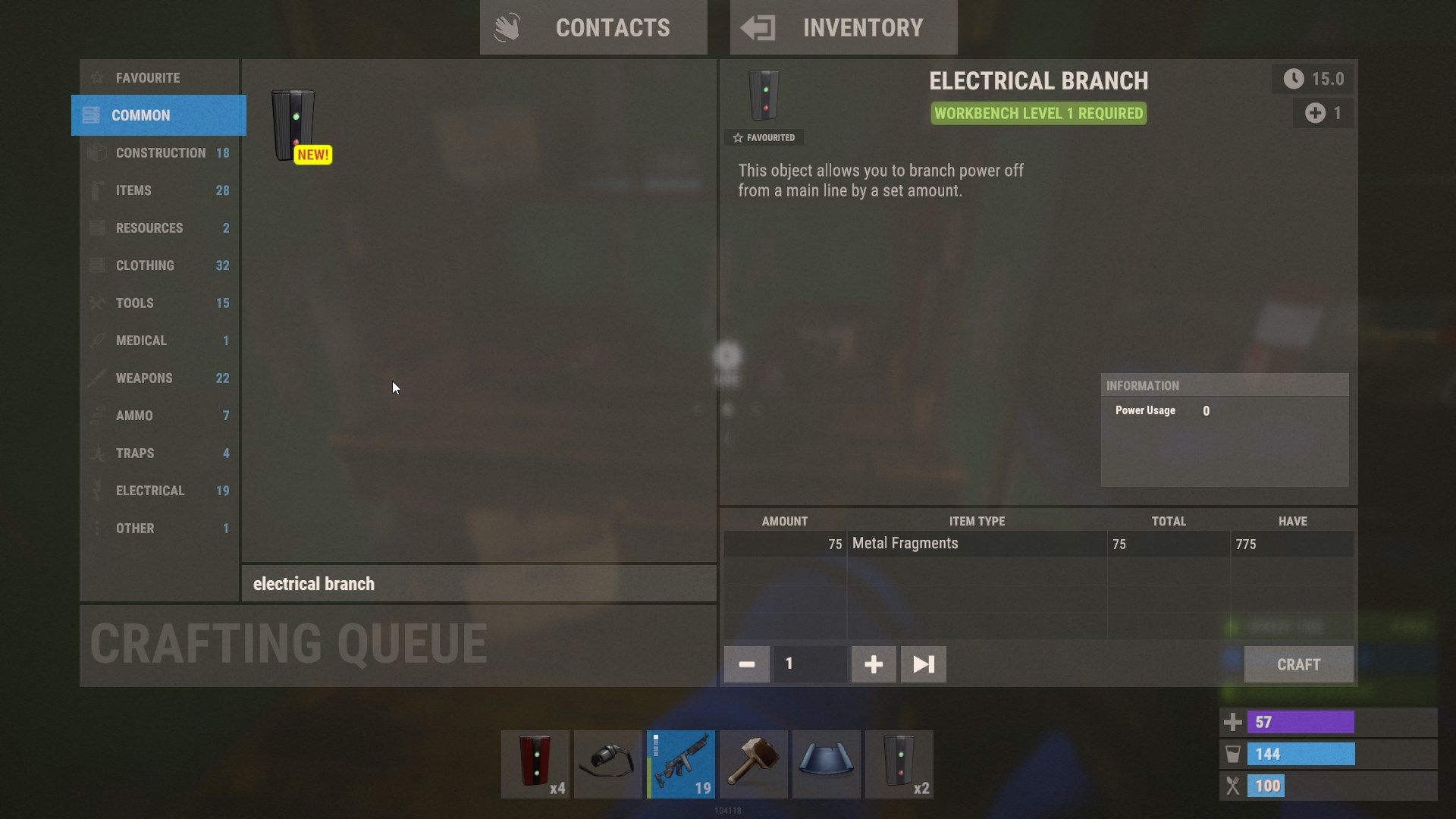
So, gather your Metal Fragments, head over to a Level 1 Workbench, and you’ll have your Electrical Branch ready in no time.
Setting Up Your Electrical Branch
Getting your Electrical Branch set up is a breeze with these steps:
1. Plug the output from your power source into the Power In port of the Electrical Branch. This could be from a wind turbine, solar panel, or any other power-generating device.
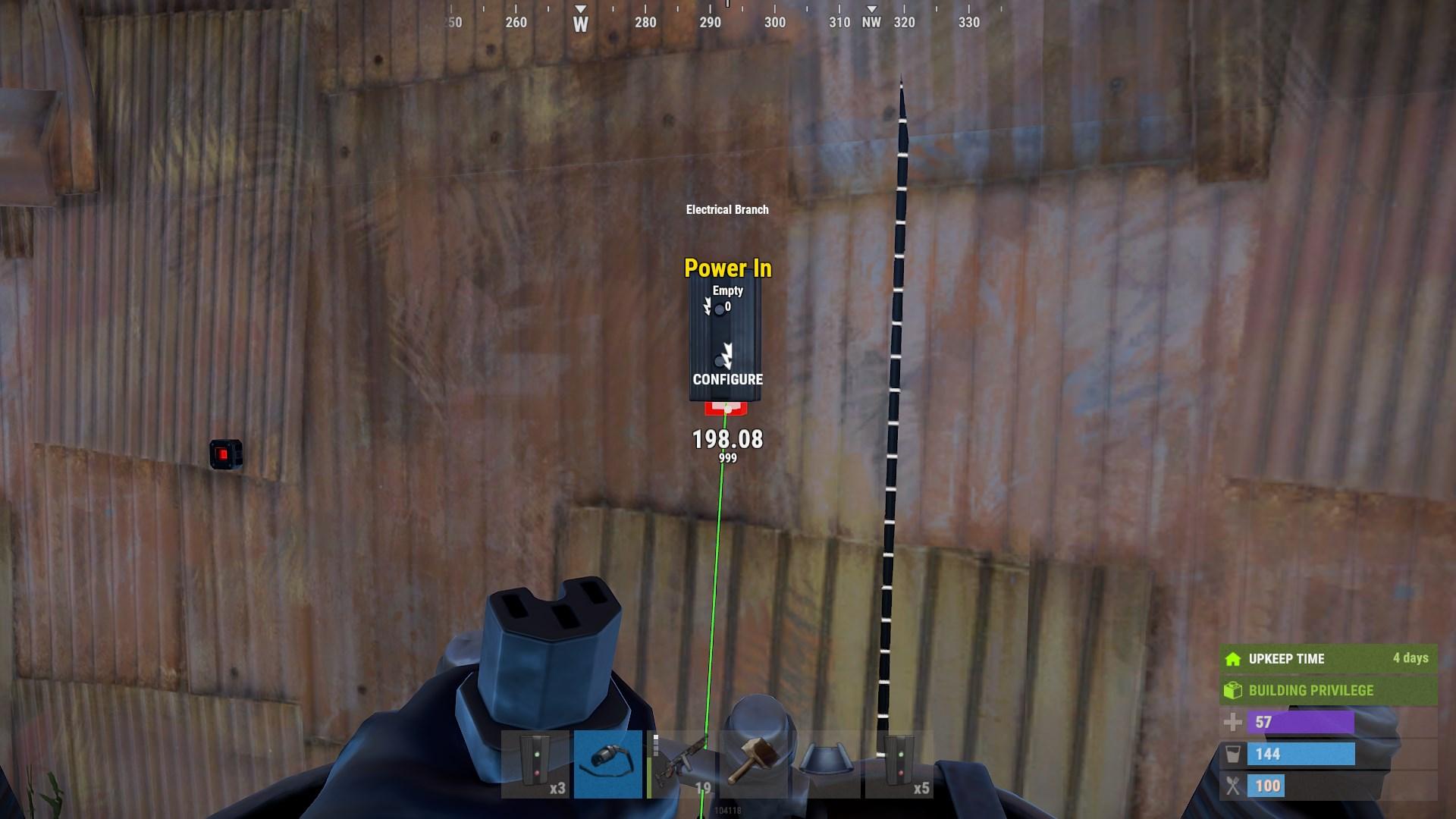
2. The Electrical Branch has two top ports: Branch Out and Power Out. The Branch Out port is where you’ll set how much power you want to direct to your devices. To do this, look at the branch, hold the "E" key, and adjust the power amount. You can set it to a range between 2 units and unlimited units.
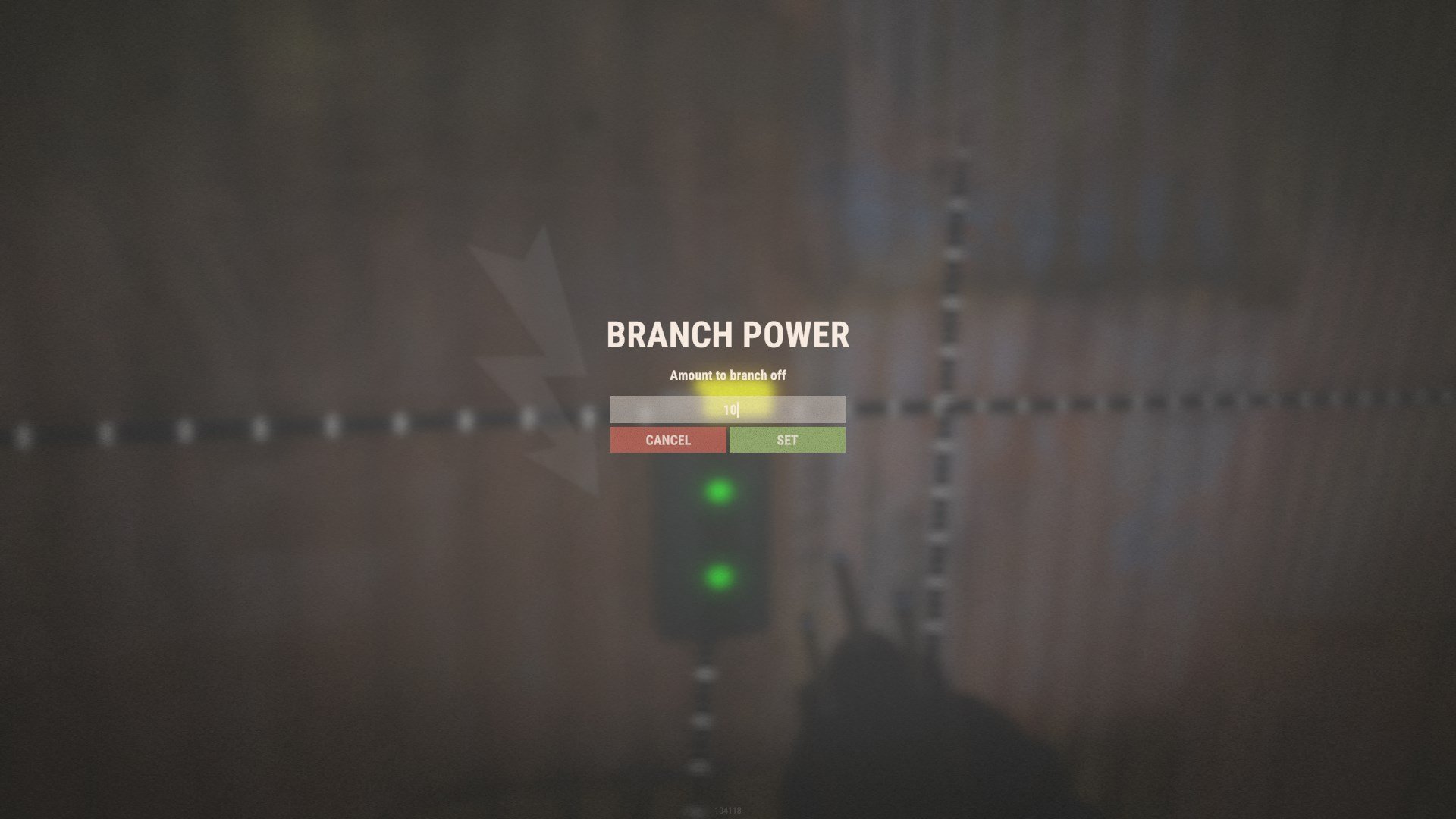
3. Connect your devices to the Branch Out and Power Out ports. For example, if you set the Branch Out to 10 units, you can direct those 10 units to one device and use the remaining power for another device through the Power Out port.
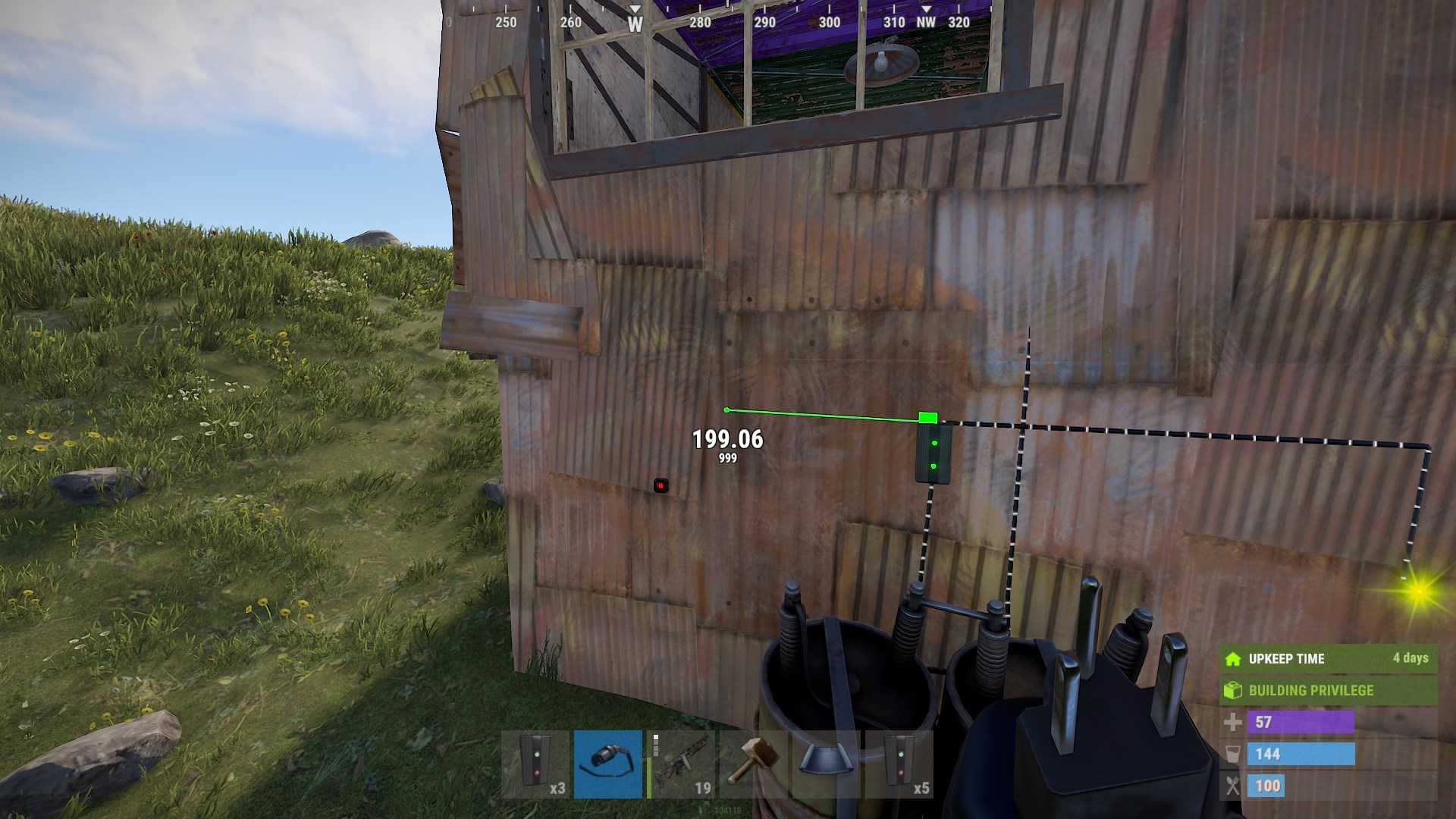
4. Adjust Power Settings: If your devices aren’t functioning properly, double-check the Branch Out setting. If necessary, increase the power amount to ensure your devices receive enough power.
Tips for Using Electrical Branches
The left port (Branch Out) always takes precedence. If there’s not enough power coming in, the remaining power will be directed through the right port (Power Out) first.
The Electrical Branch itself consumes 1 unit of power continuously. Even if the Branch Out port is not actively powering anything, it still uses up power. Adjust the settings accordingly to minimize wastage.
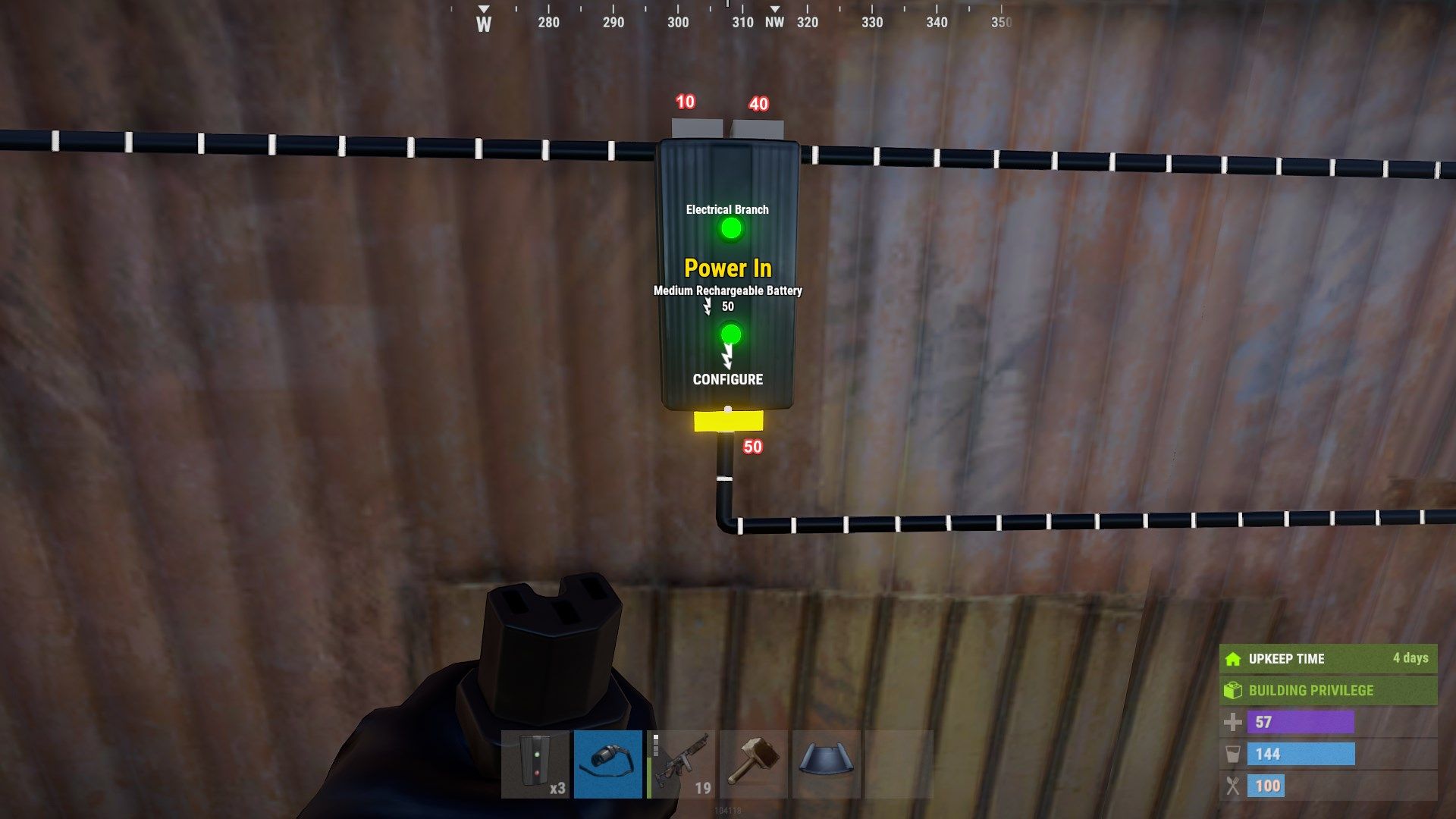
You can adjust the amount of power sent through the Branch Out port via the toggle settings. This flexibility allows you to efficiently manage power distribution based on your setup.
Troubleshooting Common Issues
If your devices aren’t turning on, verify that the Branch Out power setting is correct and that your power source is supplying enough energy.
To prevent unnecessary power use, consider placing a switch after the branch. This way, you can control when your devices are powered on without wasting energy.
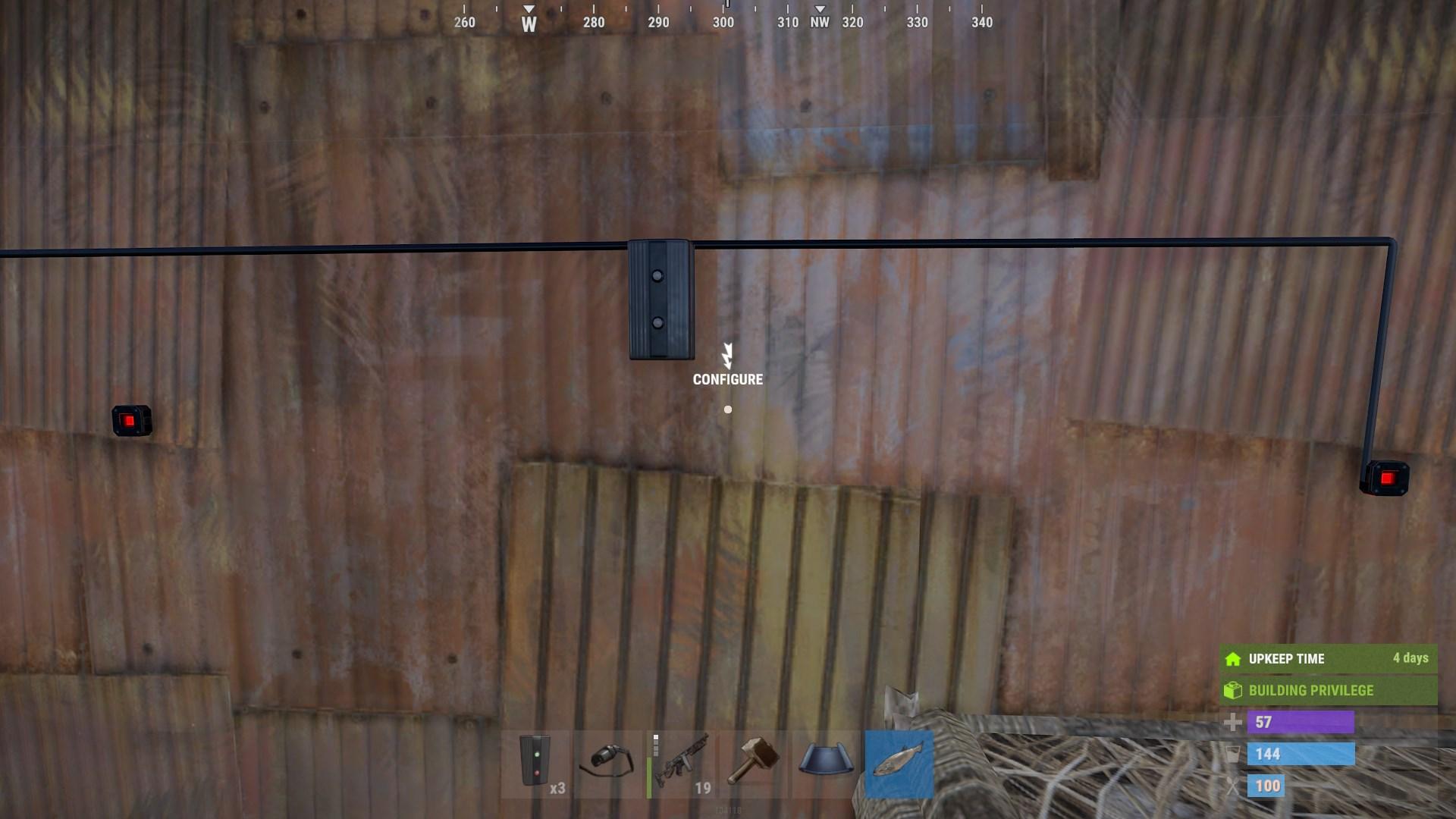
Understanding how to use Electrical Branches effectively can really streamline your electrical setups in Rust. By following these steps and tips, you can make sure your devices get the power they need without any hassle. Dive into wiring your Electrical Branches and optimize your base’s power system today!