
How to Use Console Commands in Sons of the Forest
While the game's challenges can be daunting, mastering console commands offers players a way to bend the rules and tailor their experience.

Unlocking the Console
To begin your journey into the realm of console commands, you must first unlock the console itself. Simply access the in-game chat and type "cheatstick" as a single word. Press enter, then hit the F1 key to reveal the console interface.
If successful, a plethora of commands awaits at your fingertips. If not, a retry may be necessary, ensuring proper activation for seamless gameplay manipulation.

Enter your command
Once the console is unlocked, a world of possibilities unfolds. Here are some essential commands to empower your Sons of the Forest experience:

- addallitems: Instantly fill your inventory with every item available in the game, ensuring you're equipped for any situation.
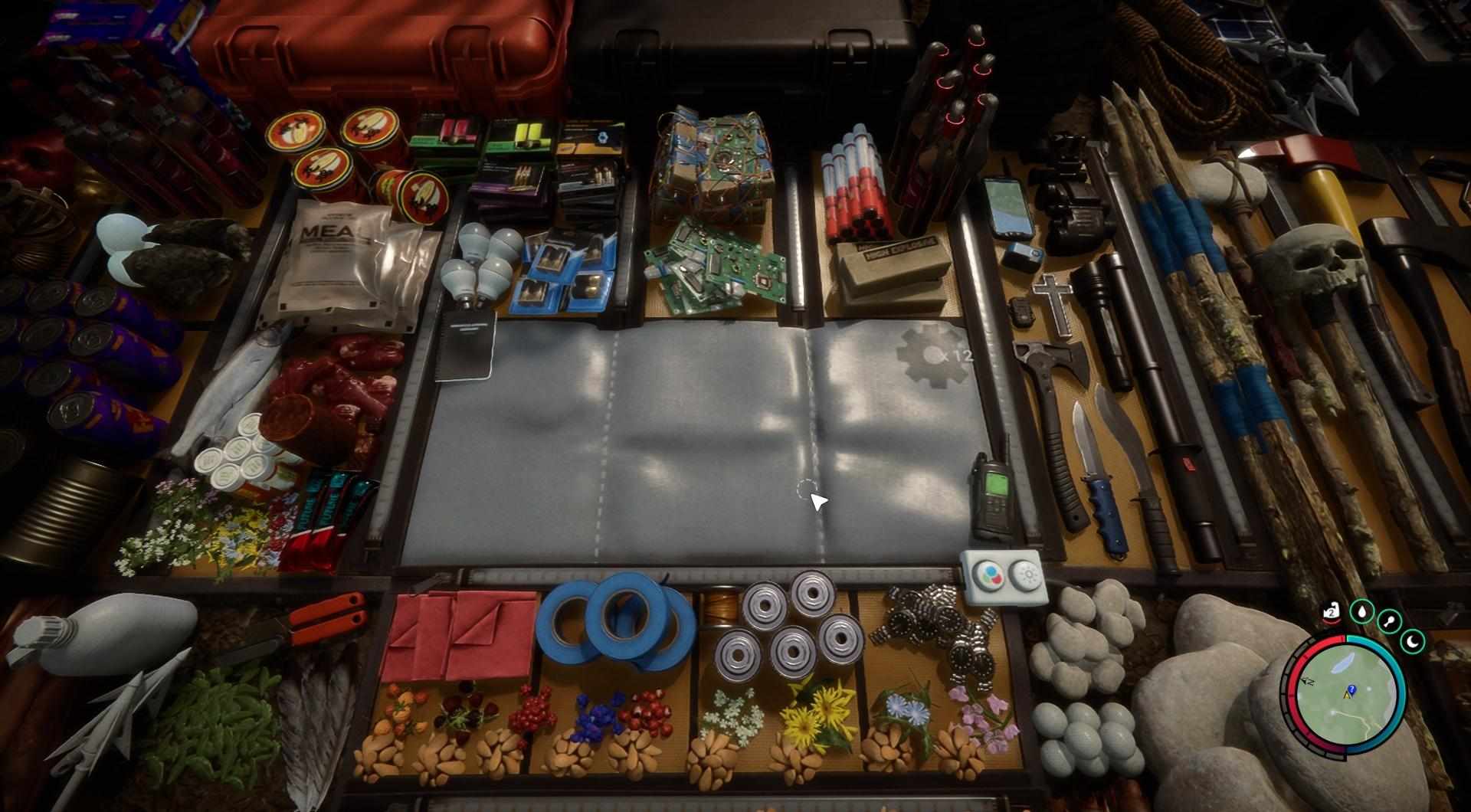
- setstrengthlevel: Fine-tune your character's strength and health points to match your preferred playstyle, whether it's resilience in combat or agility in exploration.
- season: Command the seasons to change at will, altering the environment and atmosphere to suit your preferences.
- With the 'settimeofday' command, you can change the time to any preferred setting.
- npc: In the game, NPCs can be added as friendly, hostile, or neutral entities to the scene using the 'addcharacter' command, followed by the NPC's identifier and the desired quantity. For example, to add ten cannibals, you would input: 'addcharacter cannibal 10'.

- Invisible: Turn yourself invisible to evade enemies and explore undetected.
- godmode: Achieve invincibility with the godmode command, granting immunity to all forms of damage.
- instantbookbuild: Expedite construction by instantly completing any building project selected from the build menu.
- aidisable: Clear the world of AI threats by removing all hostile creatures, transforming the game into a tranquil wilderness.
- gotocoords: You can move your character to any coordinate in the world. However, be careful not to end up underground or too deep in the ocean gotocoords 1000 1000 1000.

Personalizing Your Adventure
The decision to utilize console commands is entirely personal, offering players the freedom to tailor their gameplay experience to their liking. Whether seeking convenience, challenge, or creative expression, console commands empower players to shape their journey through the dark and treacherous world of Sons of the Forest.
In the ever-evolving landscape of Sons of the Forest, mastery of console commands opens doors to limitless possibilities. From overcoming challenges with ease to unleashing creativity in gameplay, these commands serve as a tool for players to carve their own path through the haunting wilderness. Embrace the power at your disposal and embark on an adventure like no other in Sons of the Forest.