
How to use buttons with command blocks in Minecraft
Have you ever wanted to press a button in Minecraft and teleport to a secret lair? Or maybe turn on lights, open hidden doors, or trigger a cool sound effect like you’re in a movie scene? Command blocks can do all that - and buttons are how you trigger the magic. It’s like wiring the game to do whatever your imagination tells it to. In this guide, we’re going to explore how you can use simple buttons, and mighty command blocks together to pull off amazing effects that feel like coding your own mini-game inside the world.
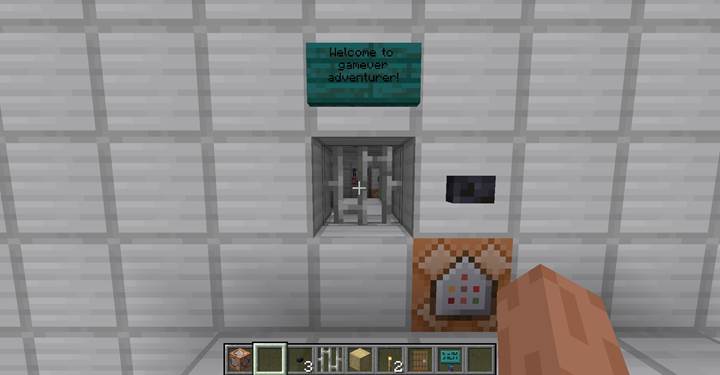
Teleport inside a hidden base with one click
Let’s say you’ve built a mysterious bunker up in the trees and you don’t want just anyone wandering in. You place a button outside, looking harmless, but the moment someone presses it – bam! - they vanish and reappear inside the base. To do this, first use the command /give @p command_block so you can get your hands on a command block. Now place it behind the wall near your button.
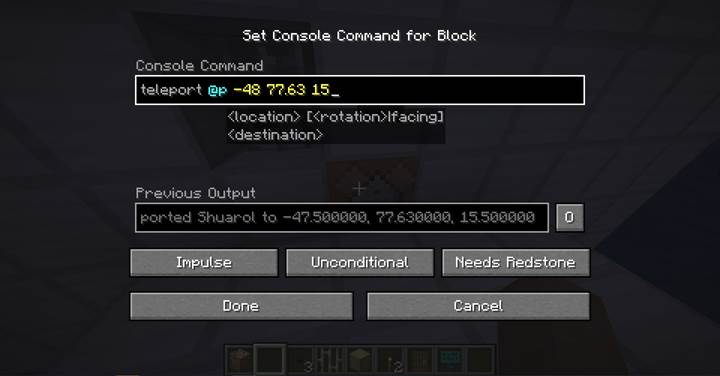
When placing a command block, remember it needs a redstone signal, and a button provides that. Also, you can place the button right aside the command block – it would work as well.
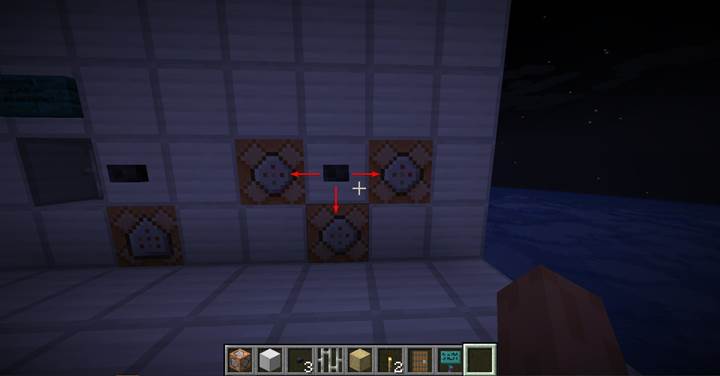
In the block, write something like /teleport @p 150 80 200 using the exact coordinates of your bunker’s inside room. Once set, attach a stone or wooden button to the block (or the wall connected to it), and test it. The teleportation feels instant, like a trapdoor through dimensions. Players can use this to enter story zones, arenas, puzzle chambers, or even just a safehouse. If you want to get fancy, add another block that plays a sound before the teleport, like /playsound minecraft:entity.enderman.teleport ambient @p, so it feels like magic kicking in.
Turn on lights with a button press
Now let’s say the inside of your base, imagine it is dark there - real moody, like a place that hasn’t been visited in years.
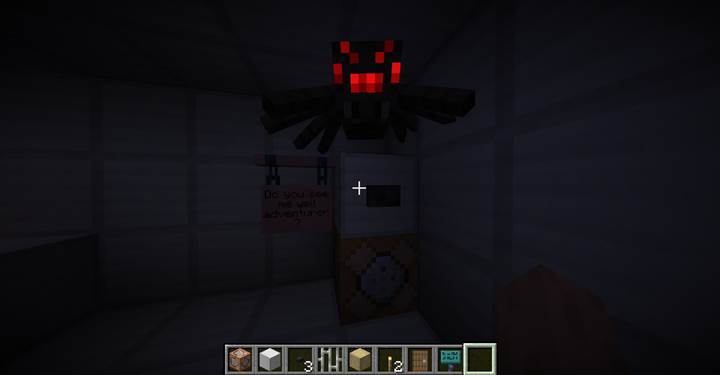
You want a button that lights things up. Command blocks to the rescue again! Figure out where you want a torch or light block to appear. Maybe on the wall above the button. Place a command block connected to that button and type /setblock 150 81 199 minecraft:torch to make a torch appear at those coordinates.

When someone hits the button, voilá! - the torch appears. It’s super cool if you combine this with sounds or particles to make it feel like ancient magic is waking up the room. You could even replace entire walls with glowing sea lanterns using /fill.
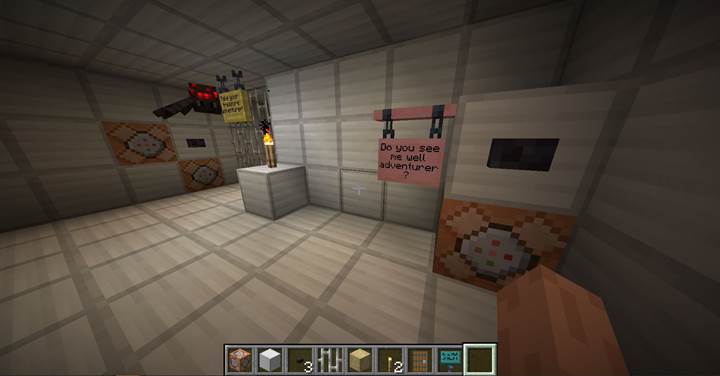
Try this if you’re creating treasure chambers or trap revealers. This trick can be used to light up puzzle rooms, prisons, dramatic arenas, or just make the player feel awesome when they press a button and change the space around them.
Open iron bars to reveal a treasure chest
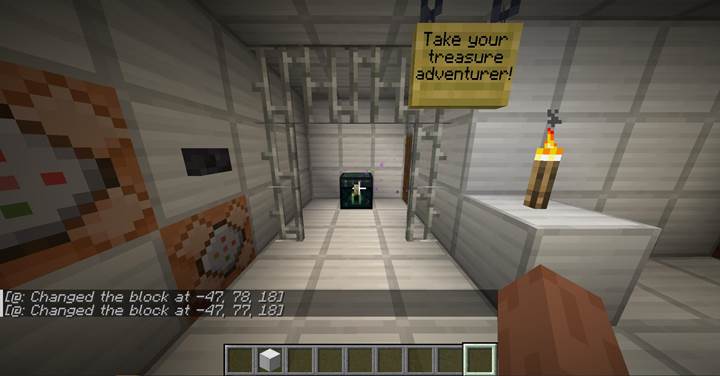
Finally, the loot. You want a chest behind some iron bars, and pressing a button makes them vanish like a magic vault opening.
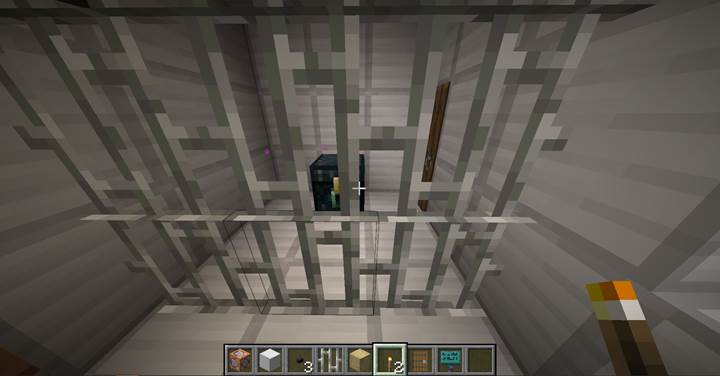
For this, you’ll need two command blocks if the bars are stacked two high. The first command block should say /setblock 150 80 205 air to remove the bottom part, and the second one should say /setblock 150 81 205 air to remove the top.
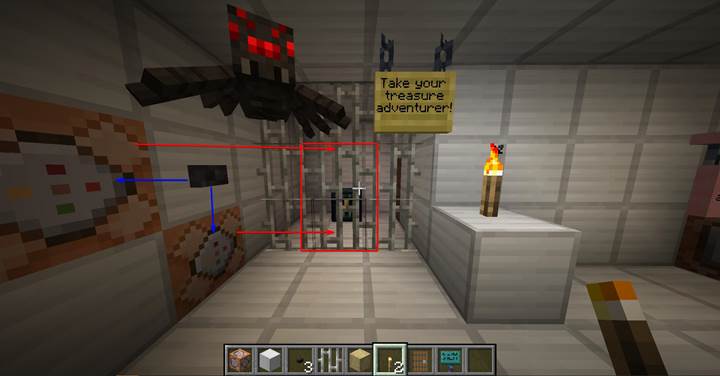
Place both blocks side by side and connect them to one button using redstone or by positioning them so the button signal hits both. When the button is pressed, the iron bars disappear. You can leave it like that, or if you want the bars to return later, you can set another button that brings them back using the same /setblock command but replacing air with minecraft:iron_bars.
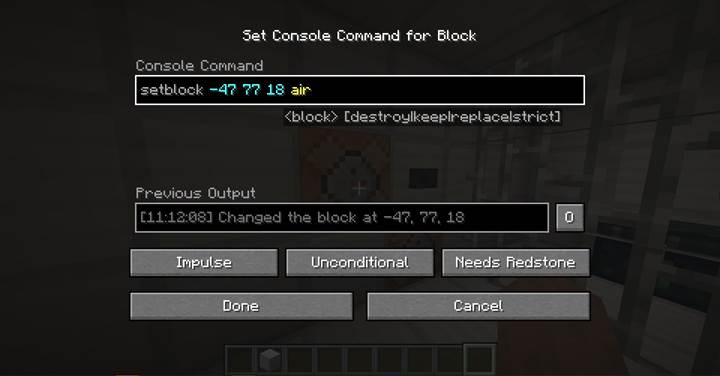
It’s perfect for vaults, hidden doors, or parts of a story where the player needs to unlock a path. You can even add conditions, like only open the bars if the player has a certain item. Or create a dramatic trap where pressing the wrong button closes the bars and drops lava from above. Just an idea.
Using buttons and command blocks in Minecraft is like adding a brain to your world. You’re no longer just placing blocks—you’re writing events, reactions, and cool surprises. You can tell stories, build missions, and guide your friends through your imagination. With Gamever, it’s even more fun. You and your friends can play on servers, recreate scenes from movies or books, explore crazy challenges, or just mess around with redstone puzzles. It’s the best way to turn Minecraft into a living adventure—and all it takes is a button.