
How to Use Beacons in Factorio Space Age
Beacons in Factorio Space Age are the secret sauce for supercharging your factory. These devices broadcast boosts to surrounding machines, helping them work faster without needing individual upgrades. Let’s look at how to get the most out of these powerful tools and maximize your factory’s efficiency!
Understand What Beacons Do
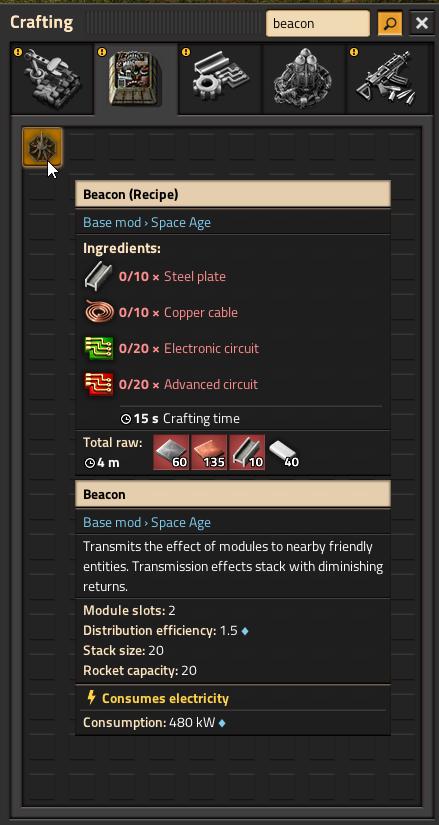
Beacons transmit effects from productivity modules and speed modules to nearby machines, like assemblers or furnaces, without directly upgrading each one. Imagine your machines getting a power-up that lets them work faster or with higher yields—all thanks to nearby beacons. This is how you can reach top efficiency levels.
Place Beacons Near Your Machines
To use beacons effectively, set them up close to the machines you want to enhance. Each beacon has a set range, so position them strategically for optimal coverage. Aim to surround high-priority machines, like assemblers, furnaces, or chemical plants, with as many beacons as possible.
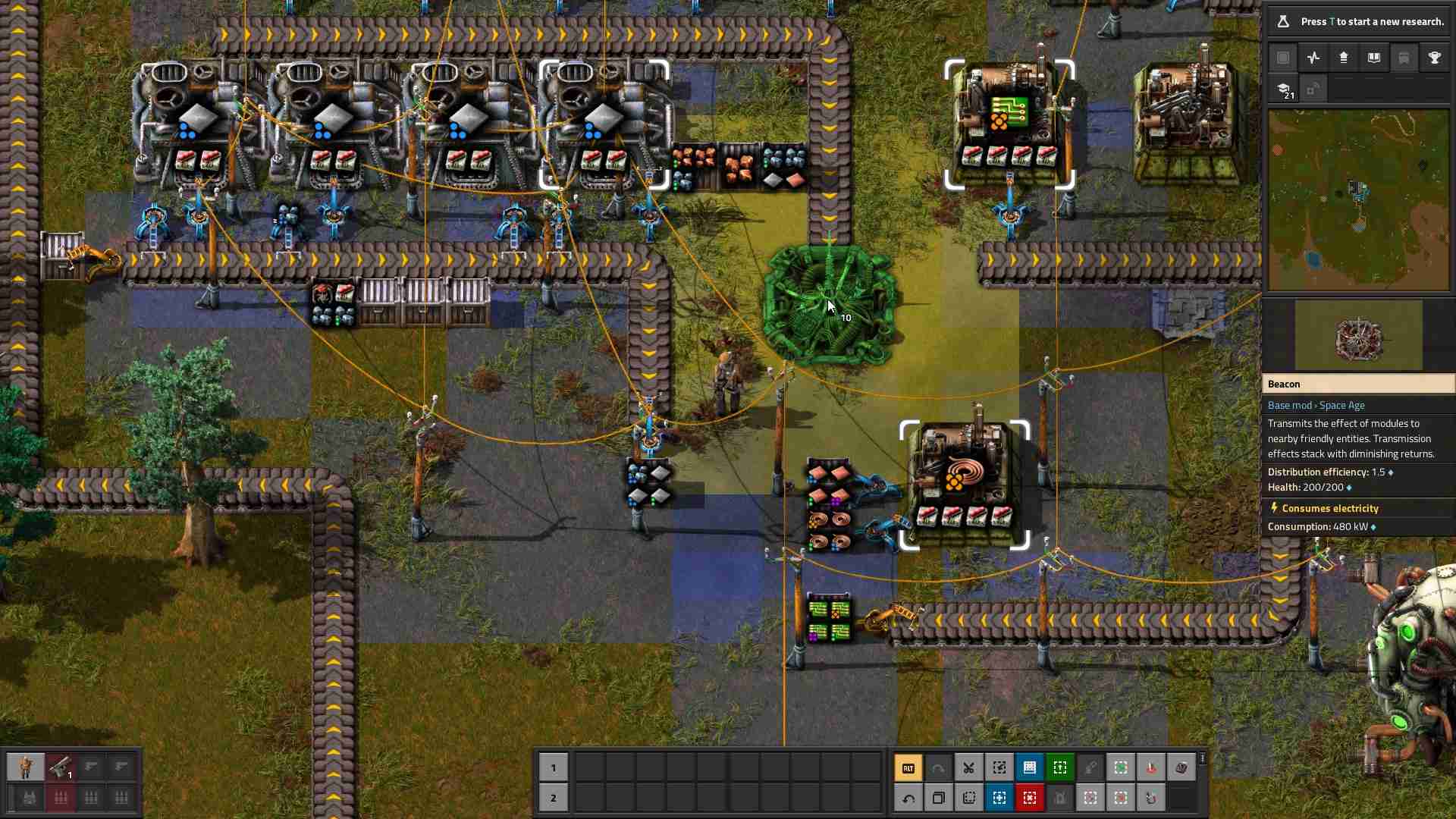
Tip: When in doubt, a grid layout often works best! Arrange beacons so their coverage overlaps multiple machines.
Equip Beacons with Modules
Beacons need modules to work. Speed modules increase production speed, while productivity modules can boost yield. Experiment with combinations to see what works best for your setup. Usually, speed modules are best in beacons to keep the rate up, while productivity modules go directly into machines.
- Speed Modules: Perfect for speeding up production. Use Speed Module 3 for maximum boost.
- Productivity Modules: If placed in machines, they yield more products but work slower. Balance with speed modules in beacons for overall efficiency.

Balance Power Use with Module Effects
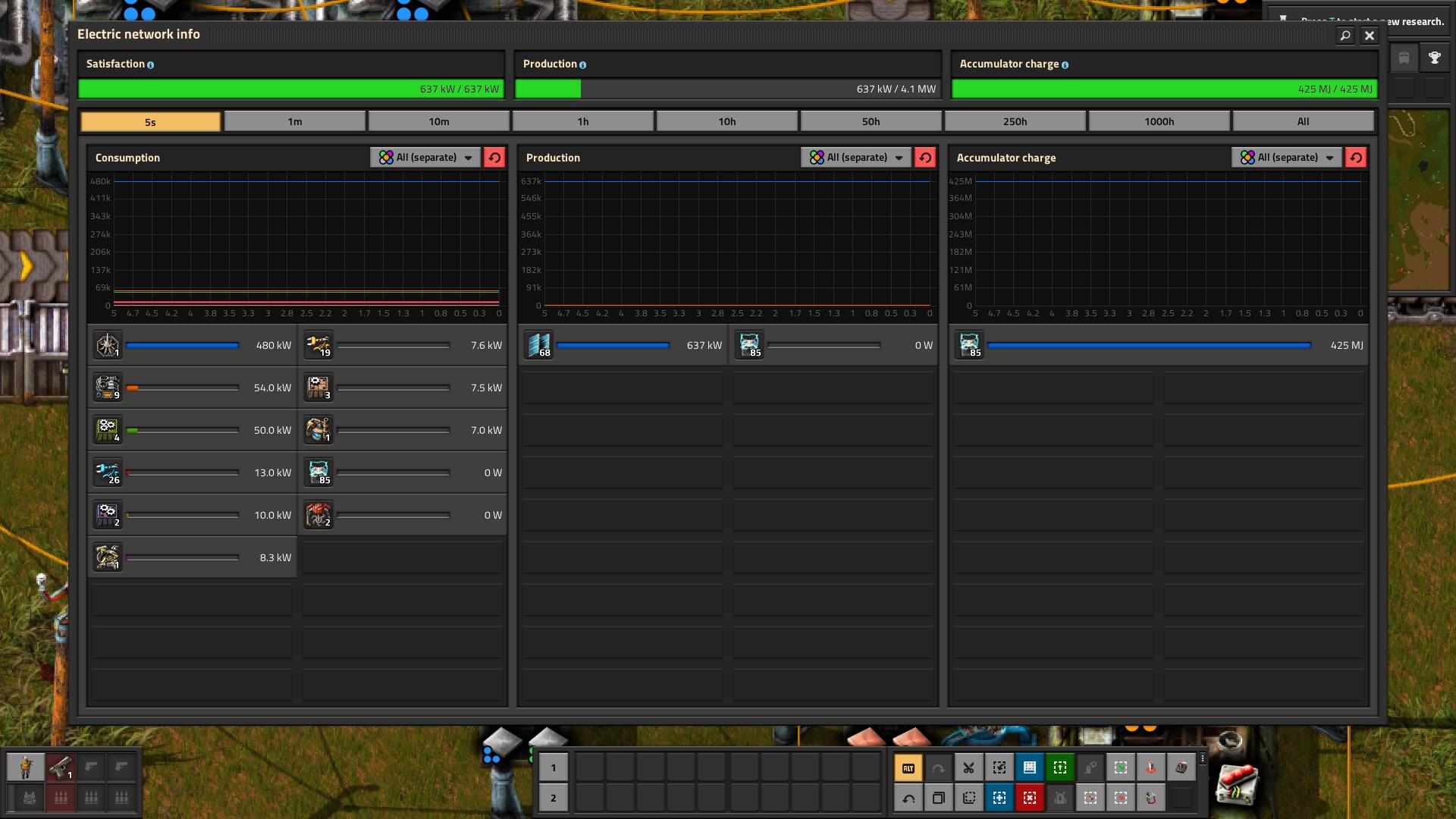
Beacons require energy, and using high-level modules increases power demand. Keep an eye on your power setup, especially when using Speed Module 3, which can eat up energy quickly. Solar panels and accumulators are great for balancing these high-power setups.
Optimize Factory Layout for Maximum Beacon Coverage
Use a layout that allows each machine to be covered by multiple beacons without cramming. An optimized setup lets each machine benefit from several beacons, supercharging productivity and speed without wasting space.
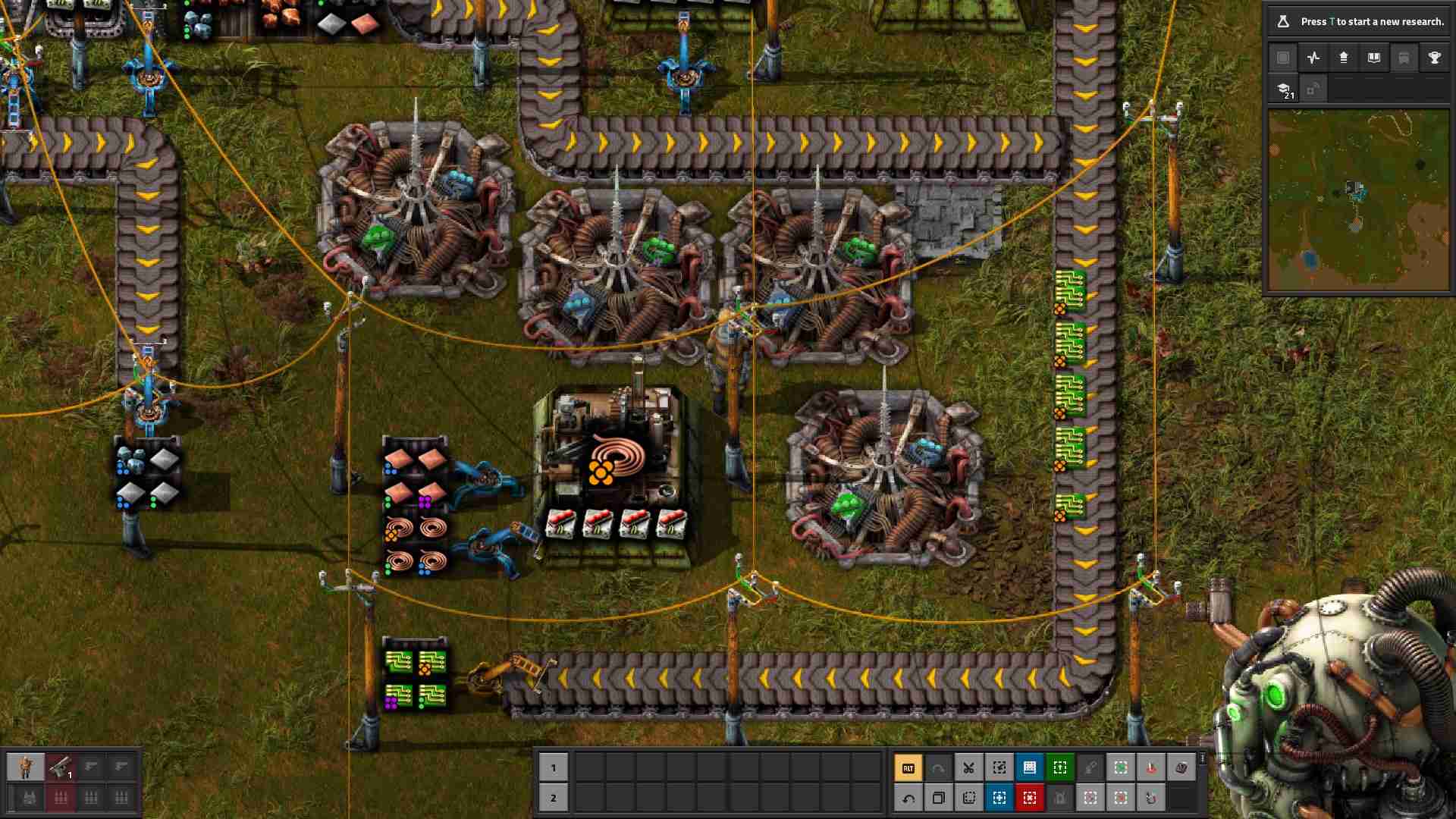
Tip: Test different layouts to find the one that provides the best boost without overcrowding. In most cases, having 2-4 beacons covering a machine is ideal.
Plan for Module Production
Modules don’t come cheap, so factor module production into your blueprint. Use low-level modules initially, then gradually upgrade to advanced ones. A dedicated module-production setup pays off, as it keeps your beacons at peak performance without constant resource strain.
As your factory grows, revisit beacon placement. Machines will shift, new production lines will emerge, and old setups might not work as efficiently anymore. Regular adjustments ensure your factory stays optimized without wasting modules or power.
Beacons in Factorio Space Age aren’t just add-ons; they’re the backbone of high-output factories. Use strategic placement, efficient module combinations, and continuous adjustments to power up your production lines and achieve the next level of automation. Keep testing and refining, and watch your factory thrive!