
How to Unlock Map in Satisfactory Release 1.0
Initially, the map isn’t available. You’ll need to complete some research to unlock it. In the next article, we’ll explain how to get the map and use it to make your exploration easier.
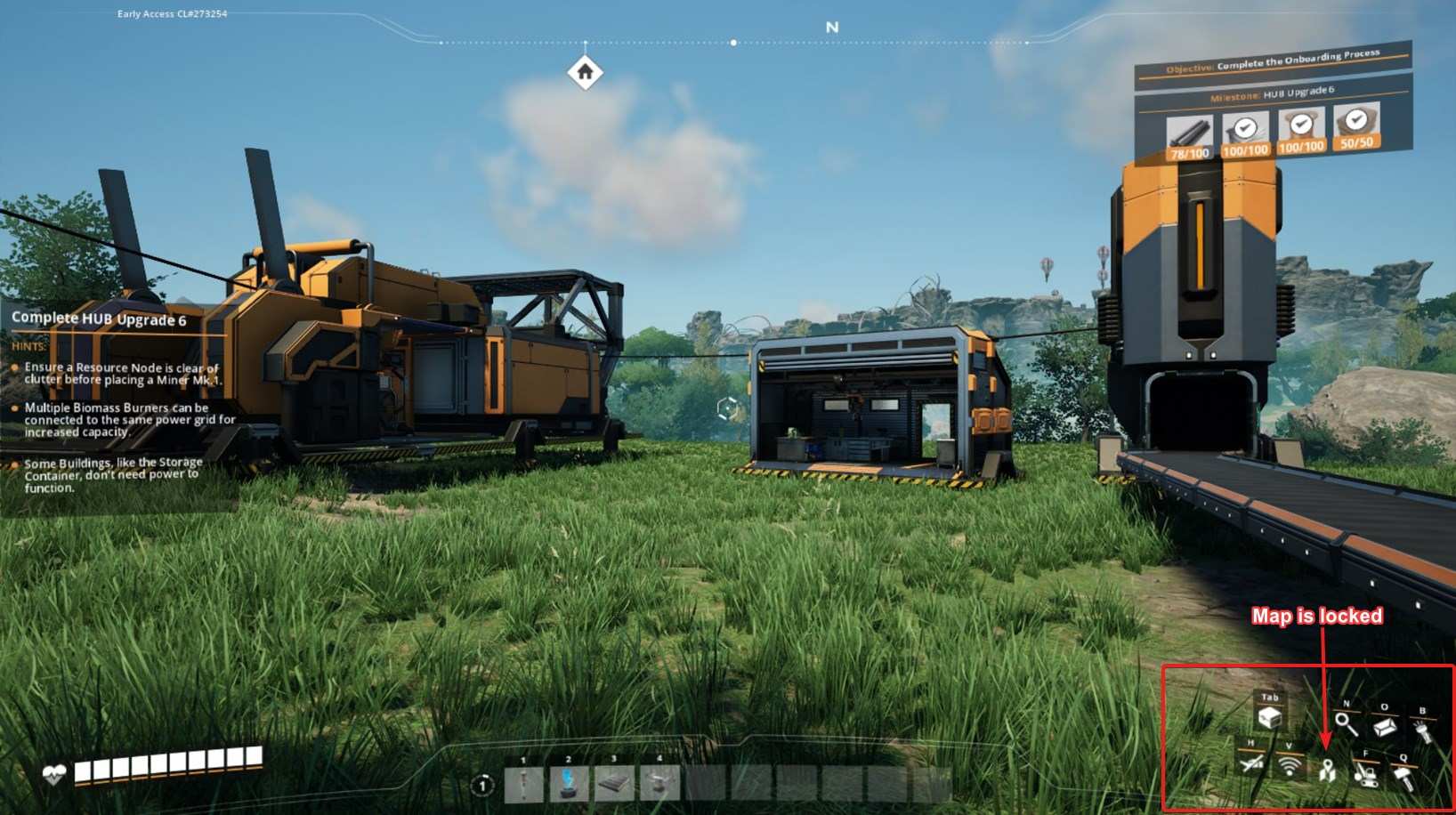
Progress to Tier 1 – Field Research
To unlock the in-game map, you need to reach Tier 1 – Field Research in the HUB. This is the milestone that gives you access to the map and several other essential tools. If you're not there yet, focus on completing the objectives leading up to this milestone.
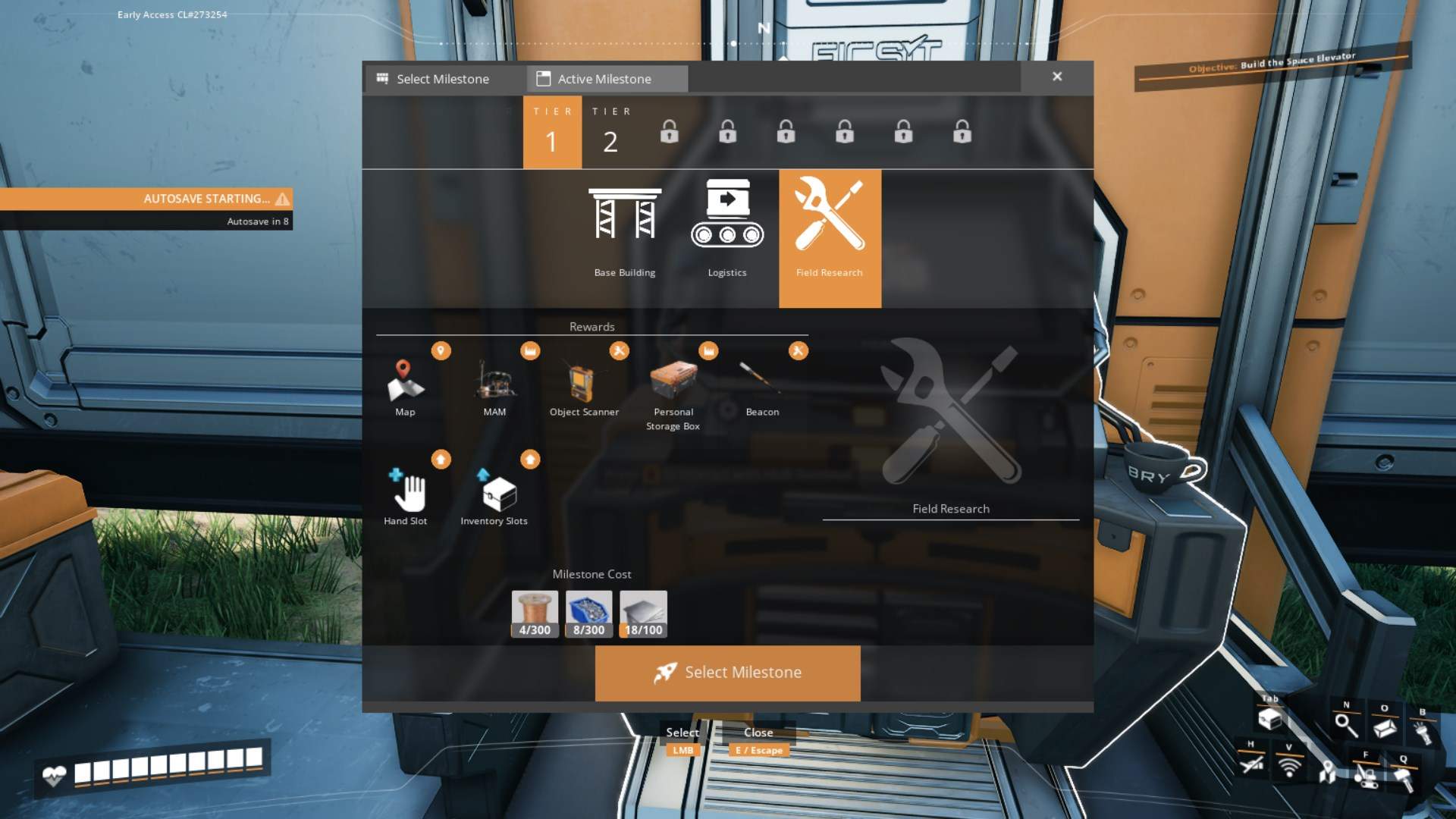
For Field Research, you'll need to gather specific items. Typically, these include screws, copper wire, and iron plates. Make sure you have enough of these components. Here’s what you’ll need:
- Screws: 300
- Copper Wire: 300
- Iron Plates: 100
Once you have these, head to the HUB terminal, and insert them to complete the milestone.
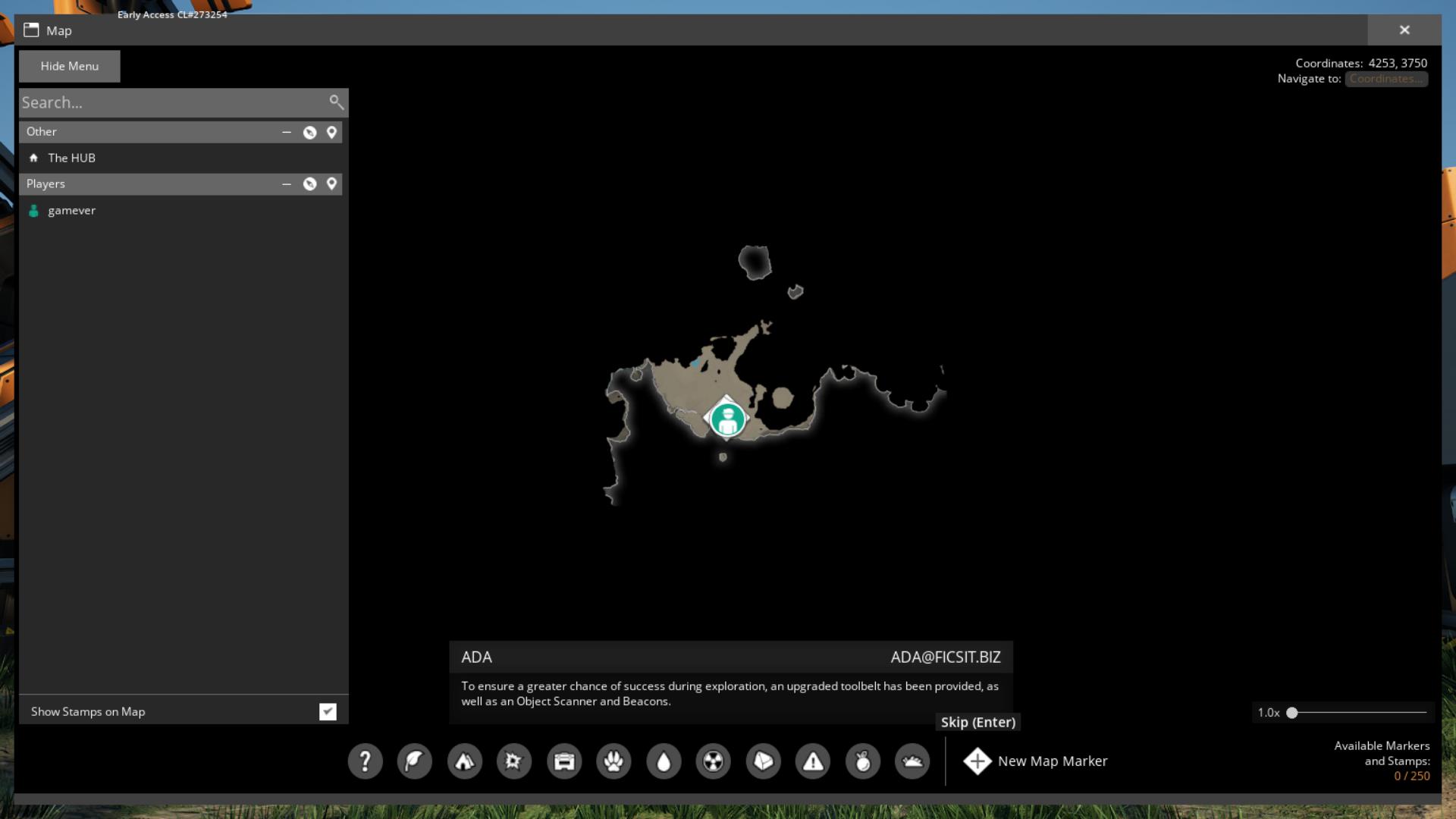
With the Field Research milestone completed, you'll receive the map as part of your rewards. To access it, press the ‘M’ key. You can zoom in and out using the slider or your mouse wheel and drag the map around with your mouse.
Unlock Radar Towers
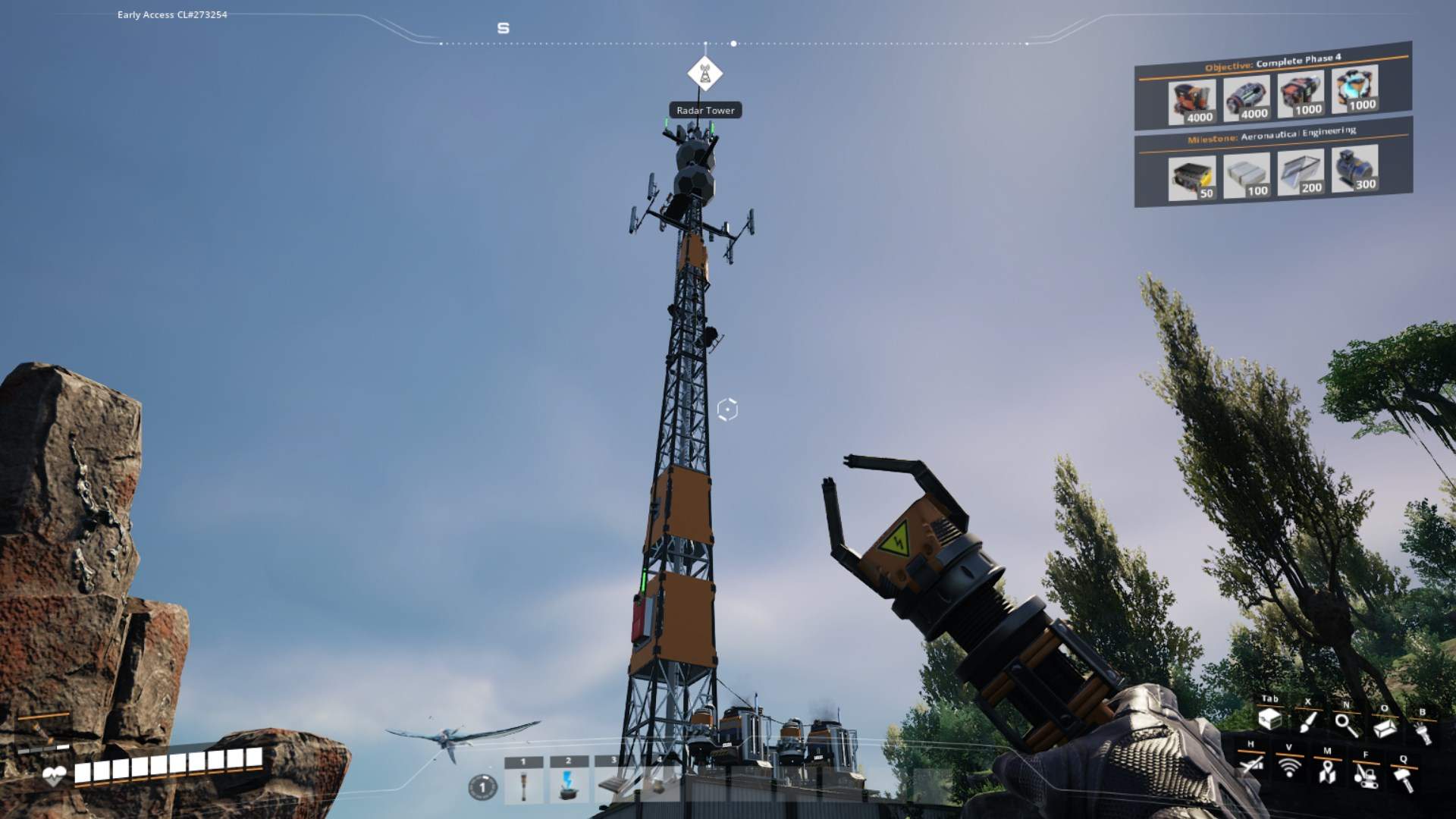
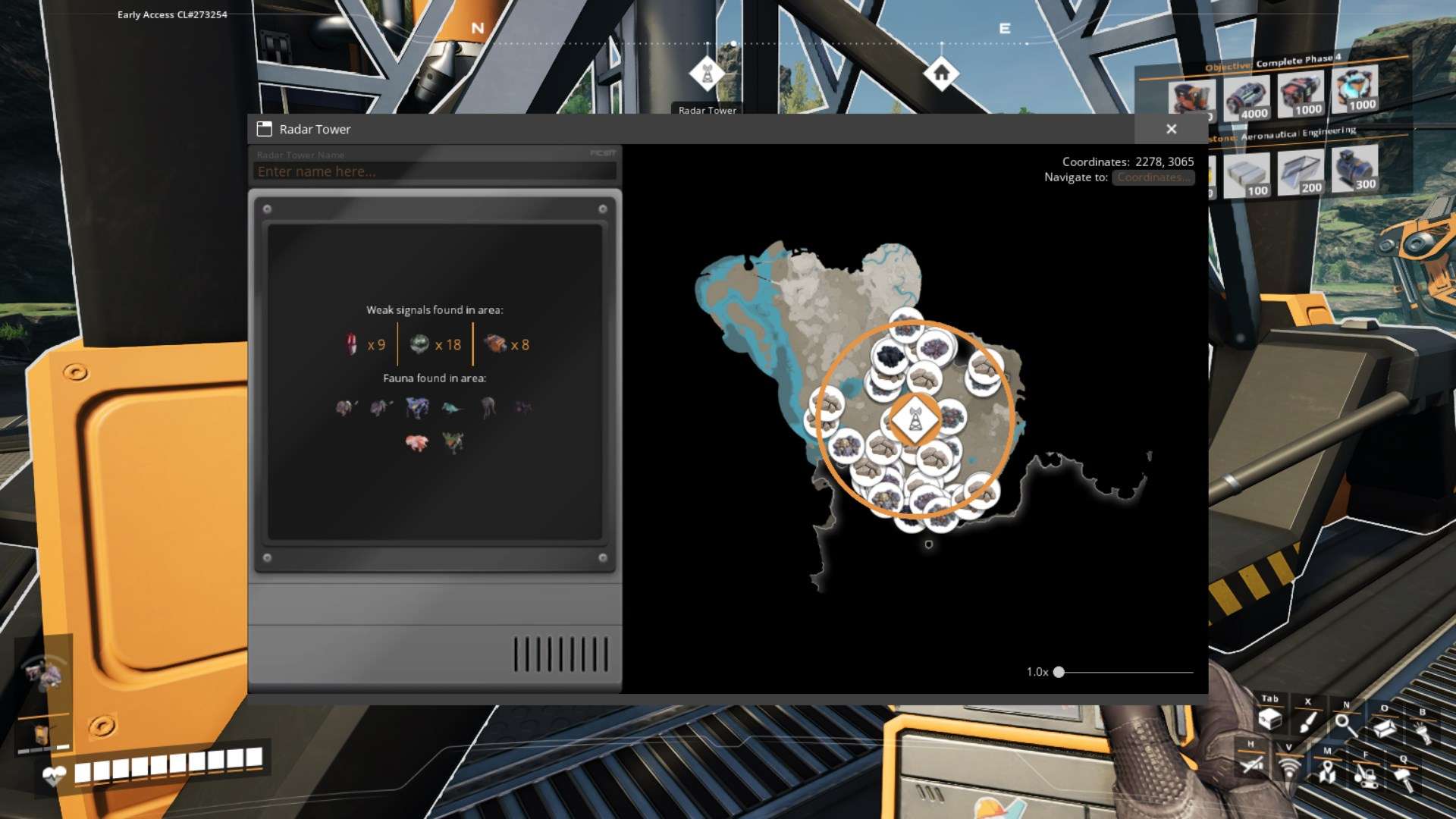
Radar Towers are crucial for uncovering areas on your map. Place them strategically above the terrain to reveal more of the world around you. Note that if you're underground, the map won't show the terrain above, so position your Radar Towers wisely.
Explore Map Icons
Your map displays various icons such as:
- Pioneers
- Death Crates
- Vehicles (excluding Freight Cars)
- The HUB (active milestone)
- Space Elevator (project assembly progress)
- MAM (current research)
- Beacons
- Radar Towers
- Resource Nodes and Resource Wells (scanned recently)
Hover over these icons to get additional information, which helps in navigation and resource management.
Use Markers and Stamps
Customize your exploration by using Markers and Stamps. Markers can be personalized with names, sizes, icons, colors, and compass view distances. Stamps are simpler, just dropping a marker on the map without customization. You can highlight these to see Laser Beacons in the world, aiding in finding specific locations.
Your map won’t show:
- Other Player-Built Structures (unless specified)
- Exact Locations of Power Slugs, Somersloops, Mercer Spheres, and Crash Sites
- Resource Deposits
- Poison Gas
- Cracked Boulders
- Markers and Stamps Customizations
Keep this in mind when planning your explorations and searches for resources.
The map shows coordinates in the upper right corner, displaying X and Y values relative to your mouse cursor. Entering coordinates can help pinpoint locations, though the map doesn’t support Z (elevation) values.
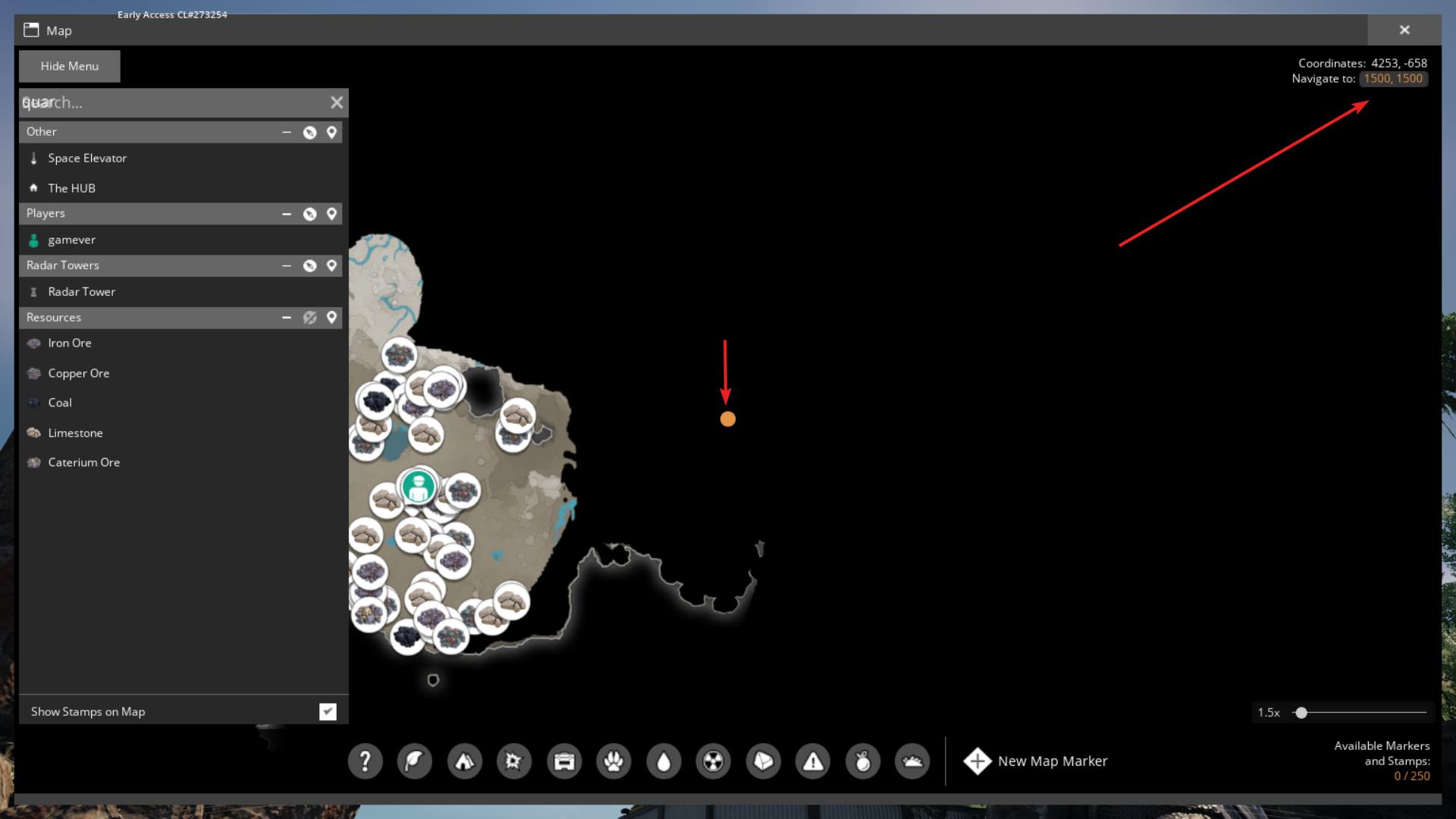
If you want to filter out specific icons or elements, use the map filter menu. This option lets you show or hide various map icons and stamps according to your needs.
Unlocking and using the map in Satisfactory is a game-changer for your exploration and factory building. By reaching Tier 1 – Field Research, setting up Radar Towers, and using the map’s features effectively, you’ll navigate and manage your expansive world with ease. Enjoy your journey through the industrial landscape and make the most of your newly acquired map!