
How to trigger events with levers and command blocks in Minecraft
Levers in Minecraft are more than just simple switches. In this guide, you'll learn how to use them to build immersive mechanics for puzzles, secret doors, messages, and even full story events. We'll walk through clear examples of how to connect levers with command blocks to create real in-game reactions that feel like magic. If you've played our previous example with the button-based puzzle, you'll notice familiar ideas - but here, everything is powered by levers.
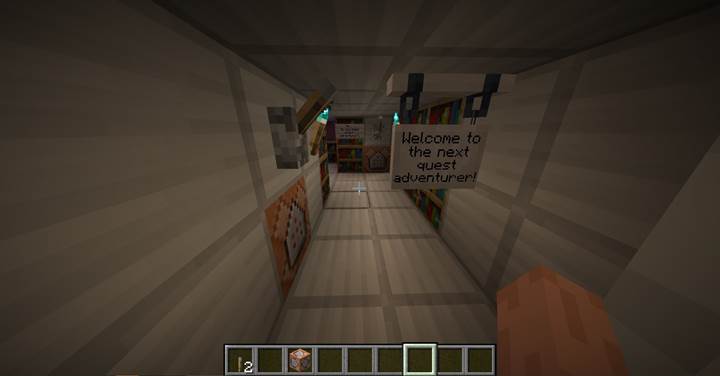
Starting the quest with a lever
You start by placing a lever on the wall and connecting it to a command block. Inside that command block, you place this command:
/title @a title {"text":"Let's quest begin!","color":"gold","bold":true}
Now, when the lever is switched on, all players will see a fullscreen message. This can be your way of marking the beginning of an adventure.
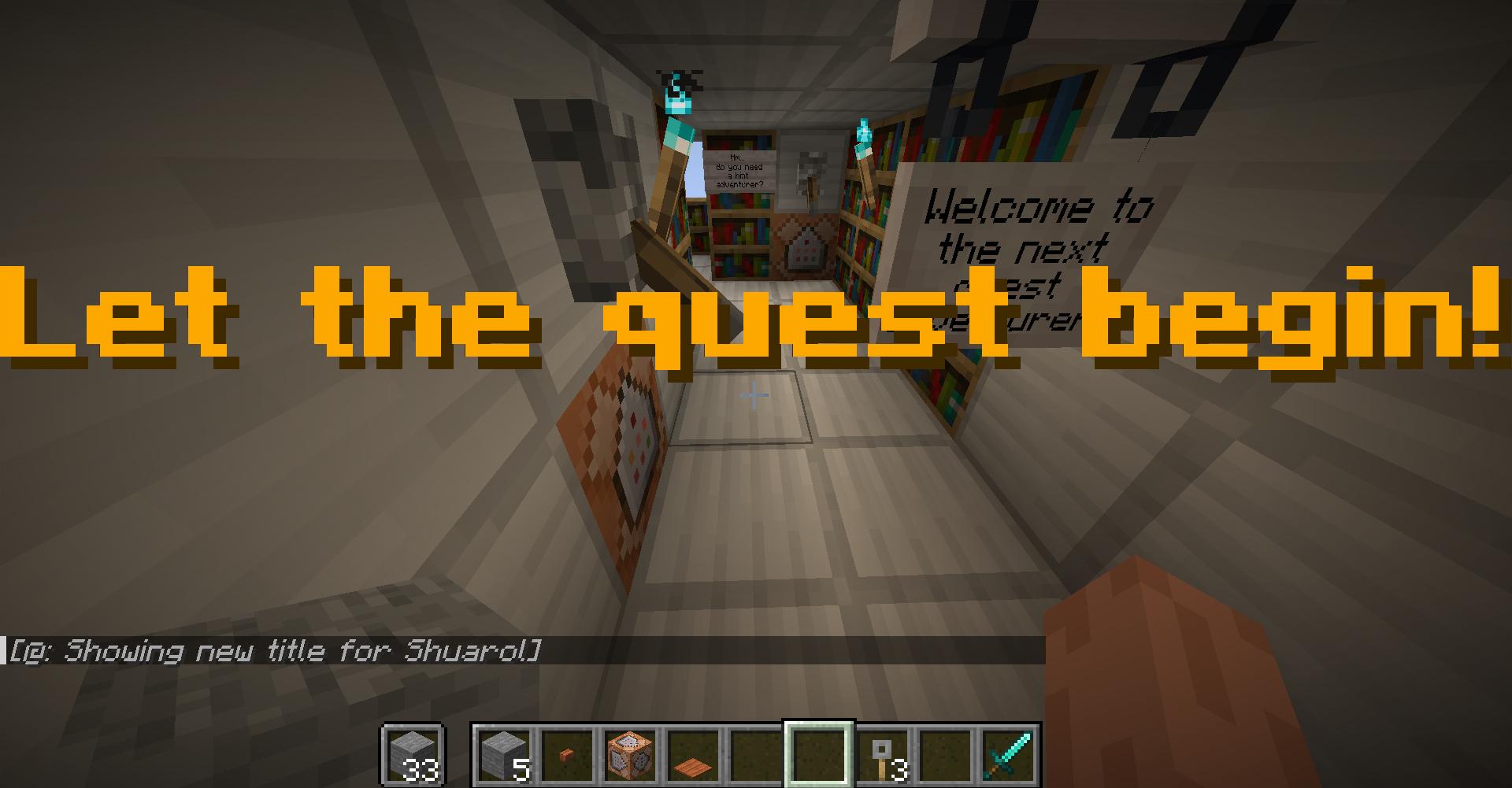
You could also trigger other effects here: add dramatic lighting using /fill to change light blocks, play ambient music using /playsound, or show a chat message with /say or /tellraw. With just one lever, you can give the player the feeling that something important is happening.
Lectern appears in the hall
Deeper into your map, you place another lever - this time at the end of a corridor. To make something appear when it's flipped, you connect two command blocks to the lever: one below and one to the side. That ensures both commands are triggered at once. In one block, enter:
/execute if block -55 78 19 minecraft:lever[powered=true] run setblock -57 77 22 minecraft:lectern[facing=east]
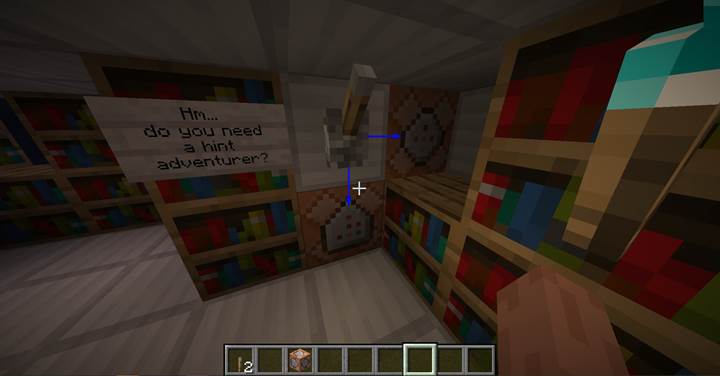
In the second block, enter:
tellraw @a {"text":"The lectern has appeared, a book is needed.","color":"gold"}
These blocks can be hidden behind walls or floors - they just need to touch the lever. When the lever is flipped, the lectern appears in a small chamber. It's empty, but now the player is curious.
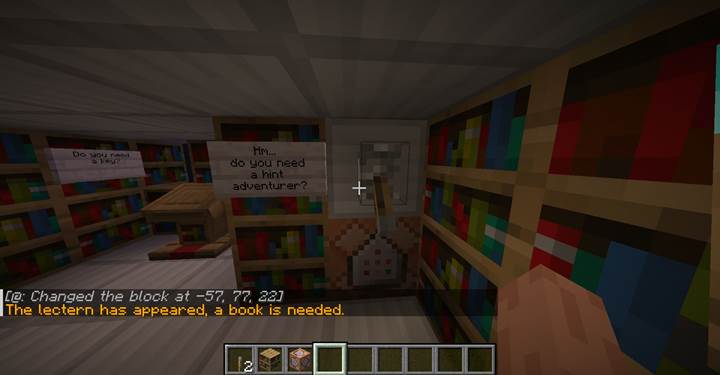
Unlocking the chest with a lever
Nearby is a locked chest. Normally, you'd lock a chest with a key by using this command:
/data merge block -54 77 23 {lock:{id:"minecraft:tripwire_hook",count:1,components:{"minecraft:custom_name":"Key"}}}
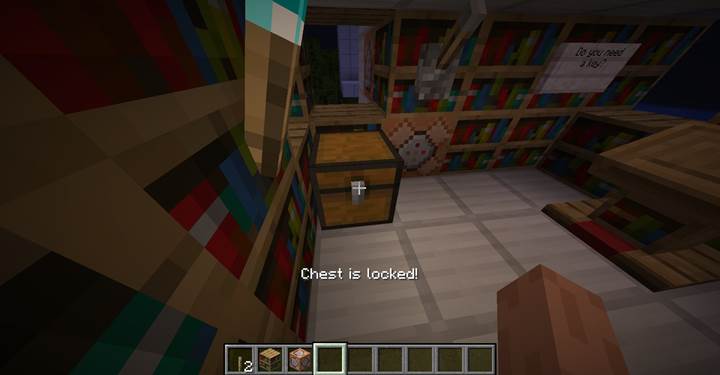
That means only players holding an item named "Key" can open the chest. But here, we want to use a lever to unlock it instead. Here's the command for your system block:
/execute if block -57 77 22 minecraft:lectern if block -55 78 23 minecraft:lever[powered=true] run data remove block -54 77 23 lock
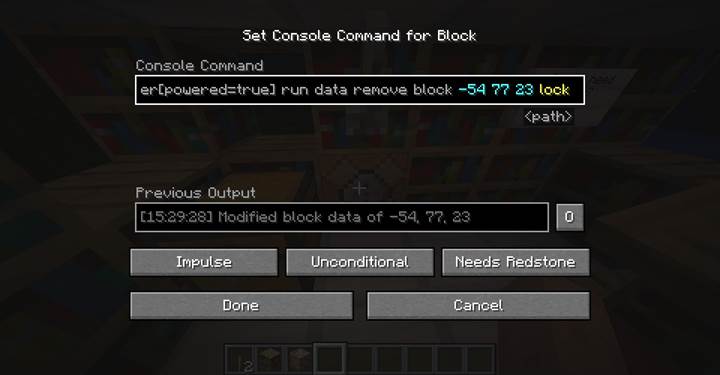
This command checks two things: is the lectern present, and is the lever turned on? If both are true, it removes the lock. You could also place another system block nearby with:
/playsound minecraft:block.iron_trapdoor.open master @a
That gives players a sound cue that something just unlocked.
Installing and using a written book
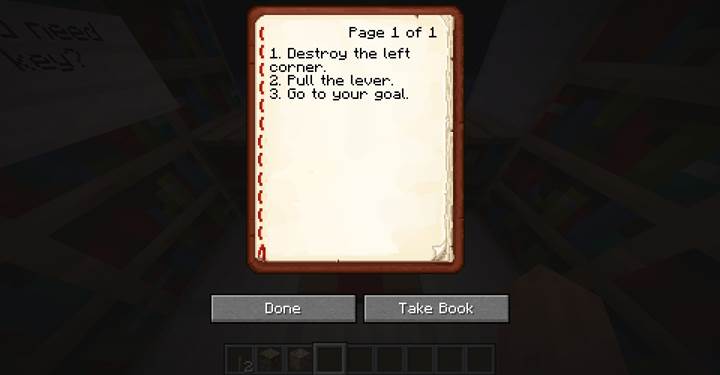
Inside the now-open chest, you find a book with a clue. You can generate a written book using:
/give @p written_book{title:"Clue",author:"Gamever",pages:['{"text":"Break the wall to find the exit."}']}
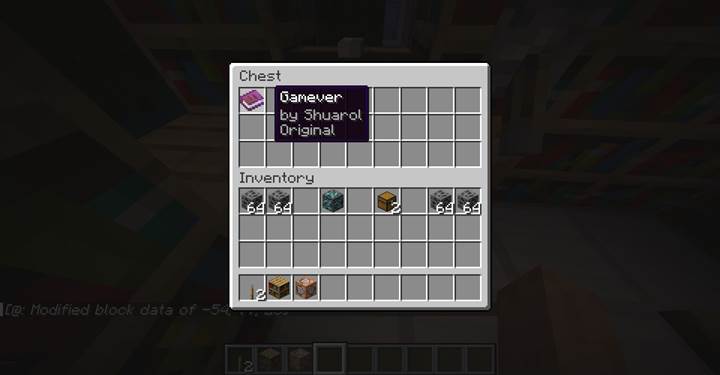
To install it, hold the book in your hand and right-click the lectern. If you want to create your own books in survival, use a book and quill, write your pages, and click "Sign" to finalize it.
Activating the bridge with a lever
After following the clue and breaking a few bookshelf blocks, the player finds a secret passage. But it leads to a drop - and across the gap, there's a platform. No flight. No jump boost. It seems you need a bridge.
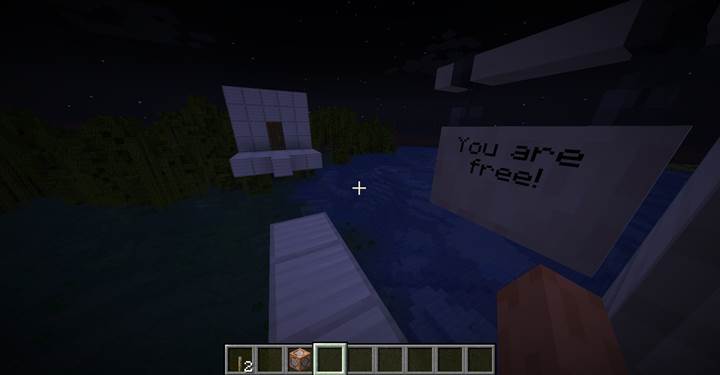
A new lever is placed and connected to two system blocks. The first holds:
/execute if block -56 78 26 minecraft:lever[powered=true] run fill -57 76 30 -57 76 36 stone
This fills a 1-block wide line of stone between two points, creating a temporary bridge. You could use pistons or clone commands for something more dynamic, but this method is clean and simple.
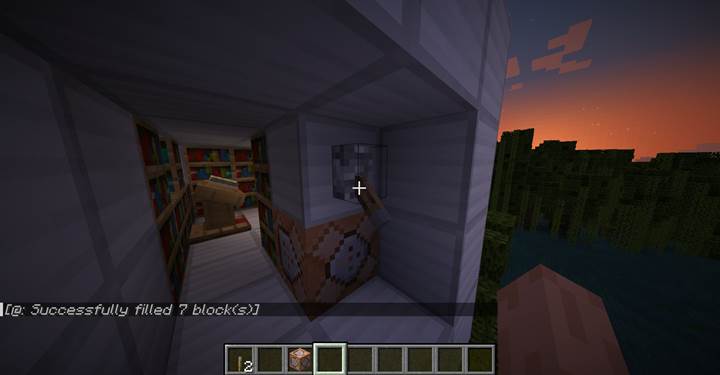
The second system block has:
/tellraw @a {"text":"Bridge is activated","color":"gold"}
Now the path is clear and the journey continues.
And if you're looking for the easiest way to explore these ideas with friends, Gamever lets you set up shared Minecraft adventures instantly. Build your own worlds, test them together, and turn every switch and puzzle into a shared memory.
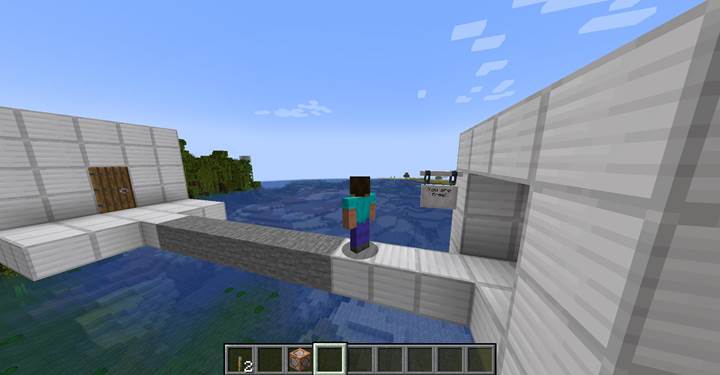
These are just simple examples to spark your imagination. With levers and command blocks, you can build your own puzzles, events, and dramatic scenes.