
How to Teleport in Rust
Teleportation in Rust can be a powerful tool at the disposal of server admins, allowing them to address various in-game scenarios swiftly. This command enables the instant movement of entities within the game world, making it a valuable troubleshooting asset.
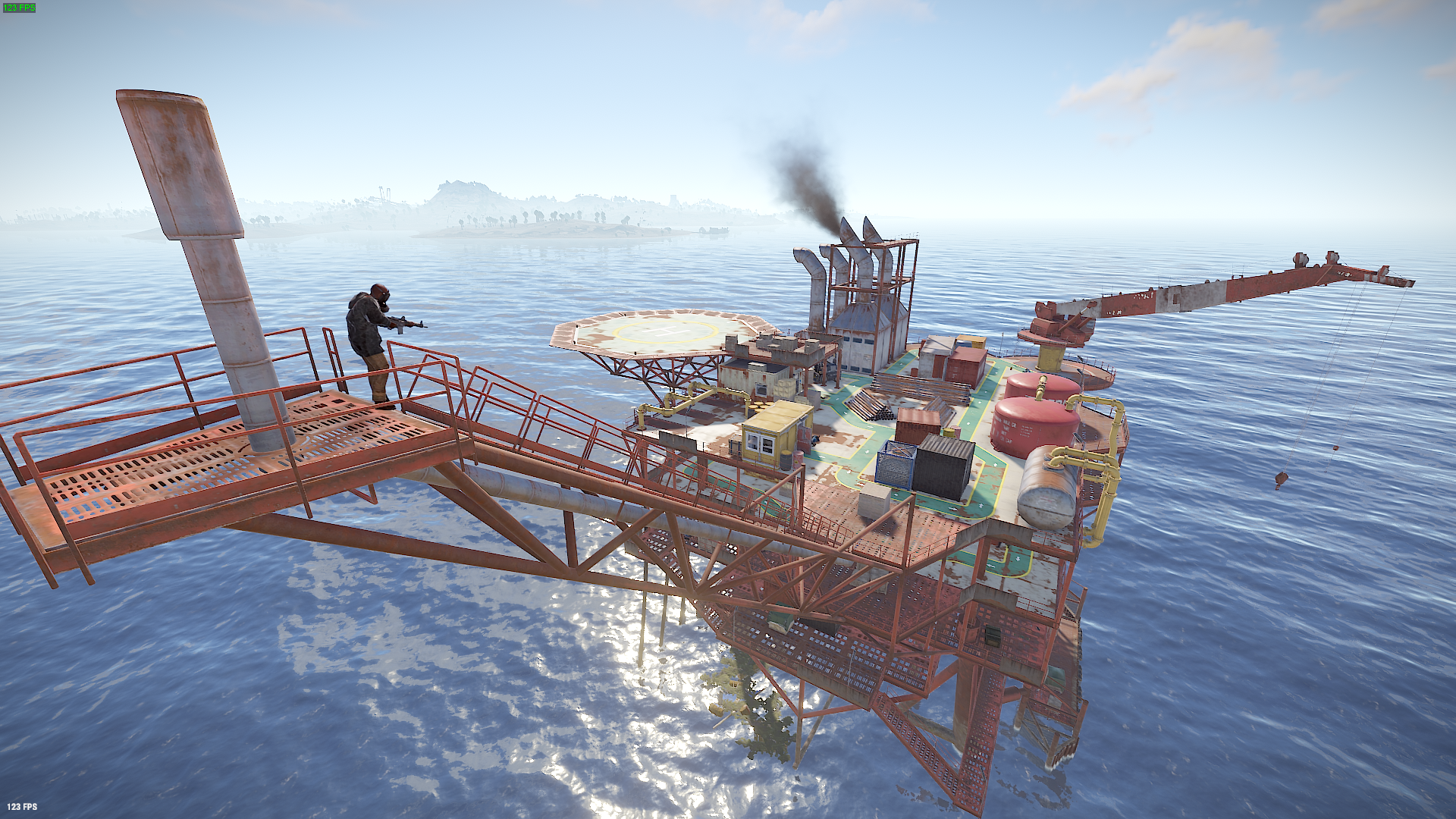
Why Use the Rust Teleport Command?
The teleport command in Rust grants server admins the ability to modify the proximity between in-game entities instantaneously. This capability empowers admins to quickly navigate to active areas on the server, facilitate faster player movement across the map, help players who may be stuck on level geometry to resume their gameplay, and instantly provide players with weapons and equipment from various locations on the map.
Command Syntax and Examples
Press F1 to open console. The teleport command supports various syntax options, allowing admins to teleport to specific players, locations, or entities. Here are some common teleport commands:
1. /teleport2marker: Teleports the admin to the marker on the map.
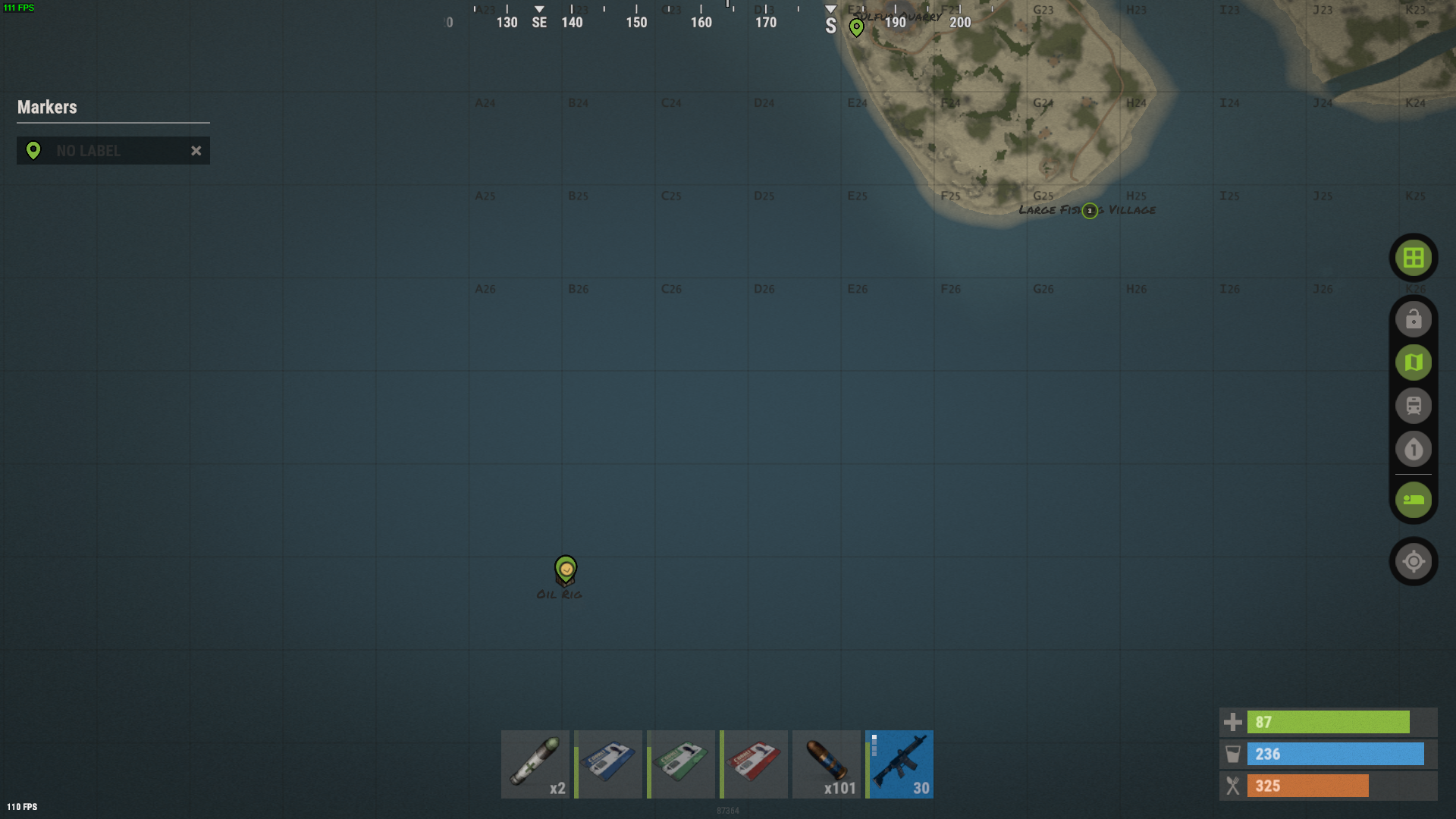
2. /teleport "playername": Instantly teleports you to the specified player. Use quotes around the player's name, especially if it contains spaces. This command requires the specified player to be logged in to the game server.
4. /teleport "playername1" "playername2": Teleports the first player to the second player passed in as parameters. Use quotes to ensure accuracy.
5. teleport2me “player name”: It allows to teleport the certain player to you.
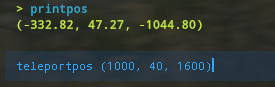
5. teleportpos (x, y, z) : Teleports you to the specified coordinates.
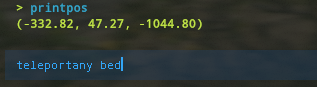
6. teleport any <entity>. Teleports you to the specified item on the map.
Remember that teleportation commands can vary based on server settings and mods, so it's essential to check with your server's specific commands and guidelines.
To end
Mastering the teleport command in Rust can enhance your gameplay experience and assist in various situations. However, it's essential to use this power responsibly, ensuring fairness and enjoyment for all players.