
How to switch seats in Rust
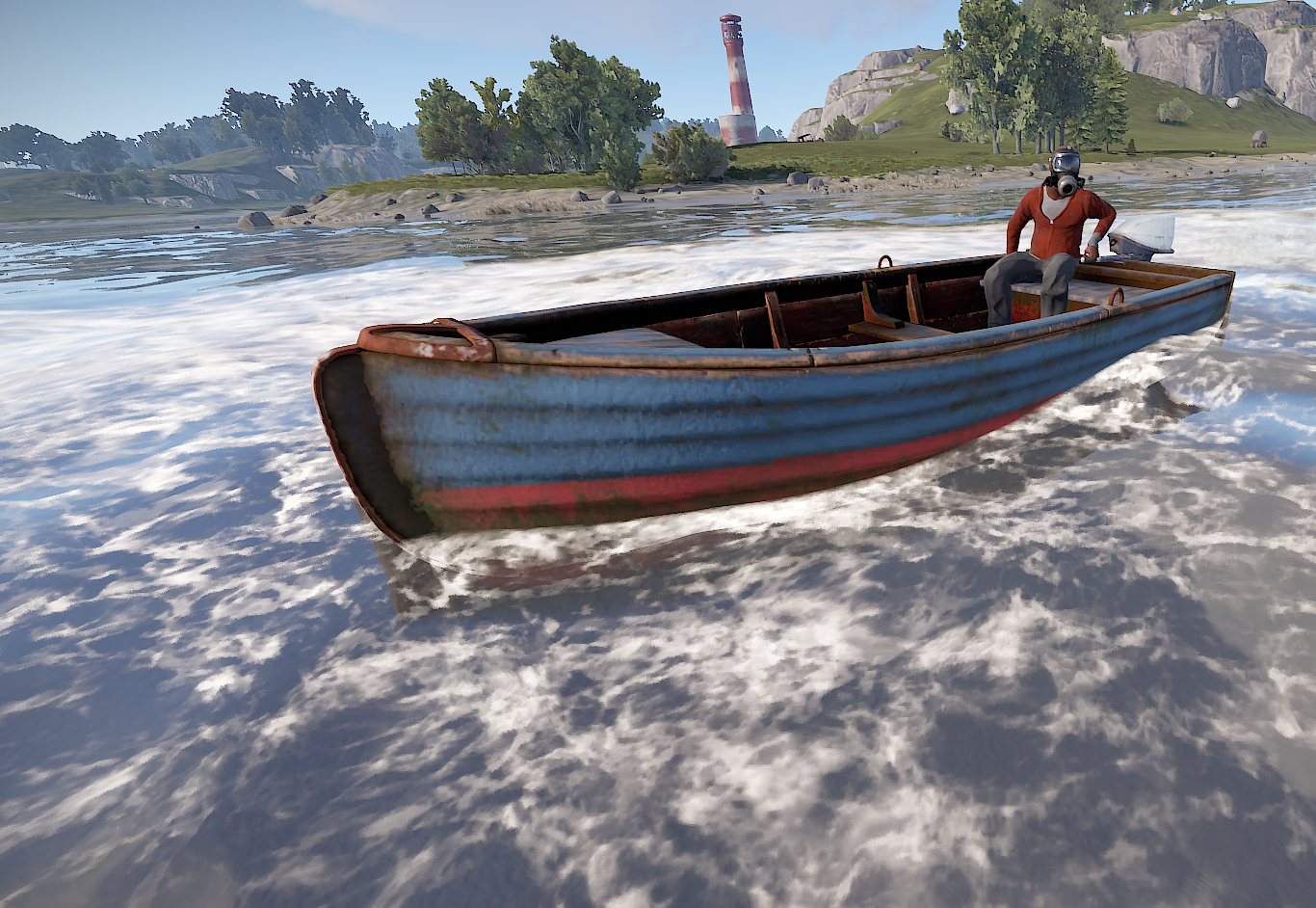
In Rust, a multiplayer survival game, the ability to switch seats in vehicles can be essential for efficient transportation and teamwork. Whether you're driving a car, flying a helicopter, or sailing a boat, knowing how to switch seats allows you to take control of different positions and perform specific tasks.
Basics
Approach the vehicle you want to switch seats in. This can be a car, helicopter, boat, or any other drivable vehicle present in the game. Ensure you are in a suitable position to access the seat you wish to occupy.
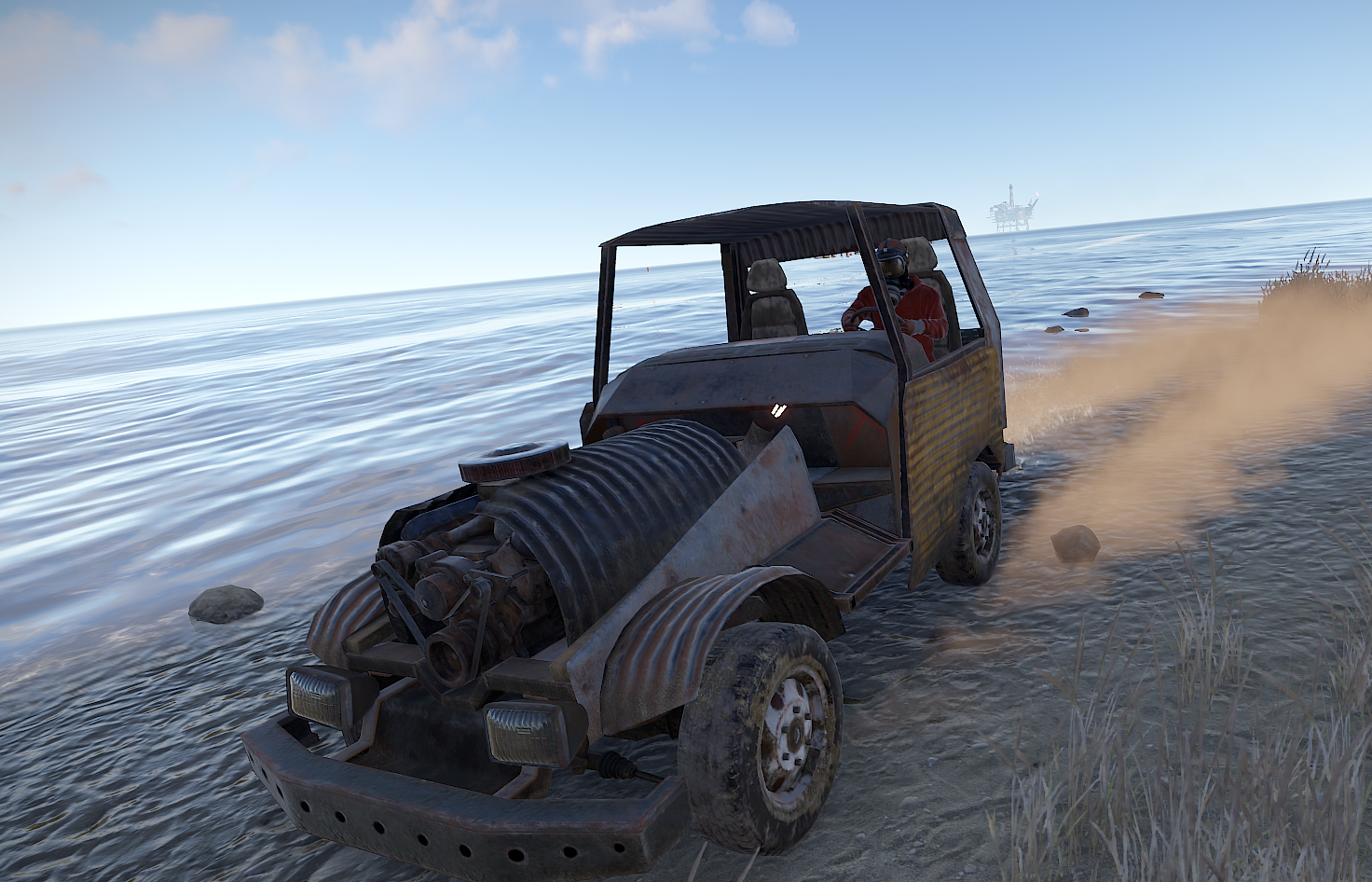
On your keyboard, press the X key. Hold it down until you successfully transfer to the desired seat. The X key serves as the default binding for seat switching in Rust.
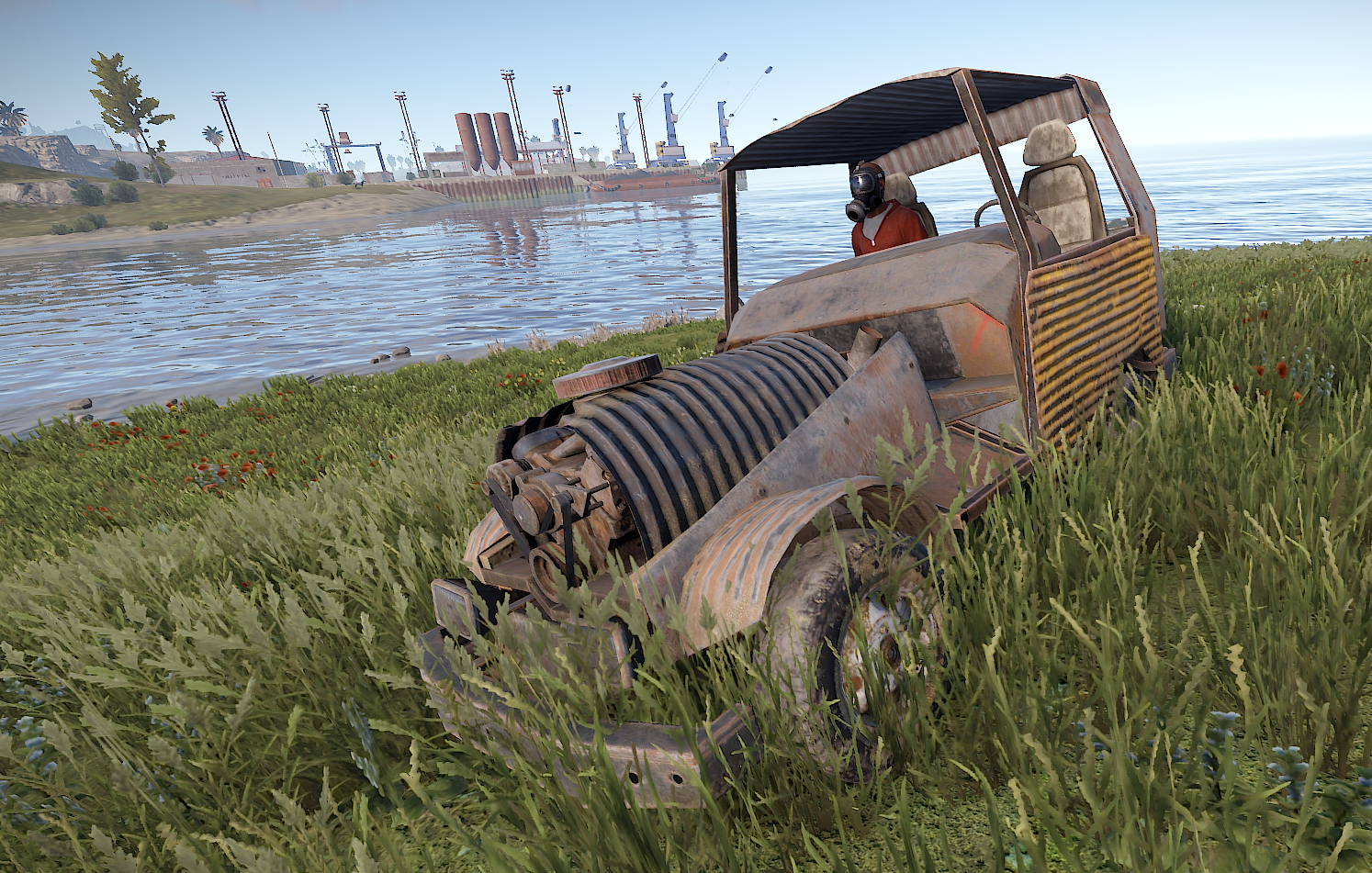
Switching positions
If another player is already occupying the seat you want to switch to, you won't be able to take their place unless they voluntarily switch or leave the vehicle.
Console command
For more advanced customization options, you can utilize Rust's bind functionality. Binds allow you to assign specific actions to different keys. To set up a bind for seat swapping, you can follow the syntax: Bind p swapseats.

Conclusion
By understanding the mechanics and following the steps outlined in this guide, you can seamlessly switch seats in vehicles to optimize your gameplay experience. Remember to be mindful of seat occupancy, utilize available seats, and explore further customization options through binds.