
How to Solve Multiplayer Network Issues in Sons of the Forest
Dive into the spine-chilling realm of Sons of the Forest. It's here where you'll see if your survival skills are up to scratch, and maybe even make some friends along the way. However, amidst the excitement of multiplayer adventures, some players find themselves facing frustrating roadblocks.
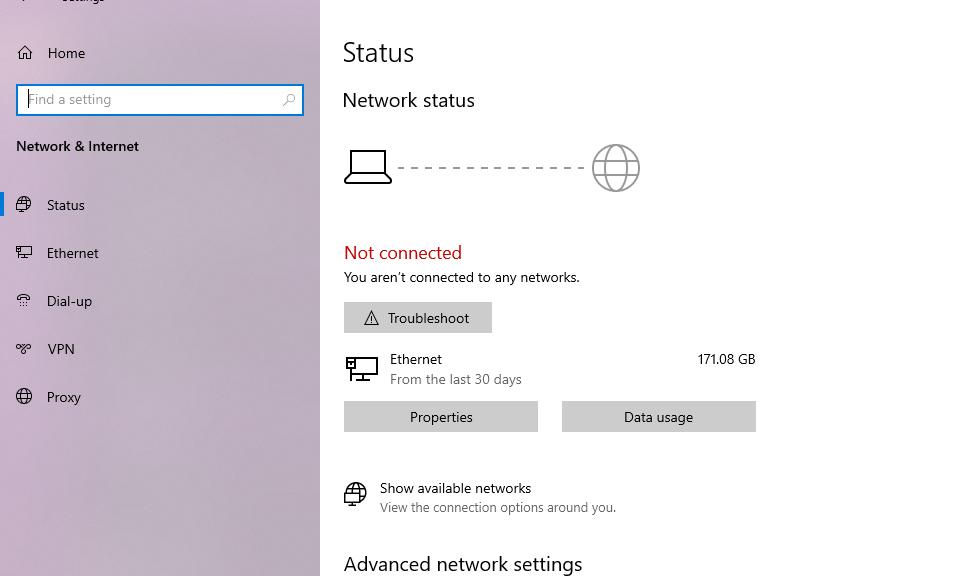
Check Your Internet Connection
Ensure stability by performing a ping test and exploring options like router resets and switching network types.
Restart Your PC
Sometimes, a simple reboot can work wonders, clearing out pesky OS glitches that may be hindering your multiplayer experience.
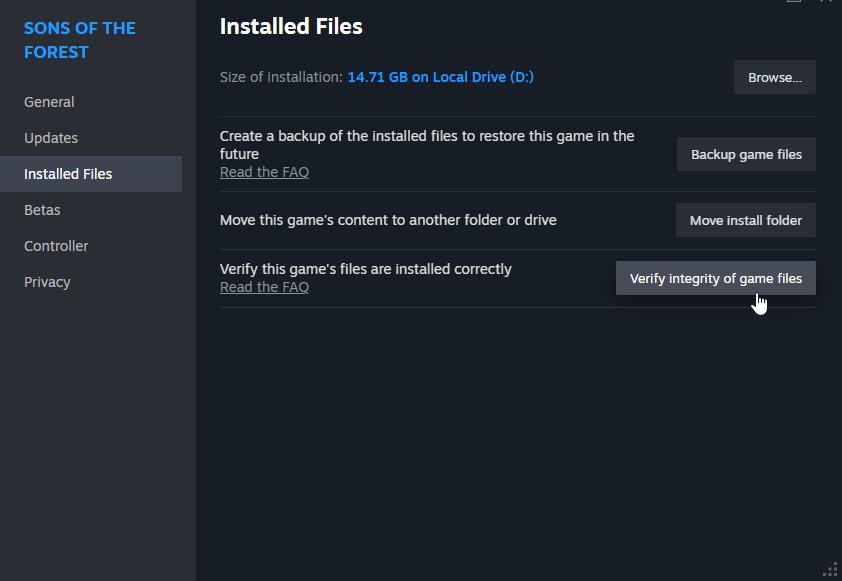
Verify Game Files
Dive into your game settings to verify the integrity of Sons of the Forest files, ensuring that no corrupted data is sabotaging your gameplay.
Whitelist on Windows Firewall
Navigate through your firewall settings to whitelist Sons of the Forest, granting it the access it needs to run smoothly.
Additional Tips for Smooth Sailing
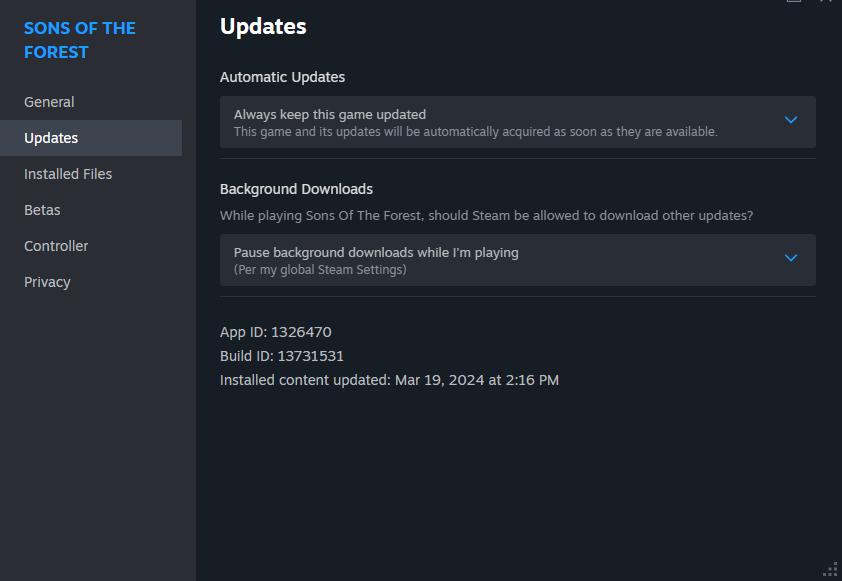
Keep your game and system software up to date, and don't hesitate to report persistent issues to the developers for further investigation.
In the heart-pounding world of Sons of the Forest, every moment counts. With the help you'll get from this roadmap, you're all set to take on any group challenges that head your way. So, grab your buddies, hone those survival instincts and dive into an adventure that's hard to forget in the forest's mysterious depths.