
How to Skip Intro in Icarus
The intro sequence in Icarus is visually impressive, but watching it every time you launch the game can get repetitive. If you’re eager to jump straight into survival mode without the cinematic prelude, there’s an easy way to bypass it altogether.
Navigating to the Game Files
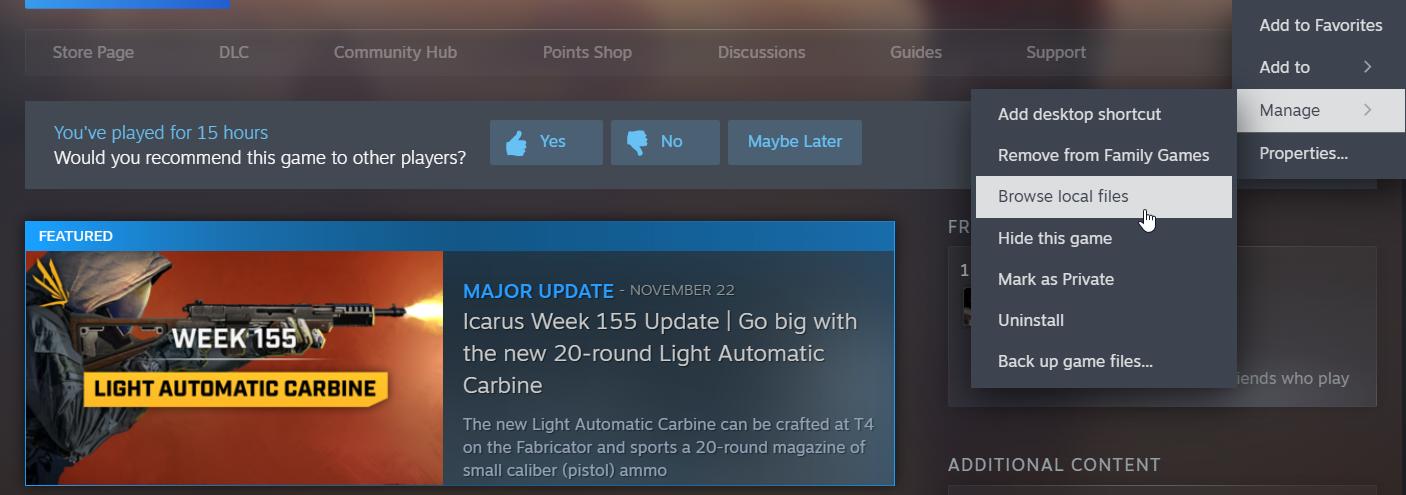
The first step to skipping the intro involves accessing the game’s installation folder. Open your Steam library and locate Icarus. Right-click the game title, hover over the “Manage” option, and select “Browse Local Files.” This will open the folder where Icarus is installed on your computer.
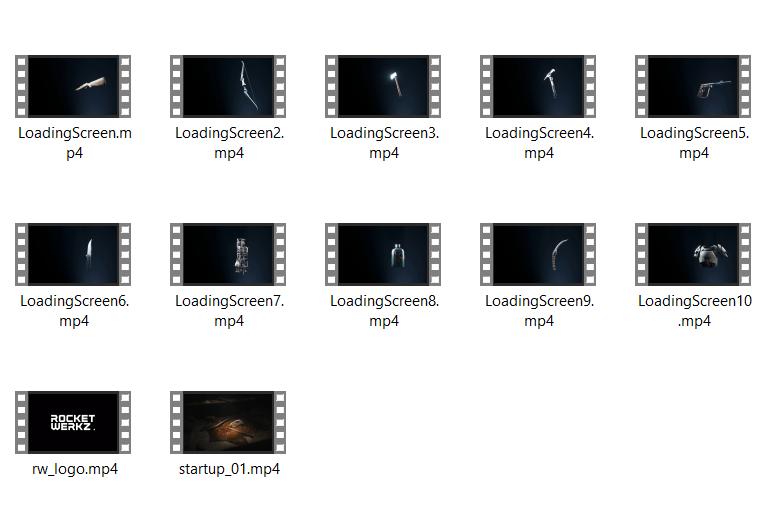
Inside the Icarus folder, navigate to the following path: ‘Icarus > Content > Movies’. This is the directory where all the game’s cinematic files are stored.
Identifying the Startup Video
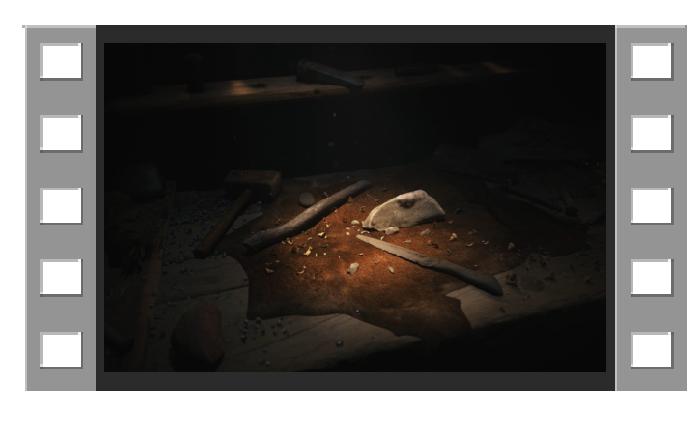
In the Movies folder, look for a file named ‘startup_01.mp4’. This is the intro video that plays when you launch the game. You’ll also notice other files like ‘rw_logo.mp4’ and possibly other branding sequences, but for now, focus on ‘startup_01.mp4’.
Renaming the File
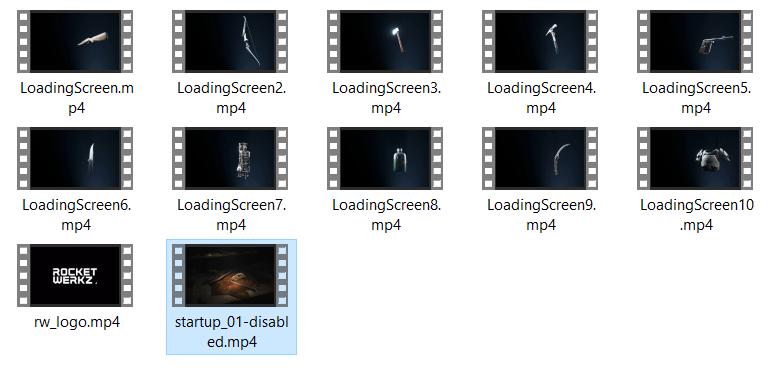
Instead of deleting the file, it’s a good idea to rename it to preserve the original in case you want it back later. Right-click on ‘startup_01.mp4’, select “Rename,” and add something to the filename, such as ‘-disabled’. For example, rename it to ‘startup_01-disabled.mp4’.
Testing the Game
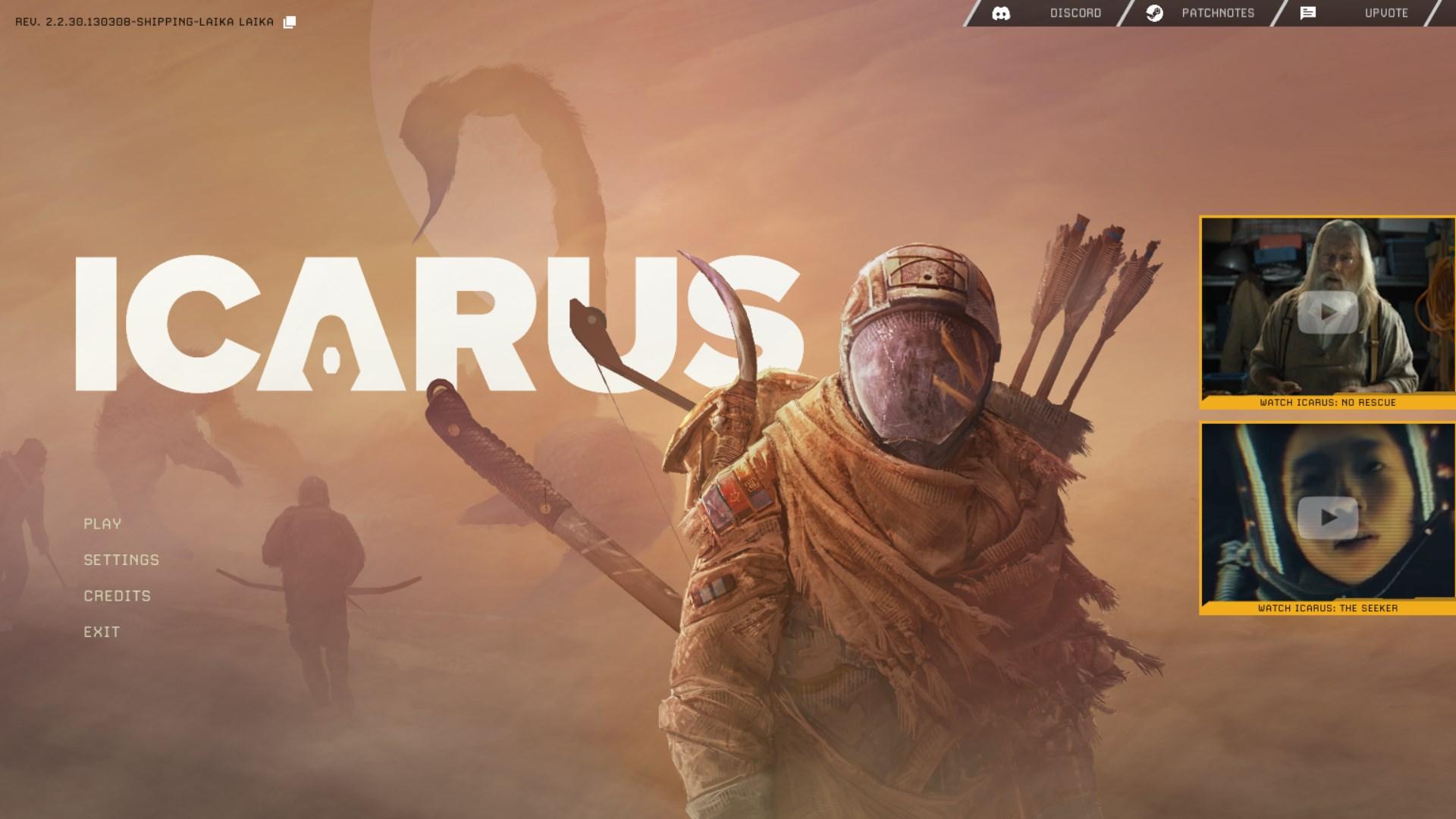
Once you’ve renamed the file, close the file explorer and launch Icarus from Steam. If everything was done correctly, the game will skip the intro and drop you straight into the main menu. This tweak saves you a few seconds each time you launch the game, which adds up if you’re a frequent player.
What About Other Cinematics?
If you want to remove other startup sequences, like the developer logo, follow the same process for files like ‘rw_logo.mp4’. Rename these files similarly to bypass them on launch.
Skipping the intro in Icarus is a straightforward process that involves renaming a single video file. By accessing the game’s Movies folder and tweaking the file name, you can streamline your launch experience and get into the game faster. While the intro is beautifully crafted, this small change ensures that your time is spent where it matters most - on the surface, surviving and thriving.