
How to show FPS in Rust
For an edge in the game, showing your FPS (Frames per Second) matters. It ensures smooth gameplay and clear visuals.
Using Console Command
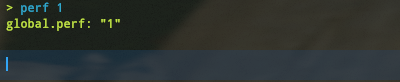
Open the console by pressing F1 in-game. Type "perf 1" and Enter for FPS display. To remove it, type "perf 0."
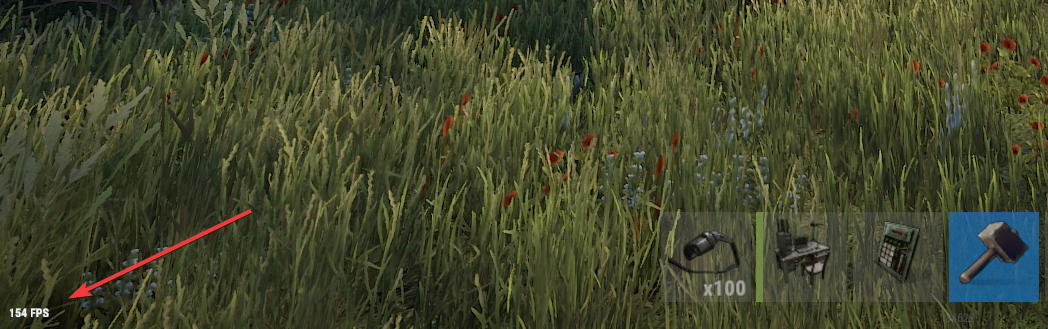
Steam Settings
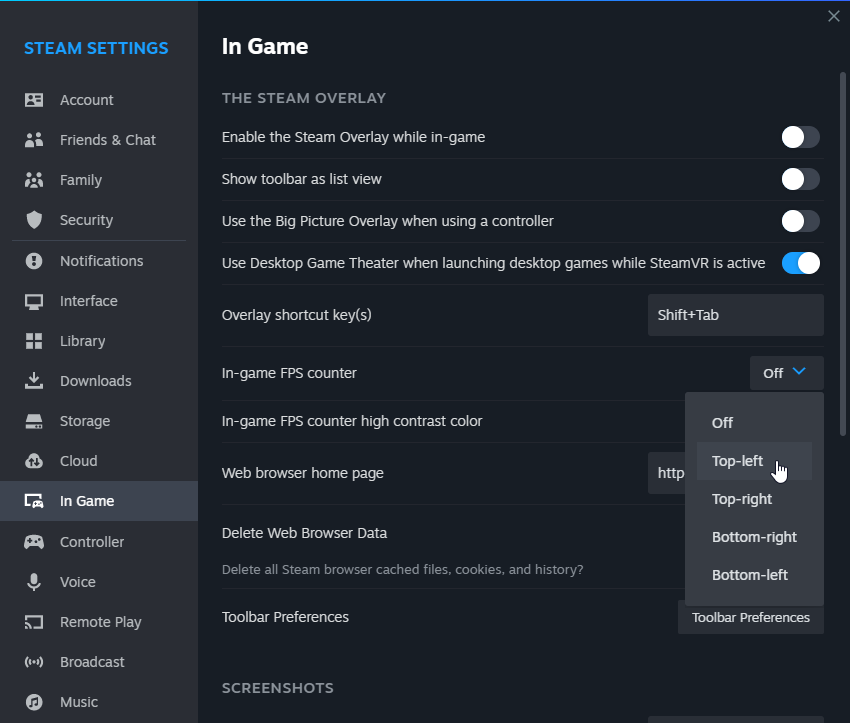
On Steam, open "Settings" from the Steam menu. In the "In-Game" tab, enable the "In-game FPS counter." Choose a corner and consider "High contrast color."
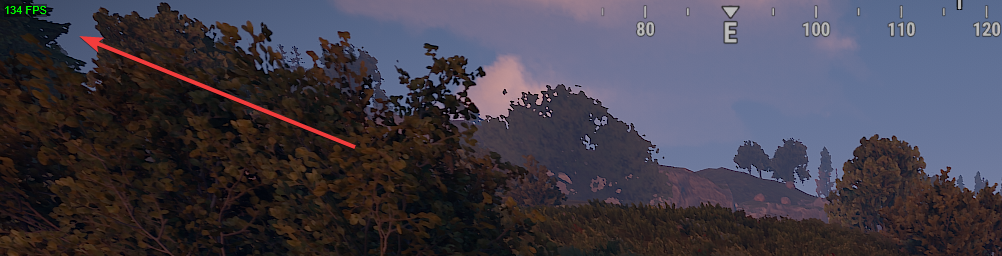
GeForce Experience
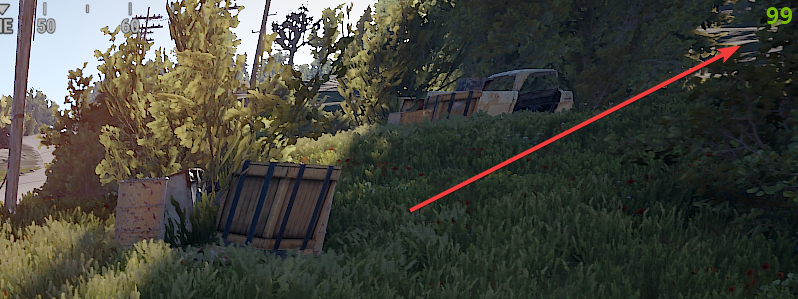
For NVIDIA users, use GeForce Experience. Download, log in, launch Rust, press Alt+Z for the overlay, click gear icon, go to "HUD layout," and enable FPS counter.
In Conclusion
Tracking FPS in Rust helps you understand your PC's performance. It leads to smooth gaming and quick reactions. Stable FPS matters in competitive play. These three methods let you easily show your FPS in Rust.