
How to Share Blueprints on Your Satisfactory Server
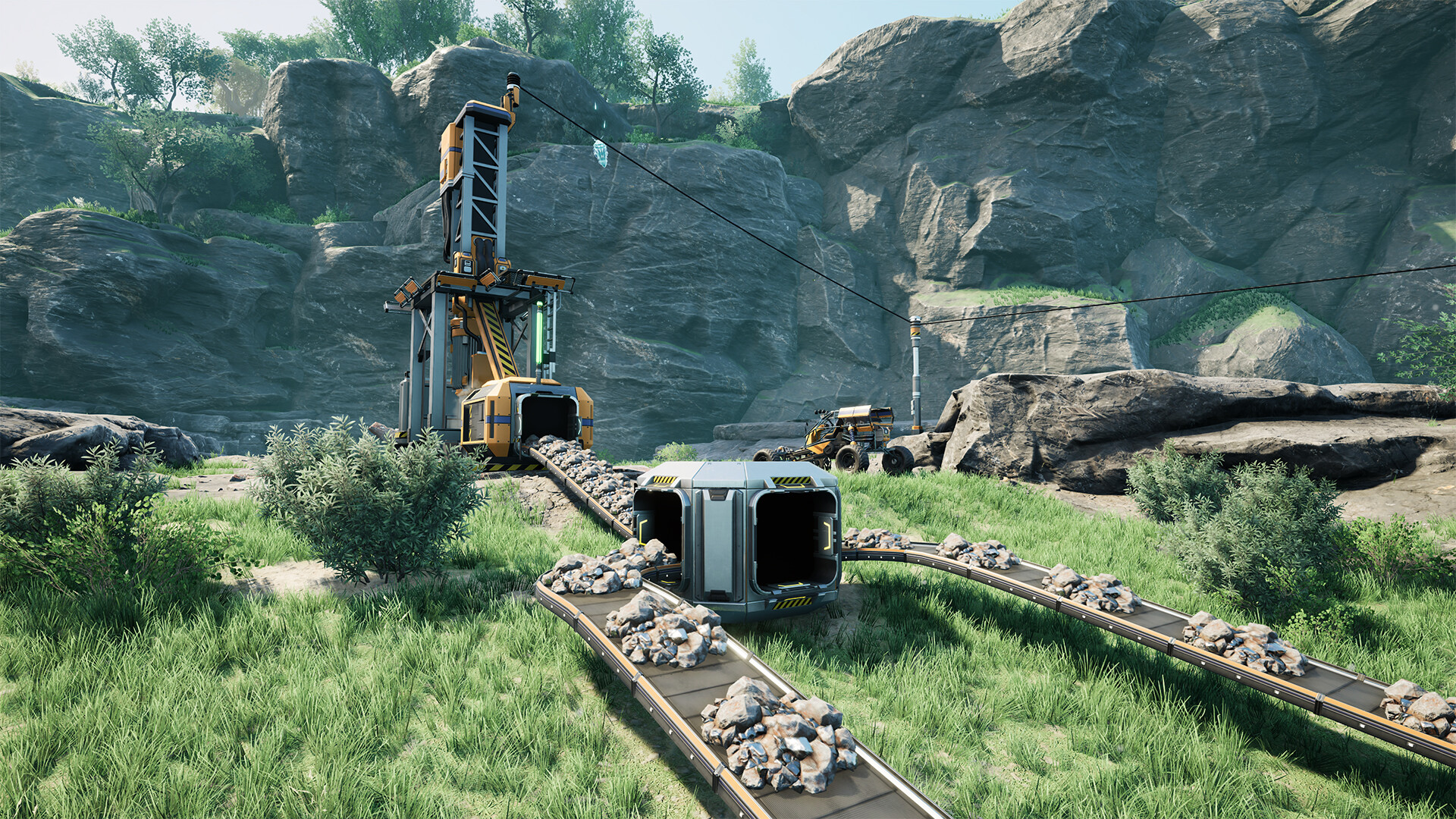
Blueprints are reusable building modules you design at a Blueprint Designer and stamp down anywhere — a huge time-saver for repeatable factory layouts. On a dedicated server, how blueprints are stored and shared trips a lot of people up, so this guide clears it up: where blueprints live, and how to get a teammate's design onto everyone's client.
How blueprints are stored
A blueprint is a pair of files — a .sbp (the blueprint) and a .sbpcfg (its config). Crucially, blueprints are saved per player on each player's own PC, not baked into the world save, typically under:
%LOCALAPPDATA%\FactoryGame\Saved\SaveGames\blueprints\<session>\
That means designing a blueprint on the server doesn't automatically give it to everyone — each player has their own blueprint library. To share a design, you share the files.
Share a blueprint with your group
- The designer finds their
.sbpand matching.sbpcfgin the blueprints folder above (under the session's subfolder). - They send both files to teammates (Discord, cloud drive, etc.).
- Each teammate drops the pair into their own blueprints folder under the same session subfolder.
- The blueprint now appears in that player's Blueprint menu, ready to stamp.
Always move the two files together — a .sbp without its .sbpcfg won't load correctly.
Do blueprints need to be on the server?
The built factory (once stamped) is part of the world and lives in the server save like anything else. The blueprint template is the per-player file above. So:
- To place a design on the server: just stamp it — it becomes part of the shared world.
- To let others place that design themselves: share the
.sbp/.sbpcfgfiles as above.
If you want the blueprint files kept centrally, you can store the pair on the server over FTP (in the File Manager) as a backup/share point, but players still need a local copy to stamp from.
Additional Tips
- Blueprints are per-player files, not part of the world save.
- Share both
.sbpand.sbpcfg— always as a pair. - Match the session subfolder when dropping shared blueprints in.
- Stamped builds are shared automatically (they're in the world); templates are not.
- Back up your blueprints folder — it's separate from server backups.
Conclusion
Blueprints supercharge factory building, but on a server they're stored per player, not in the world save. Stamp a blueprint and the building is shared with everyone; to share the reusable template, send the .sbp and .sbpcfg pair and have each teammate drop them in their own blueprints folder. Keep that distinction clear and your whole server can build from the same modular designs.
Rent your Satisfactory server at gamever.io — 24/7 world for your shared builds, with full FTP access to store and swap files. Free trial, promo code WELCOME.