
How to Schedule Automatic Restarts on Your Enshrouded Server
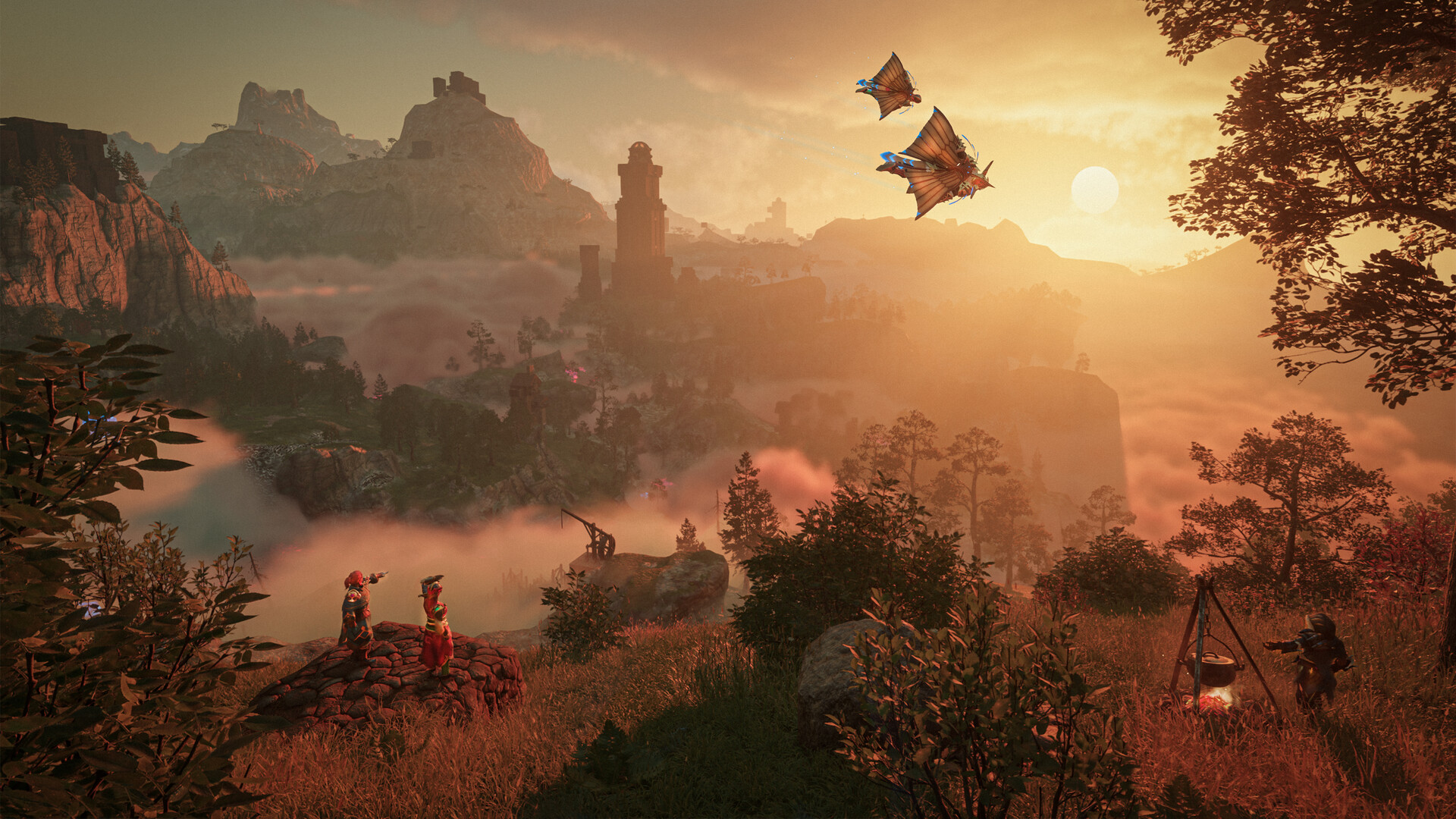
Enshrouded is a demanding game, and a server left running for days can slowly build up memory use and the odd hitch. The standard fix is a scheduled restart. gamever's Schedules tab automates this so your server stays smooth without you watching it. This guide shows how to set one up and how often to do it.
Set a restart on the Schedules tab
- Open the Schedules tab.
- Add a task and choose Restart.
- Pick the time and recurrence (e.g. daily at 5 AM, when players are least likely to be on).
- Save.
A restart saves the world first (Enshrouded writes to disk on a clean stop), so no progress is lost. The server is back up within a minute or two.
Why restart on a schedule?
- Clears accumulated memory — a long-uptime server creeps up in RAM; a restart resets it.
- Applies updates — Enshrouded/server updates install on restart (see updating).
- Smooths performance — fewer long-run hitches (pair with fixing lag).
How often?
- Once a day is plenty for most servers — ideally at a quiet hour.
- A busy 16-player server, or one running mods, may benefit from every 12 hours.
- Don't over-restart: each one briefly takes the world offline and interrupts anyone trying to join at that moment.
Pick a quiet time
Schedule the restart for when your group is least likely to be playing — overnight for most communities. Because the restart is quick and saves first, players rarely even notice an off-hours restart.
Additional Tips
- Daily is enough — more just adds downtime.
- Pick an off-peak hour — overnight for most groups.
- Restarts save first — the world is written before it cycles.
- Updates land on restart — a scheduled restart keeps the server current.
- Bump to twice daily only for heavy/modded 16-player servers.
Conclusion
Keeping an Enshrouded server healthy is largely one scheduled task: add a daily Restart on the Schedules tab at a quiet hour. The world saves first, memory is cleared, pending updates apply, and your server stays fast for the long haul — all without you lifting a finger.
Rent your Enshrouded server at gamever.io — a built-in scheduler for automatic restarts and tasks. Free trial, promo code WELCOME.