
How to Run Rust as Administrator
Running Rust as an administrator in Windows is crucial for ensuring the game functions properly, especially when it comes to tasks that involve critical system files or require elevated permissions. If you encounter situations where Rust needs admin privileges, you can run it as an administrator.
Running Rust as an Administrator Once:
1. Right-click on the Rust application or shortcut you want to run as an administrator. You can do this from the Start menu, desktop, or File Explorer.
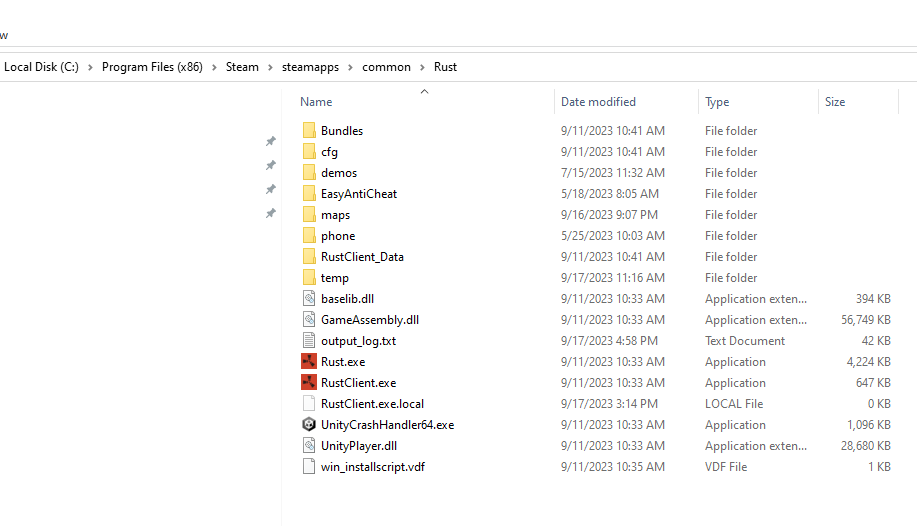
2. Select "Run as administrator." (Note: On the Start menu, this option may be hidden behind the "More" dropdown menu.)
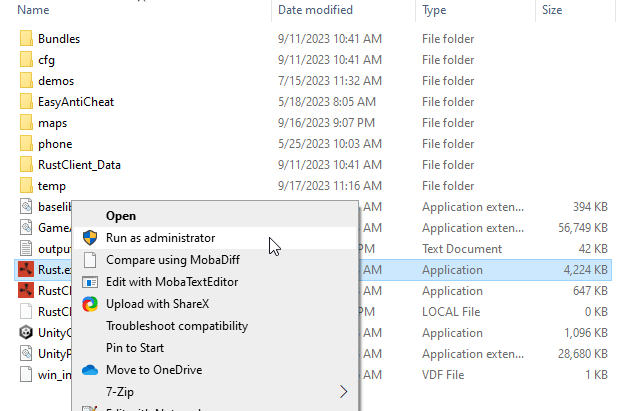
3. If prompted by the User Account Control (UAC) prompt, click "Yes." If you're not using an administrator account, you'll need to provide the password for one of the admin accounts on your PC.
4. Keep in mind that some apps, particularly those from the Microsoft Store (Universal Windows Platform or WinRT apps), may not offer the "Run as administrator" option.
Always Running Rust as an Administrator:
While running Rust as an administrator once can be useful, you may want to configure it to always launch with elevated privileges. Here's how you can set Rust to always run as an administrator:
Method 1: Run as Administrator on Desktop
1. Locate the Rust shortcut on your Windows 11 desktop.
2. Right-click on the Rust shortcut.
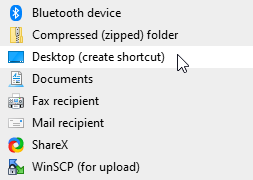
3. Choose "Run as administrator" from the context menu.
- Alternatively, you can press Ctrl + Shift while clicking the Rust shortcut or press Ctrl + Shift + Enter after selecting Rust to open it with administrator rights.
Method 2: Run as Administrator from Start Menu
1. Open the Start menu (click Start on the taskbar or press the Start key).
2. Browse the Pinned section or All apps to find the Rust program.
3. Right-click on the Rust program and select "Run as administrator."

To end
By running Rust as an administrator, you can potentially avoid various issues and ensure that the game functions optimally. Always make sure to provide the necessary permissions when prompted to do so.