
How to restore player progress after server wiping in Palworld
Firstly, you need to check if you have any backups in “server/Pal/backups” folder, if you have it, download one of the backups.
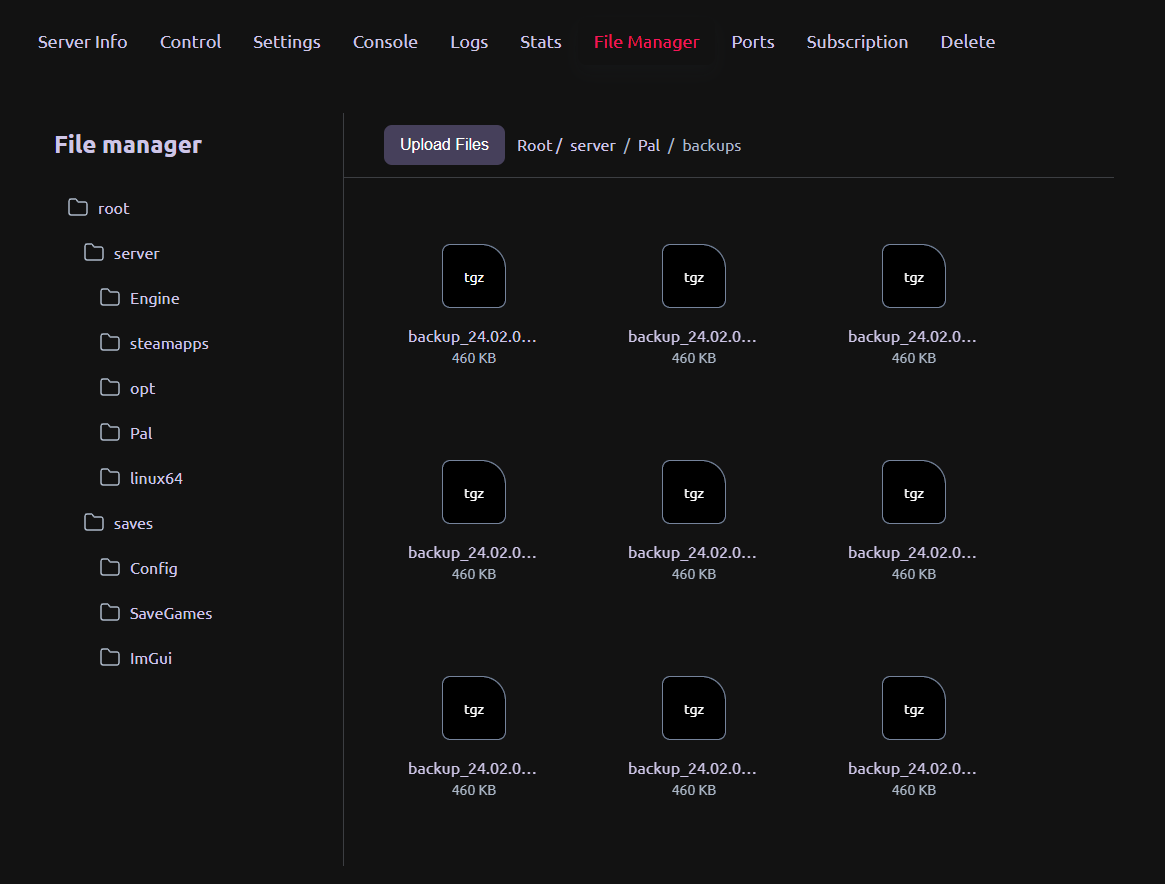
You need to download one of backups and do un tgz on your pc, after that you need to connect to server via FTP (Article how to do it) and put it into “saves/SaveGames/0”.
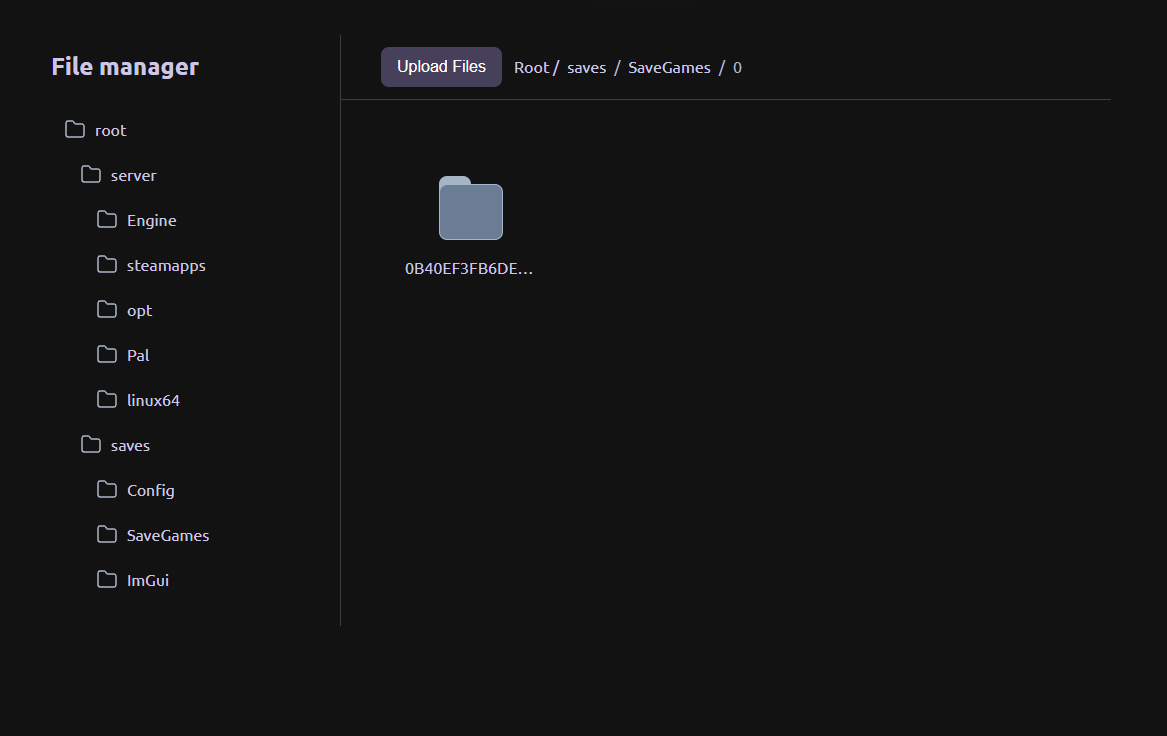
After you do it, you will have 2 folders with 2 uuid type names, after that you need to download file named GameUserSettings.ini, from folder “saves/Config/LinuxServer/”

Download this file and change field named “DedicatedServerName” to uuid of folder which you put in server before.

After that save this file and delete old one from file manager on website and put your own.
After this all, click save button in control tab on your server page and restart server. Now you will get your backup successfully up.