
How to Reset or Wipe Your Enshrouded Server
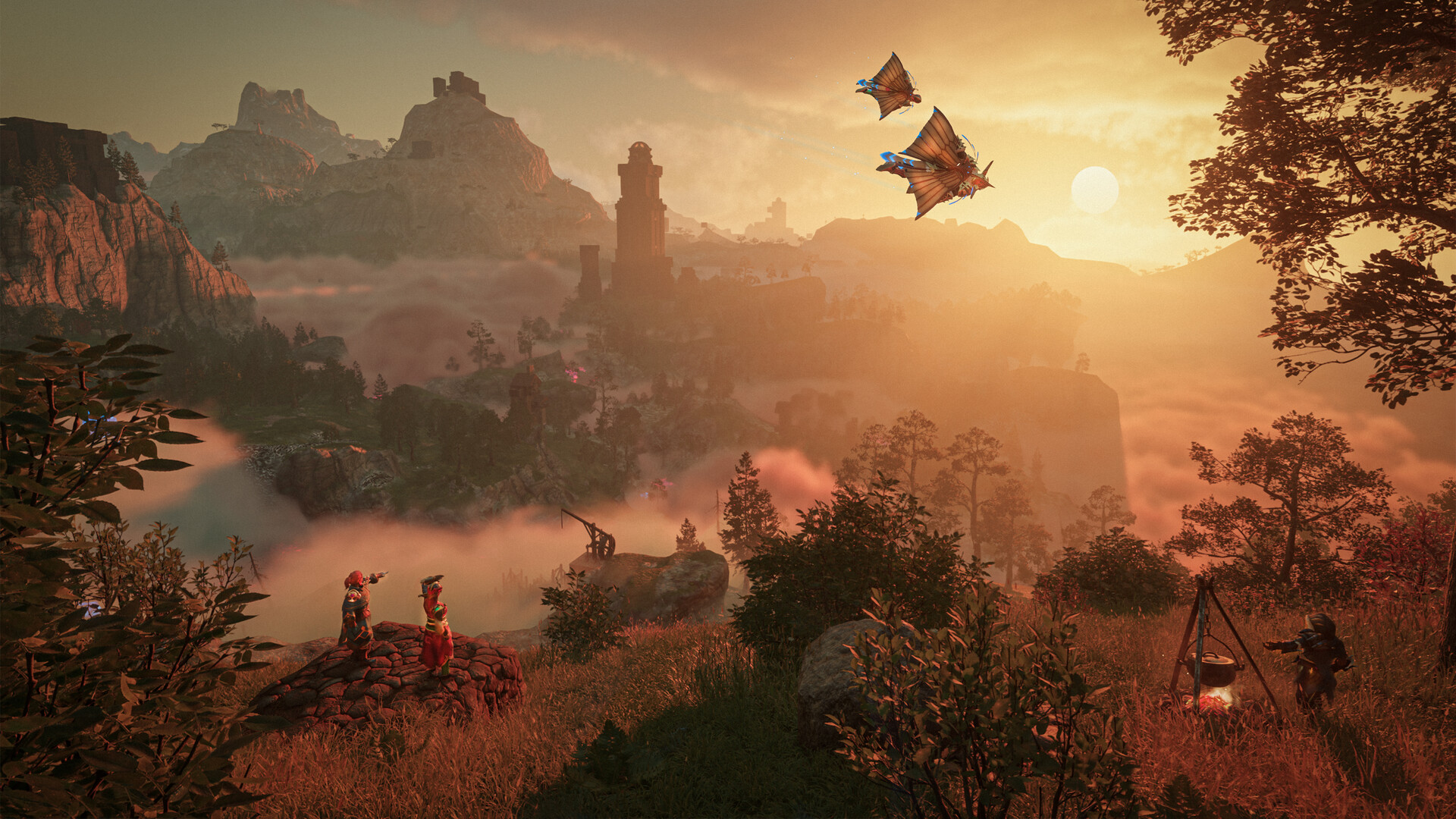
Sometimes you want a clean slate — a fresh world to explore, a reset after a big update, or a do-over for a new group. On gamever there are two ways to wipe an Enshrouded server: the one-click Reset server button, or deleting the save files yourself over FTP. This guide shows both, safely.
First: back up the old world
A wipe erases your current world. Before anything, make a copy so you can return to it:
- Take an on-demand backup from the Backups tab (see backup & restore), and/or
- Stop the server and download the
savegamefolder andenshrouded_server_NNN.datfiles over FTP.
Skip this and the wipe is permanent. Don't skip it.
Method 1 — the Reset server button
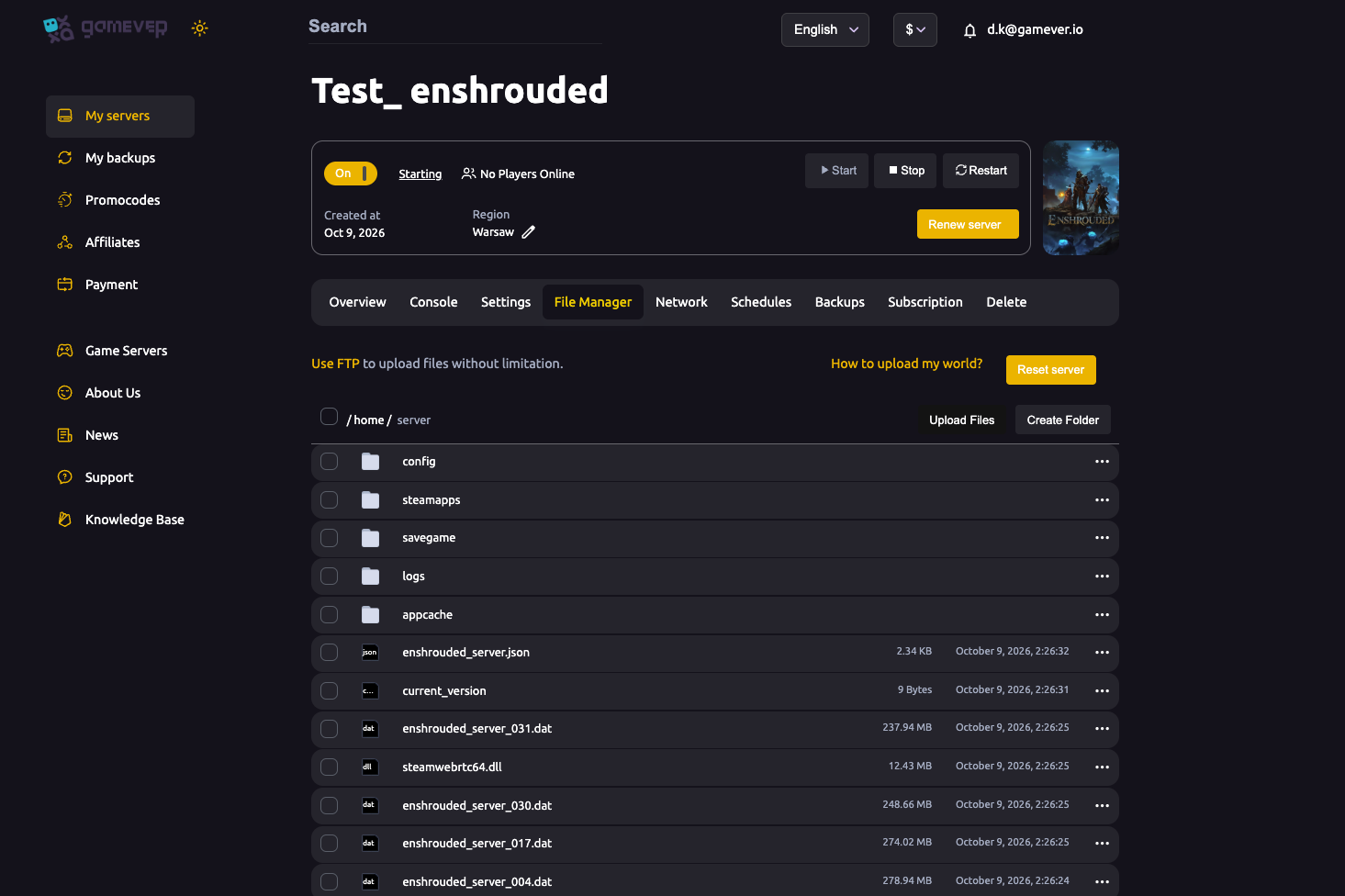
The quickest wipe is built into the File Manager:
- Make sure you've backed up (above).
- In the File Manager, click Reset server.
- Confirm. The server clears the world and starts fresh.
On next start, players spawn into a brand-new Enshrouded world. Your settings (name, password, difficulty, roles) carry over — only the world is wiped.
Method 2 — delete the save files over FTP
For manual control (or to remove specific files):
- Stop the server.
- In the File Manager / over FTP, delete the contents of the
savegamefolder and theenshrouded_server_NNN.datworld files. - Start the server — it generates a fresh world.
Only delete files you've backed up or no longer want — deletion is permanent.
Keeping your settings
A wipe resets the world, not your configuration: your server name, password, difficulty preset and roles in enshrouded_server.json stay as they are. If you also want different rules on the new world, change those settings before (or after) the wipe.
Note: character progress
In Enshrouded, your character progression is tied to the world/server save, so a server wipe is a true fresh start for everyone on it — levels, bases and inventories reset with the world. That's usually the point of a wipe, but make sure your group expects it before you pull the trigger.
Additional Tips
- Back up first — download
savegame+.dator snapshot before wiping. - Reset server = one-click wipe — the fast path.
- FTP delete = manual wipe — stop the server first.
- Settings survive — only the world is wiped, not name/password/difficulty/roles.
- It's a true fresh start — everyone's progress on that world resets; warn your group.
Conclusion
Wiping an Enshrouded server is quick: back up the old world first, then either hit Reset server in the File Manager for a one-click wipe, or stop the server and delete the savegame folder and .dat files over FTP. Your settings and roles carry over, so you get a brand-new world with the same server setup — a clean slate without the reconfiguration.
Rent your Enshrouded server at gamever.io — one-click reset, backups and FTP so a fresh start never costs your old world. Free trial, promo code WELCOME.