
How to Reset or Start a Fresh World on Your Satisfactory Server
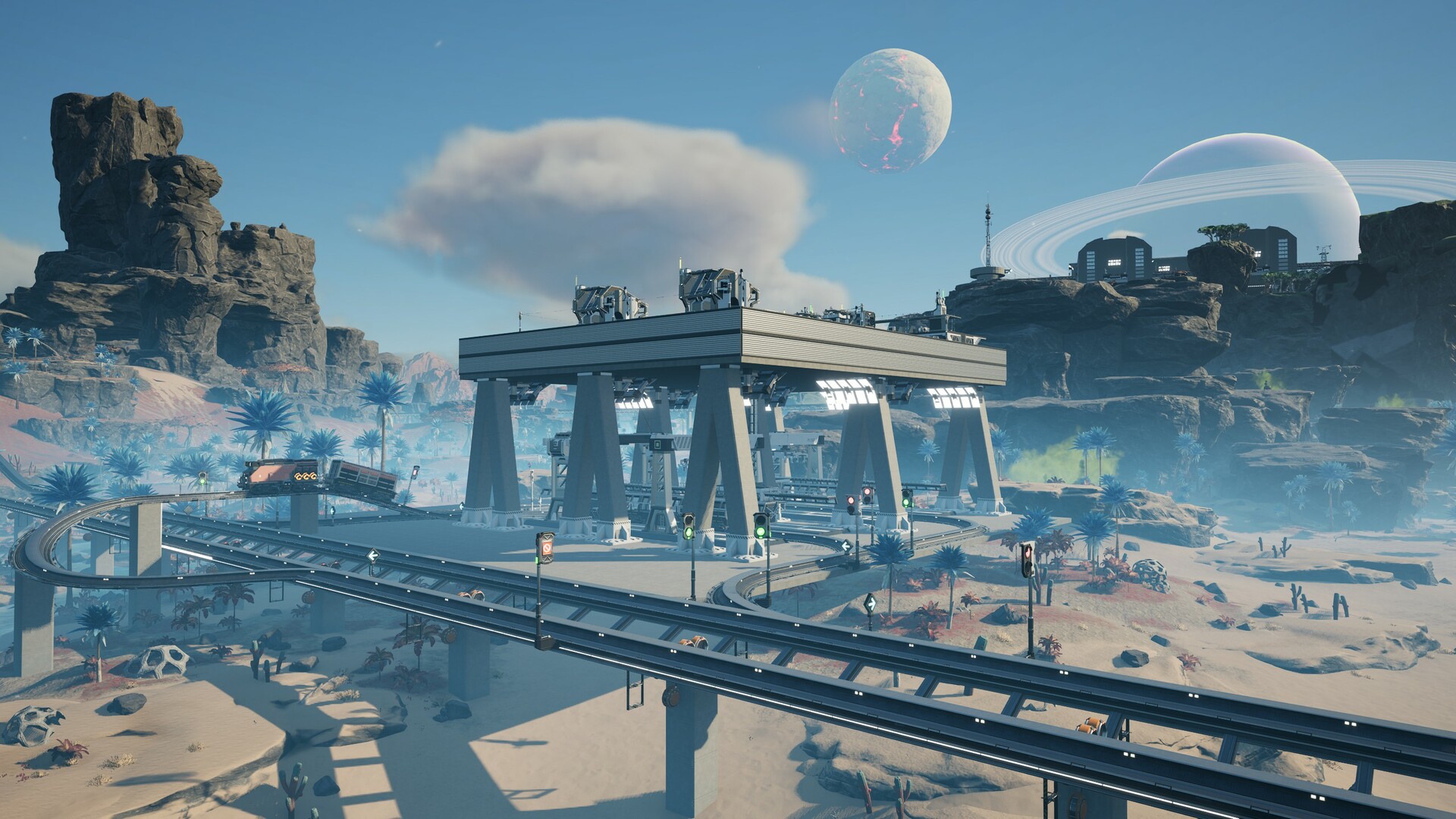
Maybe you want to restart a new factory from scratch, try a different starting area, or clear out an experiment. Satisfactory doesn't have a "wipe" button like some survival games — instead you create or load a different save through the in-game Server Manager. This guide shows how to start fresh without losing your old world by accident.
First: back up the current world
A reset means your current factory is no longer the active save. Before anything, take a backup so you can always come back:
- Take an on-demand backup from the Backups tab, and/or
- Download the current
.savto your PC.
Skip this and a "fresh start" can mean a lost factory. Don't skip it.
Start a fresh game
- Connect to your server as an admin and open the Server Manager (see connecting and claiming).
- Go to Manage Saves.
- Create a new game — choose the starting area and a session name.
- The server loads the new, empty world. Your old save is still stored unless you delete it.
Your pioneers start over on a clean map, while the previous save remains available to switch back to.
Switch between worlds
Because saves are just files, you can keep several:
- Create a new game for a fresh factory.
- Load an older save anytime from Manage Saves to return to it.
- Upload a save to bring in a different world.
This lets a group run, say, a "main" factory and an "experiments" save side by side.
Remove old saves
To actually clear space or tidy up, delete unwanted .sav files via the File Manager / FTP in:
/home/server/gamefiles/FactoryGame/Saved/SaveGames/server/
Only delete saves you've backed up or no longer want — deletion is permanent.
A note on "wiping" vs other games
Unlike Rust or ARK, Satisfactory has no wipe cycle — there's nothing procedural to regenerate. "Resetting" simply means starting a new save. Your server, settings and mods stay exactly as configured; only the active world changes.
Additional Tips
- Back up before you reset — always download or snapshot the old world first.
- "New game" doesn't delete the old save — it's still in Manage Saves.
- Keep multiple saves — main, experimental, creative; switch freely.
- Delete saves manually over FTP only when you're sure.
- Your settings/mods persist — a reset is just a new world, not a reinstall.
Conclusion
Resetting a Satisfactory server is really "start or load a different save": back up the current factory, open Manage Saves in the Server Manager, and create a new game with your chosen starting area. Old saves stick around to switch back to, and your server config and mods carry over untouched. A clean slate, with no risk to the world you worked so hard on — as long as you back up first.
Rent your Satisfactory server at gamever.io — keep as many worlds as you like, with backups and FTP so a fresh start never costs you your old factory. Free trial, promo code WELCOME.