
How to Repair in Soulmask
Access the Repair Option
To repair your items, look for the repair option in your inventory. It’s usually indicated by a repair icon. Click on the item you want to repair and then hit the repair button.
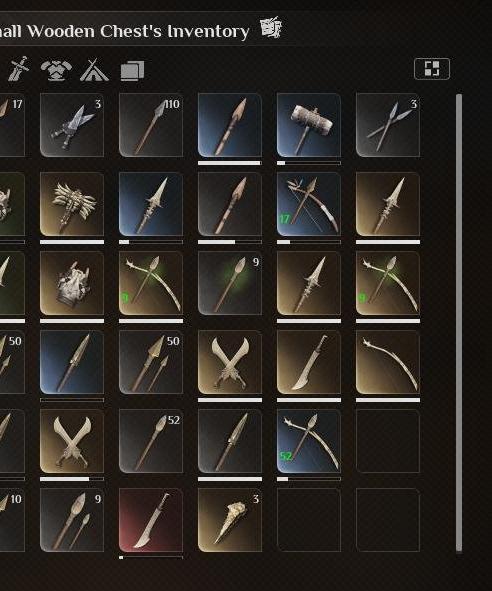
Each item requires specific materials for repair. For example, an axe might need Flint and Stone. Make sure you have these materials in your inventory.
Open your inventory and select the item you want to repair. For example, if your axe is damaged, click on it to highlight it.
Check the required materials for the repair. The game will display what you need. For instance, an axe might need one Flint and one Stone.
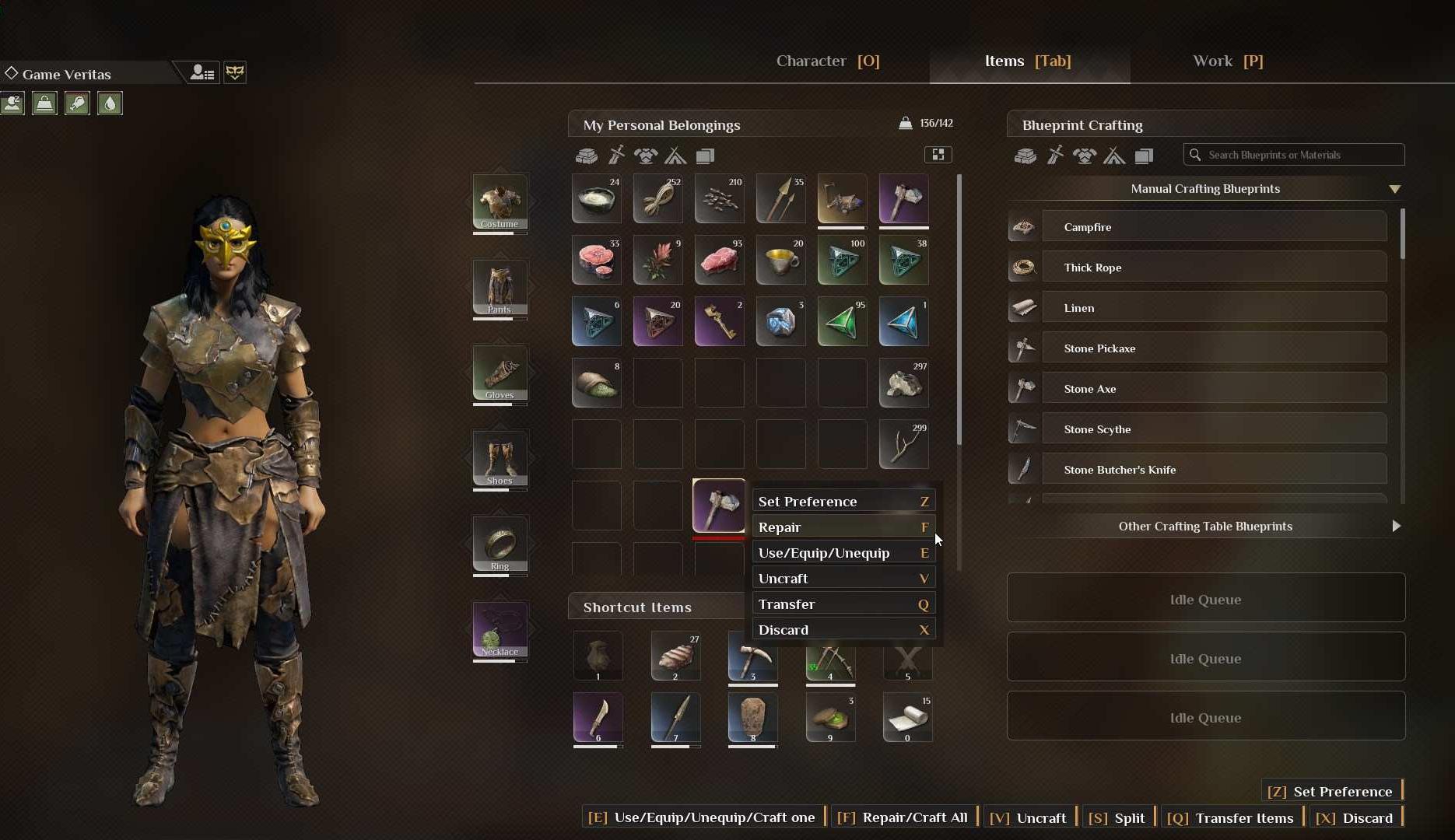
Press the repair button (often F) to start the repair. Watch the repair bar fill up. Once it’s full, your item is repaired and ready to use.
Repairing with the Bench
To repair more efficiently, you can build a repair bench. To do this, you need to access the medium craftsmanship menu. Gather the necessary materials and construct the bench.
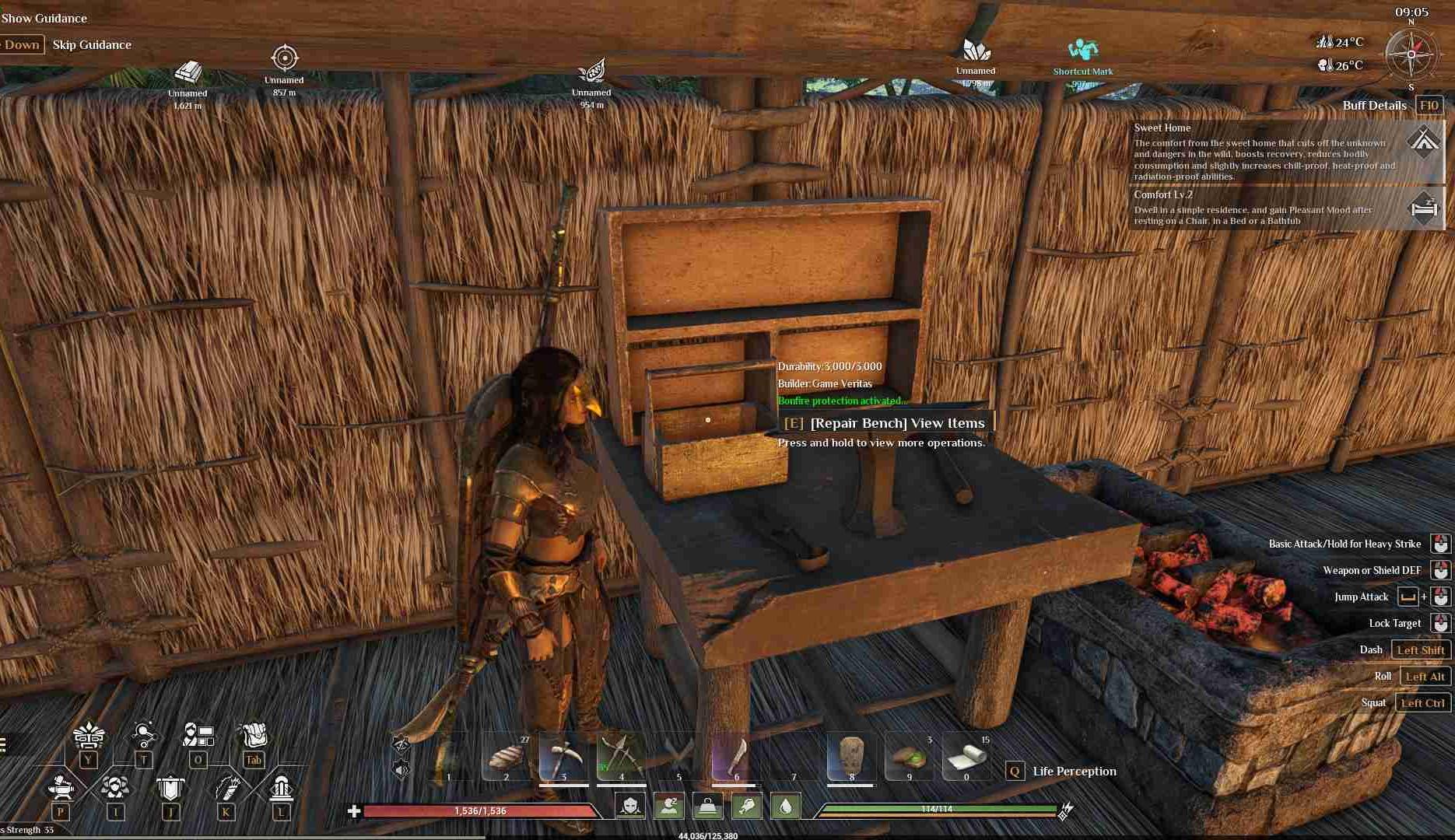
Place your damaged items in the repair bench interface. Ensure you have enough Flint and Stone or any other required materials. Click repair, and the bench will fix all items one by one.
After repairing, you can return the items to your inventory or storage. This helps keep your inventory organized and ready for your next adventure.
Craftman’s bench
For some items, the craftman’s bench is required to be repaired.
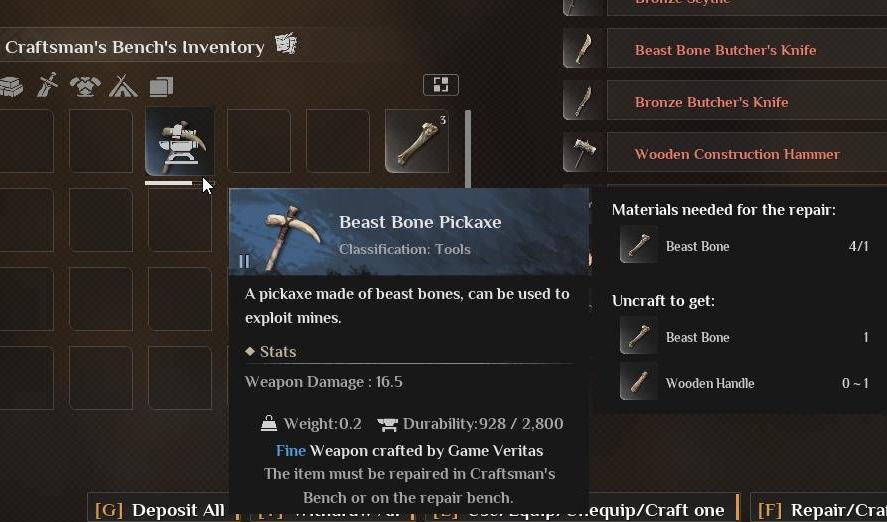
Always keep a good supply of Flint and Stone, as they are commonly used for repairs. Don’t wait for items to break completely. Regularly check and repair your gear to avoid being caught off guard.
Repairing your items in Soulmask is crucial for survival and success. By following these steps and keeping your materials stocked, you can ensure your gear is always in top condition.