
How to Remove Stumps in Farming Simulator 25
In Farming Simulator 25, removing tree stumps is a must if you want to clear land after logging, replant new trees, or prep your fields for other farming activities. Stumps can get in the way of smooth operations and block equipment, so let’s dive into the fastest, most efficient ways to clear them out.
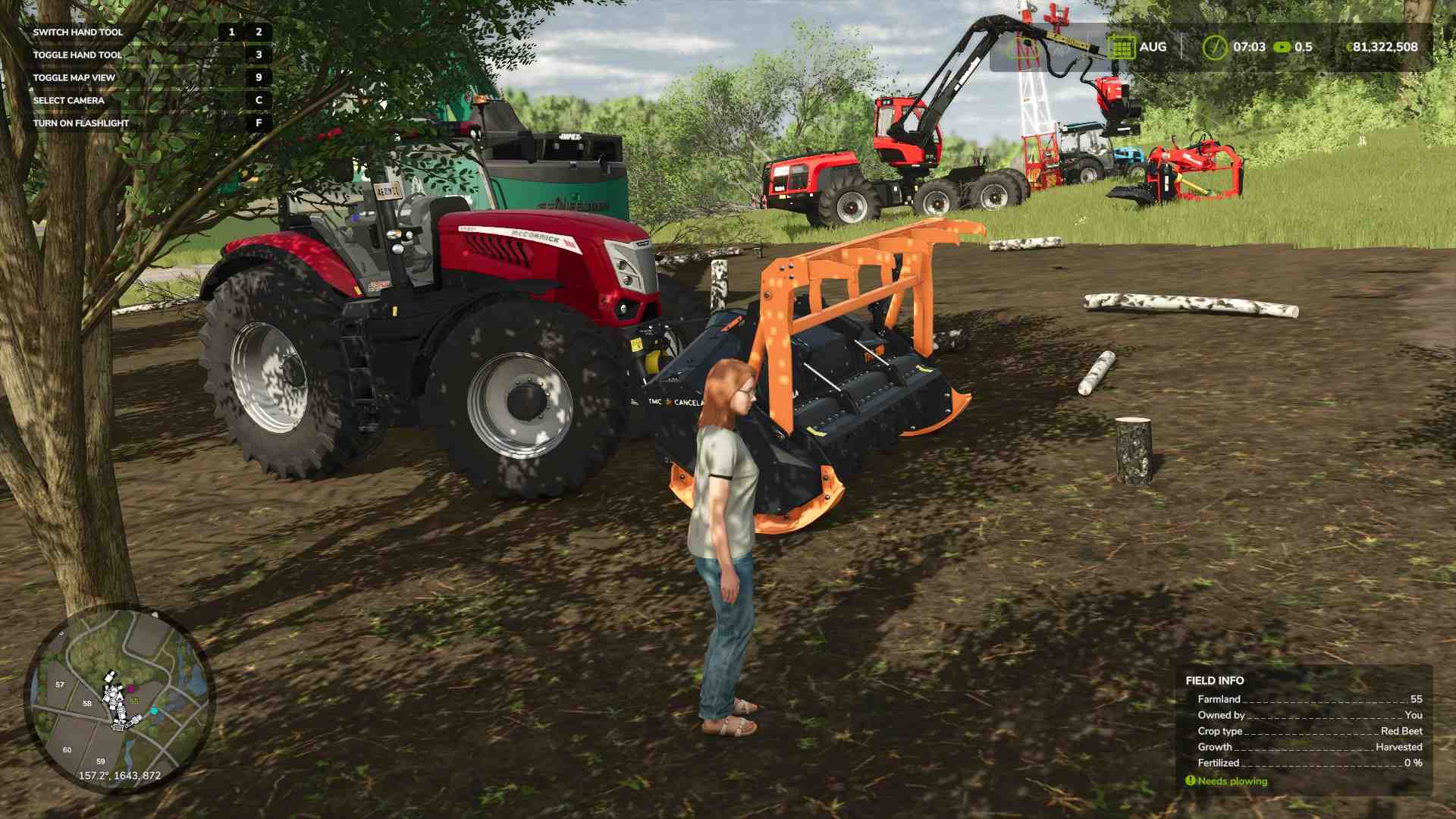
What You Need to Remove Stumps
To remove stumps, you’ll need a tractor and a stump removal tool. There are two primary options for this in the game: the stump cutter and the forestry mulcher. Each has its perks, so choose the one that suits your operation best.
1. Stump Cutter: The classic tool for stump removal, this cutter attaches to the back of your tractor and grinds stumps down efficiently.
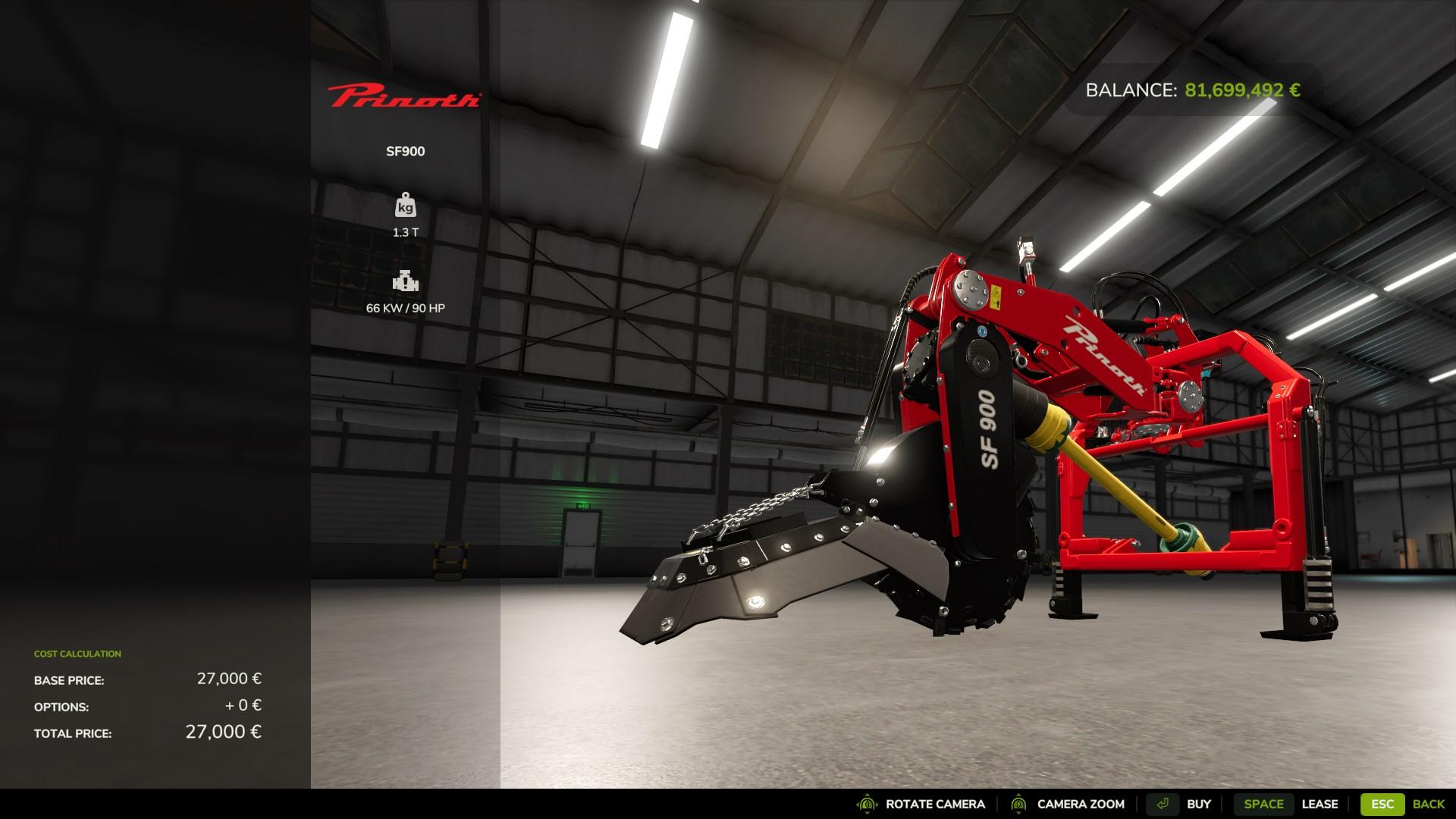
2. Forestry Mulcher: If you’ve got more ground to cover and a powerful tractor to handle it, a mulcher offers a higher working area and can handle both stumps and leftover bits of wood.

Step 1: Choose Your Tool and Attach It
If you’ve opted for the stump cutter, connect it to the three-point link on your tractor. For the forestry mulcher, make sure it’s compatible with your tractor's power, as this tool requires a little extra muscle.
Step 2: Position Yourself Over the Stump
With the tool attached, drive your tractor to a stump. If you’re using the stump cutter, carefully line it up so the cutting blade is centered over the stump. For the forestry mulcher, you’ll need a broader approach, positioning the mulcher over the stump and any extra wood debris you might want to remove.
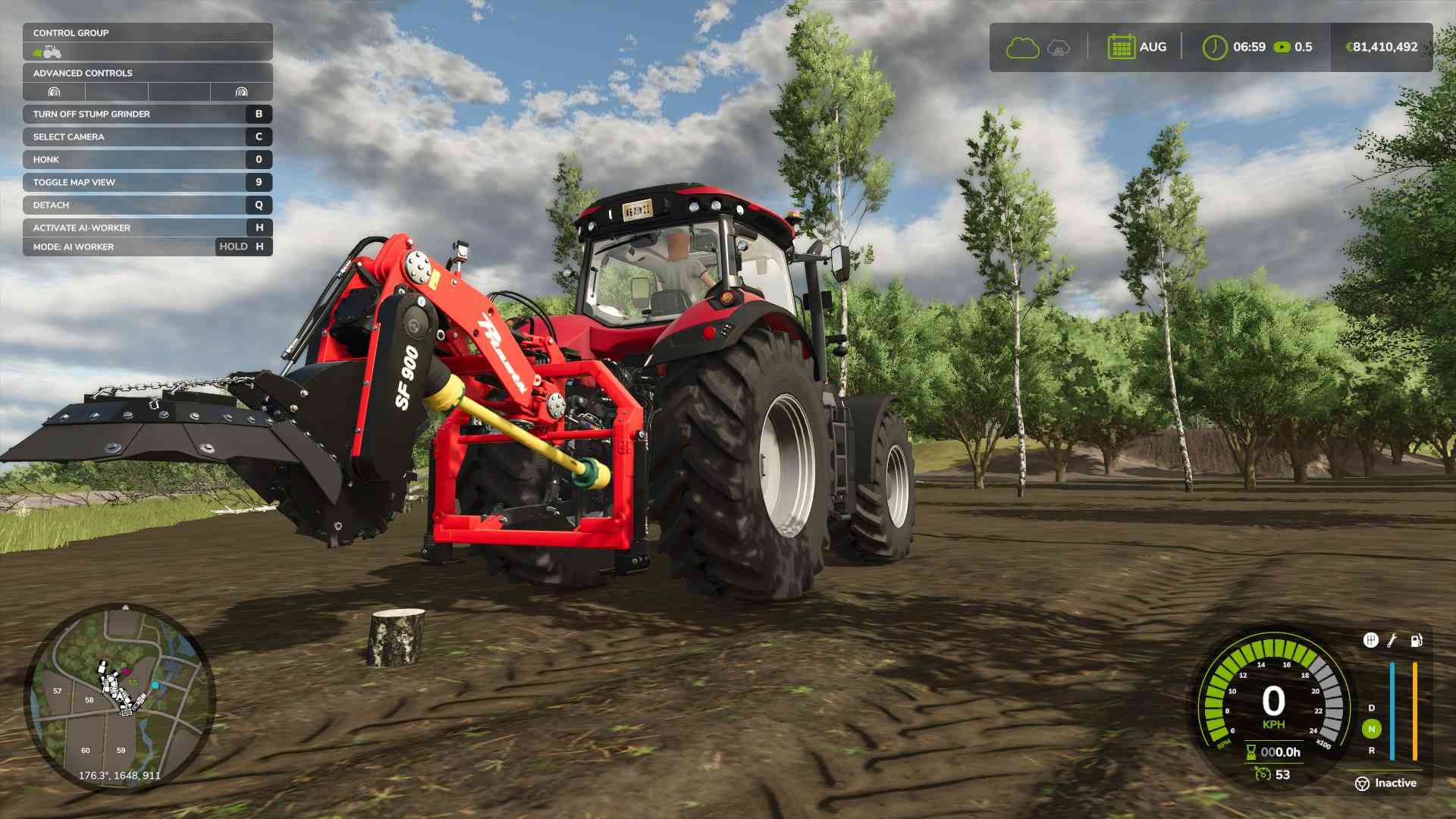
Step 3: Activate and Grind Down the Stump
Turn on the cutter or mulcher using the B button. Lower the tool onto the stump by holding left mouse button and move the mouse down V, which activates the cutting process. With the stump cutter, you’ll see the stump slowly grind away. If you’re using a forestry mulcher, it may take a few passes over the stump for a clean removal.
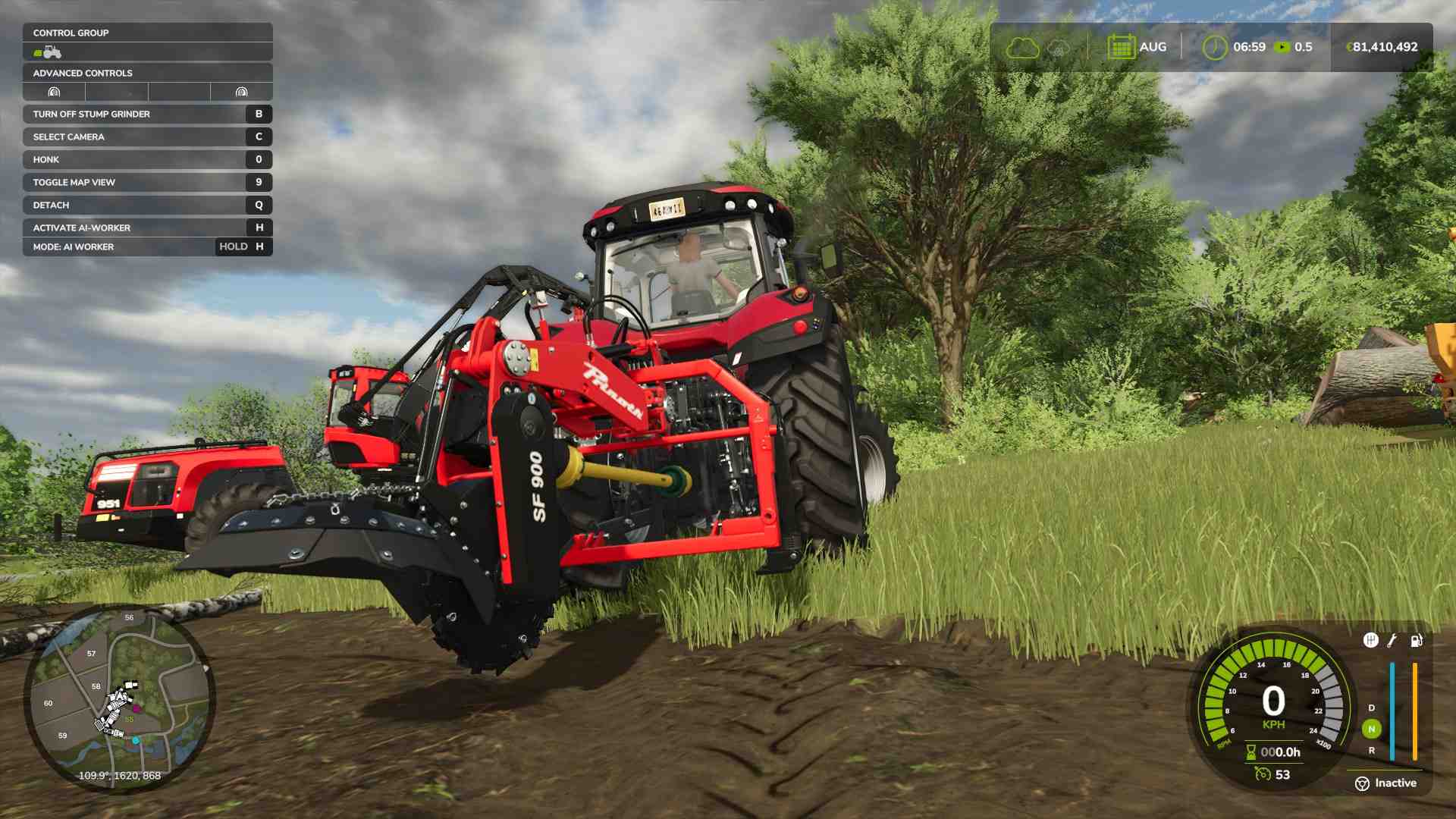
Step 4: Adjust as Needed
If the stump is too tall, simply adjust the tool’s height using your tractor’s control settings to ensure full coverage. The forestry mulcher has a bit more reach, so use this option if you’re dealing with larger stumps.
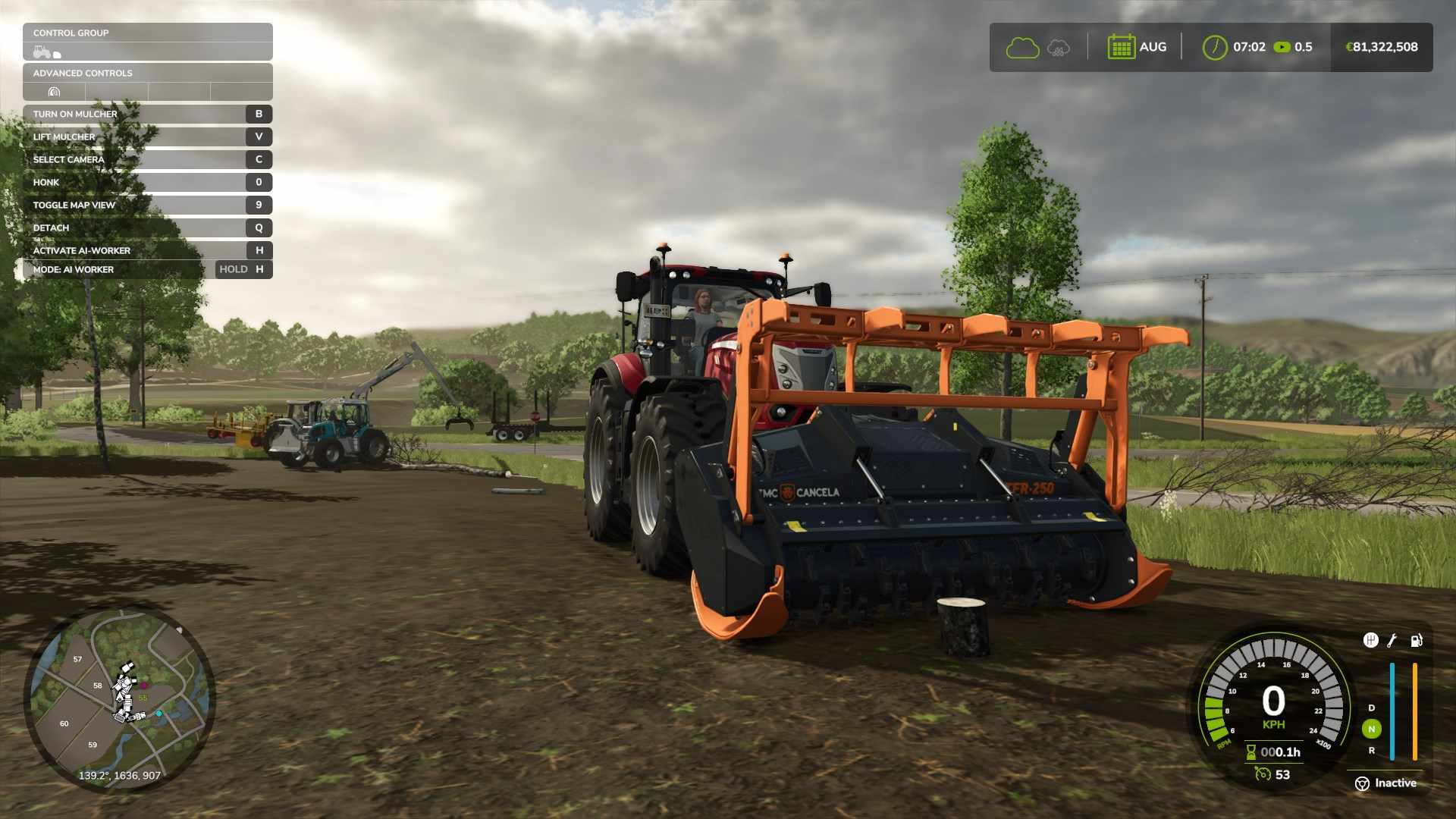
Step 5: Check for Full Removal
Keep an eye on the ground—if the stump is fully removed, you’re good to go. Any traces left? Run over the area one more time to ensure it’s cleared. Repeat these steps for each stump you want to eliminate from your field.
With all your stumps removed, your land is ready for its next phase! Clearing stumps allows you to replant trees, expand your fields, or build new structures without any obstructions. Now that you know how to handle stump removal, nothing can slow down your farm’s expansion!