
How to quickly loot in Rust
Default Key H
In the harsh world of Rust, speed and caution are paramount to survival. Being able to loot quickly can mean the difference between securing valuable resources and falling victim to lurking enemies. This guide will teach you how to loot swiftly in Rust, allowing you to gather loot efficiently and minimize the risk of ambush.
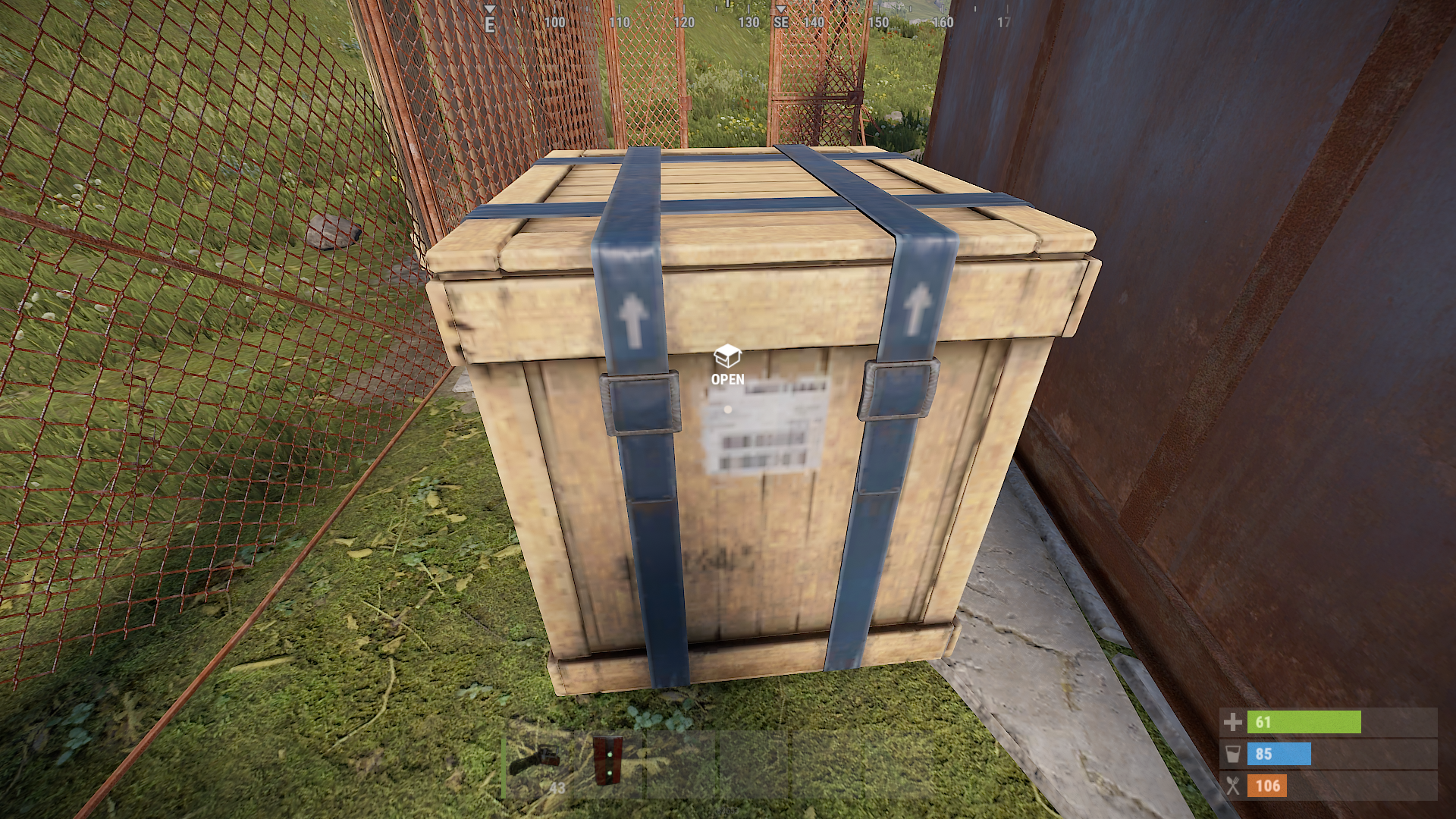
By default, the "H" key is used for hover loot. However, if this key doesn't feel intuitive for you, remember that you can customize the key binding to your preference. Choose a key that feels natural and allows for seamless looting.
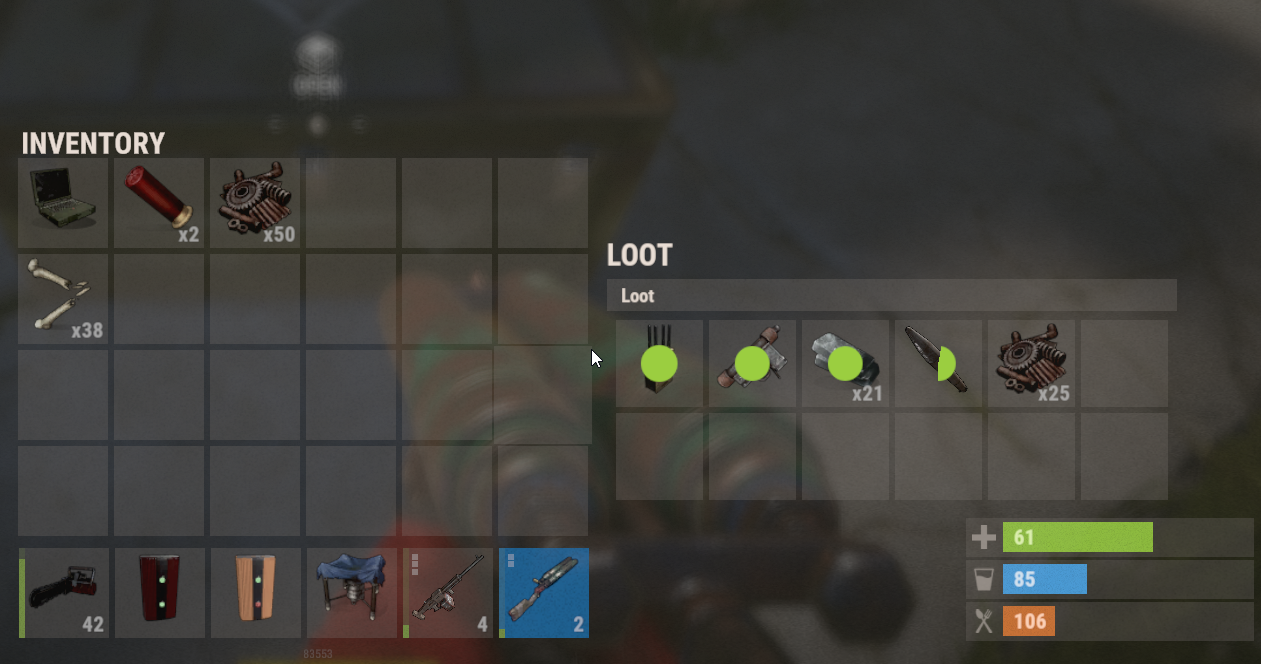
With hover loot enabled, hold the 'H' key to activate the feature. As you hover your mouse over items, such as those from players, crates, or tool cabinets, they will automatically transfer to your inventory. This eliminates the need to right-click on each item individually, saving valuable time and increasing efficiency.
While the entire inventory is being transferred, take advantage of the time to manage your loot. You can right-click unwanted items in your inventory to remove them or speed up the process by dragging items from the loot zone directly into your inventory.
Controls changing
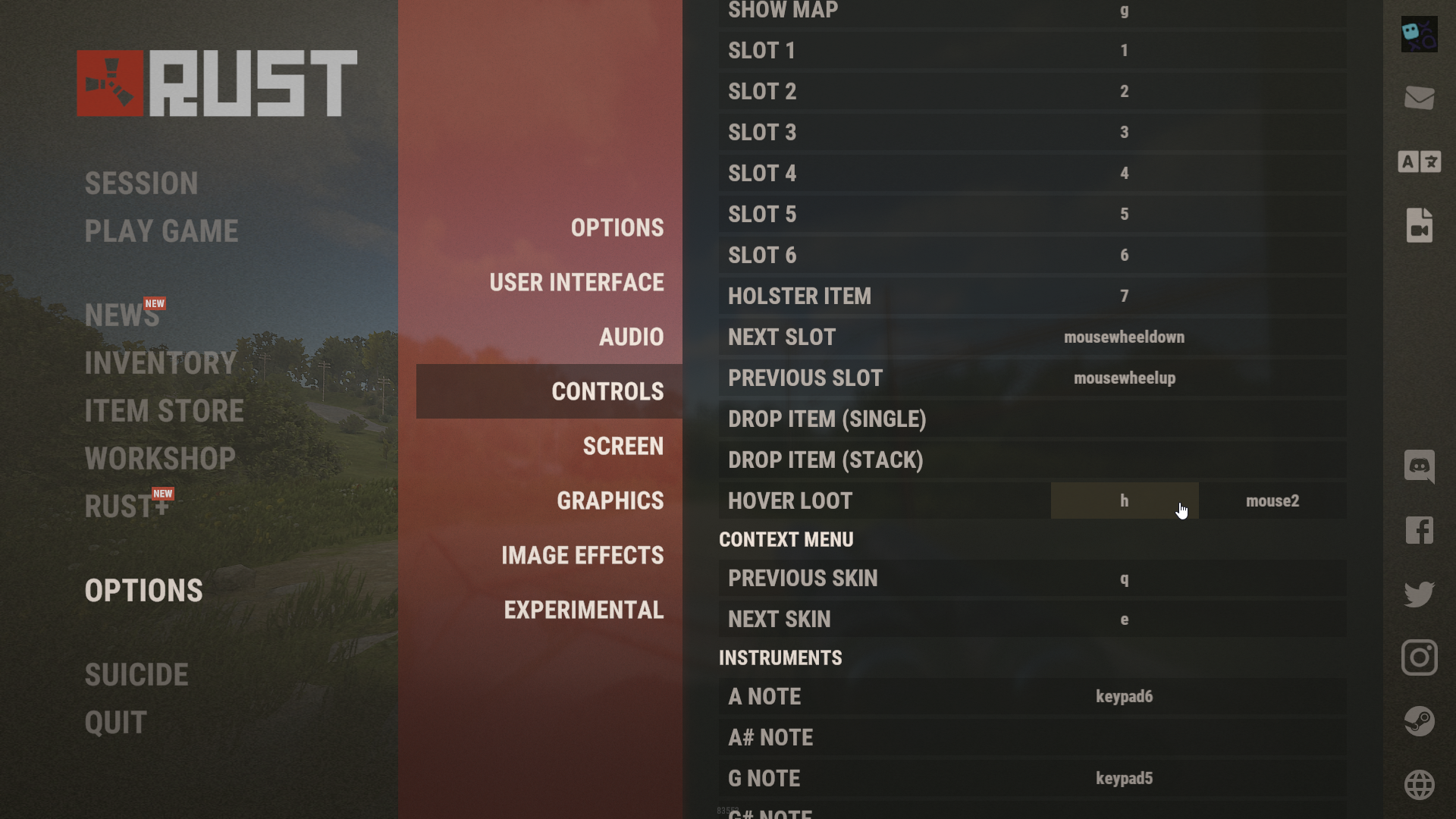
You can change the key for quick looting in Rust. Simply press the 'Esc' key, select "Options," and then go to "Controls." In the control settings, you will find "Hover loot" listed. Click on this field to assign the desired key for quick looting.
Conclusion
Hover loot in Rust offers significant benefits that enhance the looting experience in the game. It provides speed and efficiency by automating item transfers, allowing players to quickly gather loot from various sources without the need for repetitive right-click actions. Moreover, swift looting minimizes the time spent in vulnerable positions, reducing the risk of ambush by other players.