
How to Power Your Base in 7 Days to Die 1.0
Step 1: Gather Your Gear
Before you can start making sparks fly, you’ll need to gather some crucial resources. Scavenge for Scrap Electrical Parts by looting old electronics and scrapping broken appliances. Look for Electrical Parts in items like fans and computers. Don’t forget the Iron, Mechanical Parts, and Springs — all essential for crafting your electrical tools. Your journey starts with the basics, so collect as much as you can!
Step 2: Craft Electrical Components
Time to get crafty! Head over to your Workbench, which you’ll need to craft various electrical gadgets. To get this bad boy up and running, you’ll need 20 Forged Iron, 25 Mechanical Parts, 10 Springs, and 2 Bottles of Acid.

Once you’ve got the Workbench, it’s time to craft the heart of your electrical setup: the Generator Bank. Use 20 Electrical Parts, 25 Mechanical Parts, 10 Springs, and 10 Forged Iron to create this powerhouse. If you want a backup power source, craft a Battery Bank with 4 Batteries, 20 Electrical Parts, 25 Mechanical Parts, and 10 Forged Iron.
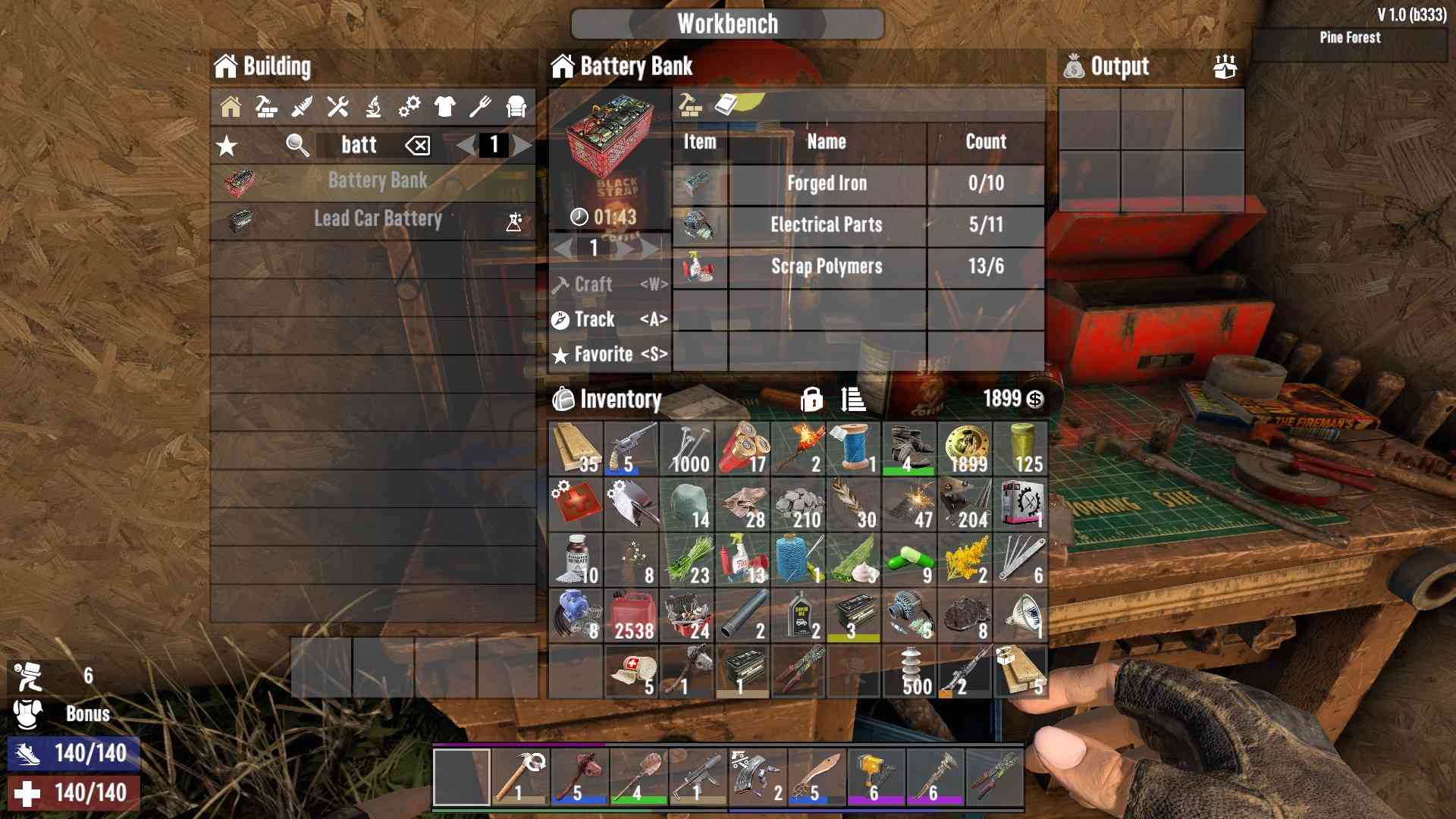
Step 3: Power Up with Your Generator
Now that you’ve crafted your Generator Bank, it’s time to put it to work. Place the Generator Bank in a safe, secure location — think of it as the command center of your base.
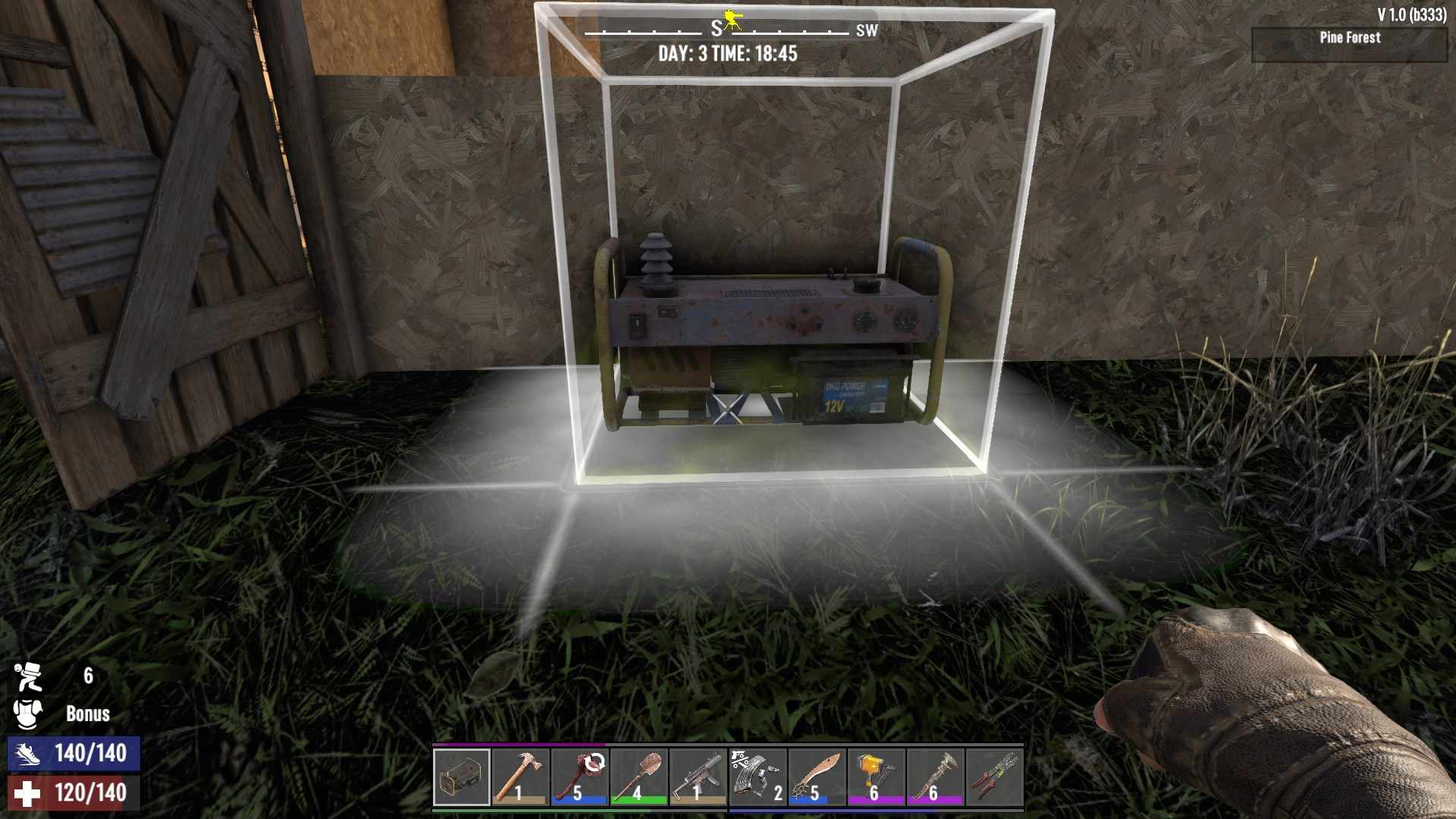
Put some engines in the Generator Bank slots to increase Max Output. Feed it some fuel (gasoline, coal, or whatever you’ve scavenged) and flip the switch to turn it on. Your base is now buzzing with potential!
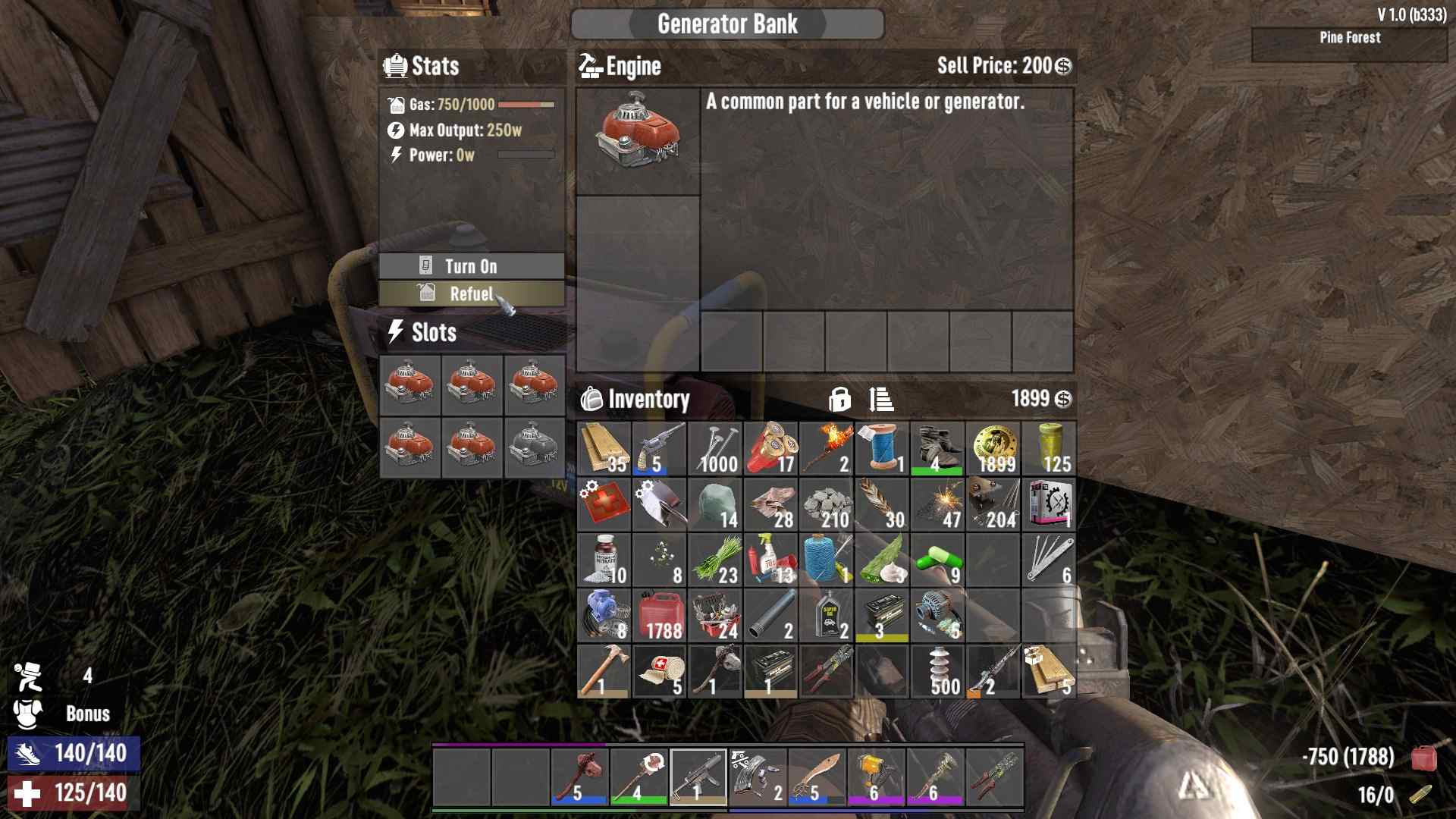
Step 4: Set Up the Electrical Network
With power flowing, it’s time to wire up your constructions. Place your electrical items, like Light Fixtures for those dark corners, Turrets to defend against the undead, and Trap Blocks to turn any zombie into a pincushion. Grab your wires and start connecting! Drag the wires from your power source (Generator Bank or Battery Bank) to each electrical item.
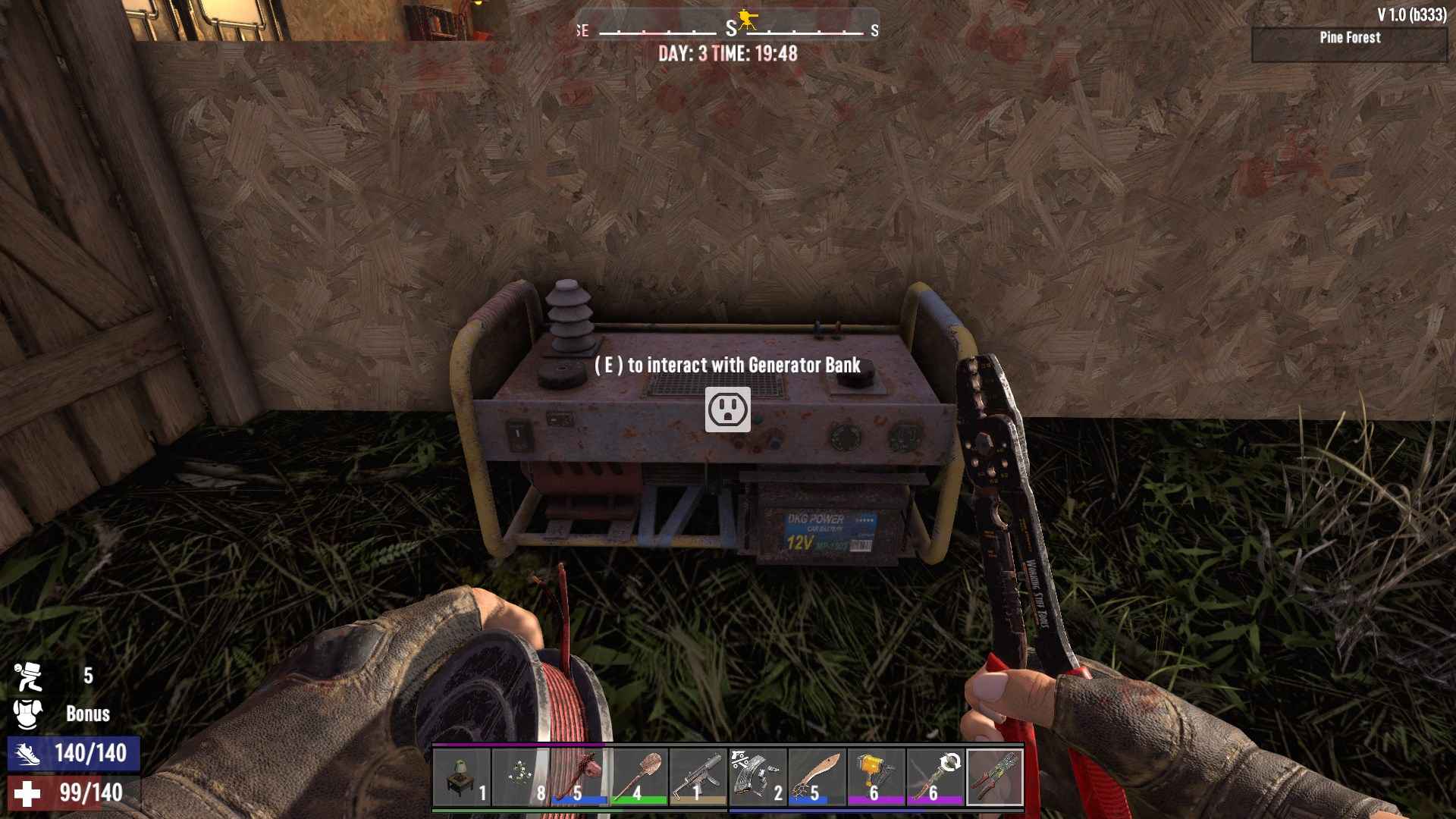
Use Relays to extend your network — they help distribute power over longer distances. Place them where needed, then connect the wires from the Generator Bank to the Relays, and finally, from the Relays to your electrical items.
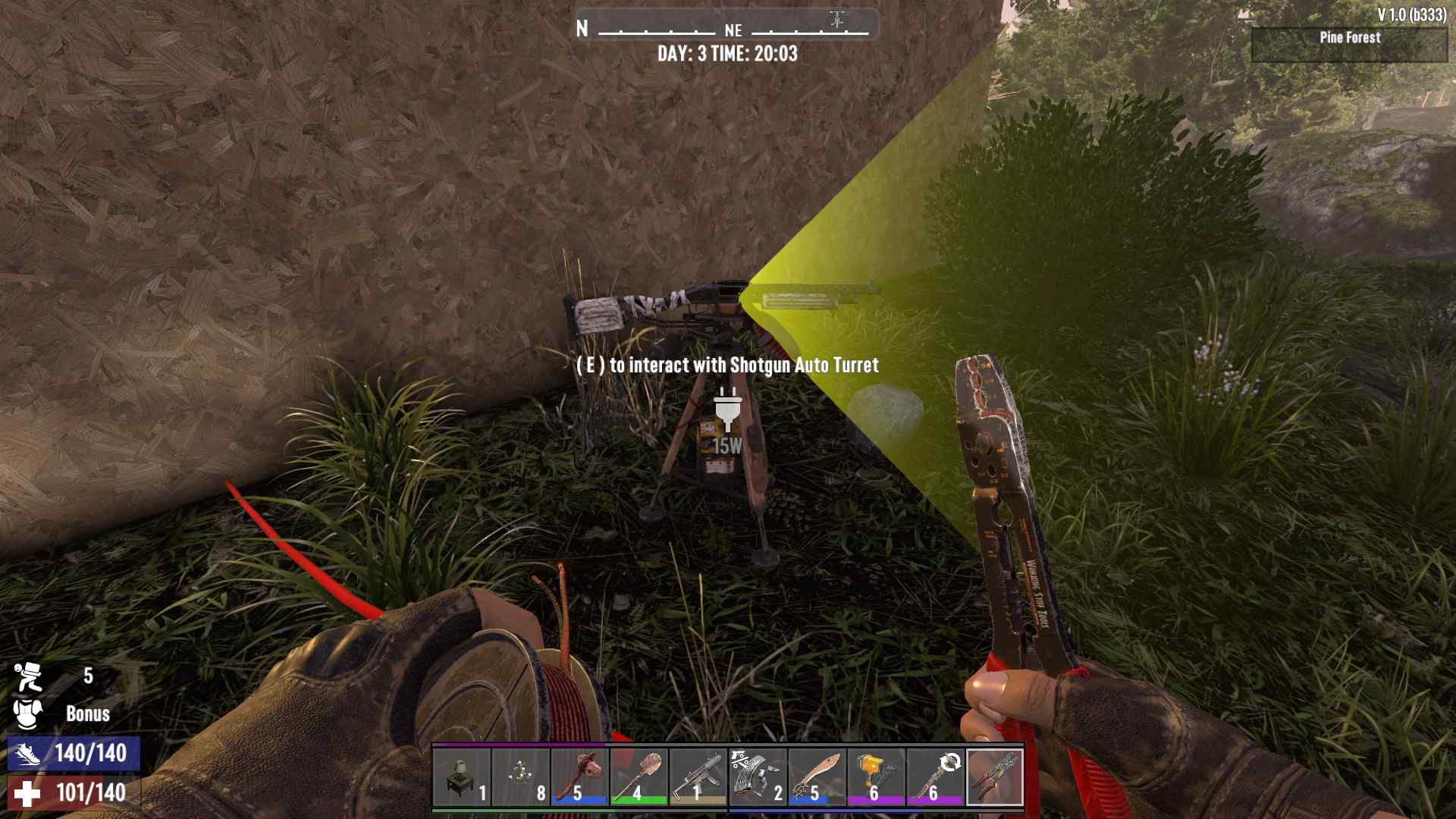
Step 5: Test and Tweak
Your base should now be lit up and ready to roll! Make sure everything is powered up by turning on your Generator. Check that each item is receiving power and functioning as expected. If something’s not working, double-check all your connections and make sure your Generator Bank is running smoothly. Keep an eye on fuel levels and be prepared to upgrade your components as you progress in the game.
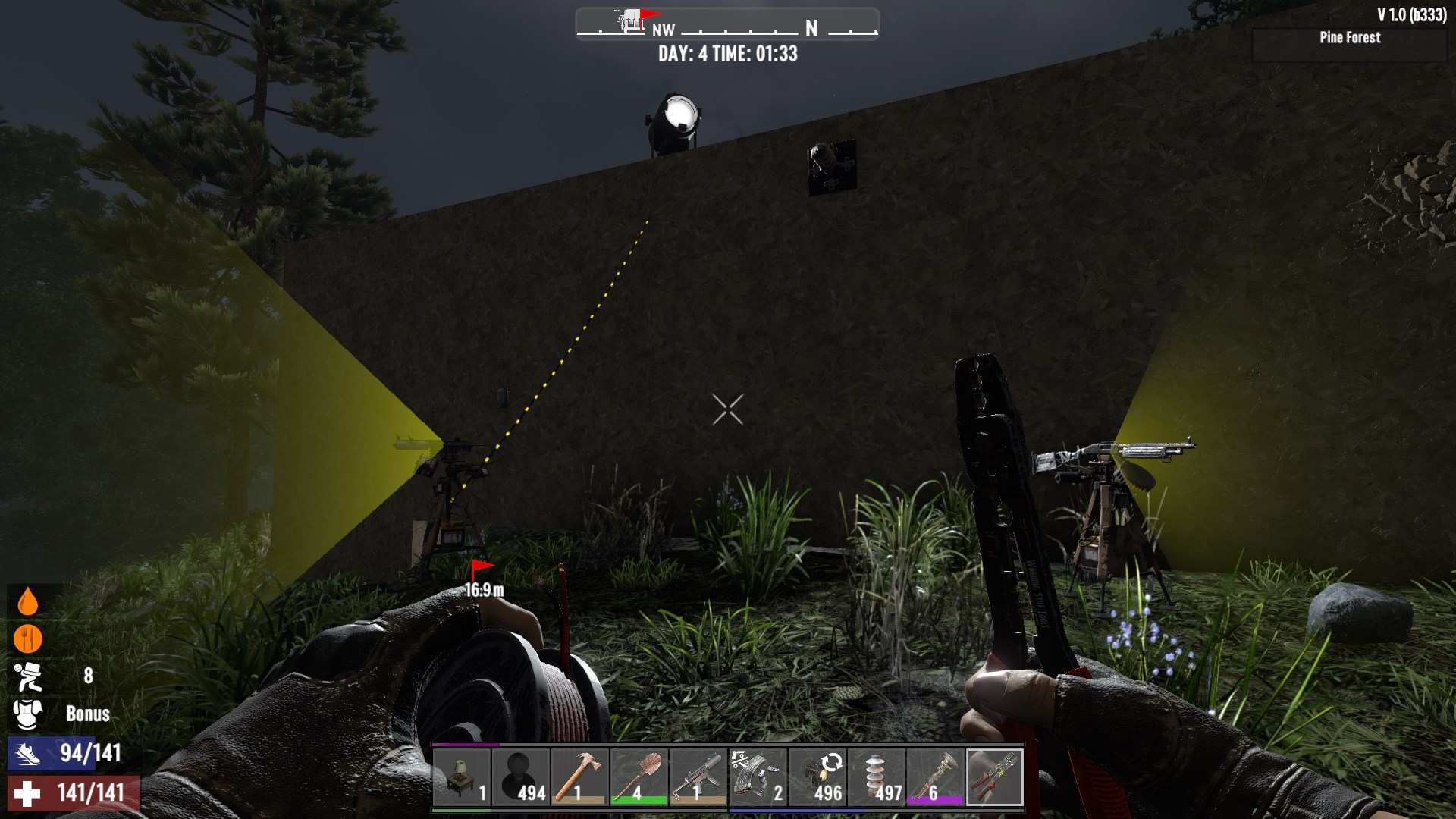
Transform your base into a high-tech fortress with lights, turrets, and traps galore. Keep your Generator fueled, your wires connected, and your relays strategically placed. Your fortified base is ready to take on the apocalypse with a shocking new edge!