
How to Make Stairs in 7 Days to Die 1.0
Building stairs in 7 Days to Die 1.0 can seem a bit confusing at first, but once you get the hang of it, it’s a breeze! This guide will walk you through the steps to craft and place stairs, making your base more accessible and functional.

Crafting Stairs: The Basics
In 7 Days to Die 1.0, stairs aren’t crafted directly from the crafting menu. Instead, you use Frame Shapes to create stairs. Here’s a step-by-step breakdown of the process:
1. Obtain Frame Shapes: Start by crafting Frame Shapes. These are basic building blocks you can make from the crafting menu using two pieces of Wood. Frame Shapes are versatile and serve as the foundation for various structures, including stairs.
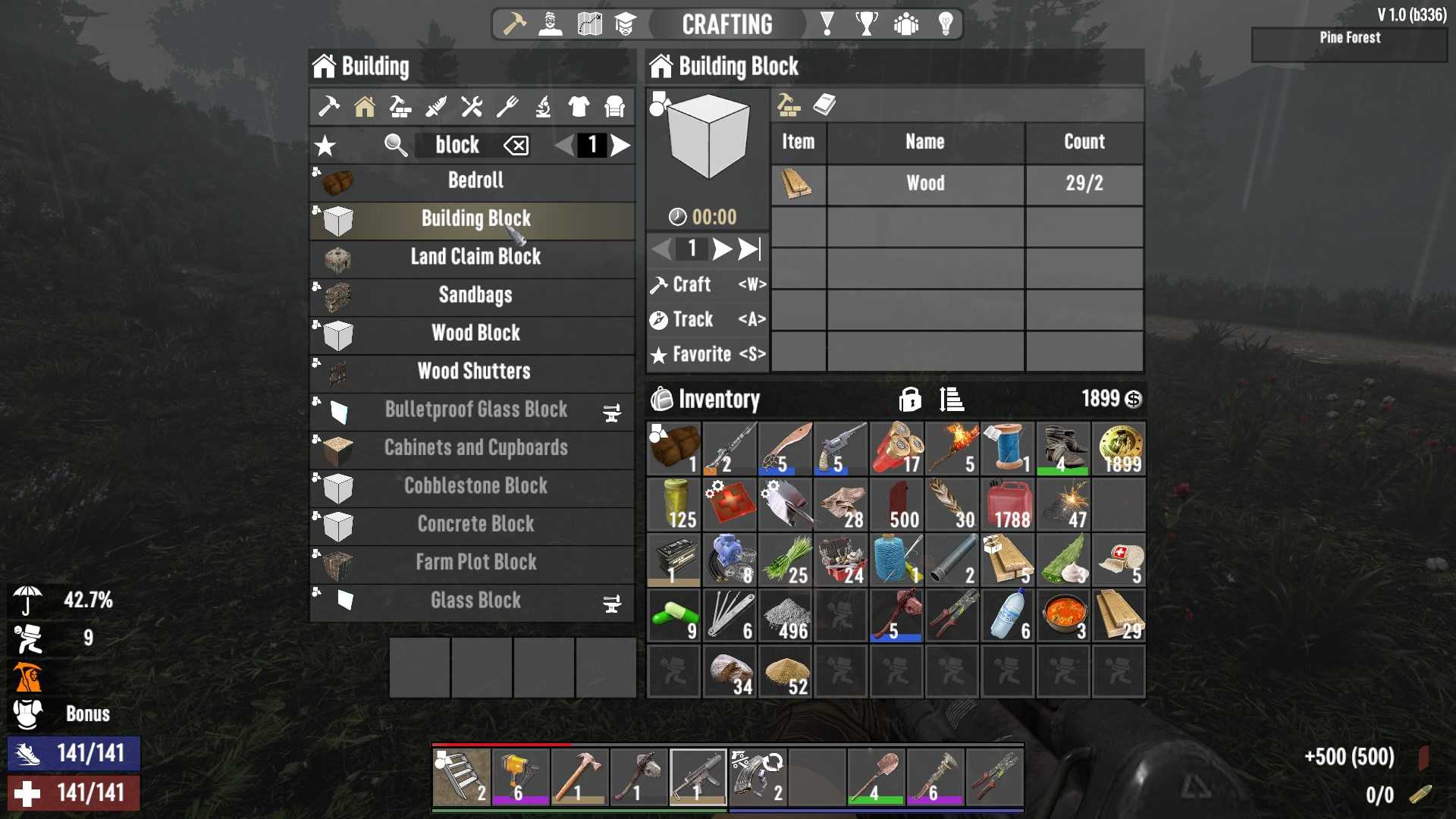
2. Access the Shape Menu: Once you have your Frame Shape, hold down the reload button (R by default) to open the shape menu. This is where the magic happens! You’ll see a variety of building options here.
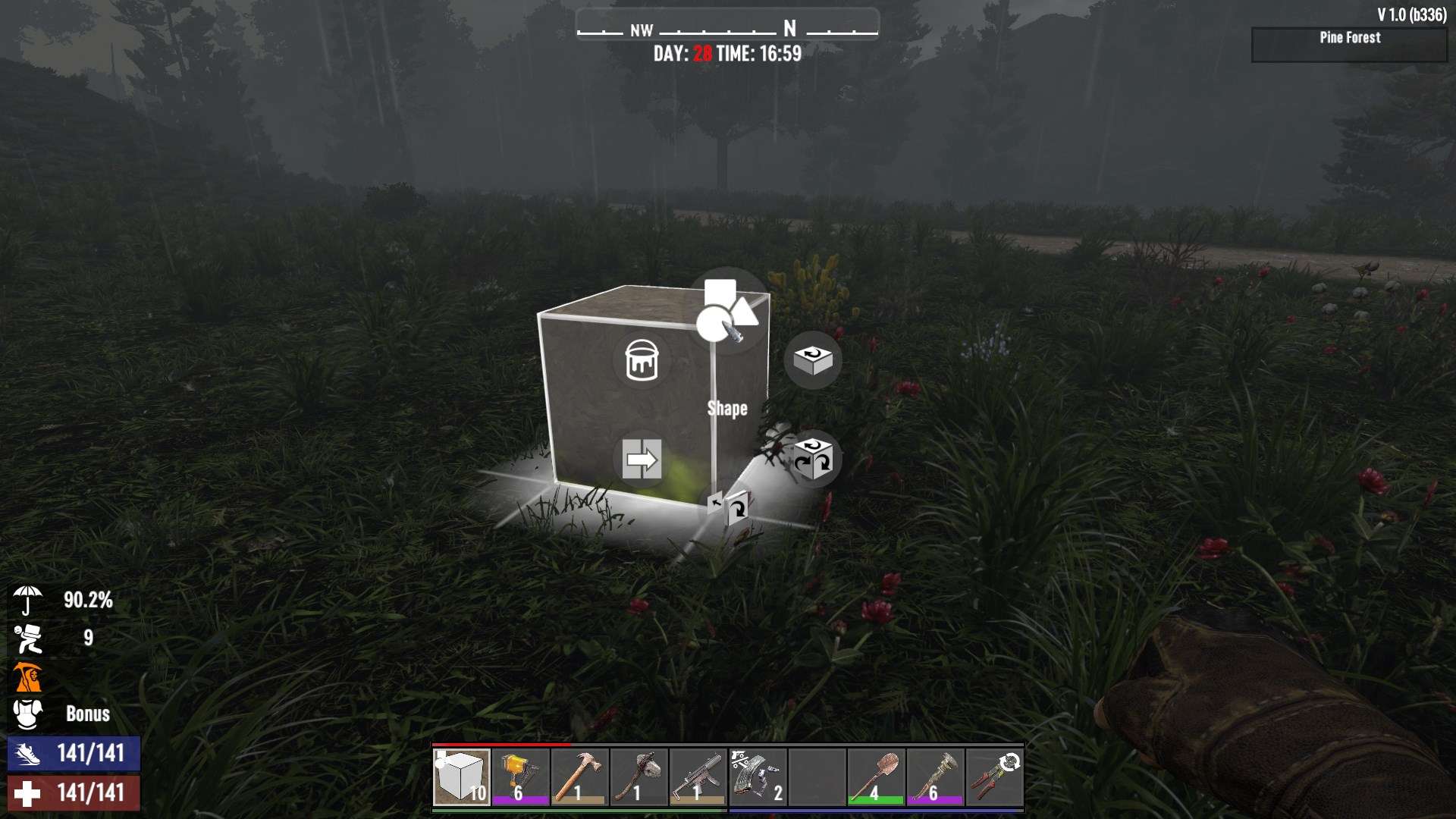
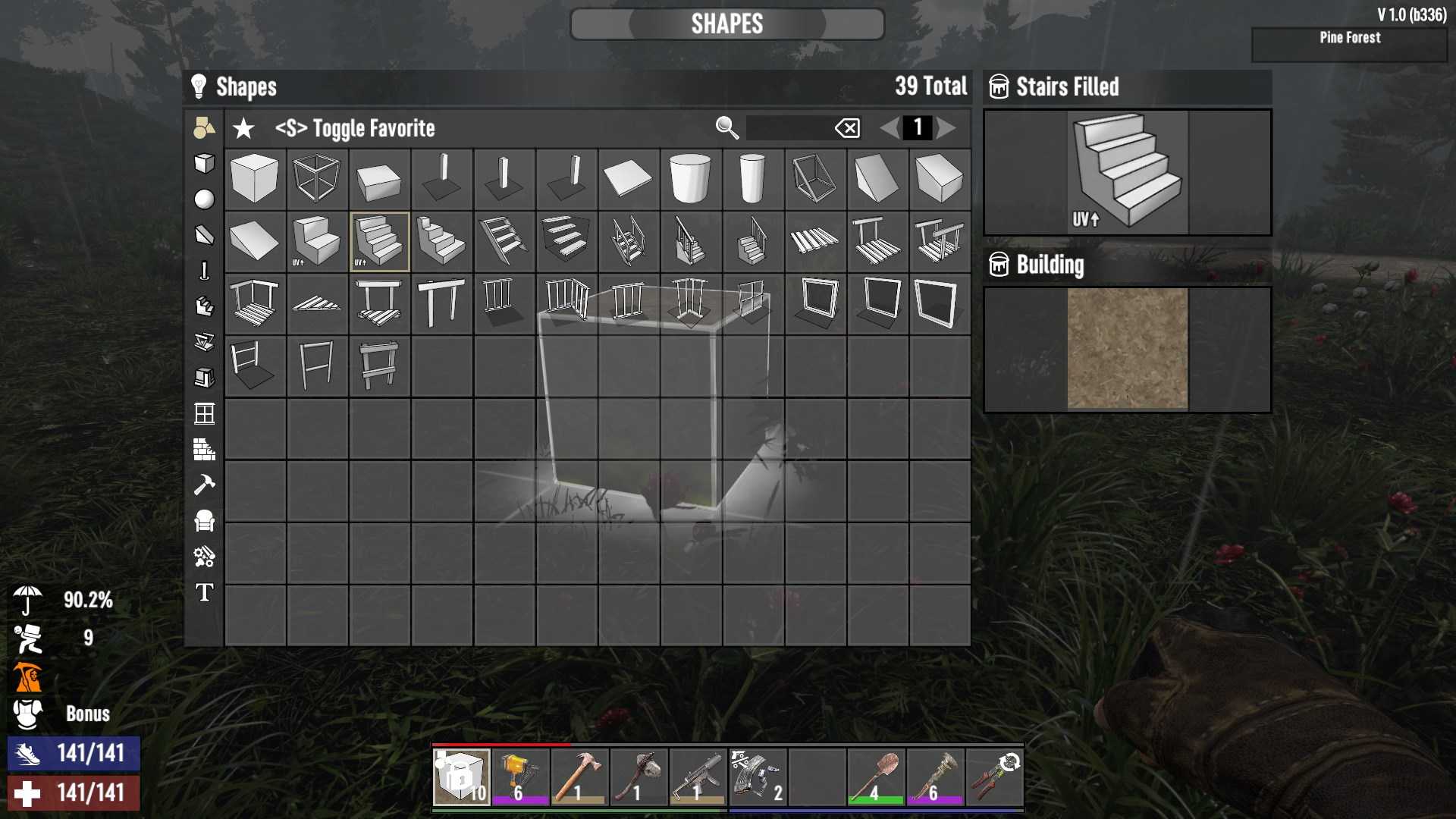
3. Select Stairs: In the shape menu, click on the “Shape” icon at the top. This will open a menu where you can select different types of blocks. Find the stairs option in this list. If you want a specific type of stair, you can explore the “Stairs” tab for various styles and materials.
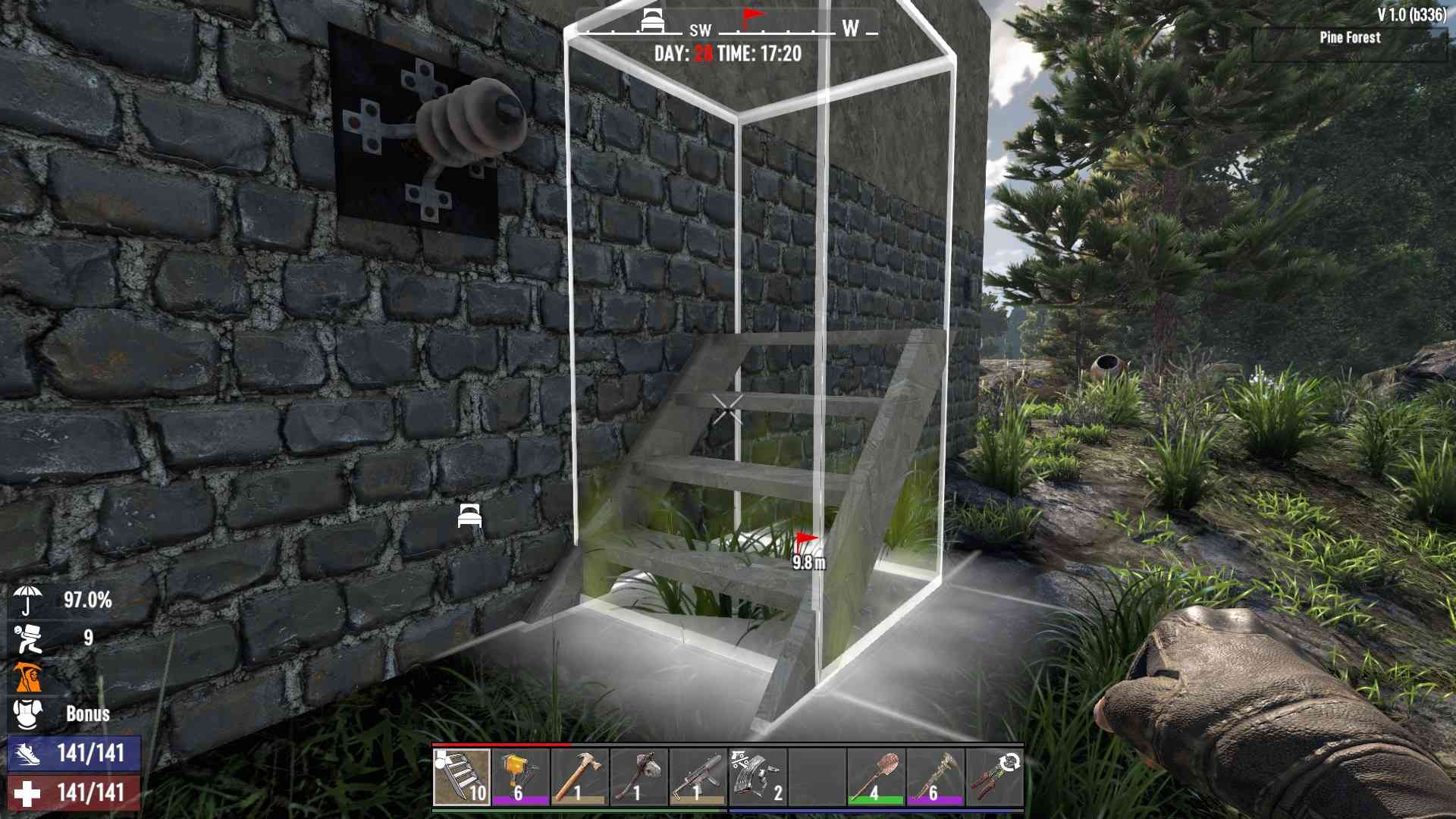
4. Place Your Stairs: After selecting the type of stairs, you can place them in your game world. Simply aim where you want the stairs to go and use the placement controls (usually right-click) to set them in place. Watch for the outline color—red means the block is unsupported and will fall, so make sure you place it correctly.
Upgrading and Repairing Stairs
While Wooden Stairs are functional, they’re not the most durable. If you want to upgrade them:
- To upgrade your Wooden Stairs to Reinforced Wooden Stairs, you’ll need 10x Wood and an appropriate repair tool. This makes them more resilient against zombie attacks.
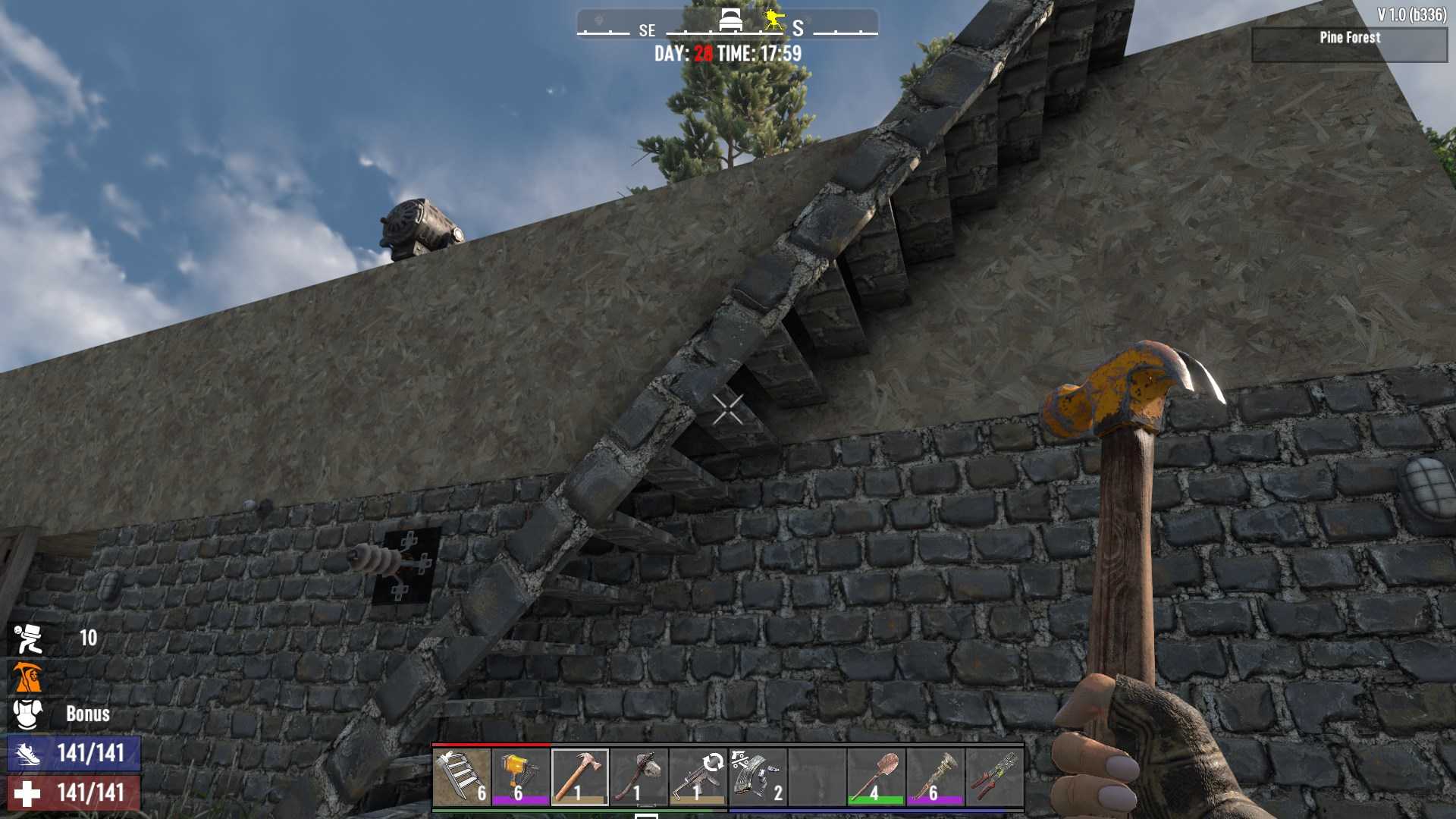
- If your Wooden Stairs get damaged, you can repair them using 10x Wood and a repair tool to keep them in good condition.
Crafting and placing stairs in 7 Days to Die 1.0 involves using Frame Shapes to create the structure you need. By following these steps, you can easily enhance your base with stairs, making it more functional and accessible. Remember to use the shape menu for a variety of stair options and ensure you place and upgrade them properly for the best results.