
How to make a secret doorway in Minecraft?
Introduction:
Building a secret entryway in Minecraft is more than just securing your belongings or building a hidden room—it's also about using strategy, letting your imagination run wild, and raising the excitement level. This guide makes crafting a secret entryway straightforward, offering any player the chance to inject an element of surprise and tactical advantage into their gameplay.
Understanding the Basics:
Before embarking on the construction process, it's essential to grasp the fundamental mechanics behind a secret doorway in Minecraft. The art of concealment here largely revolves around the clever use of pistons, redstone, blocks, and sometimes paintings or other decoys to create a door that blends seamlessly with its environment.
Materials Needed:
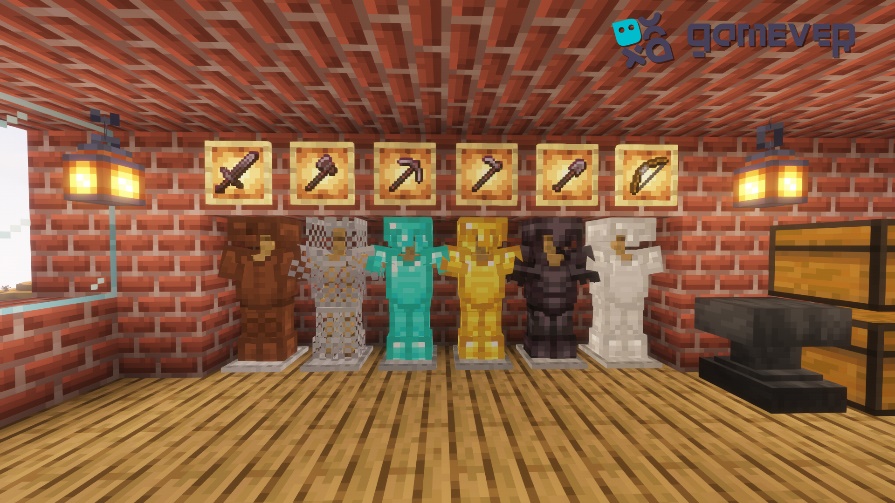
To construct your secret doorway, you'll need a selection of materials, most of which are easily obtainable within the game:
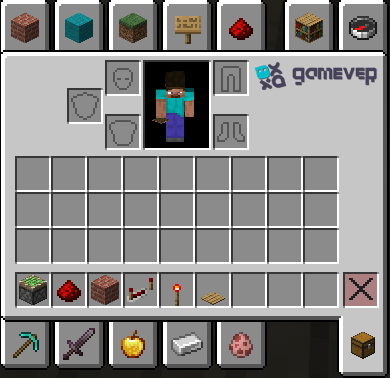
1. Sticky Pistons: They are crucial for the opening and closing mechanisms of the door.
2. Redstone Dust and Redstone Torches: These are necessary for creating the circuit that controls the door's opening and closing mechanisms.
3. Building Blocks: These should match the room or wall you're incorporating the secret doorway into, ensuring the door is effectively camouflaged when closed.
4. Pressure Plates, Levers, or Buttons: These will be used as the triggering mechanism to open the secret doorway.
5. Optional Items: Items like paintings or item frames can be used for additional camouflage or to conceal the triggering mechanism.
Step-by-Step Construction:
Creating a secret doorway might seem complex, but by following these detailed steps, you can create an effective and undetectable entrance.
Step 1: Selecting Your Location
Identify the area where you want your secret doorway to be. It's preferable to choose a wall section in a room or corridor. Ensure there's enough space behind the chosen area to house the redstone circuitry that operates the door.
Step 2: Laying the Foundation
Start by carving out the doorway itself. A typical door is 2 blocks tall by 1 block wide, but make it as large as you see fit. Ensure you have space around the door for the pistons and circuitry.
Step 3: Piston Placement
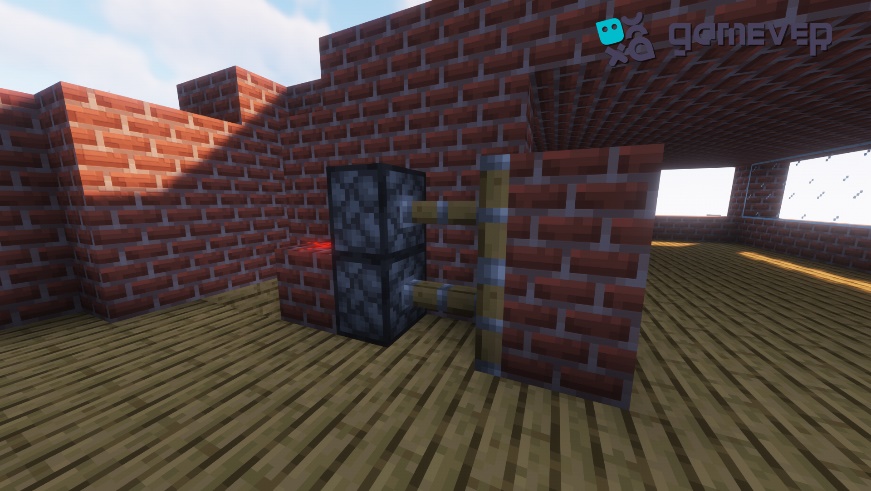
Place sticky pistons in the wall adjacent to where the doorway will be. Pistons should be positioned so that when deactivated, they'll reveal the doorway, and when activated, they'll conceal it with wall blocks.
Step 4: Redstone Circuitry
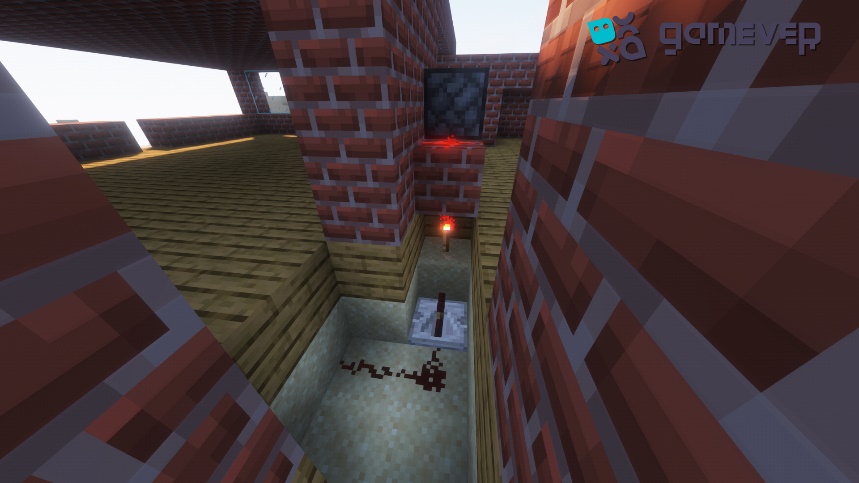
Behind the walls, connect redstone dust to the pistons, creating a circuit. This circuit should lead to where your chosen triggering mechanism (lever, pressure plate, or button) will be. Use redstone torches as switches or repeaters to extend the signal, if necessary.
Step 5: Concealment
Cover the area around the pistons with your building blocks so that when the door is closed, it appears to be a solid wall. If you're using a painting, it'll cover the gap, functioning as a hidden door.
Step 6: Trigger Mechanism
Install your preferred trigger mechanism. If you opt for a pressure plate, it can be placed inside the room with the secret door to easily close it behind you. If you choose a lever or button, you might want to hide it in a nearby room or use a painting to camouflage it.
Conclusion:
Building a secret entryway in Minecraft is more than just securing your belongings or building a hidden room—it's also about using strategy, letting your imagination run wild, and raising the excitement level. This tutorial simplifies the process of creating a hidden entrance, making it a doable task for any player looking to give their gaming a little more mystery and strategic benefit.
Are you ready to show off your skill at creating covert doors in front of all of your friends? Explore Gamever, a place where you may rent a server only for you and your friends to play on. Play cooperative construction games, share your creative works of art, and embark on Minecraft adventures in a private, lag-free environment with Gamever. Together, explore unexplored places, strategize, and unleash your creativity. Get a Gamever server today to change the way you play Minecraft!