
How to Make a Rust PvE Server (Enable PVE and TruePVE)
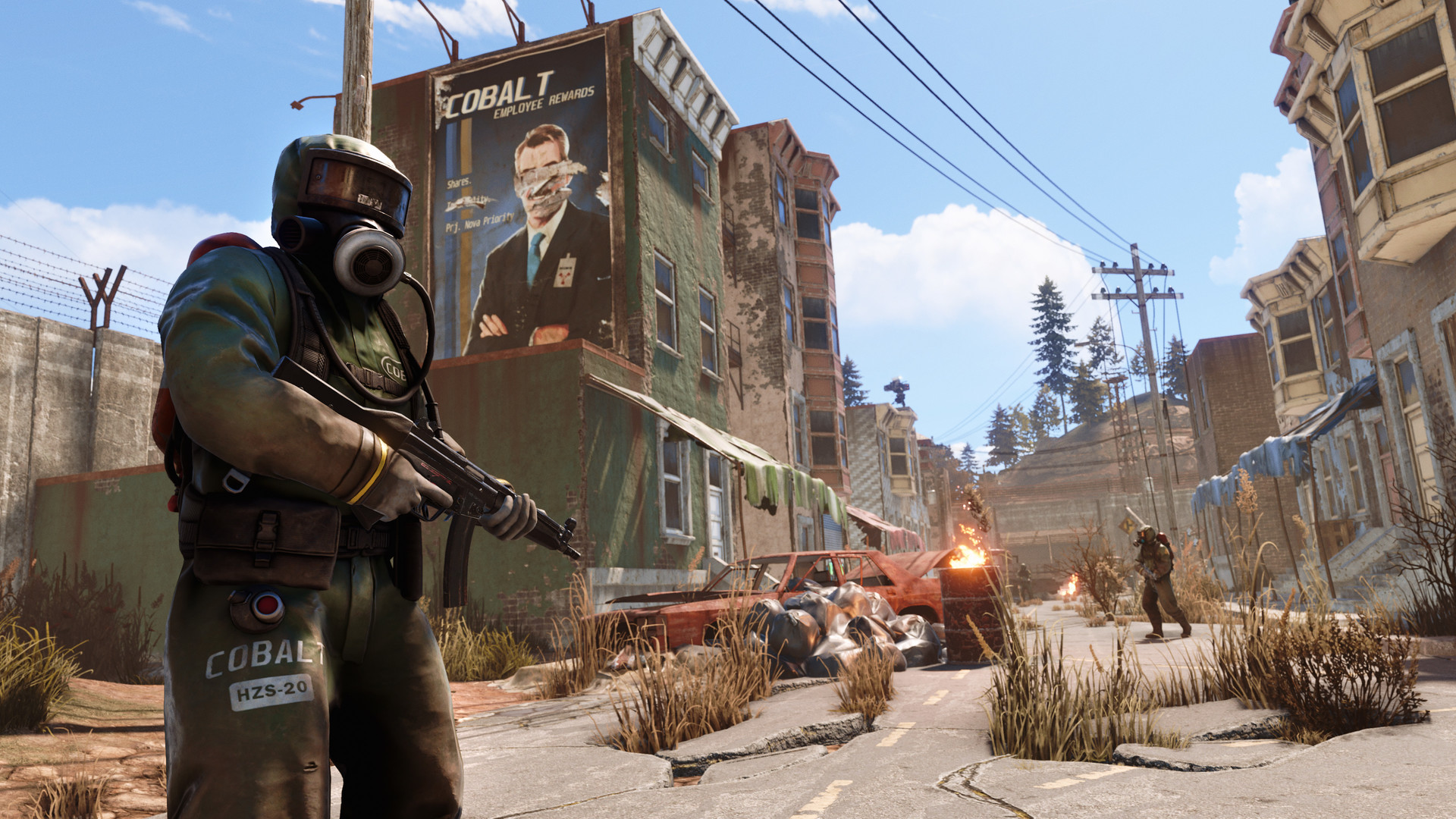
Not every Rust community wants full-loot PvP. A PvE server lets players survive, build and farm without killing each other — great for relaxed or roleplay communities. There are two ways to run PvE on gamever: a quick built-in toggle, and the proper plugin-based approach. This guide covers both.
Option 1 — the built-in Enable PVE toggle
The fastest way: Settings → Server Settings → Enable PVE → set to True, Save, and restart.
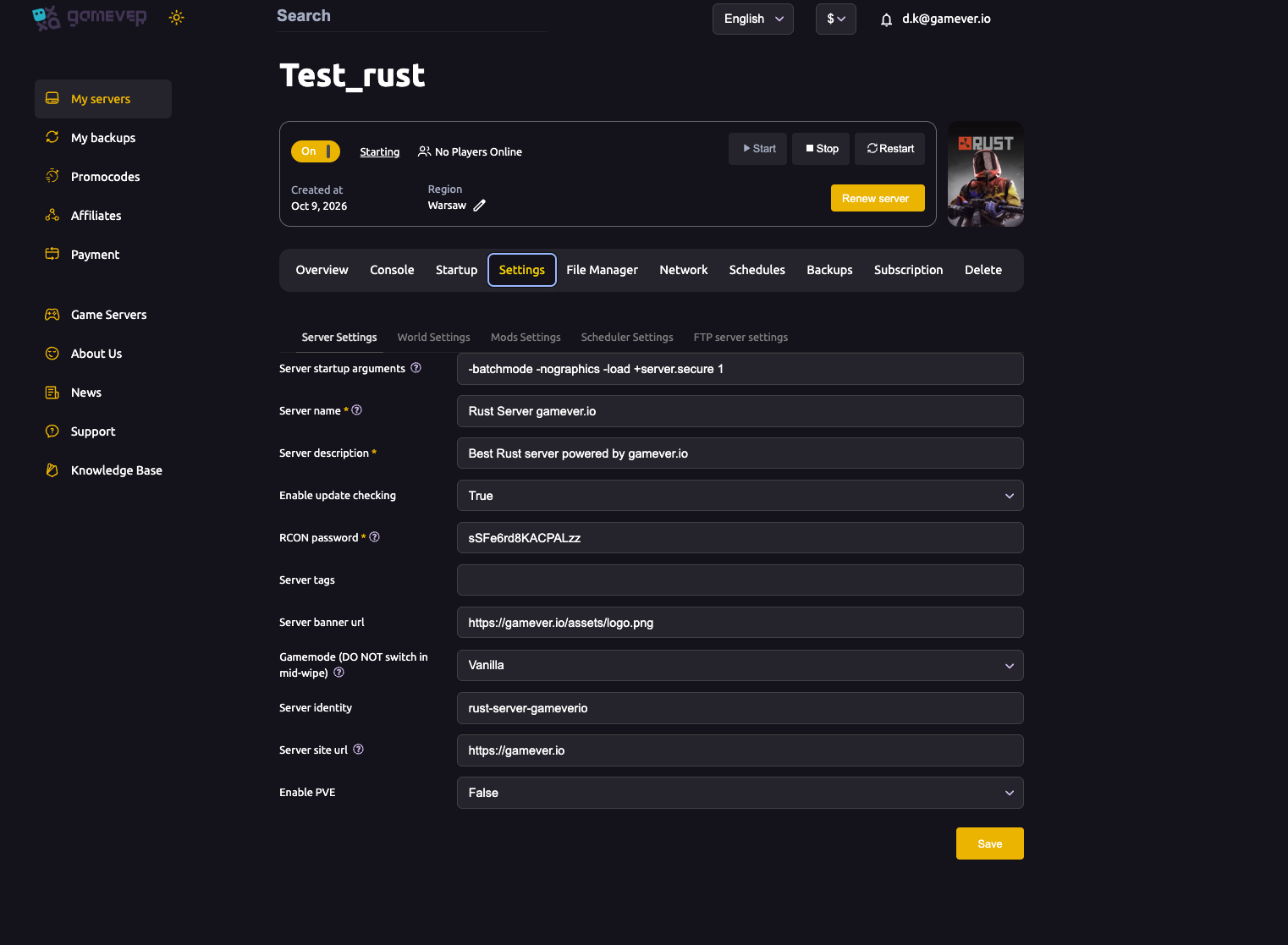
This flips Rust's native PvE mode — players can no longer damage each other directly. It's one click, but vanilla PvE is blunt: it also changes raiding and some interactions, and gives you no fine control. For a simple "no player killing" server it's fine; for anything nuanced, use Option 2.
Option 2 — TruePVE (the proper way)
Most serious PvE servers run the TruePVE plugin on Oxide (or Carbon). TruePVE gives granular rules:
- No player-vs-player damage, but you choose whether raiding, traps, turrets, looting and animal damage are allowed.
- Exclusion zones, scheduled PvP events, and per-situation rulesets.
Setup:
- Install Oxide (or Carbon) — see our Oxide guide.
- Download the TruePVE
.csplugin and upload it tooxide/plugins. - Edit
oxide/config/TruePVE.jsonto taste, thenoxide.reload TruePVE.
This is the standard, flexible PvE setup — leave Enable PVE off (False) and let TruePVE do the work, so you keep full control.
Which should you use?
- Enable PVE = True — quickest, zero plugins, but crude. Good for a casual "no PvP" server.
- TruePVE plugin — the real answer for a PvE community: no player damage plus the exact rules you want around raiding and interactions.
Don't stack both — pick one approach.
Additional Tips
- For a real PvE community, use TruePVE, not just the toggle — you'll want control over raiding and traps.
- Keep Enable PVE off when running TruePVE so the plugin's rules aren't fighting the native mode.
- Advertise it clearly — put "PvE" in your server name/description and tags so the right players find you.
- Pair with quality-of-life plugins (homes, kits) that PvE players love.
- Restart after the toggle; reload after plugin/config changes.
Conclusion
A PvE Rust server on gamever is two choices: flip Enable PVE to True for a quick no-PvP server, or — the better route — run the TruePVE plugin on Oxide for full control over damage and raiding. Pick one, advertise it, and give your community the relaxed Rust they're after.
Rent your Rust server at gamever.io — one-click Oxide/Carbon for TruePVE and a simple settings panel. Free trial, promo code WELCOME.