
How to make a potion of water breathing in Minecraft?
The popular sandbox game Minecraft provides players with a wide range of opportunities. The game offers countless chances for creativity and adventure, including the ability to create enormous structures and face off against dangerous animals. Exploring the undersea realm is one such experience, and you'll need a Potion of Water Breathing for that. This tutorial will show you how to make this crucial potion step-by-step so you may be ready for all of your aquatic adventures.
Understanding the Value of the Water Breathing Potion
It's critical to comprehend the significance of the potion of water breathing before beginning the procedure. Players in Minecraft may only stay submerged for a certain period of time before they begin to drown. Players may use this potion to breathe underwater for a prolonged amount of time, making it simpler to explore shipwrecks, coral reefs, and other underwater attractions without having to constantly worry about running out of air.
Components Required
You'll need the following components to make the Potion of Water Breathing:
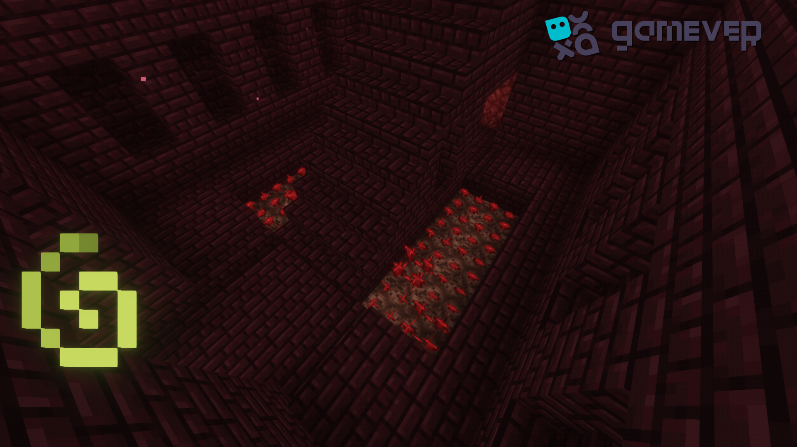
The main component of the majority of potions in Minecraft is called Nether Wart, which can be found in Nether Fortresses.
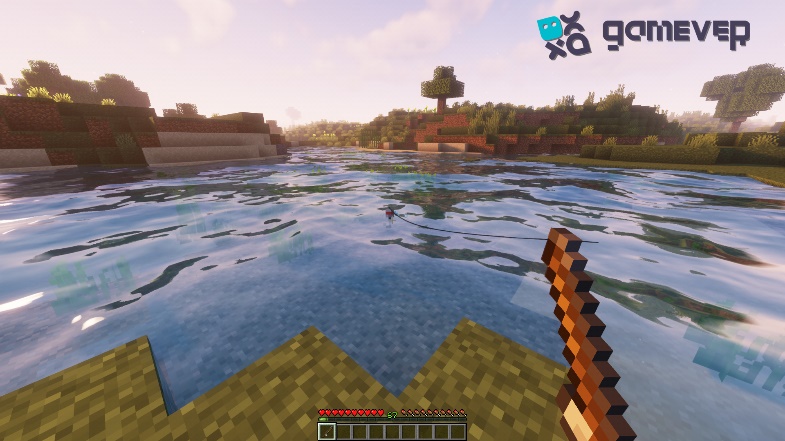
Pufferfish: The major component of the Potion of Water Breathing is this spiky fish, which may be collected when fishing.
The Potion's Making Process: A Step-by-Step Guide
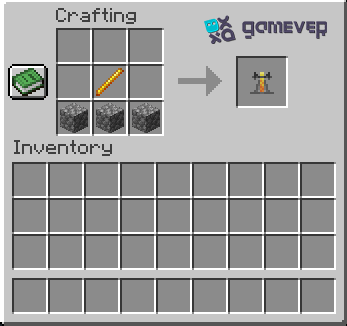
Get the brewing stand ready. You'll need a brewing stand first. If you don't have one, make one with a blaze rod and three cobblestones. Place the brewing stand on the ground and right-click to open its interface.
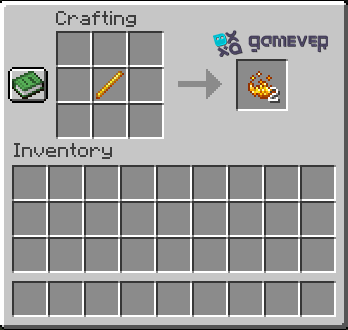
Add Blaze Powder: You'll need Blaze Powder to turn on the brewing stand. To power the stand, insert it into the slot on the left.
Place Water Bottles: Set your water bottles in the three bottom slots of the brewing stand. After it is prepared, the potion will be kept in these
Place the nether wart in the top slot. By doing so, the water bottles will begin to convert into awkward potions, which serve as the basis for most potions in the game Minecraft.
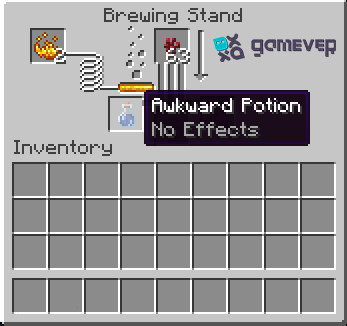
Place Pufferfish in Top Slot: After obtaining your awkward potions, insert the pufferfish into the top slot. The brewing process will begin again, and soon you'll have three Potions of Water Breathing.
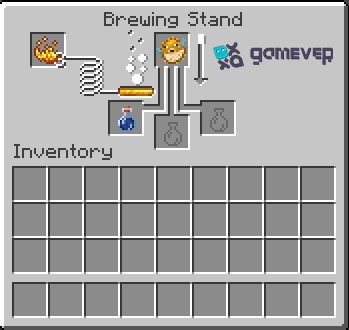
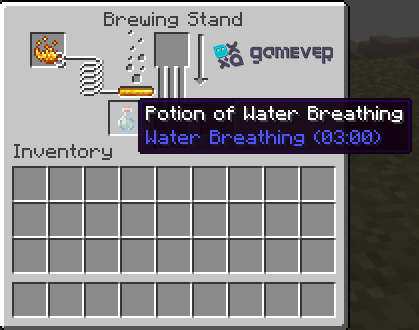
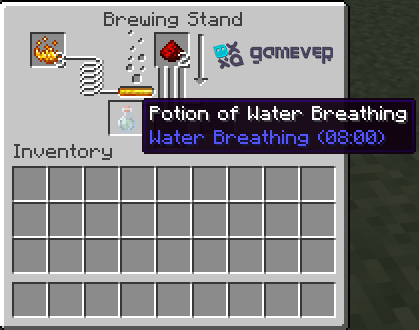
After the brewing procedure is over, gather your potions by removing them from the brewing stand. For three minutes, they'll let you breathe underwater. Add redstone to the potion to increase the duration to 8 minutes.
Advice for Using the Water Potion for Breathing
If you want to spend a lot of time underwater, always have several potions with you.
When investigating underwater construction, be wary of dangerous creatures like drowned and guardians.
To travel more quickly underwater, use the potion with a pair of Depth Strider boots.
Conclusion
It might be exciting to explore the deep depths in Minecraft, but it's important to be ready. You may comfortably go deeper and discover the game's secret underwater riches without worrying about drowning, thanks to the Potion of Water Breathing. So grab your supplies, make your potions, and go on a unique aquatic journey.
And think about using the Gamever servers if you want to improve your Minecraft experience even further. With Gamever's high-end service, you can rent a server and play online games with your friends. Explore new worlds, erect impressive structures, and form lifelong memories on a server that is all yours. Why wait? Get started with Gamever right away!