
How to make a poison potion in Minecraft?
The tools and materials available to players in the expansive and complex world of Minecraft are numerous. The most fascinating of these are the poison potions, which stand out among them as diverse and effective instruments. This manual will go in-depth on how to make the poison potion, giving you the tools you need to fully utilize it.
1. Introduction to Potions
Potions in Minecraft offer a range of effects, from healing and speed boosts to harming and, of course, poisoning. The poison potion, in particular, reduces a player's or mob's health over time without being fatal.
2. Gathering the Essentials
Before you can brew any potion, you need to gather specific ingredients and tools:
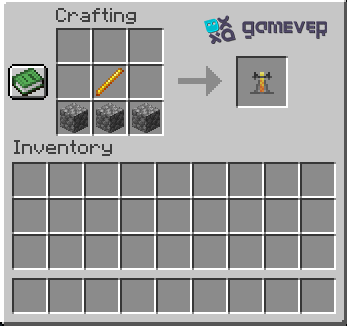
Brewing Stand: Crafted using three cobblestones and one Blaze Rod. The brewing stand is the primary tool for potion-making.
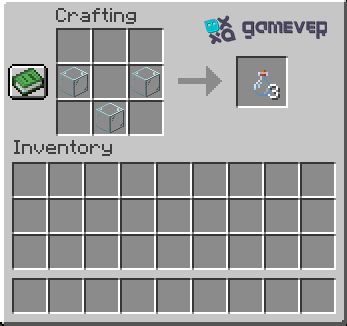
Glass Bottles: Crafted using three glass blocks. You'll fill these with water to create water bottles, the base for all potions.
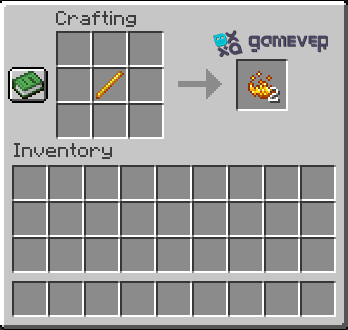
Blaze Powder: Obtained by placing a Blaze Rod on the crafting table. It's used as fuel for the brewing stand.
3. Crafting the Base Potion
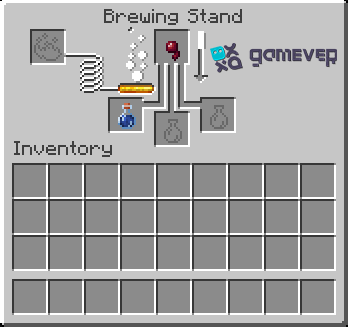
Every potion starts with a base. For the poison potion, the base is the awkward potion.
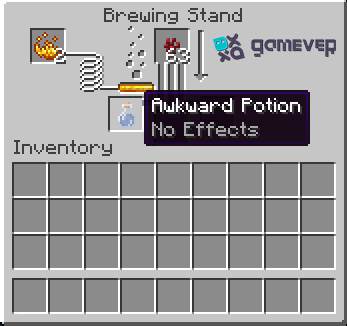
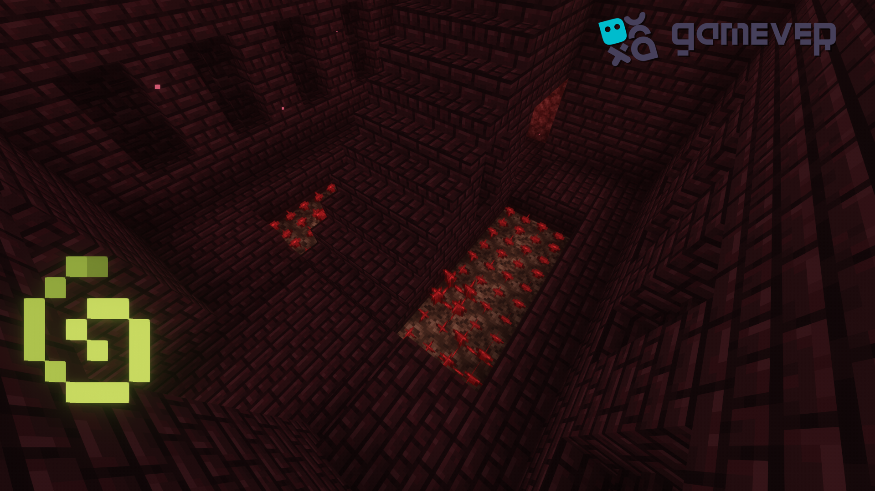
Nether Wart: Found in Nether Fortresses, this ingredient turns a water bottle into an awkward potion. Place the water bottles and nether wart in the brewing stand to create the awkward potion.
4. Brewing the Poison Potion
With your awkward potion ready, you're set to brew the poison potion.
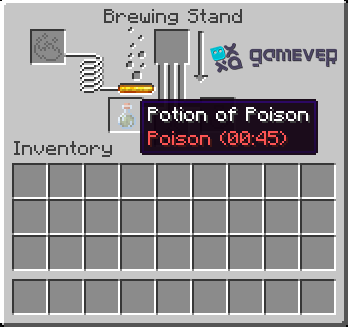
Spider Eye: This is the primary ingredient for the poison potion. Spider eyes are obtained from spiders and are essential for brewing the potion. Place the awkward potion and spider eye in the brewing stand, and voila, you have a poison potion!
5. Enhancing and Modifying the Potion
Minecraft allows players to modify potions to increase their duration or potency.
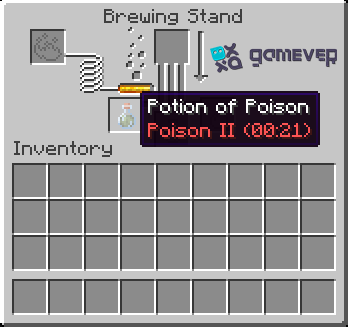
Glowstone Dust: Adding this will upgrade your poison potion to poison II, making its effect more potent but reducing its duration.
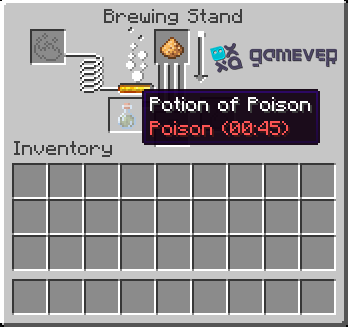
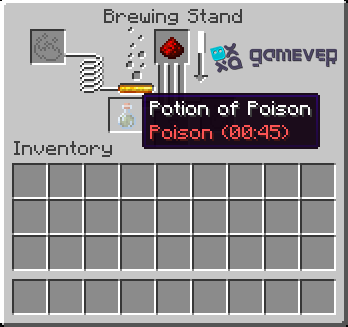
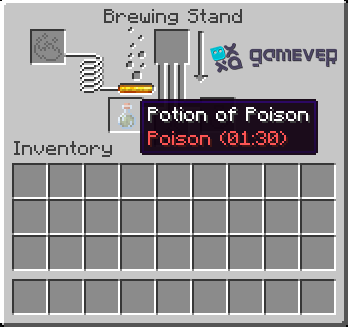
Redstone: This ingredient extends the duration of the poison potion, giving you or your foes a longer poisoning effect.
6. Strategic Uses of the Poison Potion
While the primary use of the poison potion is to harm enemies, strategic players can use it in various ways:
Traps: Set up traps using dispensers to surprise unsuspecting players or mobs.
Combat: Use it in PvP to gain an advantage over your opponents.
Farming: Poisoning mobs can make them easier to farm, as it reduces their health without killing them.
7. Safety Precautions
Remember, potions can be both a boon and a bane. Always label your potions and store them safely to avoid accidental consumption. Moreover, always have a milk bucket handy to neutralize the poison effect if consumed mistakenly.
8. Conclusion
Making potions in Minecraft is a complex and satisfying art. With its distinct qualities, the poison potion gives users a tactical advantage in a variety of situations. When you master its making process, you may use it to farm mobs, lay traps, or engage in battle with confidence.
Experience enhanced gameplay on Gamever servers!
With the ability to create potions, why not improve your Minecraft experience? With Gamever, you have the one-of-a-kind chance to hire a server and play the game with your friends. You may explore, create, and plan with Gamever servers in a fluid environment without delays or pauses. So grab your pals, lease a server, and plunge into the infinite universe of Minecraft. Start brewing now!