
How to make a note block in Minecraft?
In the vast, pixelated world of Minecraft, one can create, imagine, and explore to their heart's content. Crafting tools, structures, and even music is possible thanks to the range of blocks the game provides. Today, we will explore the musical side of this sandbox game by diving into the exciting world of Note Blocks. This comprehensive guide will tell you everything you need to know about creating and using Note Blocks in Minecraft.
Section 1: Introduction to Note Blocks
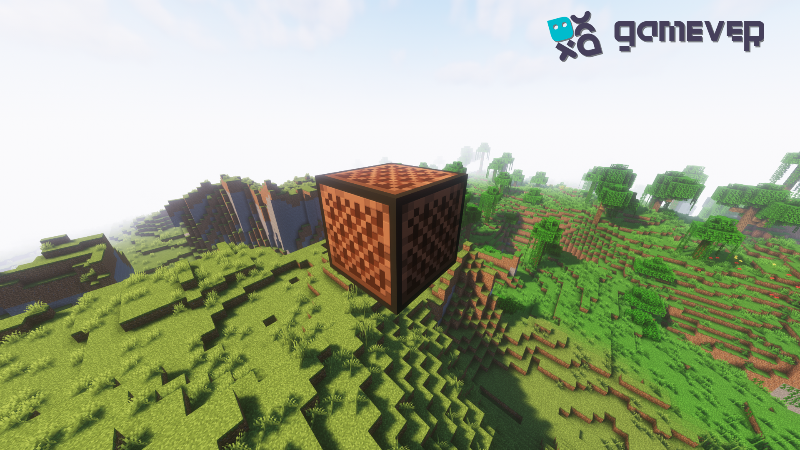
In Minecraft, note blocks are unique interactive blocks that produce different musical notes when hit or activated by redstone. They were added in the Beta 1.2 update and have been a part of Minecraft's musical landscape ever since. Whether you're a seasoned composer or a budding music enthusiast, Note Blocks provide an innovative way to experiment with music within the game.
Section 2: Crafting a Note Block
Creating a Note Block is a straightforward process. Here's what you'll need:
Materials:
8 wooden planks: These can be of any wood type (Oak, Spruce, Birch, Jungle, Acacia, Dark Oak, or Crimson).
Redstone dust: Redstone is a type of mineral that can be found deep underground. It is used for transmitting power between blocks.
To craft a Note Block:
1. Open your crafting table to get the 3x3 crafting grid.
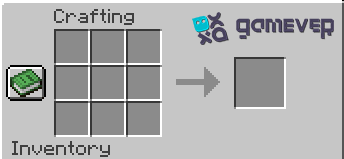
2. Place the 8 wooden planks in a square formation, leaving the center grid empty.
3. Put the redstone dust in the center of the grid.

4. Once the crafting process is complete, move the Note Block to your inventory.
Section 3: Using Note Blocks
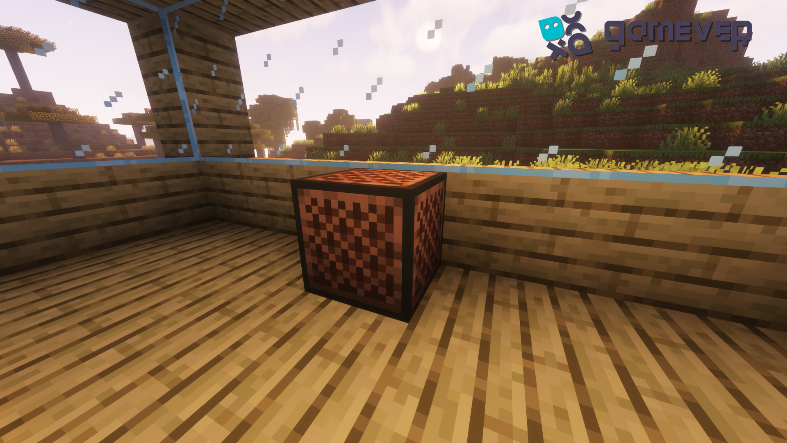
Once you have your Note Block, using it is a matter of creativity. Each block, when activated, will produce a different instrument sound depending on the type of block it is placed on.
To use a Note Block:
1. Right-click the block to tune it. Every right-click increases the pitch by one note, up to two full octaves.
2. Once you've chosen your desired pitch, you can activate the Note Block by left-clicking it or providing a redstone signal.
Section 4: Instruments and Sounds
The sound a Note Block makes is determined by the block underneath it:
Wood-based blocks produce a Bass Guitar sound.
Sand, Gravel, or Concrete Powder blocks create a Snare Drum sound.
Glass-based blocks generate a click or stick sound.
Stone-based blocks result in a Bass Drum sound.
All other blocks produce a piano or harp sound.
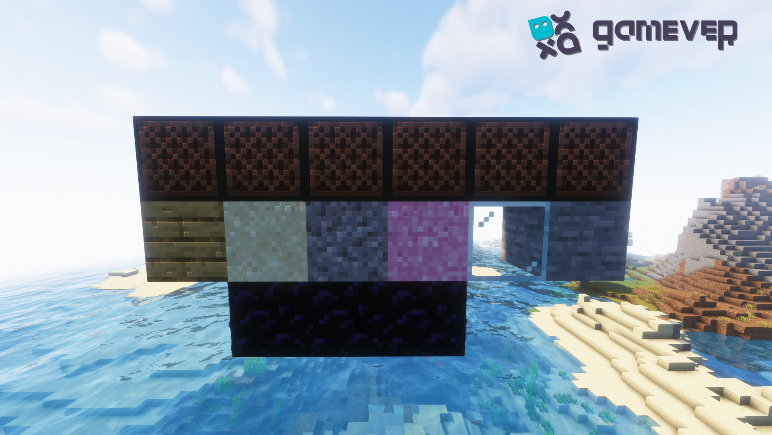
These options provide a wide range of sounds to play with, allowing you to compose a plethora of tunes.
Section 5: Creating Your Music
Now that you know how to make and use Note Blocks, you can begin creating your own music. With the range of pitches and sounds available, you can recreate your favorite songs or compose original pieces. The only limit is your creativity.
Remember, you can also use Redstone to wire Note Blocks together, allowing you to create complex musical structures and automated songs.
Conclusion
Note Blocks in Minecraft offer an engaging, creative way to explore music within the dynamic world of the game. Now that you know how to create, tune, and play these versatile blocks, the symphony of your digital dreams awaits. And remember, to elevate your gaming experience, use Gamever's premium servers to share your melodies with friends. The world of Minecraft music is at your fingertips, ready for you to conduct!
On a Gamever server, you can share your musical compositions with friends, build a band, or even host a musical competition. The possibilities are endless. With easy setup, smooth gameplay, and 24/7 support, Gamever ensures a fun, seamless experience for all players.
So why wait? Explore the musical side of Minecraft with Note Blocks and create a symphony with friends on a Gamever server today. Let the music of creativity be your new gaming soundtrack!